


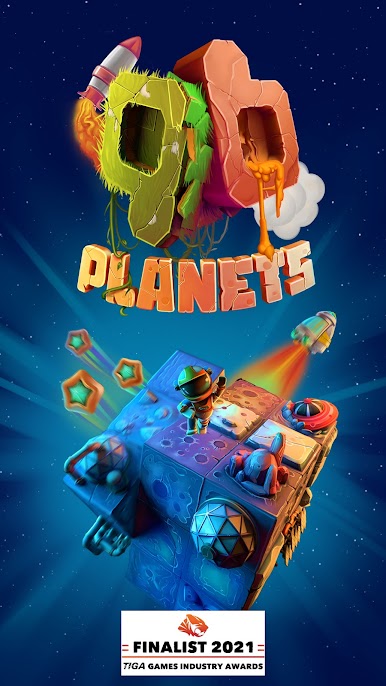
QB Planets
Jogue no PC com BlueStacks - A Plataforma de Jogos Android, confiada por mais de 500 milhões de jogadores.

Página modificada em: Aug 29, 2024
Play QB Planets on PC
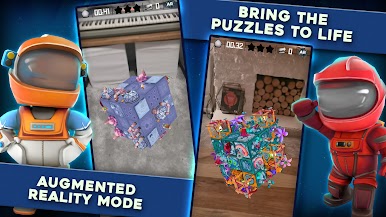
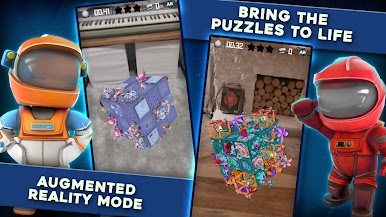
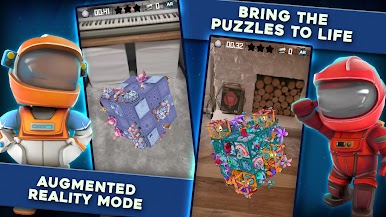
Excite your friends and family by bringing the planets and puzzles into the real world with AR mode! Connect with facebook to track your friends progress throughout the QB universe and see how you stack up!
Features
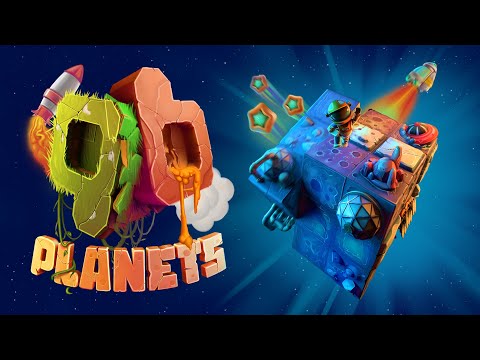
A PUZZLE GAME FOR EVERYONE
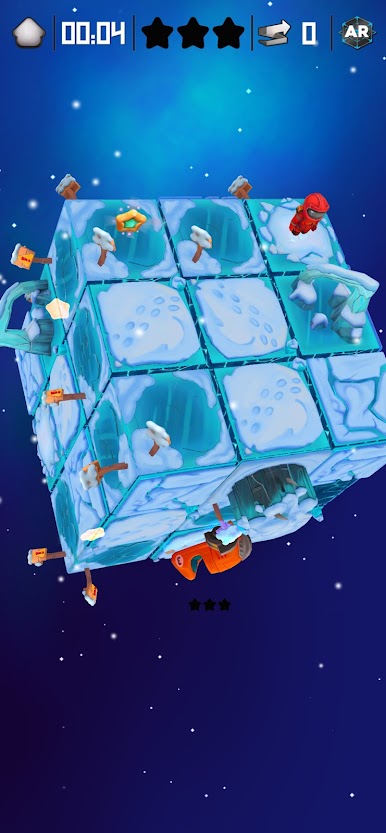
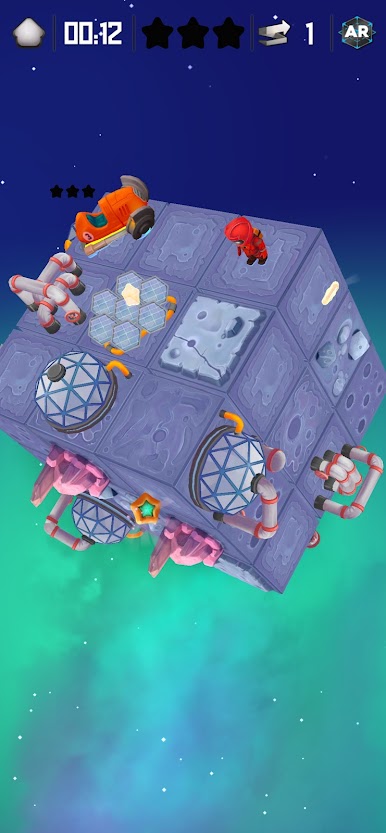
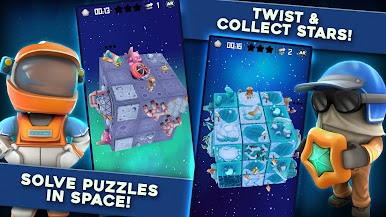
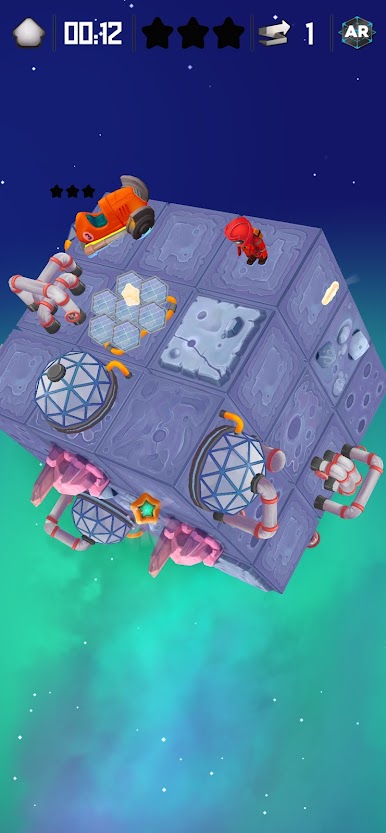
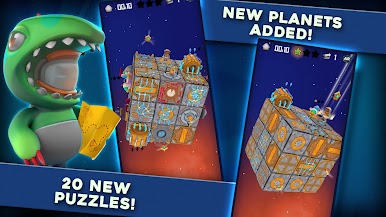
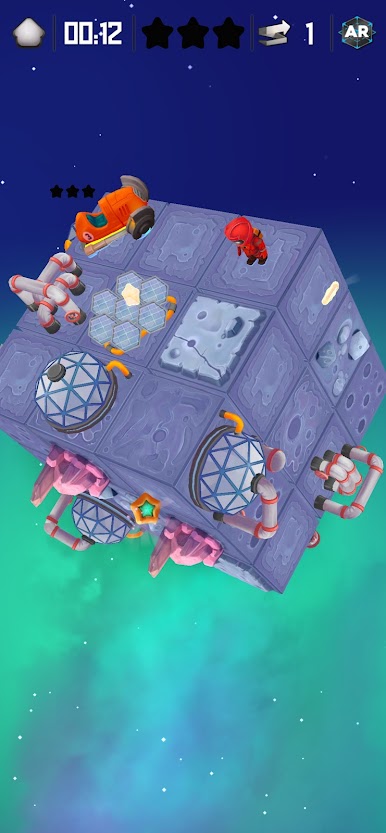
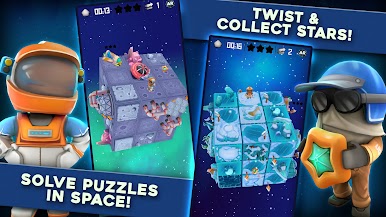
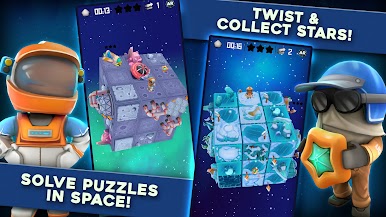
Nostalgic cube puzzle mechanics
Family friendly themes
Play at your own pace
BEAUTIFUL VISUALS
Handcrafted unique worlds
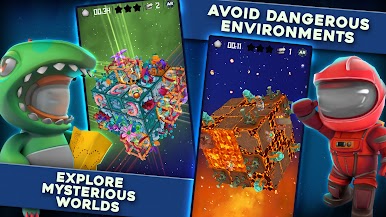
Stunning themes from Sci-fi to fantasy
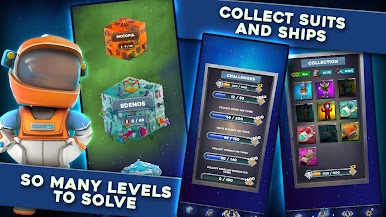
Charming astronaut suits
Delightful space ships
EASY CONTROLS
Use one finger to play
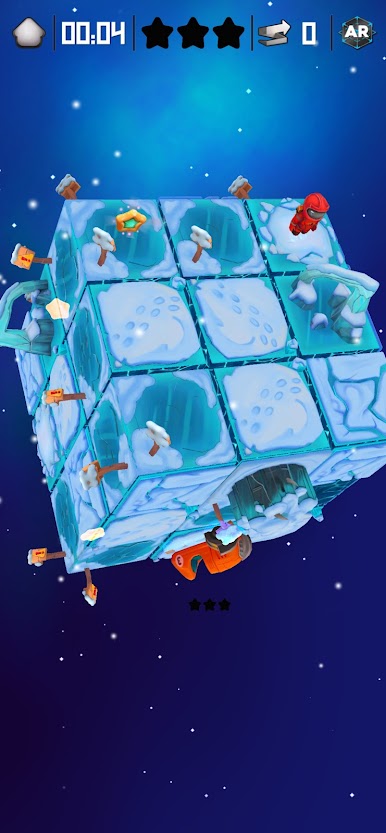
Intuitive planet cube twist gestures
Rotate the cube in any direction
HEAPS OF CHALLENGES
Test yourself and train your brain
Become the Twist Champion amongst your friends
Practice to become the global Twist Champion
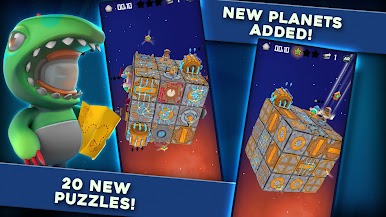
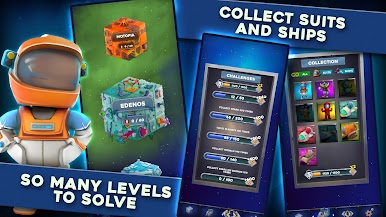
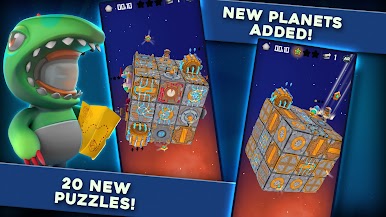
100+ puzzle planets
5+ fascinating themes
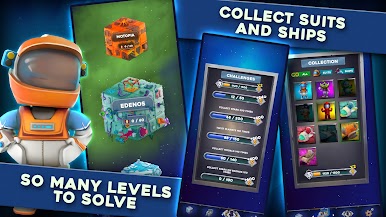
290+ puzzle medals to collect
4 suits & 4 ships to unlock
UNIQUE MECHANICS
A new mechanic on unlocked planets
Use mysterious ancient portals
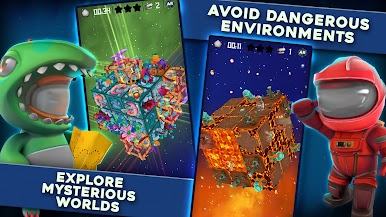
Avoid frozen lakes and bubbling volcanoes
ALTERNATE REALITY
Inspect and play the puzzle planets in the real world
Toggle on and off during a puzzle solve
Get a new perspective on that tough puzzle
Use the same screen controls for seamless transitions


Jogue QB Planets no PC. É fácil começar.
-
Baixe e instale o BlueStacks no seu PC
-
Conclua o login do Google para acessar a Play Store ou faça isso mais tarde
-
Procure por QB Planets na barra de pesquisa no canto superior direito
-
Clique para instalar QB Planets a partir dos resultados da pesquisa
-
Conclua o login do Google (caso você pulou a etapa 2) para instalar o QB Planets
-
Clique no ícone do QB Planets na tela inicial para começar a jogar

