


Checkers
Chơi trên PC với BlueStacks - Nền tảng chơi game Android, được hơn 500 triệu game thủ tin tưởng.

Trang đã được sửa đổi vào: Sep 4, 2019
Chơi Checkers on PC
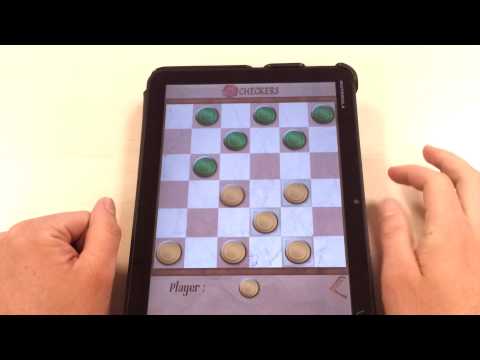
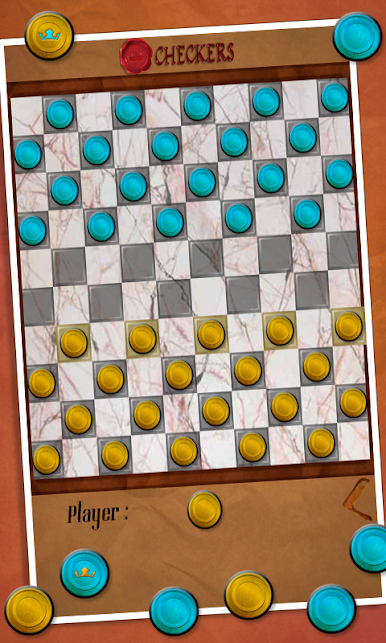
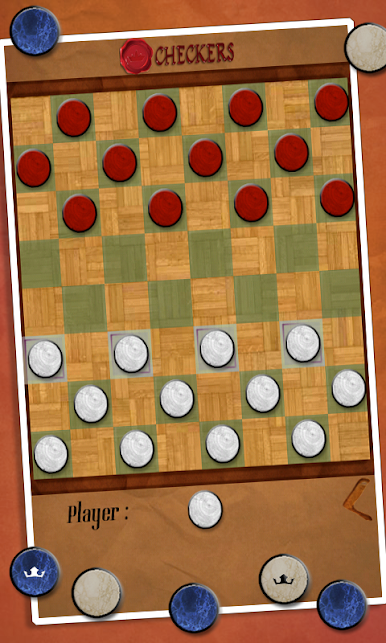
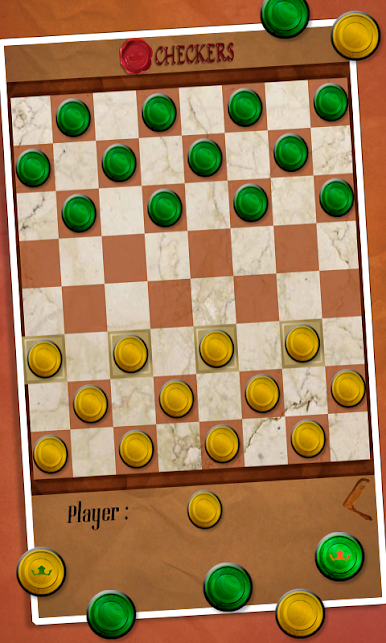
Checkers là một trò chơi cờ bàn đơn giản nhưng đầy thử thách liên quan đến chiến lược và được chơi bởi hai người chơi trên một trò chơi cờ bàn 6x6, 8x8 hoặc 10x10. Nhờ phiên bản Android này, bạn có thể mang theo phiên bản Checkers cổ điển này khi di chuyển
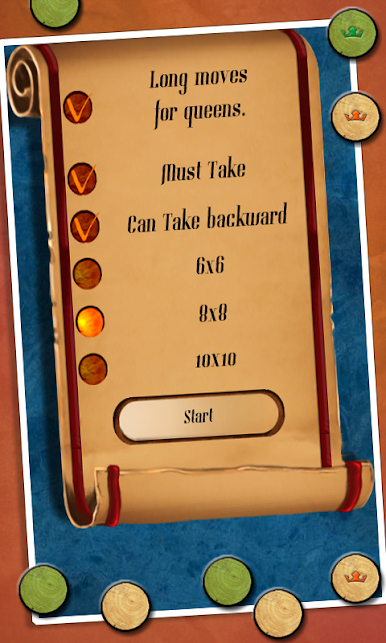
Một người chơi có quân cờ tối và một người chơi có quân cờ sáng. Họ lần lượt di chuyển quân cờ của mình. Người chơi di chuyển quân cờ của mình theo đường chéo từ ô này sang ô khác. Khi một người chơi nhảy qua quân cờ của đối thủ (người chơi kia), người đó sẽ lấy quân cờ đó khỏi bàn cờ. Theo mặc định, một quân cờ tiềm năng sẽ phải được lấy nhưng bạn có thể đặt các quy tắc tùy chỉnh và vô hiệu hóa quy tắc này.
Mục tiêu của người chơi là lấy tất cả các quân cờ của đối thủ.
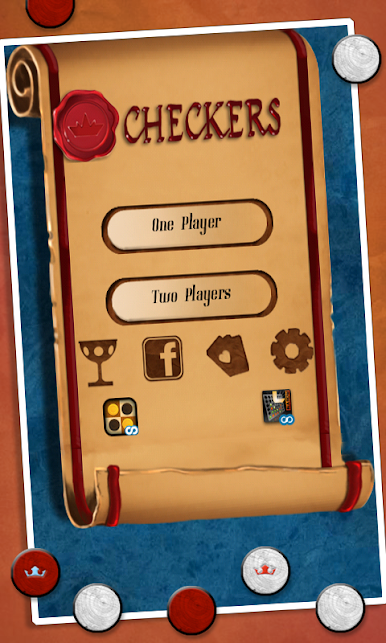
Với phiên bản Checkers này (còn được gọi là Draughts), bạn có thể chơi với một người bạn ngồi cạnh hoặc chơi với điện thoại của mình. Chúng tôi đã đưa vào nhiều tùy chọn khác nhau cho phép bạn tạo các quy tắc tùy chỉnh trên các trò chơi cờ bàn khác nhau
Trí tuệ nhân tạo được nhúng trong trò chơi cho phép người chơi chơi ở chế độ rất dễ nhưng cũng có nhiều chế độ khó và đầy thử thách hơn.
Bạn có thể vượt qua được cấp độ khó nhất được thiết kế không?
Checkers là một trò chơi miễn phí bao gồm nhiều tính năng thú vị, bao gồm:
* Đồ họa Checkers tuyệt vời
* Tên người chơi có thể định cấu hình và theo dõi điểm số nhờ Scoreloop
* Khả năng lựa chọn từ nhiều loại bàn cờ Checkers
* Hỗ trợ Luật Checkers quốc tế và Luật Hoa Kỳ
* Công cụ AI Magma Mobile nổi bật
* Chơi với bạn bè hoặc chống lại Công cụ trí tuệ nhân tạo Magma Mobile
* Chức năng hoàn tác
* Tùy chọn thiết lập luật tùy chỉnh Checkers
* App2SD. Checkers có thể được chuyển sang thẻ SD của bạn
Chơi Checkers trên PC. Rất dễ để bắt đầu
-
Tải và cài đặt BlueStacks trên máy của bạn
-
Hoàn tất đăng nhập vào Google để đến PlayStore, hoặc thực hiện sau
-
Tìm Checkers trên thanh tìm kiếm ở góc phải màn hình
-
Nhấn vào để cài đặt Checkers trong danh sách kết quả tìm kiếm
-
Hoàn tất đăng nhập Google (nếu bạn chưa làm bước 2) để cài đặt Checkers
-
Nhấn vào icon Checkers tại màn hình chính để bắt đầu chơi

