


Push Roll
Graj na PC z BlueStacks – Platforma gamingowa Android, która uzyskała zaufanie ponad 500 milionów graczy!

Strona zmodyfikowana w dniu: Jun 25, 2018
Graj Push Roll na PC
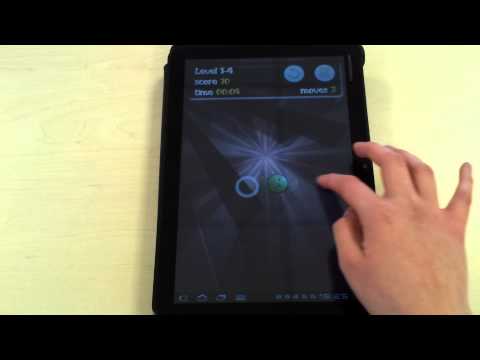
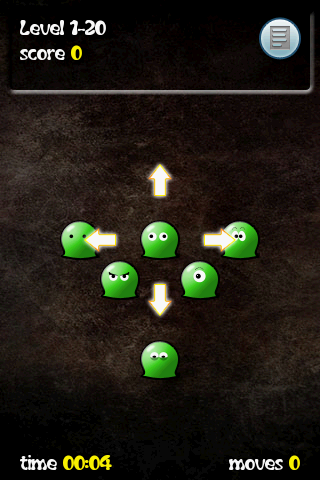
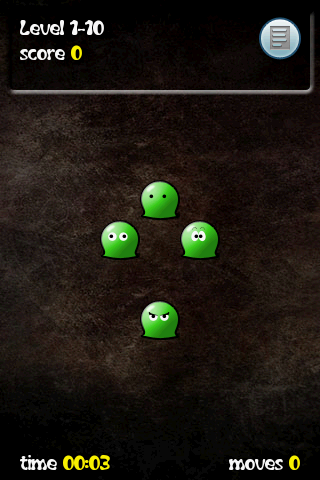
Jej celem jest usunięcie wszystkich stworzeń z ekranu.
Można to osiągnąć przez przesuwanie stworów i popychanie nimi następnych.
Zderzając stwory masz szansę odblokować bonusy i otwrzymać monety.
Gdy uzbierasz wystarczającą ilość monet, będziesz mógł odblokować zestawy poziomów i różne ukryte funkcje w sklepie z bonusami.
Każdy z 300 poziomów wymaga logiki, wprawy i cierpliwości. Czy masz te cechy, żeby usunąć stwory ze wszystkich światów?
Push Roll zapewni Ci wiele godzin zabawy. Czy będziesz w stanie znaleźć sposób na rozwiązanie wszystkich zagadek?
Zobowiązujemy się do regularnych aktualizacji gry i dodawania wymagających poziomów.
Pobierz tę DARMOWĄ grę na androida już dziś!
App2SD, Scoreloop, Odblokowanie myszy, odblokowanie funkcji w sklepie.
Nie bój się stworów z tej gry. One uwielbiają zabawę!
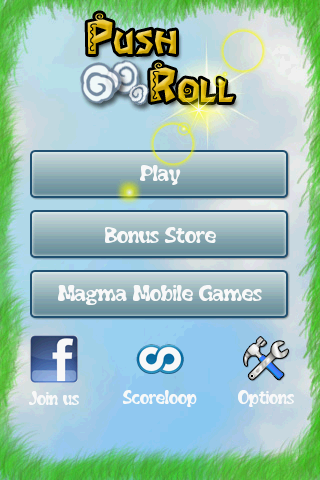
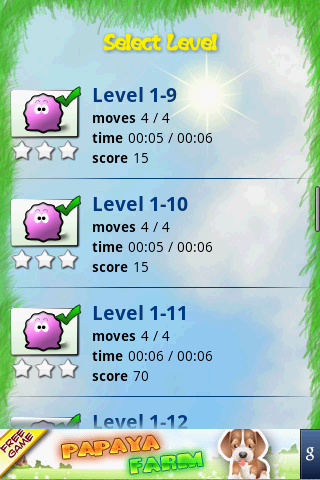
Zagraj w Push Roll na PC. To takie proste.
-
Pobierz i zainstaluj BlueStacks na PC
-
Zakończ pomyślnie ustawienie Google, aby otrzymać dostęp do sklepu Play, albo zrób to później.
-
Wyszukaj Push Roll w pasku wyszukiwania w prawym górnym rogu.
-
Kliknij, aby zainstalować Push Roll z wyników wyszukiwania
-
Ukończ pomyślnie rejestrację Google (jeśli krok 2 został pominięty) aby zainstalować Push Roll
-
Klinij w ikonę Push Roll na ekranie startowym, aby zacząć grę

