


TOEFL Prep & Practice from Mag
العب على الكمبيوتر الشخصي مع BlueStacks - نظام أندرويد للألعاب ، موثوق به من قبل أكثر من 500 مليون لاعب.

Run TOEFL Prep & Practice from Magoosh on PC or Mac
What’s better than using TOEFL Prep & Practice from Magoosh by Magoosh? Well, try it on a big screen, on your PC or Mac, with BlueStacks to see the difference.
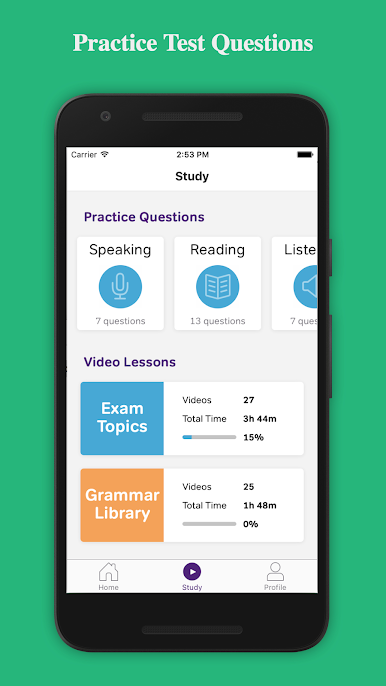
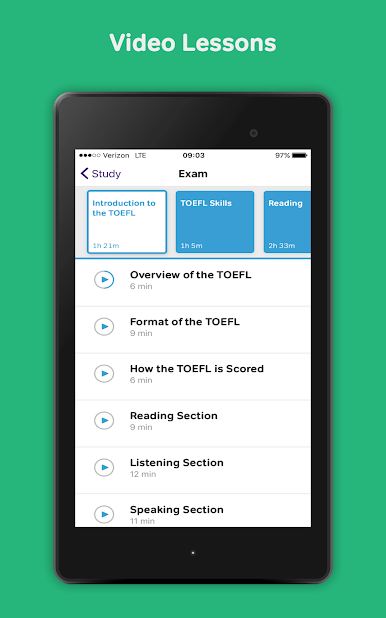
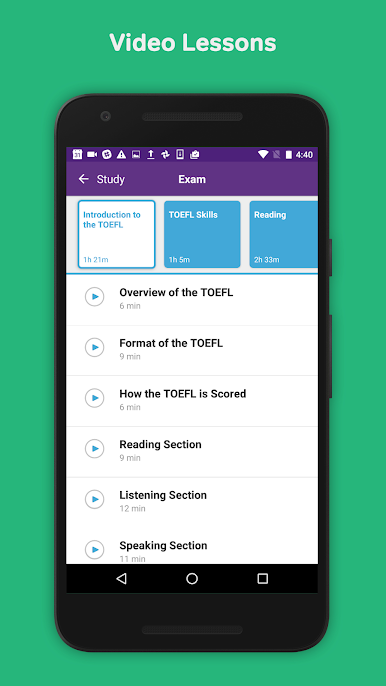
If someone’s looking to get some TOEFL practice in, Magoosh’s app is actually really solid—especially if multitasking on a PC with BlueStacks is more your style. There’s a mix of reading and listening questions that feel pretty close to what’s on the real exam, plus each one comes with clear explanations if you ever get stuck or just want to know why a certain answer’s correct. The video lessons stand out too—they break stuff down way better than most YouTube tutorials, and they’re easy to follow even when things get a bit tricky.
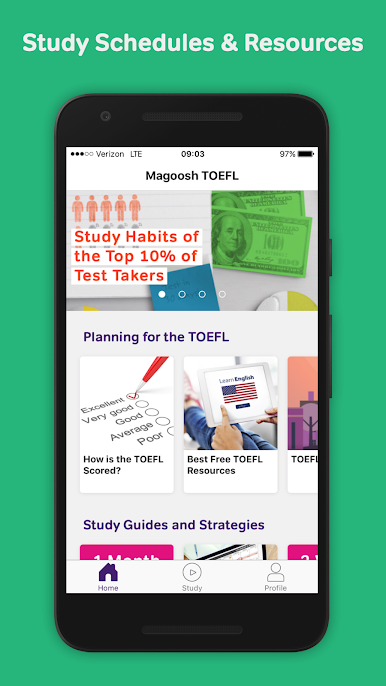
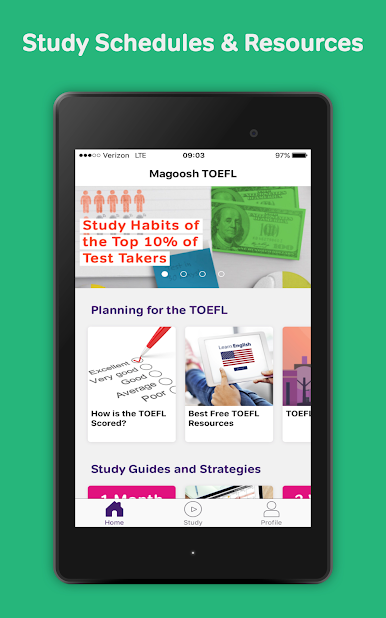
The app tracks your study progress, so you can actually see how much you’ve done (which feels good if you’re trying to stay motivated). There’s a decent chunk of material for anyone testing it out, but with the paid version you get access to a ton more lessons and questions. It’s also handy how you can set up your own study schedule and have the main TOEFL tips saved offline, so you don’t need the internet every time you want to check something. Messages from tutors pop up if you need a bit of help or just want another explanation. For anyone trying to prep on their computer, it’s straightforward and moves at your pace, with zero fuss about switching between devices. Not stressful, just lot of useful stuff in a simple package.
Eager to take your app experience to the next level? Start right away by downloading BlueStacks on your PC or Mac.
العب TOEFL Prep & Practice from Mag على جهاز الكمبيوتر. من السهل البدء.
-
قم بتنزيل BlueStacks وتثبيته على جهاز الكمبيوتر الخاص بك
-
أكمل تسجيل الدخول إلى Google للوصول إلى متجر Play ، أو قم بذلك لاحقًا
-
ابحث عن TOEFL Prep & Practice from Mag في شريط البحث أعلى الزاوية اليمنى
-
انقر لتثبيت TOEFL Prep & Practice from Mag من نتائج البحث
-
أكمل تسجيل الدخول إلى Google (إذا تخطيت الخطوة 2) لتثبيت TOEFL Prep & Practice from Mag
-
انقر على أيقونة TOEFL Prep & Practice from Mag على الشاشة الرئيسية لبدء اللعب

