


Note Safe - Private Notepad
Играйте на ПК с BlueStacks – игровой платформе для приложений на Android. Нас выбирают более 500 млн. игроков.

Страница изменена: Nov 25, 2025
Run Note to Self - Private Notes on PC or Mac
Get freedom from your phone’s obvious limitations. Use Note to Self – Private Notes, made by tanujnotes, a Productivity app on your PC or Mac with BlueStacks, and level up your experience.
About the App
Ever find yourself needing to jot down an idea or something important before you forget? Note to Self – Private Notes turns capturing your thoughts into a super quick and simple experience. Built with privacy in mind, this Productivity app by tanujnotes lets you write without ever worrying about someone snooping through your stuff. Whether it’s daily journals, reminders, or sudden flashes of inspiration, your private notes are always right there when you need them.
App Features
-
Complete Privacy
Your notes don’t leave your device—so what you write stays truly private. With password protection and no server syncing, everything is stored right where you want it. -
Chat-Style Note Taking
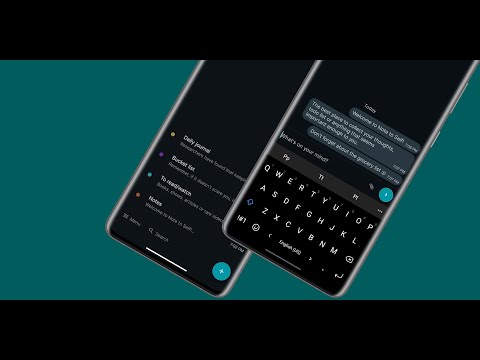
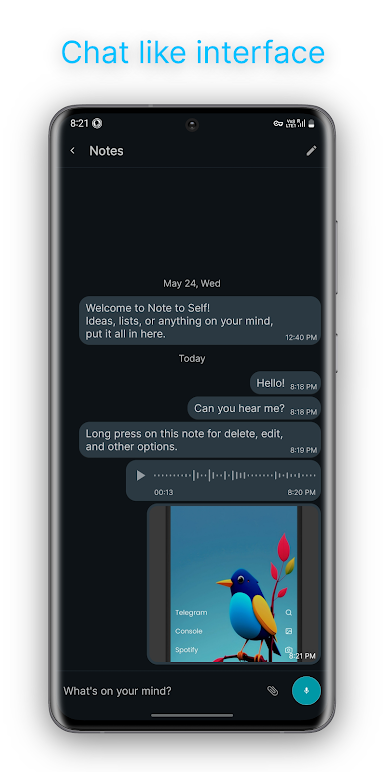
Note to Self – Private Notes puts a fun twist on the usual notebook. Add thoughts or to-dos in a chat-like format that makes staying organized feel just like texting a close friend. -
Offline Backups
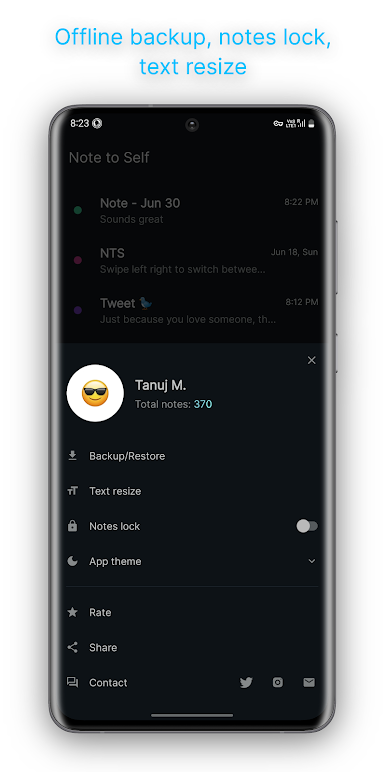
Want to keep a safety copy? You can back up your notes anytime, even without an internet connection, and restore them when needed. -
Multimedia Journaling
Log your day using text, attach images, or even record audio—perfect for those moments when typing isn’t enough or you want to remember the sound of something. -
Lock It All Down
Use a password or your device’s biometric lock to add an extra layer of security. Only you get to see what you’ve written.
You can access Note to Self – Private Notes across devices using BlueStacks for even more flexibility, but the heart of this app is simple, secure note-taking exactly how you want it.
BlueStacks gives you the much-needed freedom to experience your favorite apps on a bigger screen. Get it now.
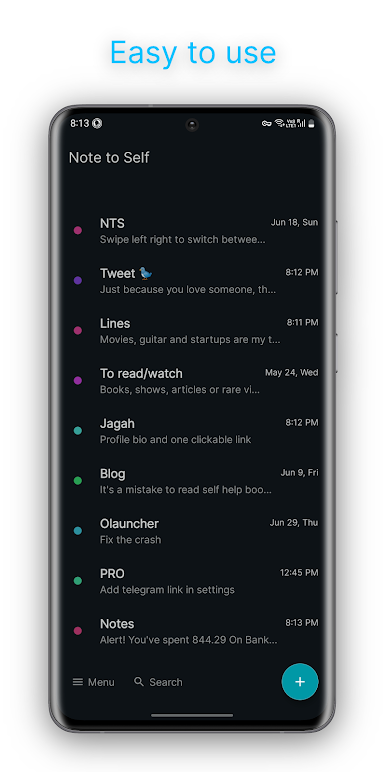
Играйте в игру Note Safe - Private Notepad на ПК. Это легко и просто.
-
Скачайте и установите BlueStacks на ПК.
-
Войдите в аккаунт Google, чтобы получить доступ к Google Play, или сделайте это позже.
-
В поле поиска, которое находится в правой части экрана, введите название игры – Note Safe - Private Notepad.
-
Среди результатов поиска найдите игру Note Safe - Private Notepad и нажмите на кнопку "Установить".
-
Завершите авторизацию в Google (если вы пропустили этот шаг в начале) и установите игру Note Safe - Private Notepad.
-
Нажмите на ярлык игры Note Safe - Private Notepad на главном экране, чтобы начать играть.

