


Русская Библия
書籍與參考資料 | Seconda Variante
在電腦上使用BlueStacks –受到5億以上的遊戲玩家所信任的Android遊戲平台。

Play Русская Библия on PC
Russian Bible - Holy Scripture
- Completely in Russian, includes the entire text of the Old and New Testaments.
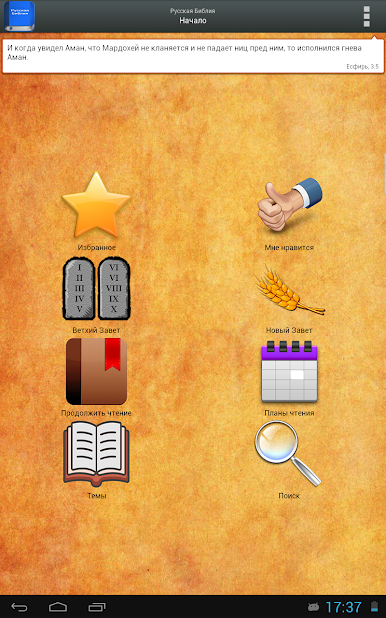
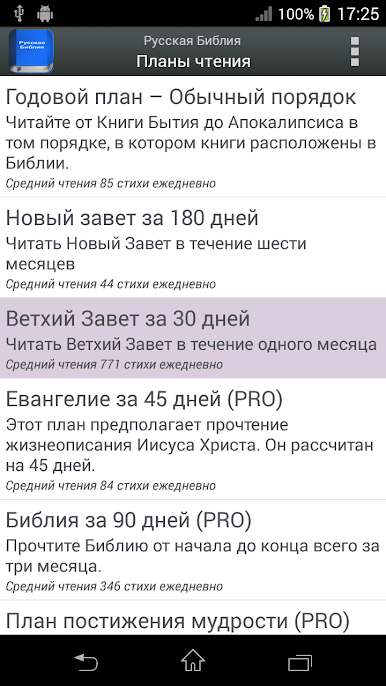
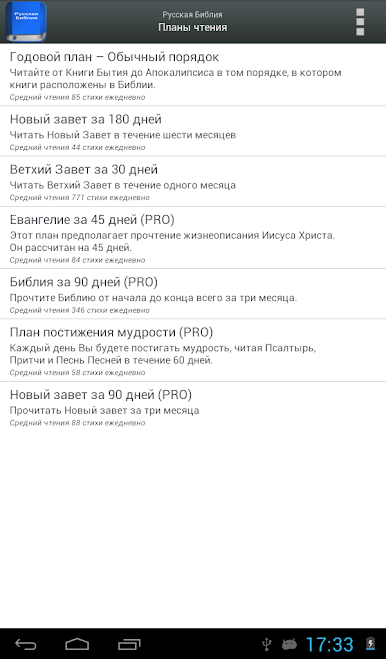
- Reading Plans: Multiple reading plans to read the Bible in 30, 45, 60, 90 or 365 days. (Free / PRO)
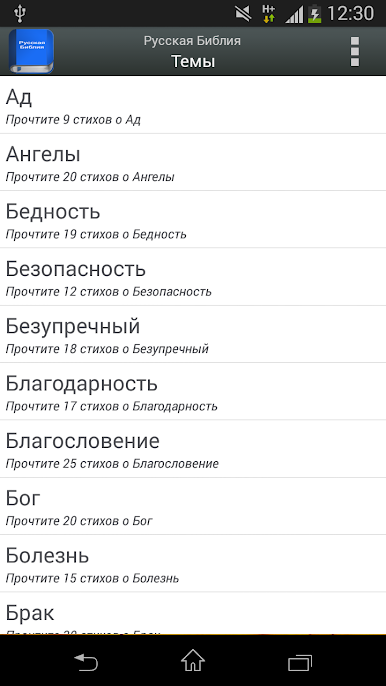
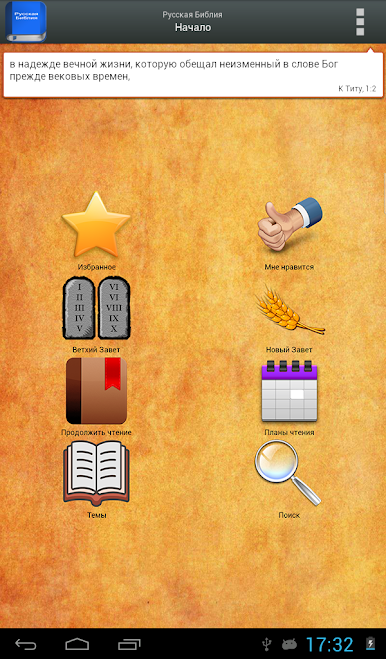
- (NEW) Topics: Read selected Bible verses on over 100 different topics.
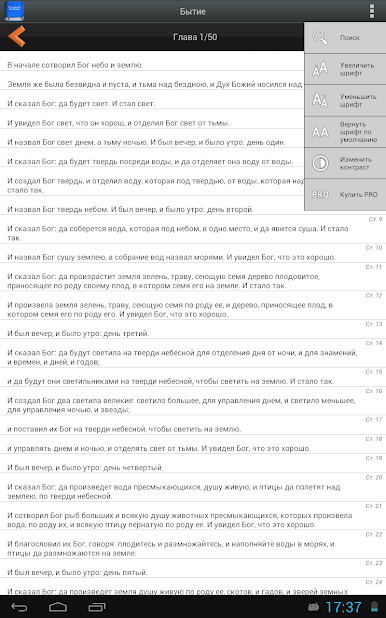
- Updated design with ActionBar. Special design for tablets.
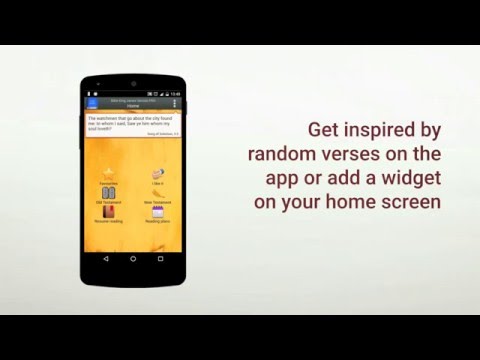
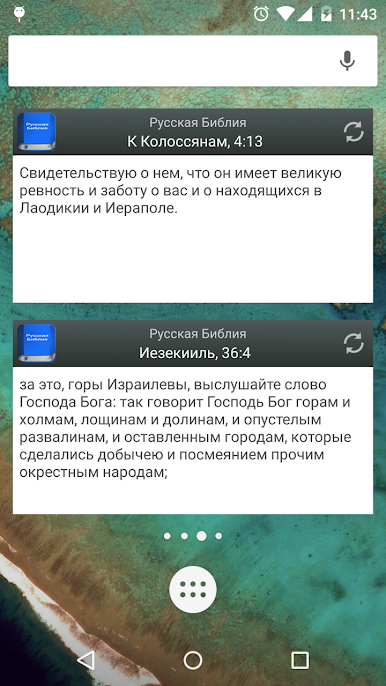
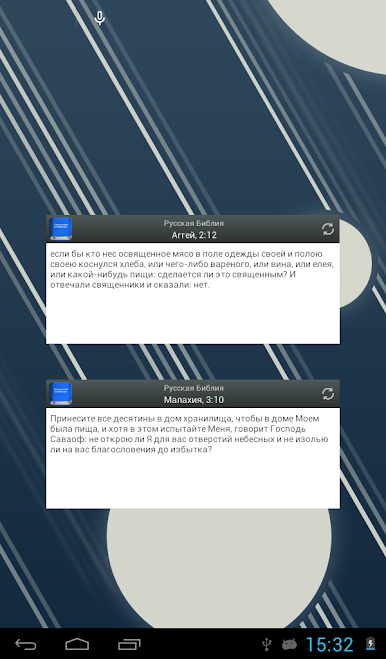
- Desktop Widget: read random poems every hour.
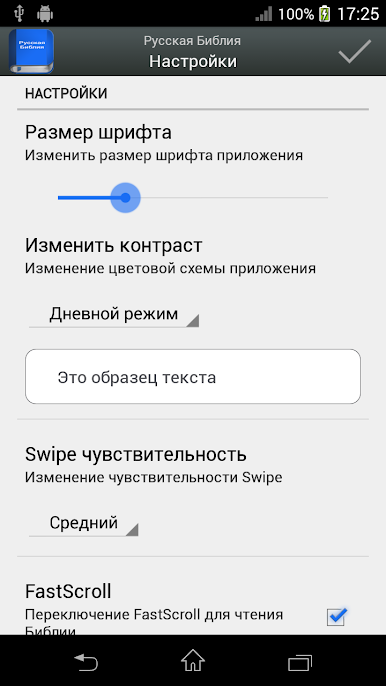
- The settings section is easy to customize the application.
- Slide from left to right to read the previous chapter or outline. Slide from right to left to read the next chapter or outline.
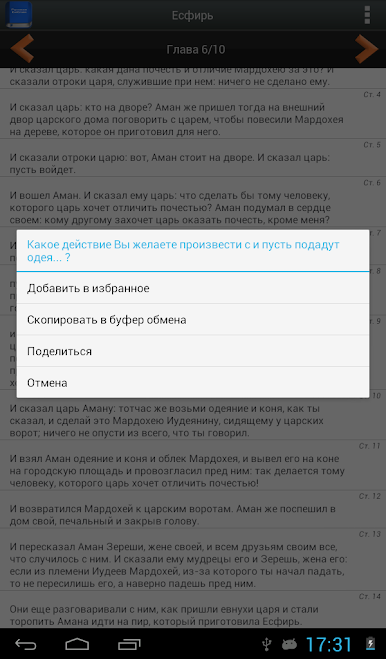
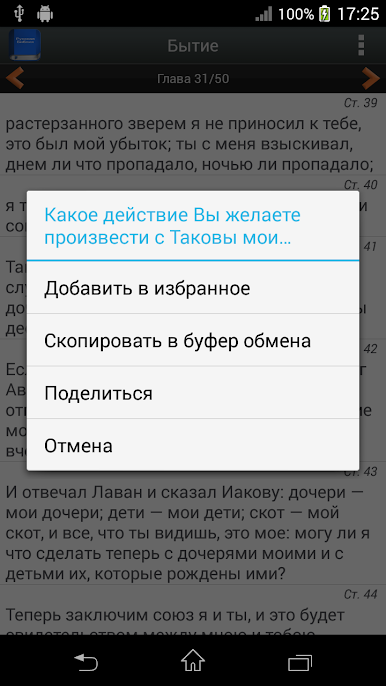
- Copy verses to clipboard.
- Updated icon set.
- You don't need an Internet connection to download the Bible! (except when you want to share the verse on social networks).
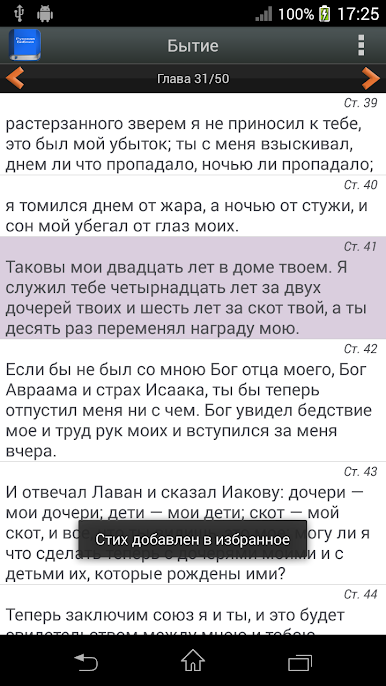
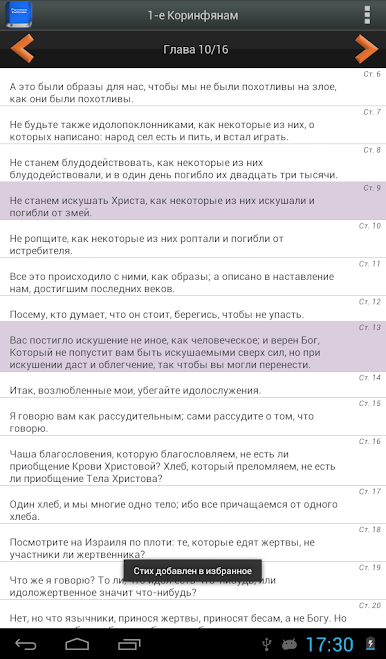
- Choose your favorite poems and easily find them later.
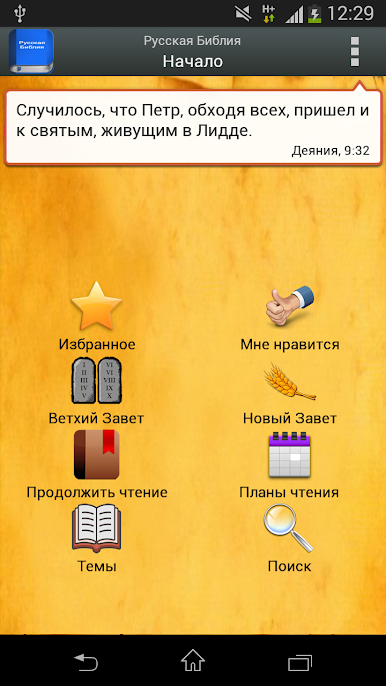
- A randomly selected verse of the day appears on the main screen
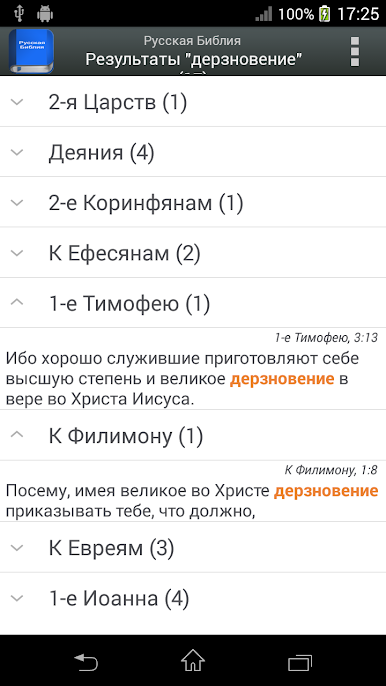
- Various search options: search the entire Bible, search in one Testament, search in one Book, search by day of the Plan or by a specific chapter. The word you are looking for will be highlighted in bold in the verses found.
- Poems that matter to you can be shared through messaging apps and social networks.
- The font size can be changed, which makes reading easier and more comfortable.
ADVANCED FEATURES in the PROFESSIONAL version
- Read the Bible in a horizontal or vertical format.
- All reading plans are available.
- Three design modes for easier reading: day, night and sepia.
- Without advertising.
- Faster work.
- Completely in Russian, includes the entire text of the Old and New Testaments.
- Reading Plans: Multiple reading plans to read the Bible in 30, 45, 60, 90 or 365 days. (Free / PRO)
- (NEW) Topics: Read selected Bible verses on over 100 different topics.
- Updated design with ActionBar. Special design for tablets.
- Desktop Widget: read random poems every hour.
- The settings section is easy to customize the application.
- Slide from left to right to read the previous chapter or outline. Slide from right to left to read the next chapter or outline.
- Copy verses to clipboard.
- Updated icon set.
- You don't need an Internet connection to download the Bible! (except when you want to share the verse on social networks).
- Choose your favorite poems and easily find them later.
- A randomly selected verse of the day appears on the main screen
- Various search options: search the entire Bible, search in one Testament, search in one Book, search by day of the Plan or by a specific chapter. The word you are looking for will be highlighted in bold in the verses found.
- Poems that matter to you can be shared through messaging apps and social networks.
- The font size can be changed, which makes reading easier and more comfortable.
ADVANCED FEATURES in the PROFESSIONAL version
- Read the Bible in a horizontal or vertical format.
- All reading plans are available.
- Three design modes for easier reading: day, night and sepia.
- Without advertising.
- Faster work.
在電腦上遊玩Русская Библия . 輕易上手.
-
在您的電腦上下載並安裝BlueStacks
-
完成Google登入後即可訪問Play商店,或等你需要訪問Play商店十再登入
-
在右上角的搜索欄中尋找 Русская Библия
-
點擊以從搜索結果中安裝 Русская Библия
-
完成Google登入(如果您跳過了步驟2),以安裝 Русская Библия
-
在首頁畫面中點擊 Русская Библия 圖標來啟動遊戲

