


Deutsch Luther Bibel
書籍與參考資料 | Seconda Variante
在電腦上使用BlueStacks –受到5億以上的遊戲玩家所信任的Android遊戲平台。

Play Deutsch Luther Bibel on PC
German Luther Bible
- The German Luther Bible: Old and New Testament (LUTH1545)
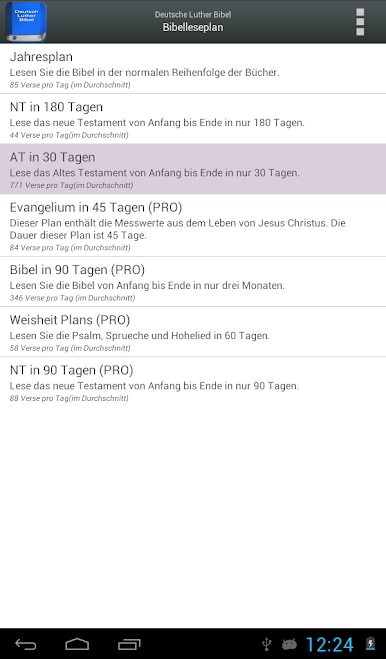
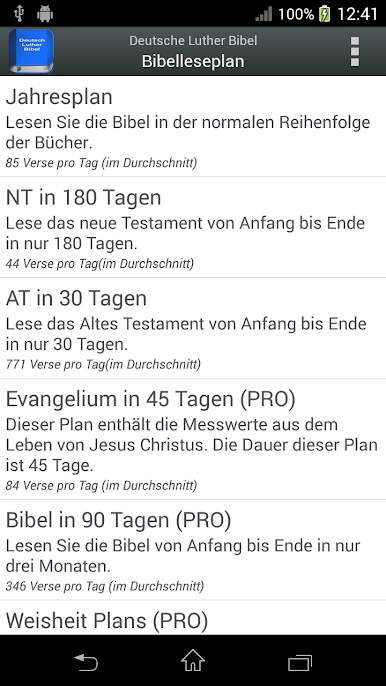
- Reading plans: Special reading plans to read the Bible in 30, 45, 60, 90, 180 or 365 days (some of them are only available in the PRO version).
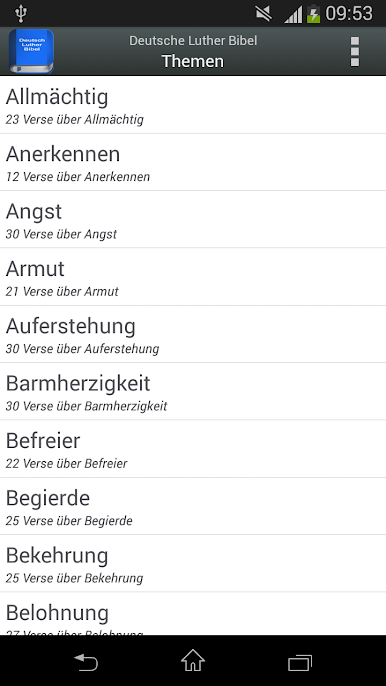
- (NEW) Topics: Read a selection of verses on more than 100 different topics from the Bible.
- Continue reading from the last verse read with just one click!
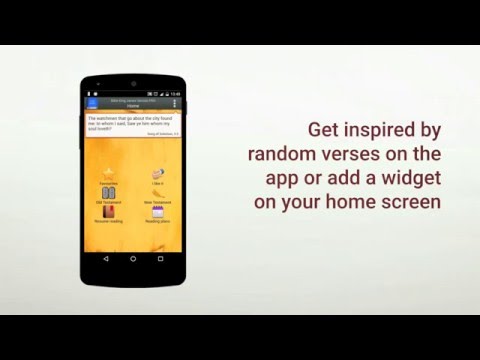
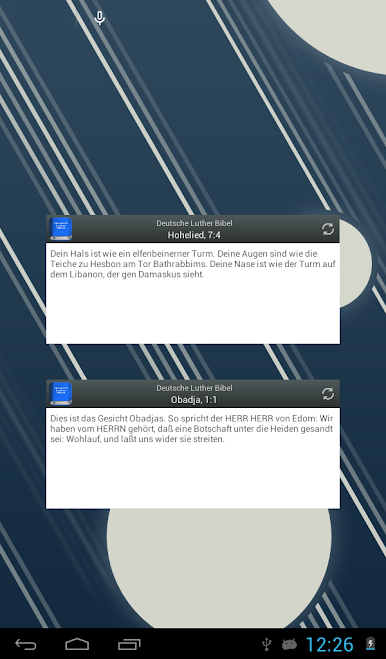
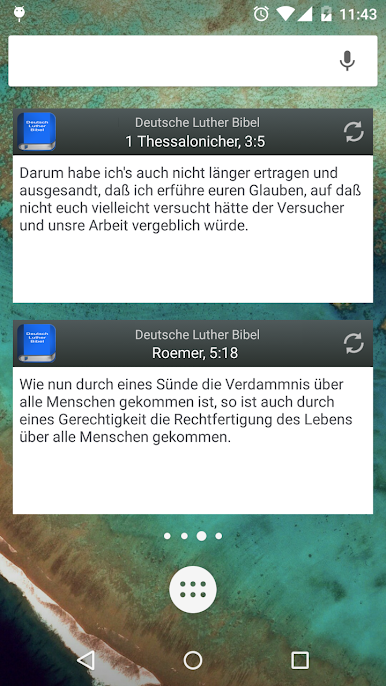
- Desktop Widget: Read random verses every hour.
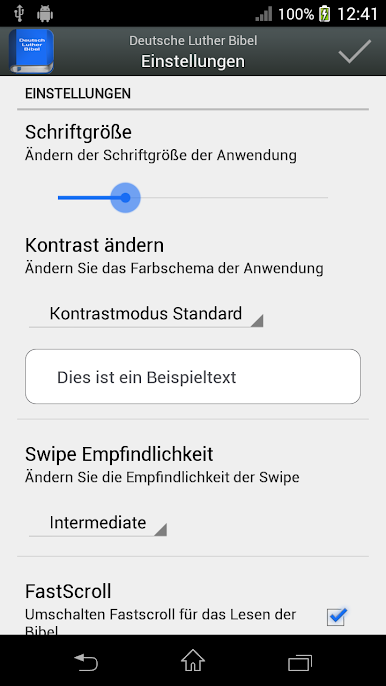
- Settings for easy configuration of the application.
- Swipe left to right to go to the previous chapter / plan or right to left to go to the next chapter / plan.
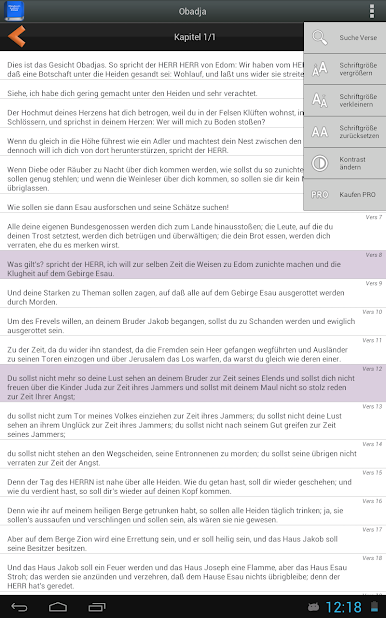
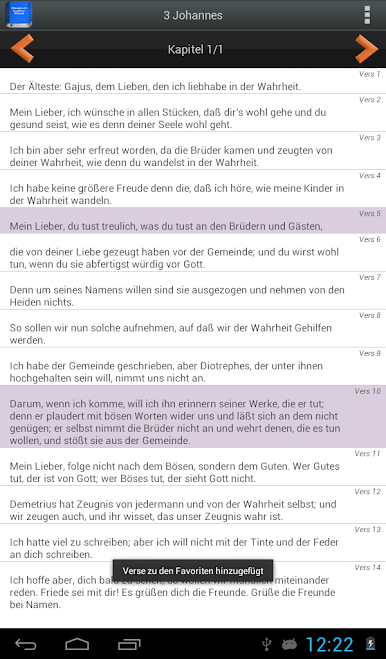
- New design through an action menu. Special layout for tablet PCs.
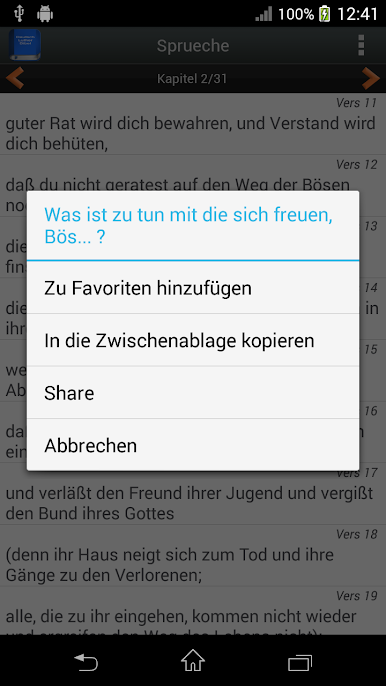
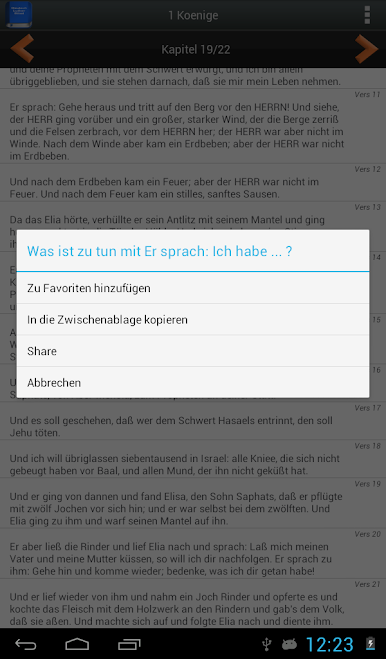
- Copy verses to the clipboard.
- New - icons.
- Read the Bible offline. No internet connection is necessary! (Unless verses are shared with a social network / messaging app).
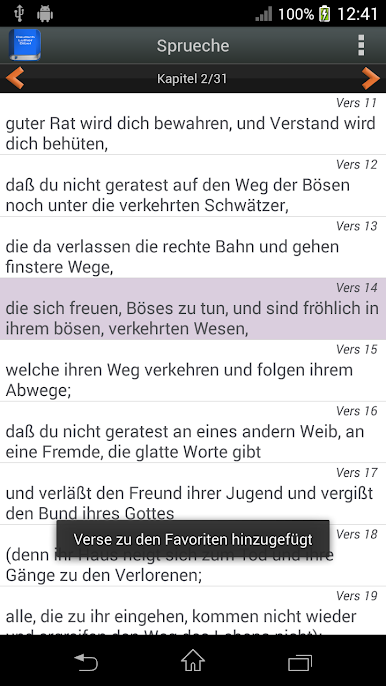
- Easily create and call up bookmarks.
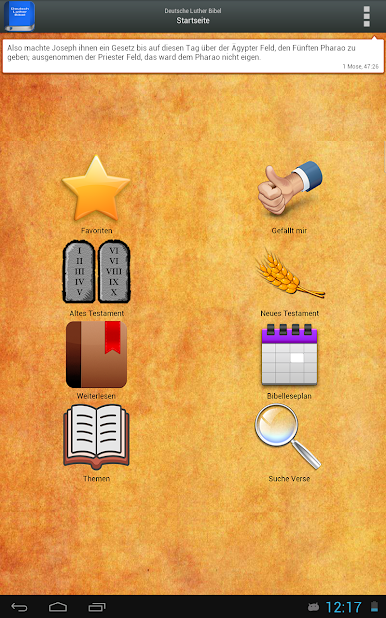
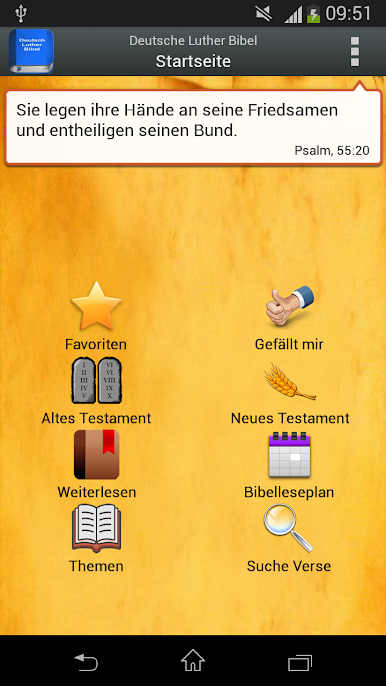
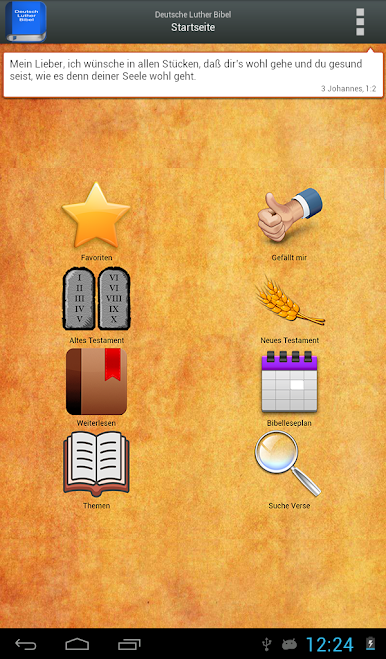
- Random verse on the home screen.
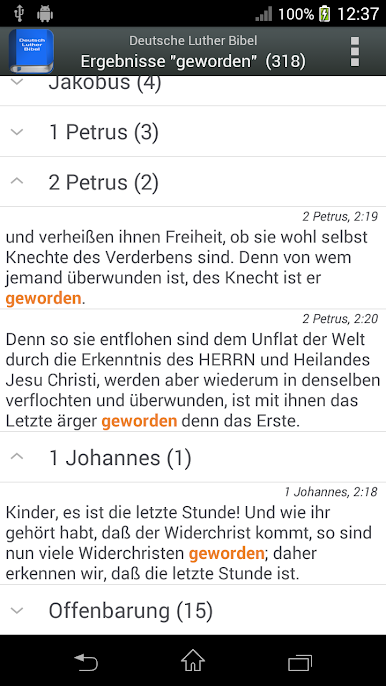
- Contextual Search: Search within the whole Bible, a testament, a book, a chapter or within a day from the Bible reading plan. The search term is marked within the search result.
- Share verses in social networks / messaging apps.
- Change the font size for comfortable reading.
More features in the commercial version "German Luther Bible PRO"
- Read the Bible horizontally or horizontally.
- All reading plans available.
- There are three contrast modes for easier reading: day mode, night mode, sepia mode.
- No ads.
- Improved speed.
- The German Luther Bible: Old and New Testament (LUTH1545)
- Reading plans: Special reading plans to read the Bible in 30, 45, 60, 90, 180 or 365 days (some of them are only available in the PRO version).
- (NEW) Topics: Read a selection of verses on more than 100 different topics from the Bible.
- Continue reading from the last verse read with just one click!
- Desktop Widget: Read random verses every hour.
- Settings for easy configuration of the application.
- Swipe left to right to go to the previous chapter / plan or right to left to go to the next chapter / plan.
- New design through an action menu. Special layout for tablet PCs.
- Copy verses to the clipboard.
- New - icons.
- Read the Bible offline. No internet connection is necessary! (Unless verses are shared with a social network / messaging app).
- Easily create and call up bookmarks.
- Random verse on the home screen.
- Contextual Search: Search within the whole Bible, a testament, a book, a chapter or within a day from the Bible reading plan. The search term is marked within the search result.
- Share verses in social networks / messaging apps.
- Change the font size for comfortable reading.
More features in the commercial version "German Luther Bible PRO"
- Read the Bible horizontally or horizontally.
- All reading plans available.
- There are three contrast modes for easier reading: day mode, night mode, sepia mode.
- No ads.
- Improved speed.
在電腦上遊玩Deutsch Luther Bibel . 輕易上手.
-
在您的電腦上下載並安裝BlueStacks
-
完成Google登入後即可訪問Play商店,或等你需要訪問Play商店十再登入
-
在右上角的搜索欄中尋找 Deutsch Luther Bibel
-
點擊以從搜索結果中安裝 Deutsch Luther Bibel
-
完成Google登入(如果您跳過了步驟2),以安裝 Deutsch Luther Bibel
-
在首頁畫面中點擊 Deutsch Luther Bibel 圖標來啟動遊戲

