


Thomas & Friends: Adventures!
เล่นบน PC ผ่าน BlueStacks - Android Gaming Platform ที่ได้รับความไว้วางใจจากเกมเมอร์ 500 ล้านคนทั่วโลก

Page Modified on: 3 ธันวาคม 2562
Overview







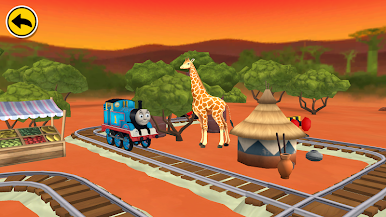


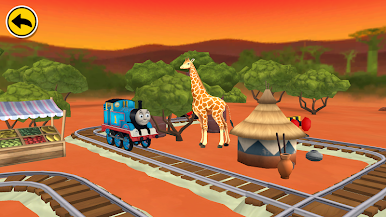




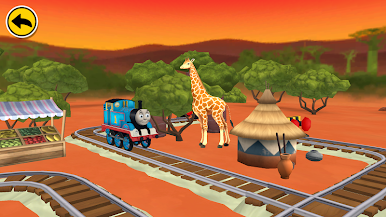










เล่น Thomas & Friends: Adventures! บน PC ได้ง่ายกว่า
-
ดาวน์โหลดและติดตั้ง BlueStacks บน PC ของคุณ
-
ลงชื่อเข้าใช้แอคเคาท์ Google เพื่อเข้าสู่ Play Store หรือทำในภายหลัง
-
ค้นหา Thomas & Friends: Adventures! ในช่องค้นหาด้านขวาบนของโปรแกรม
-
คลิกเพื่อติดตั้ง Thomas & Friends: Adventures! จากผลการค้นหา
-
ลงชื่อเข้าใช้บัญชี Google Account (หากยังไม่ได้ทำในขั้นที่ 2) เพื่อติดตั้ง Thomas & Friends: Adventures!
-
คลิกที่ไอคอน Thomas & Friends: Adventures! ในหน้าจอเพื่อเริ่มเล่น

