

SnapShove
Juega en PC con BlueStacks: la plataforma de juegos Android, en la que confían más de 500 millones de jugadores.

Página modificada el: Oct 23, 2025
Play SnapShove on PC or Mac
Join millions to experience SnapShove, an exciting Card game from SnapShove. With BlueStacks App Player, you are always a step ahead of your opponent, ready to outplay them with faster gameplay and better control with the mouse and keyboard on your PC or Mac.
About the Game
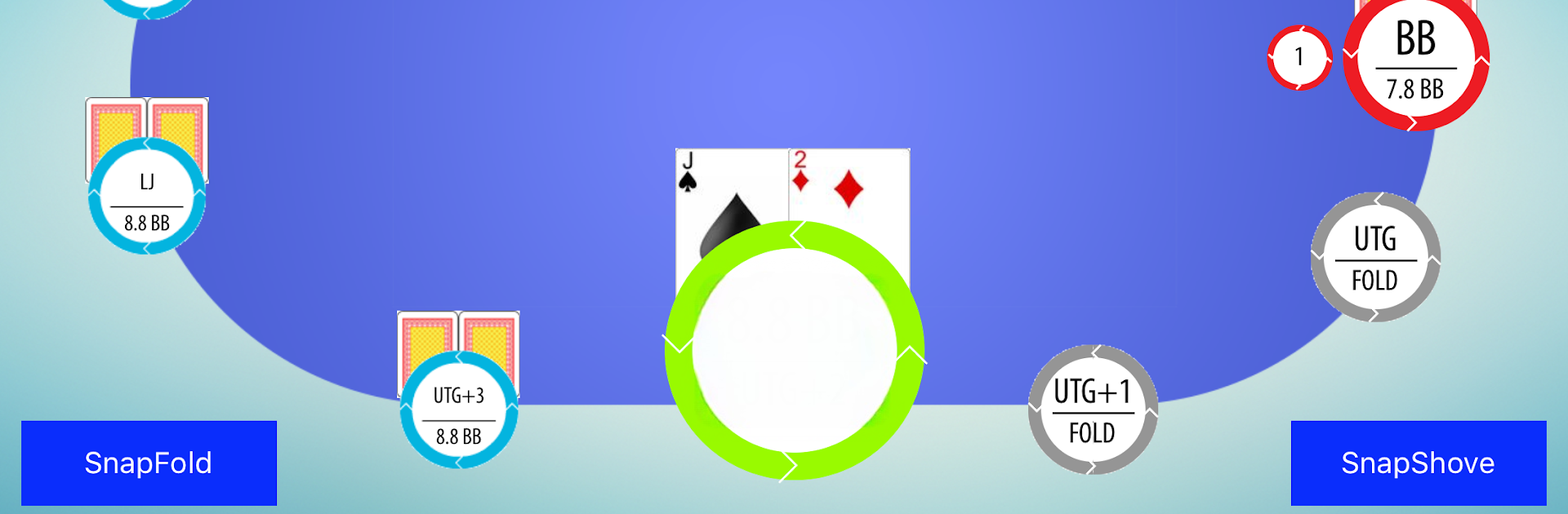
Ever found yourself wishing you had the brains of a poker pro during those tense all-in moments? SnapShove is here to help you make fast, smart choices in Texas Hold’em, whether you’re grinding online, battling friends, or just fine-tuning your card skills. Created by Max Silver and a crew of poker experts, this app isn’t just about math—it’s about learning the decision-making secrets of real pros, right from your phone.
Game Features
-
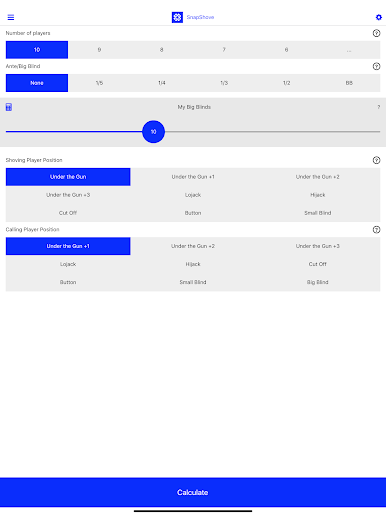
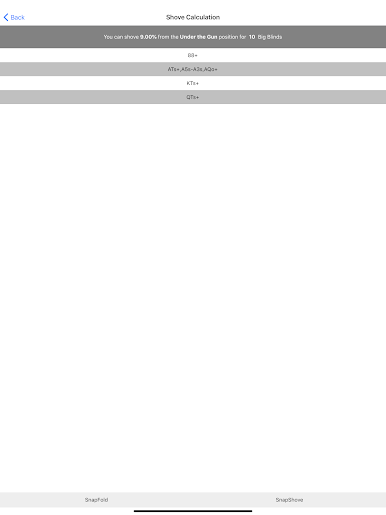
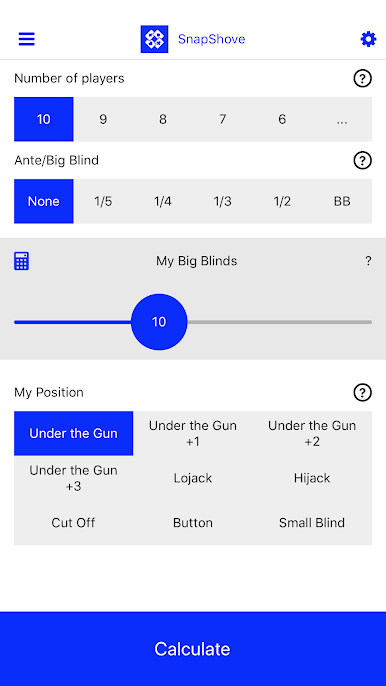
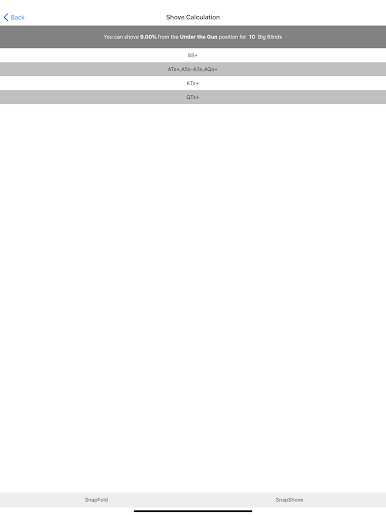
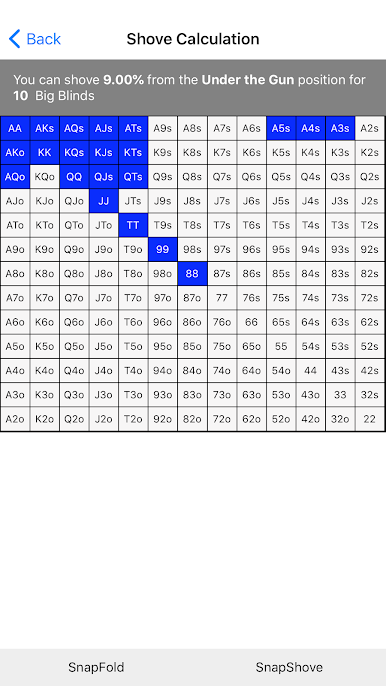
Instant Decision Calculator
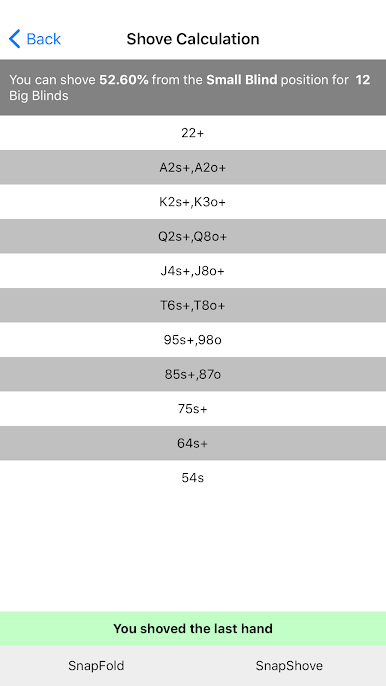
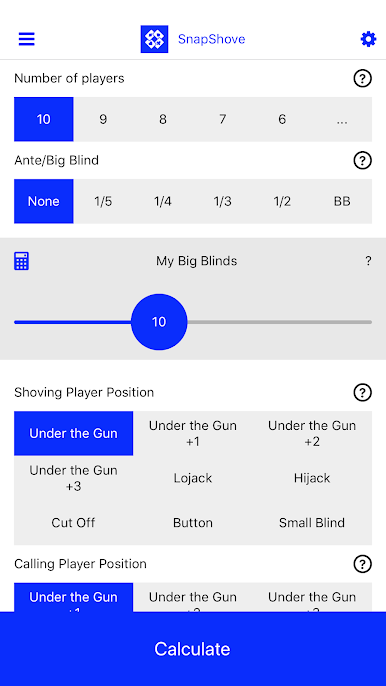
Need to know if you should shove all-in or fold? SnapShove delivers answers in seconds, so you’re never left second-guessing at the table. -
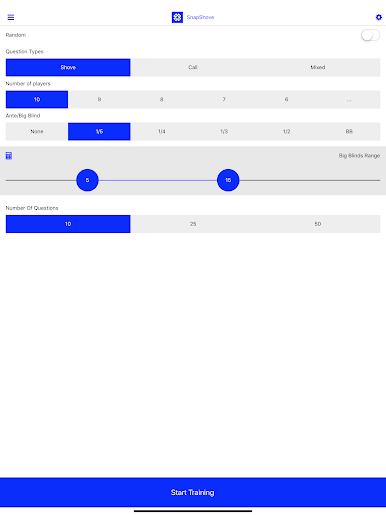
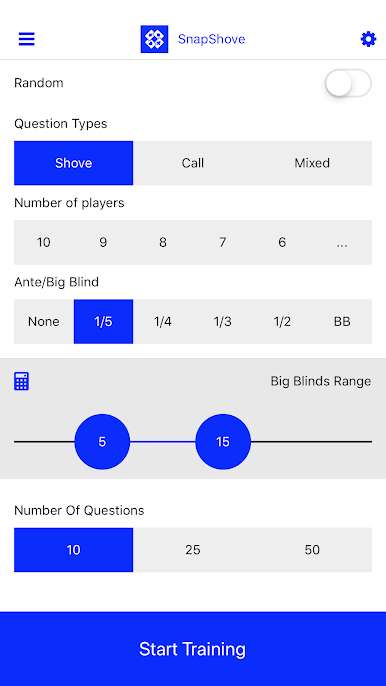
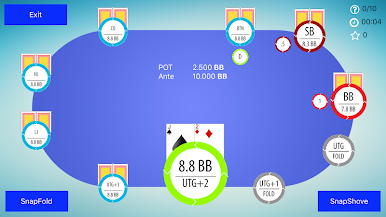
Training Mode
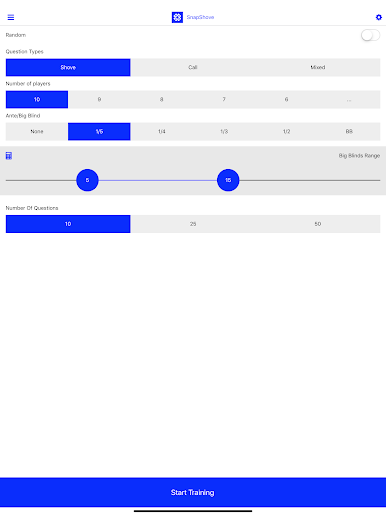
Fancy sharpening your short stack play? Tackle unlimited scenarios and tricky hands in Training mode. The more you practice, the better your instincts get. -
Super Simple Interface
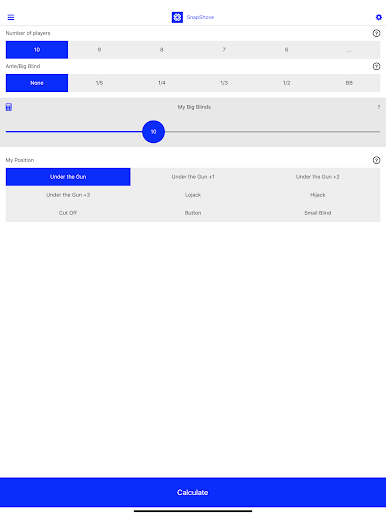
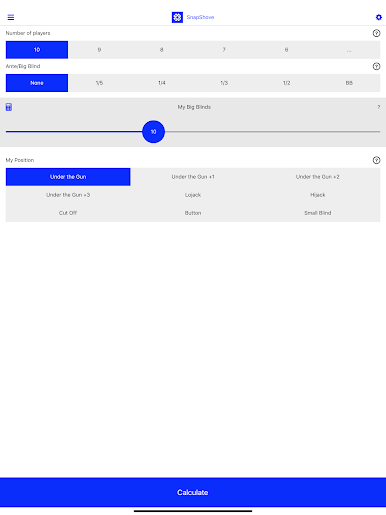
No confusing menus or weird layouts—it’s designed for quick searches, even if you’re mid-hand or juggling snacks at the same time. -
Advanced Simulations
The app draws from over a million unique game simulations. Your decisions aren’t guesses—they’re built on seriously deep poker math. -
SnapShove Pro Options
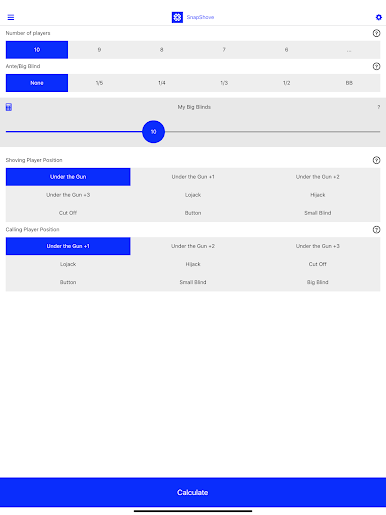
Unlock extra features like detailed shoving and calling ranges, advanced player settings, and a Call mode that helps you figure out when to risk it or play it safe. -
Works Offline
No Wi-Fi? No problem. SnapShove Pro lets you access core tools whenever you need them, wherever you’re playing. -
No Distractions
With Pro, you’re free from ads and wait times. Just straightforward poker help, when you want it. -
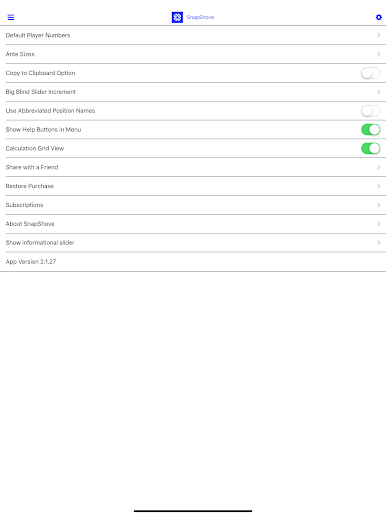
Customizable Look
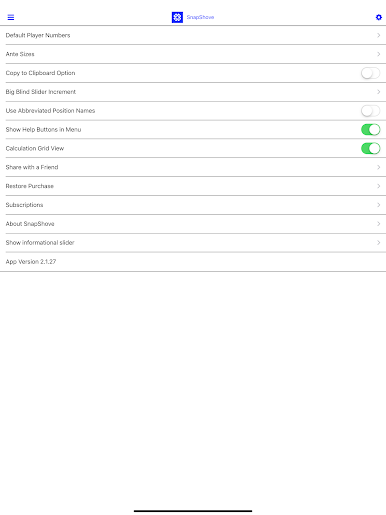
Personalize the app’s appearance so it fits your style—play poker your way.
SnapShove is a handy card companion whether you’re learning the ropes or looking to polish up your short stack strategy. And yes, if you prefer a bigger screen, SnapShove works smoothly via BlueStacks too.
Slay your opponents with your epic moves. Play it your way on BlueStacks and dominate the battlefield.








Juega SnapShove en la PC. Es fácil comenzar.
-
Descargue e instale BlueStacks en su PC
-
Complete el inicio de sesión de Google para acceder a Play Store, o hágalo más tarde
-
Busque SnapShove en la barra de búsqueda en la esquina superior derecha
-
Haga clic para instalar SnapShove desde los resultados de búsqueda
-
Complete el inicio de sesión de Google (si omitió el paso 2) para instalar SnapShove
-
Haz clic en el ícono SnapShove en la pantalla de inicio para comenzar a jugar

