

Player Potentials 20
Play on PC with BlueStacks – the Android Gaming Platform, trusted by 500M+ gamers.

Page Modified on: Oct 10, 2020
Play Player Potentials 20 on PC or Mac
Join millions to experience Player Potentials 20, an exciting Sports game from iCat Studios. With BlueStacks App Player, you are always a step ahead of your opponent, ready to outplay them with faster gameplay and better control with the mouse and keyboard on your PC or Mac.
About the Game
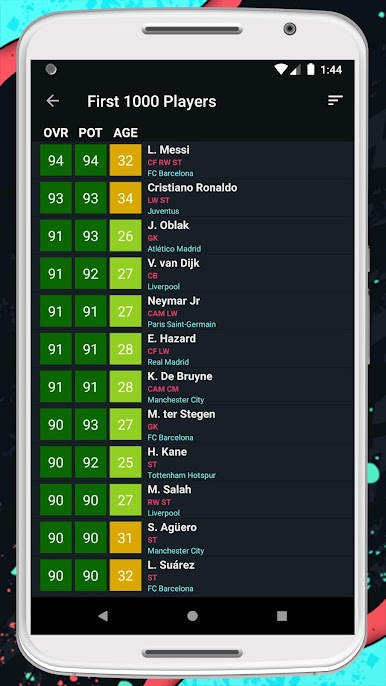
Player Potentials 20 is a handy Sports companion for anyone running a FIFA 20 Career Mode and obsessing over the next big signing. It helps you scout smarter, compare prospects fast, and build a shortlist that actually fits your team. Use it on your phone, or pull it up on your PC with BlueStacks if you like browsing on a bigger screen.
Game Features
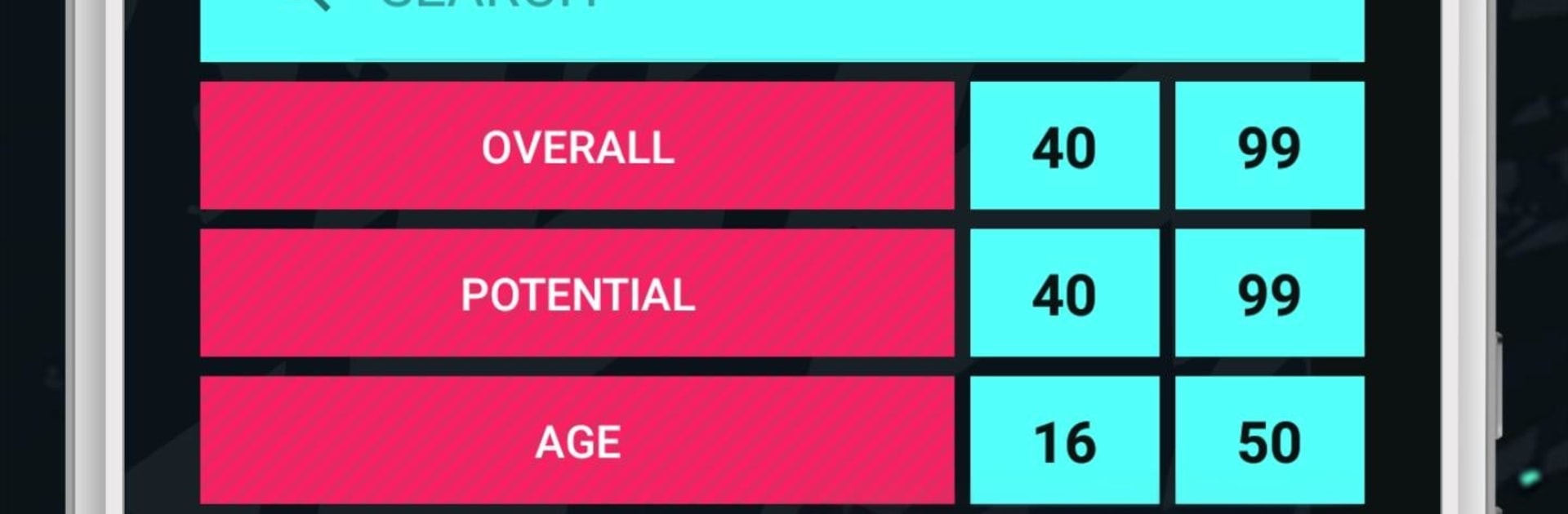
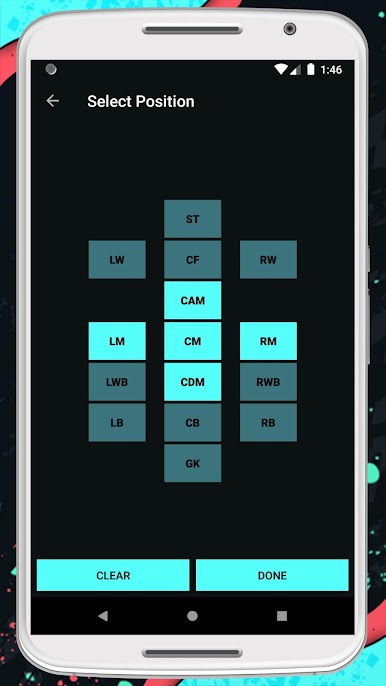
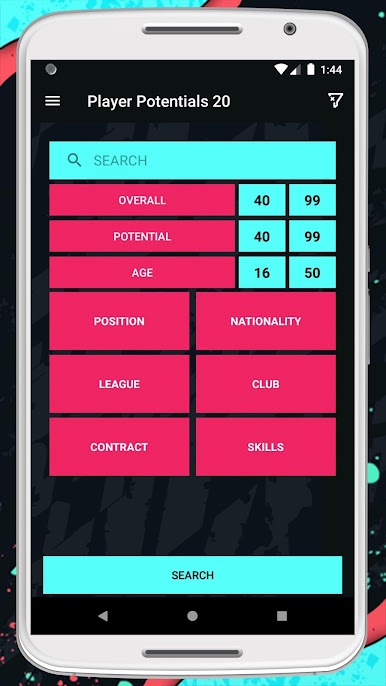
- Smart filters: Narrow the pool with nine free filters, including overall and potential ratings, age, preferred positions, nationality, league, club, contract status, and skill-related attributes like weak foot/skill moves.
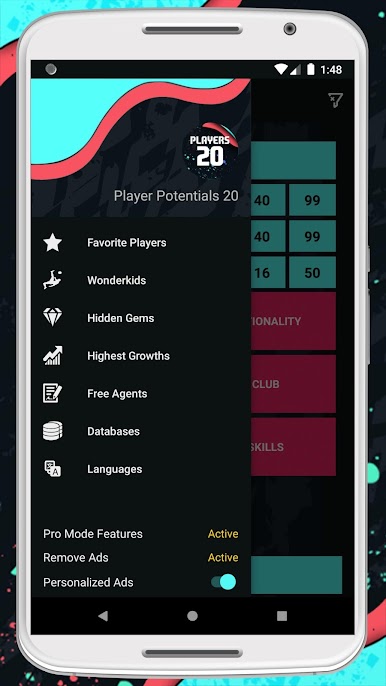
- Ready-made shortlists: Jump straight into curated groups such as Wonderkids, Hidden Gems, fast improvers with high growth, and available Free Agents.
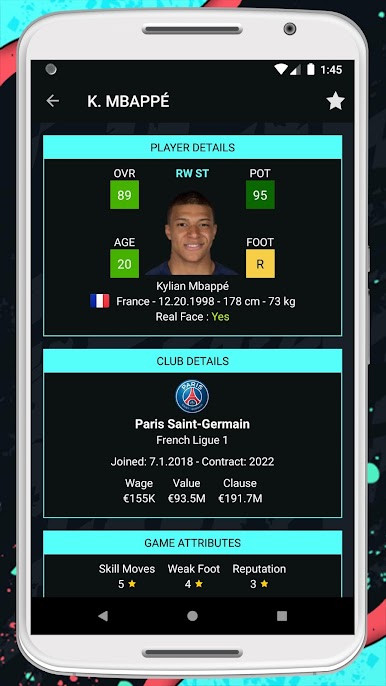
- Rich player profiles: Open a player card to see a full picture—photo, full name, preferred foot, birthdate, height and weight, contract end date, wage, market value, and any release clause.
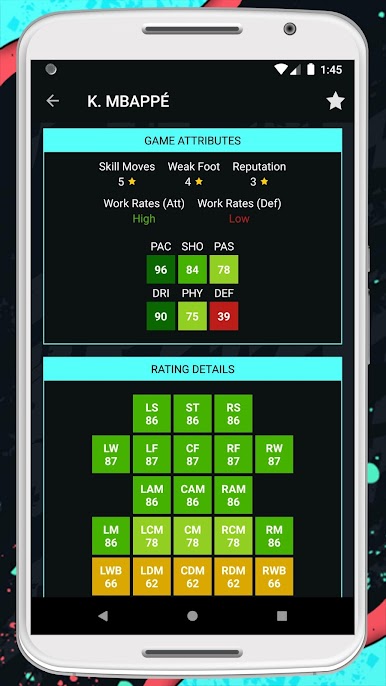
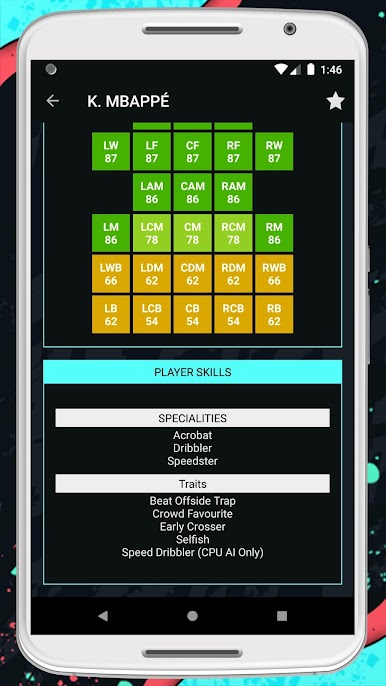
- Playstyle insights: Check specialties, traits, weak foot rating, skill moves, and work rates to understand how a player might actually feel on the pitch.
- Position-by-position ratings: View how a player’s overall changes across different roles so you can plan position tweaks with fewer surprises.
- Favorites you can trust: Save interesting targets to your own list, keep them organized, and come back later during the transfer window.
- Quick world search: Browse by club, league, or country when you’re targeting a specific playstyle or building a themed squad.
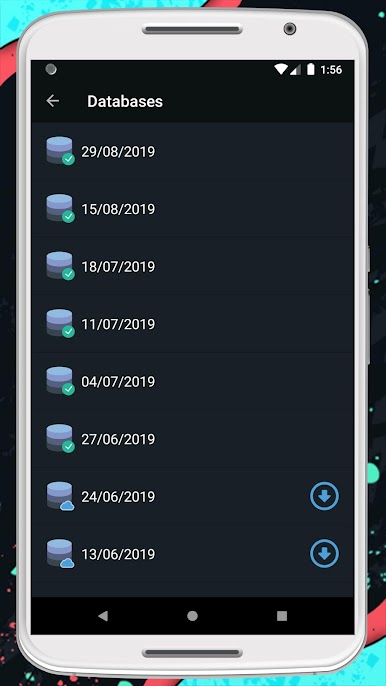
- Always current: The database tracks FIFA 20 data and gets updated regularly, so your searches don’t go stale.
- Unofficial companion: Created by iCat Studios, this app isn’t affiliated with EA Sports and serves purely as a helper for FIFA 20 fans.
Get ready for a buttery smooth, high-performance gaming action only on BlueStacks.
Play Player Potentials 20 on PC. It’s easy to get started.
-
Download and install BlueStacks on your PC
-
Complete Google sign-in to access the Play Store, or do it later
-
Look for Player Potentials 20 in the search bar at the top right corner
-
Click to install Player Potentials 20 from the search results
-
Complete Google sign-in (if you skipped step 2) to install Player Potentials 20
-
Click the Player Potentials 20 icon on the home screen to start playing

