


Học Tiếng Anh
Chơi trên PC với BlueStacks - Nền tảng chơi game Android, được hơn 500 triệu game thủ tin tưởng.

Trang đã được sửa đổi vào: Dec 6, 2020
Run Learn English free on PC or Mac
Why limit yourself to your small screen on the phone? Run Learn English free, an app by MetaLanguage, best experienced on your PC or Mac with BlueStacks, the world’s #1 Android emulator.
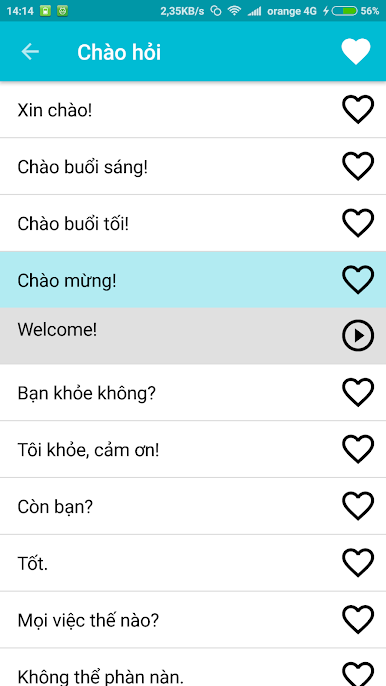
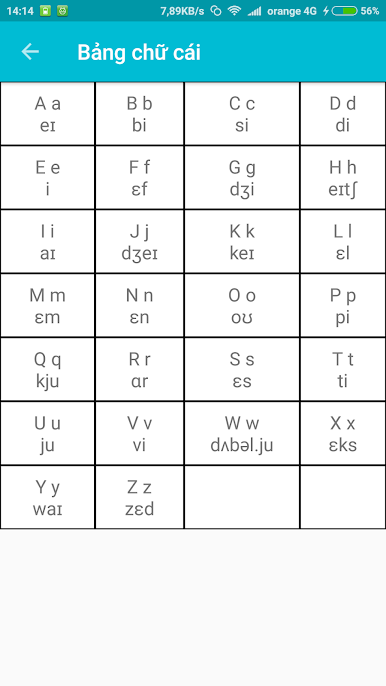
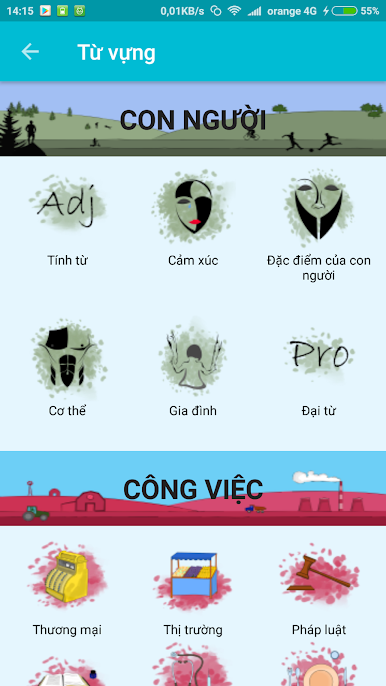
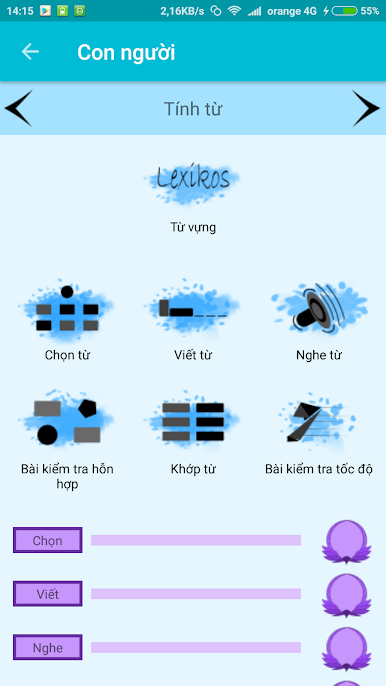
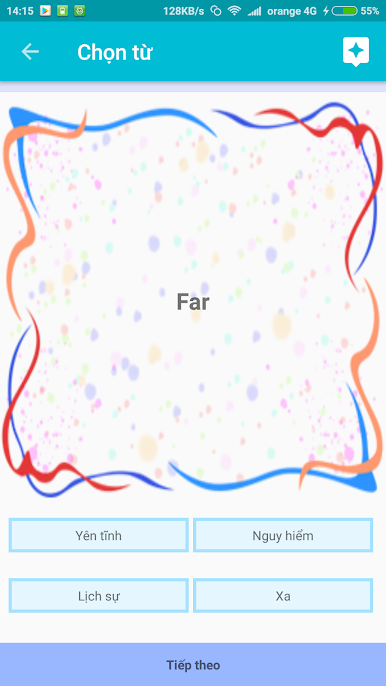
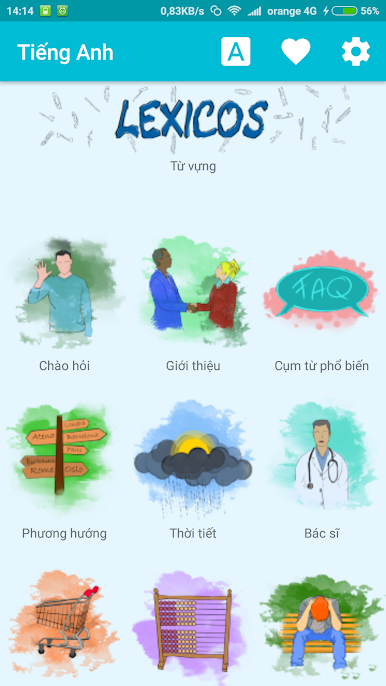
Learn English free feels like a straight to the point phrasebook and practice buddy. The app lays out useful words and sentences with clear audio and translations that sound natural, not that robotic stuff. It suits total beginners who just want to greet people and order lunch, and it also gives enough material for anyone who already knows the basics and wants to keep things fresh. There are simple categories, quick examples, and a favorites list, so it is easy to save the phrases that actually matter. No internet is required once it is installed, which makes it handy on a flight or when data is slow.
It clearly aims at travel too. Phrases for getting around the UK or the US are right where they should be, so someone can sort out directions, shopping, or a hotel check in without digging through lessons. Pronunciation is clean, and the English reads like it was written by real speakers, so learners do not fight awkward wording. On PC with BlueStacks, the big screen helps a lot. Text is easier to read, clicking through sections is quick with a mouse, and it is nice to keep it open next to other windows while practicing. There is no heavy setup, no complicated grammar walls, just short bits that build confidence fast, and that is the point.
Ready to experience Learn English free on a bigger screen, in all its glory? Download BlueStacks now.
Chơi Học Tiếng Anh trên PC. Rất dễ để bắt đầu
-
Tải và cài đặt BlueStacks trên máy của bạn
-
Hoàn tất đăng nhập vào Google để đến PlayStore, hoặc thực hiện sau
-
Tìm Học Tiếng Anh trên thanh tìm kiếm ở góc phải màn hình
-
Nhấn vào để cài đặt Học Tiếng Anh trong danh sách kết quả tìm kiếm
-
Hoàn tất đăng nhập Google (nếu bạn chưa làm bước 2) để cài đặt Học Tiếng Anh
-
Nhấn vào icon Học Tiếng Anh tại màn hình chính để bắt đầu chơi

