

Milanote
5억명 이상의 게이머가 신뢰하는 안드로이드 게임 플랫폼 BlueStacks으로 PC에서 플레이하세요.

Run Milanote on PC or Mac
Get freedom from your phone’s obvious limitations. Use Milanote, made by Milanote, a Productivity app on your PC or Mac with BlueStacks, and level up your experience.
About the App
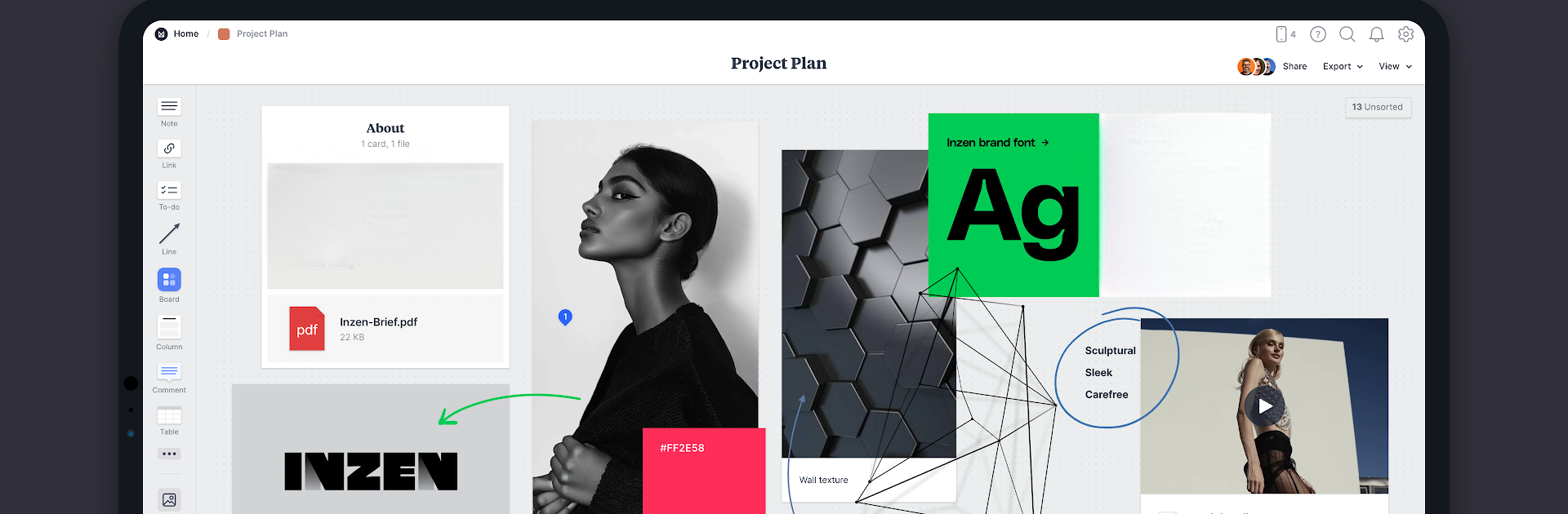
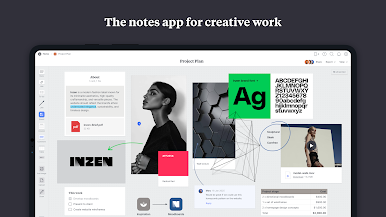
Need a smarter way to capture your ideas, keep your projects on track, and collaborate with others? Milanote makes it easy to collect inspiration and plan everything out visually—all in one tidy place. Whether you’re working solo or bouncing ideas around with a team, this app feels a bit like your own creative studio, always ready whenever inspiration strikes.
App Features
-
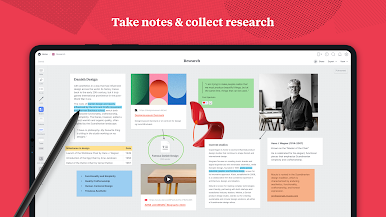
Flexible Idea Gathering
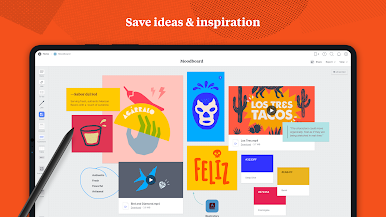
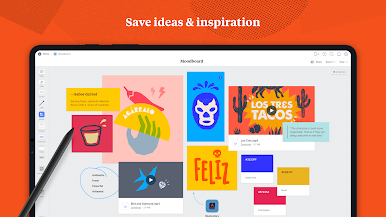
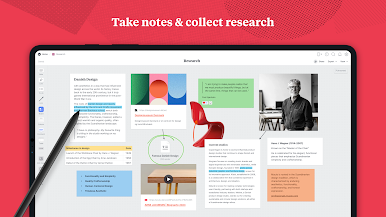
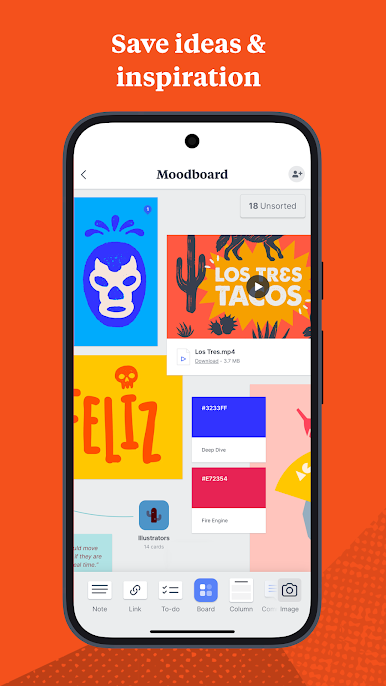
Snap a quick note, grab photos, or stash screenshots, drawings, and video clips—if it inspires you, you can save it right into Milanote without missing a beat. -
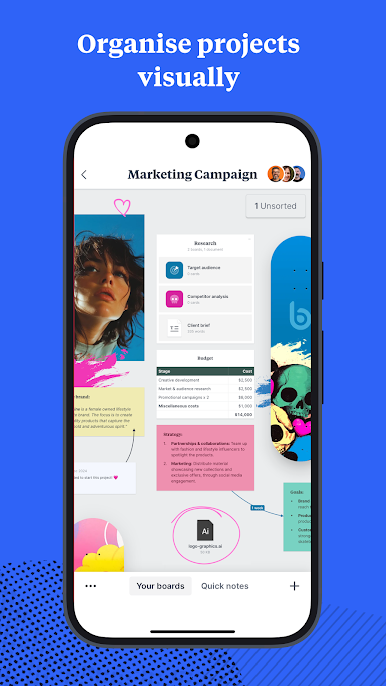
Visual Organization
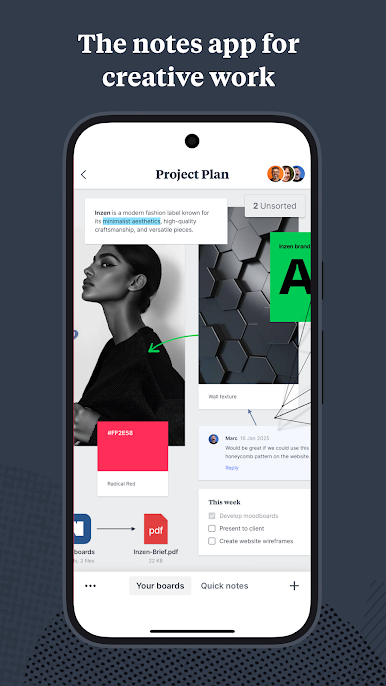
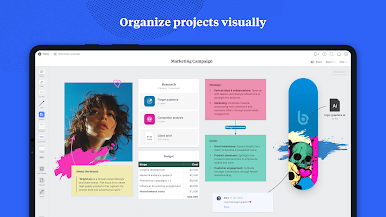
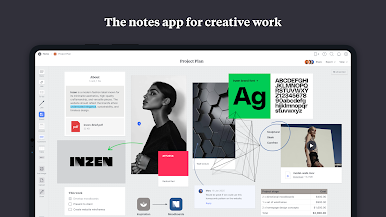
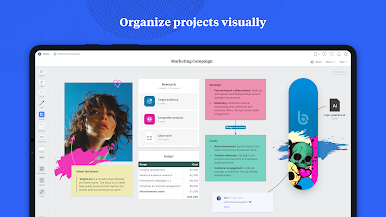
Drag and arrange your stuff on boards just how you want—see your tasks, notes, links, and references side by side so nothing slips through the cracks. -
Team Collaboration
Want to share your work? Invite your crew to view or edit boards. Or keep things private, just for you—totally your call. -
Easy Content Clipping
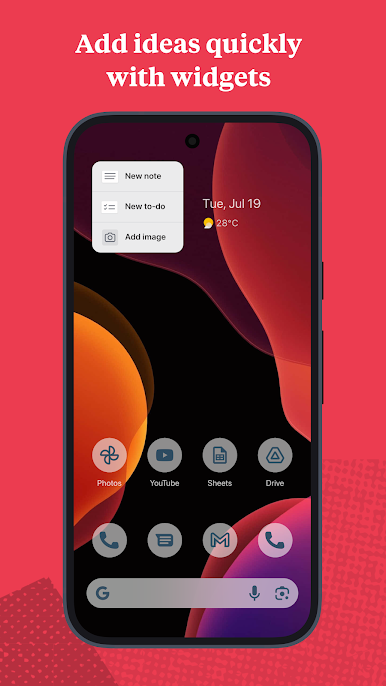
Ran across something cool while on your phone? Pull in websites, images, or videos from almost any app, right into your Milanote projects with just a couple taps. -
Real-Time Syncing
Save an idea on your phone and it shows up instantly across every other device where you use Milanote. Handy for switching between mobile, tablet, and even your desktop. Using BlueStacks, you can enjoy Milanote’s big-picture view right on your computer, too. -
Sketch & Annotate
Got a stylus? Doodle directly on your boards, add quick diagrams, or make helpful annotations to bring your ideas to life. -
Stay in the Loop
Get notifications for comments and updates, so you’re always up to date as your projects evolve.
Ready to experience Milanote on a bigger screen, in all its glory? Download BlueStacks now.
PC에서 Milanote 플레이해보세요.
-
BlueStacks 다운로드하고 설치
-
Google Play 스토어에 로그인 하기(나중에 진행가능)
-
오른쪽 상단 코너에 Milanote 검색
-
검색 결과 중 Milanote 선택하여 설치
-
구글 로그인 진행(만약 2단계를 지나갔을 경우) 후 Milanote 설치
-
메인 홈화면에서 Milanote 선택하여 실행

