

Priorities: the most effective
Chơi trên PC với BlueStacks - Nền tảng chơi game Android, được hơn 500 triệu game thủ tin tưởng.

Trang đã được sửa đổi vào: Feb 26, 2025
Run Priorities: the most effective on PC or Mac
Multitask effortlessly on your PC or Mac as you try out Priorities: the most effective, a Productivity app by Mindful Suite on BlueStacks.
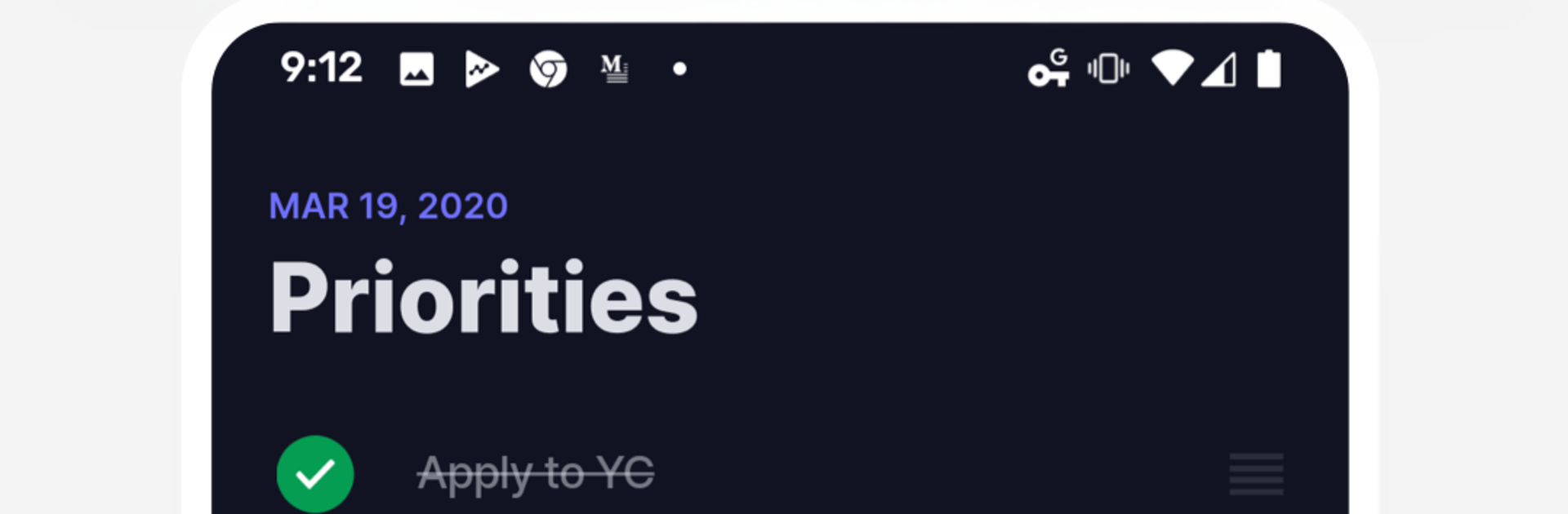
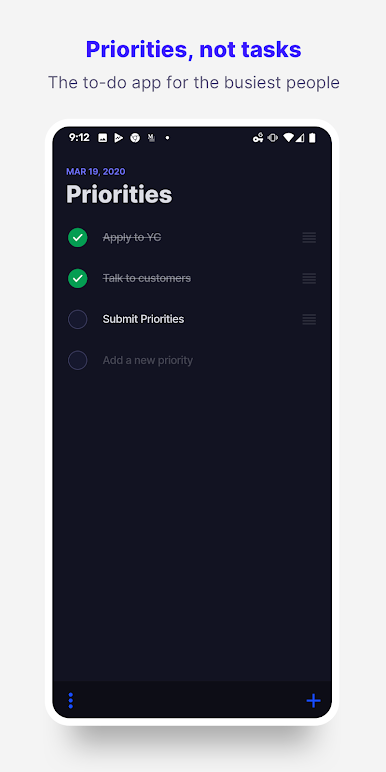
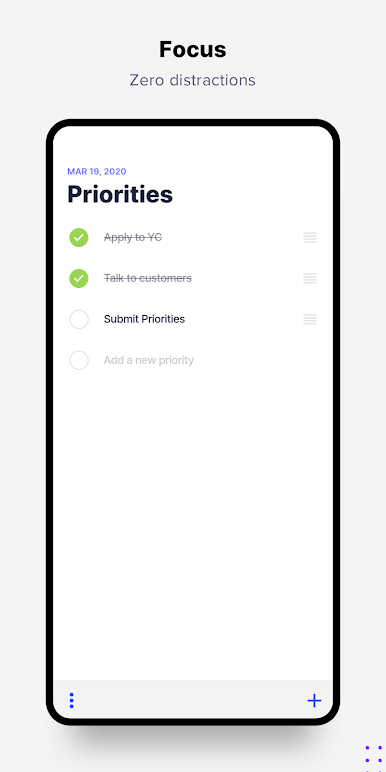
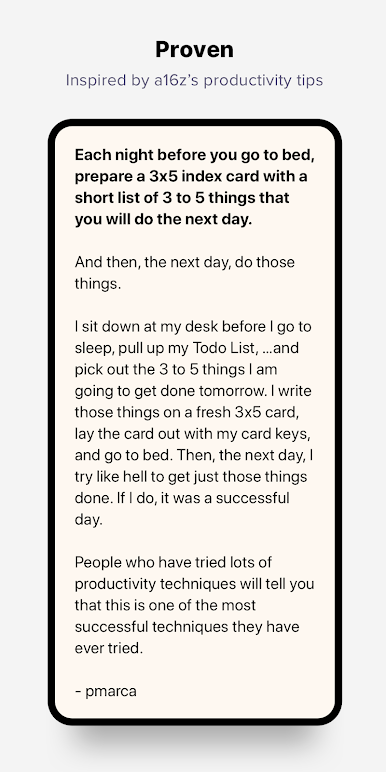
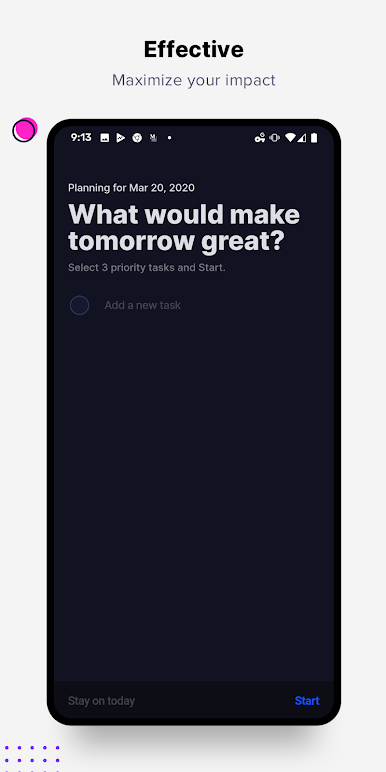
Priorities feels like a to-do app that finally stops the busywork. Instead of endless folders, tags, and color codes that never get revisited, it pushes a simple habit. Pick three to five tasks that actually matter today, then get them done. That is it. The design stays out of the way, so the brain has fewer excuses to wander into sorting and re-sorting. It feels calm and a bit strict at the same time, because the limit forces real choices. Checking an item off is satisfying, not because of flashy effects, but because the list is short and clean and there is no fluff. The whole thing leans more habit than planner, which is the point.
On PC with BlueStacks, it is nice to keep it parked on the side of the screen and type quickly with a keyboard. Adding or reordering tasks is quick, and having it one alt tab away makes sticking to the day’s focus easier during work. Power users who love deep tagging or big project boards may find it too bare. But anyone who procrastinates by organizing will probably appreciate how it trims the clutter and asks for a clear, daily promise. The three-to-five rule is popular for a reason, and this app just makes that routine simple to follow without extra decoration.
Big screen. Bigger performance. Use BlueStacks on your PC or Mac to run your favorite apps.

Chơi Priorities: the most effective trên PC. Rất dễ để bắt đầu
-
Tải và cài đặt BlueStacks trên máy của bạn
-
Hoàn tất đăng nhập vào Google để đến PlayStore, hoặc thực hiện sau
-
Tìm Priorities: the most effective trên thanh tìm kiếm ở góc phải màn hình
-
Nhấn vào để cài đặt Priorities: the most effective trong danh sách kết quả tìm kiếm
-
Hoàn tất đăng nhập Google (nếu bạn chưa làm bước 2) để cài đặt Priorities: the most effective
-
Nhấn vào icon Priorities: the most effective tại màn hình chính để bắt đầu chơi

