


Match Fun 3D - 매치 크러시 3D
퍼즐 | Mint XX Games
5억명 이상의 게이머가 신뢰하는 안드로이드 게임 플랫폼 BlueStacks으로 PC에서 플레이하세요.

Match Fun 3D - 매치 크러시 3D PC에서 즐겨보세요
매치 크러시 3D는 누구나 쉽게 즐길 수 있는 게임입니다!
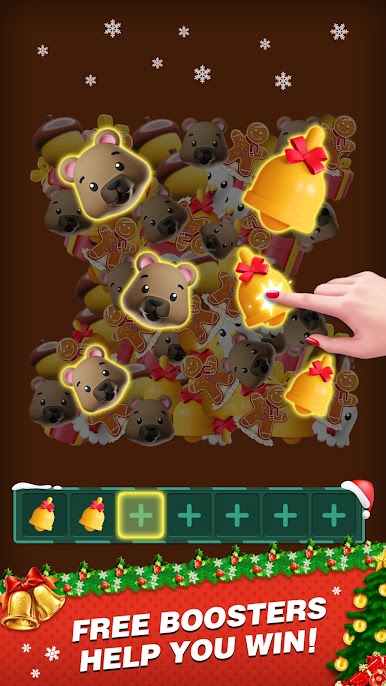
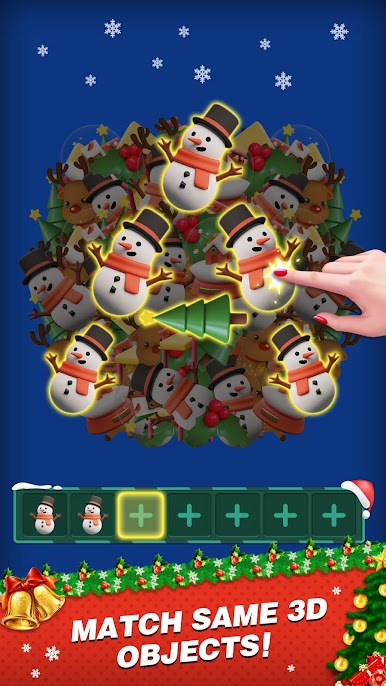
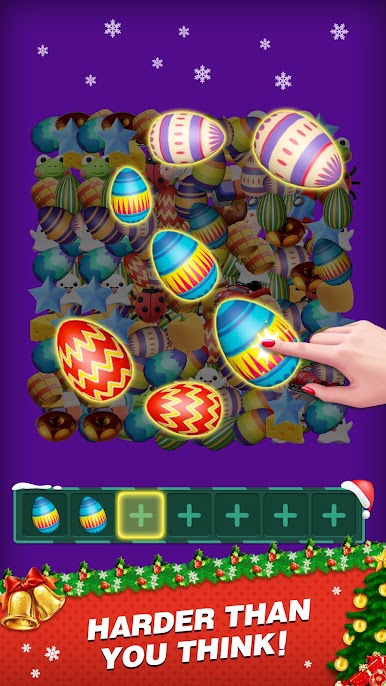
세 개의 동일한 3D 개체를 찾아서 제거하십시오!
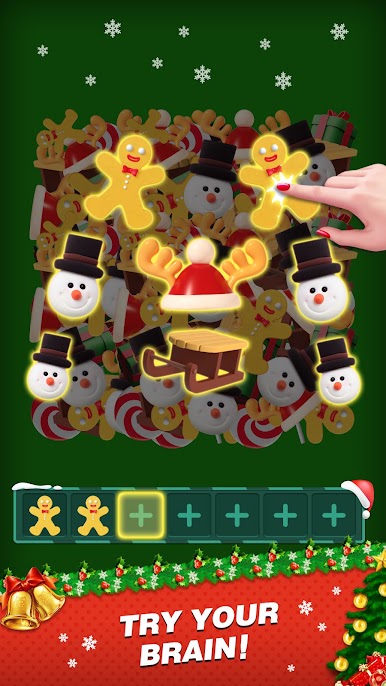
새롭고 독창적이며 도전 욕구를 불러오는 매칭 페어 게임을 시작하십시오.
바닥에 있는 3D 물체를 일치 시켜서 전부 터뜨리십시오! 레벨을 통과하시면 매칭할 새로운 개체를 찾으실 수 있습니다.
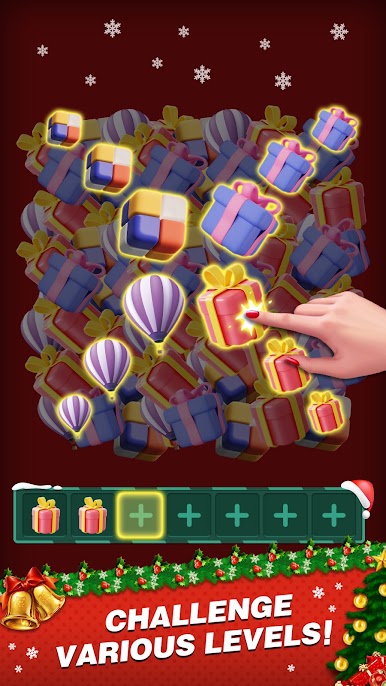
다른 게임들과 차별화된 여러 가지 3D 레벨로 구성된 연결 기반 게임을 즐기시기만 하면 됩니다. 이 매칭 연결 게임은 남녀노소 누구나 쉽게 즐길 수 있습니다.
SUBSCRIPTION PRICING AND TERMS
In Match Fun 3D we offer you the following two subscription options:
1. A weekly subscription costing $3.99 (or equivalent in your currency) per week after a 3-day free trial period.
2. A monthly subscription costing $9.99 (or equivalent in your currency) per month.
After buying any of the subscriptions, you will remove the non-optional banner and interstitial adverts from the game.After purchasing any subscription, you will remove non-optional banner ads and interstitial ads from the game. In addition, you will get exclusive background wallpapers, free resurrection once per game, and double rewards every day.
This is an auto-renewable subscription. The payment is charged to your account after confirmation. The subscription is renewed unless you unsubscribe 24 hours before the period ends. Your account will also be charged for renewal. The above-mentioned prices are for customers in the United States. Pricing in other countries may change and actual charges may be converted to local currency.
End of trial/introductory periods and subscription renewal:
- The payment will be charged to your iTunes Account after a confirmation of purchase.
- The subscription will be renewed unless you unsubscribe 24 hours before the end of the current period.
- The account will be charged for renewal 24 hours before the end of the current period at the standard cost of the subscription.
- Subscriptions may be managed by the user and auto-renewal may be turned off by going to the user's Account Settings after purchase.
- No cancellation of the current subscription is permitted during the active subscription period.
- Any unused portion of the free trial period will be forfeited when the subscription is purchased.
Canceling a trial or subscription:
- In order to cancel a subscription during the free trial period, you need to cancel it through your account in the App Store. This must be done at least 24 hours before the end of the free trial period to avoid being charged.
Terms of Use: https://docs.google.com/document/d/1yPUU3nnGpZgSKEuduBRVVmF4fHuQOUhKpUCgPsUTfBk/
Privacy Policy:https://www.firedragongame.com/privacy.html
If you have any questions or concerns, please do not hesitate to contact us: mintgames@gmail.com
세 개의 동일한 3D 개체를 찾아서 제거하십시오!
새롭고 독창적이며 도전 욕구를 불러오는 매칭 페어 게임을 시작하십시오.
바닥에 있는 3D 물체를 일치 시켜서 전부 터뜨리십시오! 레벨을 통과하시면 매칭할 새로운 개체를 찾으실 수 있습니다.
다른 게임들과 차별화된 여러 가지 3D 레벨로 구성된 연결 기반 게임을 즐기시기만 하면 됩니다. 이 매칭 연결 게임은 남녀노소 누구나 쉽게 즐길 수 있습니다.
SUBSCRIPTION PRICING AND TERMS
In Match Fun 3D we offer you the following two subscription options:
1. A weekly subscription costing $3.99 (or equivalent in your currency) per week after a 3-day free trial period.
2. A monthly subscription costing $9.99 (or equivalent in your currency) per month.
After buying any of the subscriptions, you will remove the non-optional banner and interstitial adverts from the game.After purchasing any subscription, you will remove non-optional banner ads and interstitial ads from the game. In addition, you will get exclusive background wallpapers, free resurrection once per game, and double rewards every day.
This is an auto-renewable subscription. The payment is charged to your account after confirmation. The subscription is renewed unless you unsubscribe 24 hours before the period ends. Your account will also be charged for renewal. The above-mentioned prices are for customers in the United States. Pricing in other countries may change and actual charges may be converted to local currency.
End of trial/introductory periods and subscription renewal:
- The payment will be charged to your iTunes Account after a confirmation of purchase.
- The subscription will be renewed unless you unsubscribe 24 hours before the end of the current period.
- The account will be charged for renewal 24 hours before the end of the current period at the standard cost of the subscription.
- Subscriptions may be managed by the user and auto-renewal may be turned off by going to the user's Account Settings after purchase.
- No cancellation of the current subscription is permitted during the active subscription period.
- Any unused portion of the free trial period will be forfeited when the subscription is purchased.
Canceling a trial or subscription:
- In order to cancel a subscription during the free trial period, you need to cancel it through your account in the App Store. This must be done at least 24 hours before the end of the free trial period to avoid being charged.
Terms of Use: https://docs.google.com/document/d/1yPUU3nnGpZgSKEuduBRVVmF4fHuQOUhKpUCgPsUTfBk/
Privacy Policy:https://www.firedragongame.com/privacy.html
If you have any questions or concerns, please do not hesitate to contact us: mintgames@gmail.com
PC에서 Match Fun 3D - 매치 크러시 3D 플레이해보세요.
-
BlueStacks 다운로드하고 설치
-
Google Play 스토어에 로그인 하기(나중에 진행가능)
-
오른쪽 상단 코너에 Match Fun 3D - 매치 크러시 3D 검색
-
검색 결과 중 Match Fun 3D - 매치 크러시 3D 선택하여 설치
-
구글 로그인 진행(만약 2단계를 지나갔을 경우) 후 Match Fun 3D - 매치 크러시 3D 설치
-
메인 홈화면에서 Match Fun 3D - 매치 크러시 3D 선택하여 실행

