


MIR con MirMeApp
5억명 이상의 게이머가 신뢰하는 안드로이드 게임 플랫폼 BlueStacks으로 PC에서 플레이하세요.

Run MIR MirMeApp on PC or Mac
Why limit yourself to your small screen on the phone? Run MIR MirMeApp, an app by Quizit Mobile, best experienced on your PC or Mac with BlueStacks, the world’s #1 Android emulator.
About the App
Getting ready for the MIR exam or just want to keep your medical knowledge fresh? MIR MirMeApp from Quizit Mobile is made for med students and future residents who want a simple, no-fuss way to practice with real, official questions wherever they are. Whether you have five minutes or an hour, you’ll find tons of ways to study and track your progress, all in one handy place.
App Features
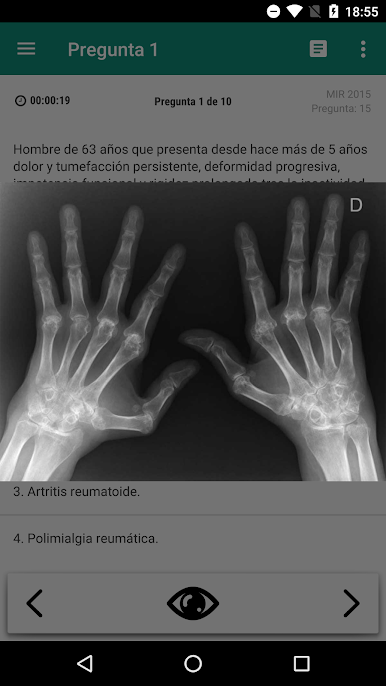
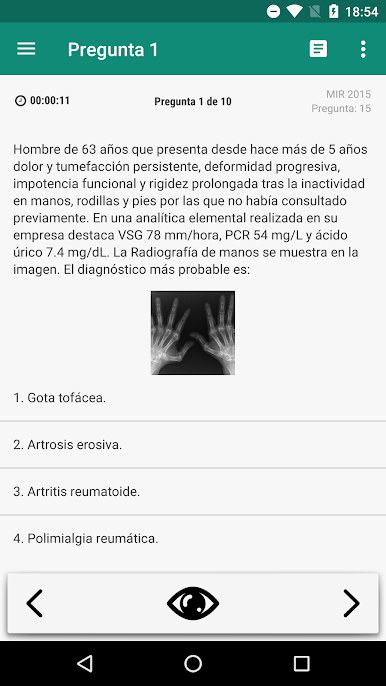
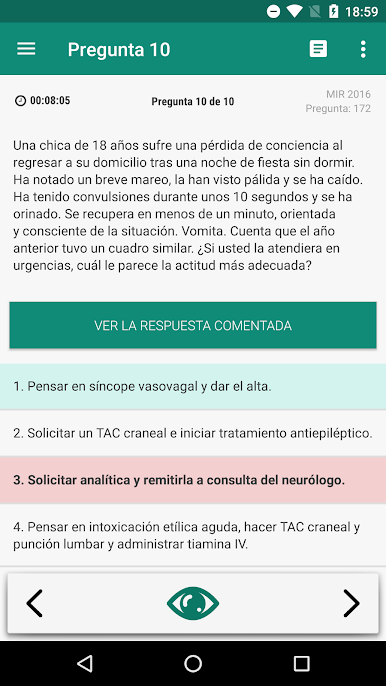
- Official Question Bank: Access every question (including images!) from the MIR exams going back to 2001—no skipping around online, it’s all in the app.
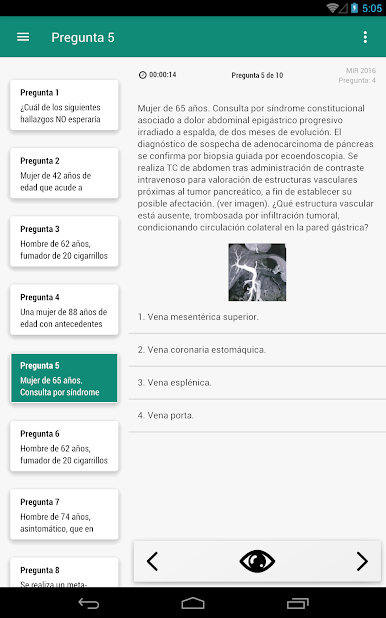
- Questions by Subject: In the mood for cardiology, gastro, or maybe endocrinology? Pick the specialty you want and see how you measure up.
- Flexible Exam Modes: Create random mini-tests, quick sessions, or dive into full-length practice exams—tweak the number of questions and years however you like.
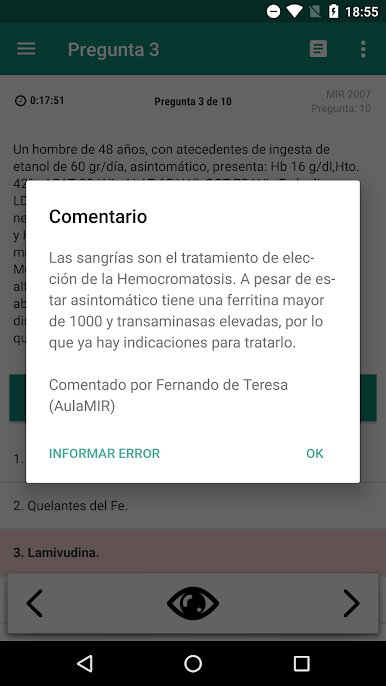
- In-Depth Explanations: Wondering why a particular answer’s right? Read detailed comments after each question to understand the logic behind the correct choice.
- Pause & Resume: Stop your practice session anytime and pick up right where you left off. Great for squeezing in a few questions between classes or shifts.
- Favorites List: Stumble on questions you want to revisit? Mark them as favorites and come back for a re-match.
- Share with Friends: Share tricky cases or interesting questions with classmates through WhatsApp or email—study together, wherever you are.
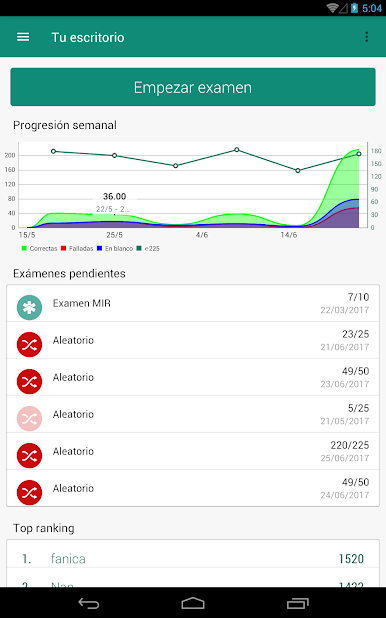
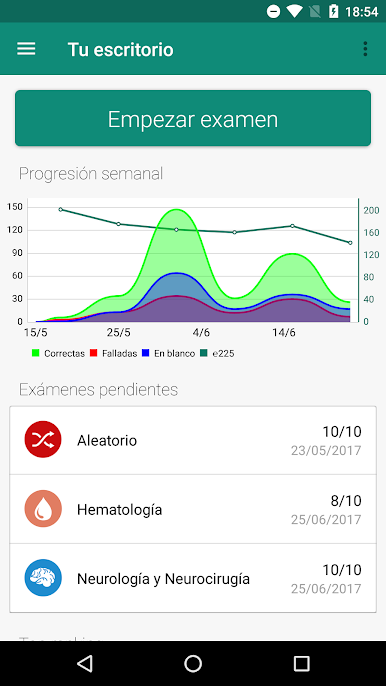
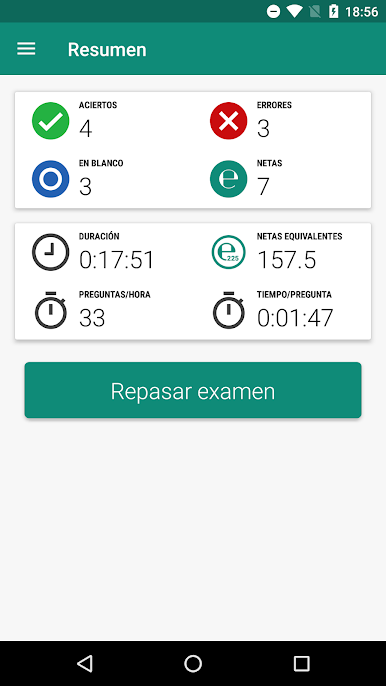
- Time & Progress Tracker: Monitor the time spent on each test and get a clear picture of your growth and practice stats over time.
- Direct Forum Access: Got questions? Jump straight into the MirMeApp forum to swap tips, clear up doubts, or find answers to things you hadn’t even thought to ask.
- Results Review: Review your answers right after finishing or later on—see where you missed, learn, and keep moving forward.
MIR MirMeApp works just as smoothly on desktop via BlueStacks, giving you flexibility to study on a bigger screen whenever you want.
Eager to take your app experience to the next level? Start right away by downloading BlueStacks on your PC or Mac.

PC에서 MIR con MirMeApp 플레이해보세요.
-
BlueStacks 다운로드하고 설치
-
Google Play 스토어에 로그인 하기(나중에 진행가능)
-
오른쪽 상단 코너에 MIR con MirMeApp 검색
-
검색 결과 중 MIR con MirMeApp 선택하여 설치
-
구글 로그인 진행(만약 2단계를 지나갔을 경우) 후 MIR con MirMeApp 설치
-
메인 홈화면에서 MIR con MirMeApp 선택하여 실행

