


Melarikan Diri Dari Pekerjaan
Mainkan di PC dengan BlueStacks – platform Game-Game Android, dipercaya oleh lebih dari 500 juta gamer.

Play Escape From Work on PC or Mac
Bring your A-game to Escape From Work, the Puzzle game sensation from MobiGrow. Give your gameplay the much-needed boost with precise game controls, high FPS graphics, and top-tier features on your PC or Mac with BlueStacks.
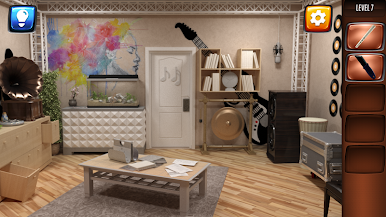
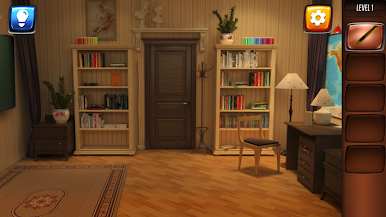
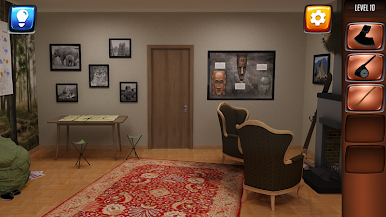
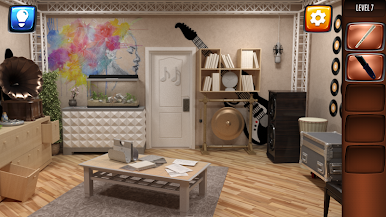
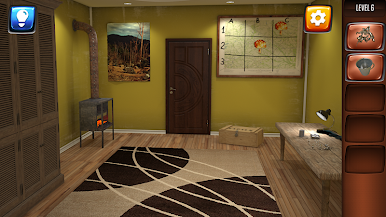
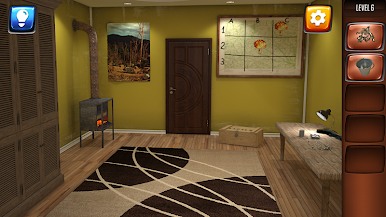
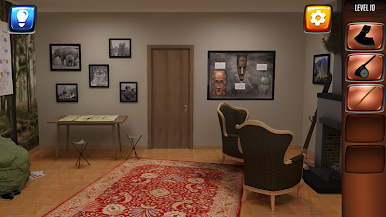
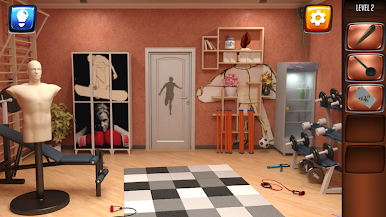
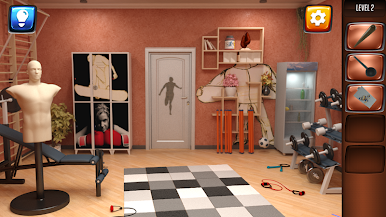
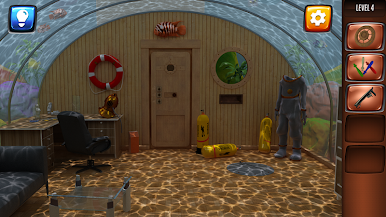
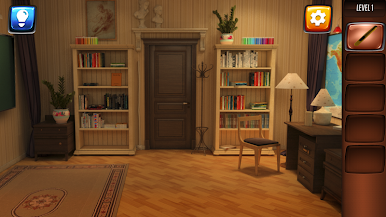
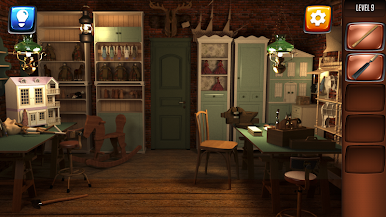
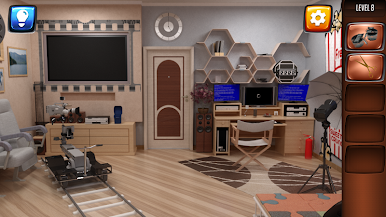
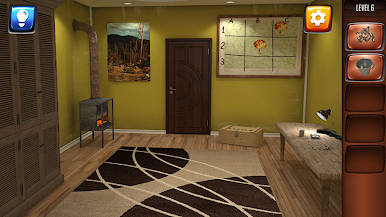
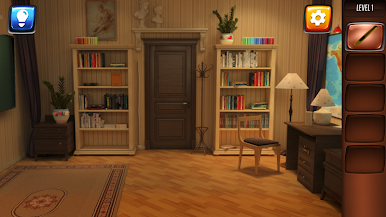
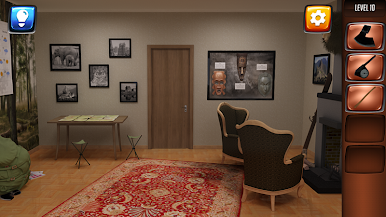
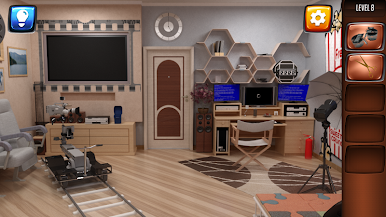
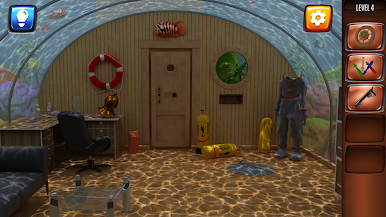
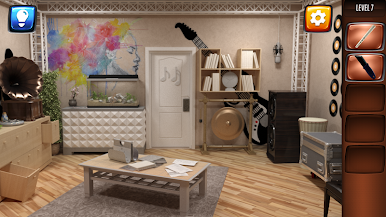
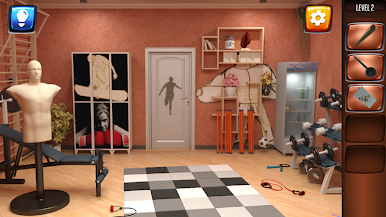
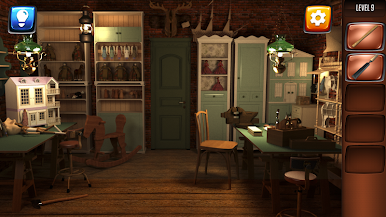
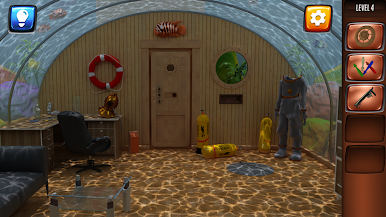
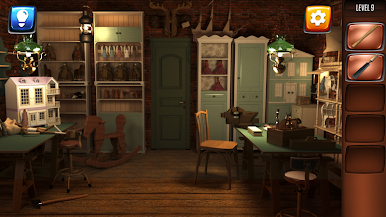
Escape From Work is one of those puzzle games where you’re basically trapped in a building and have to work your way out, room by room. Each area is a new little challenge — some need you to crack codes, some make you piece together clues, and there are a bunch of logic puzzles scattered around. There are about fifteen different rooms, all with their own look and theme, so it does feel like you’re actually making your way through a weird house or office that’s just full of odd secrets. The whole setup is lighthearted, like it’s poking fun at job tests or career quizzes, which keeps things fun instead of too serious.
Graphically, it looks pretty nice for this kind of game, with textures and art that are easy on the eyes, but it really leans more on the puzzles than flashy effects. The atmosphere is a mix of quirky and mysterious, so it never really gets dull. Playing with BlueStacks on PC actually makes the controls smoother — clicking through the puzzles works well and finding hidden items feels a bit easier than on a phone. Anyone who likes escape rooms or that feeling of slowly figuring something out should get a kick out of it. Even when the puzzles get a bit tricky, the game keeps things moving and doesn’t get too punishing. It’s satisfying whenever you finally solve a part you were stuck on.
Ready to top the leaderboard? We bet you do. Let precise controls and sharp visuals optimized on BlueStacks lead you to victory.
Mainkan Melarikan Diri Dari Pekerjaan di PC Mudah saja memulainya.
-
Unduh dan pasang BlueStacks di PC kamu
-
Selesaikan proses masuk Google untuk mengakses Playstore atau lakukan nanti
-
Cari Melarikan Diri Dari Pekerjaan di bilah pencarian di pojok kanan atas
-
Klik untuk menginstal Melarikan Diri Dari Pekerjaan dari hasil pencarian
-
Selesaikan proses masuk Google (jika kamu melewati langkah 2) untuk menginstal Melarikan Diri Dari Pekerjaan
-
Klik ikon Melarikan Diri Dari Pekerjaan di layar home untuk membuka gamenya

