

蔬果爆炸
在電腦上使用BlueStacks –受到5億以上的遊戲玩家所信任的Android遊戲平台。

Play Fruit Candy Bomb on PC or Mac
From the innovators and creators at Cool Cat Game, Fruit Candy Bomb is another fun addition to the World of Casual games. Go beyond your mobile screen and play it bigger and better on your PC or Mac. An immersive experience awaits you.
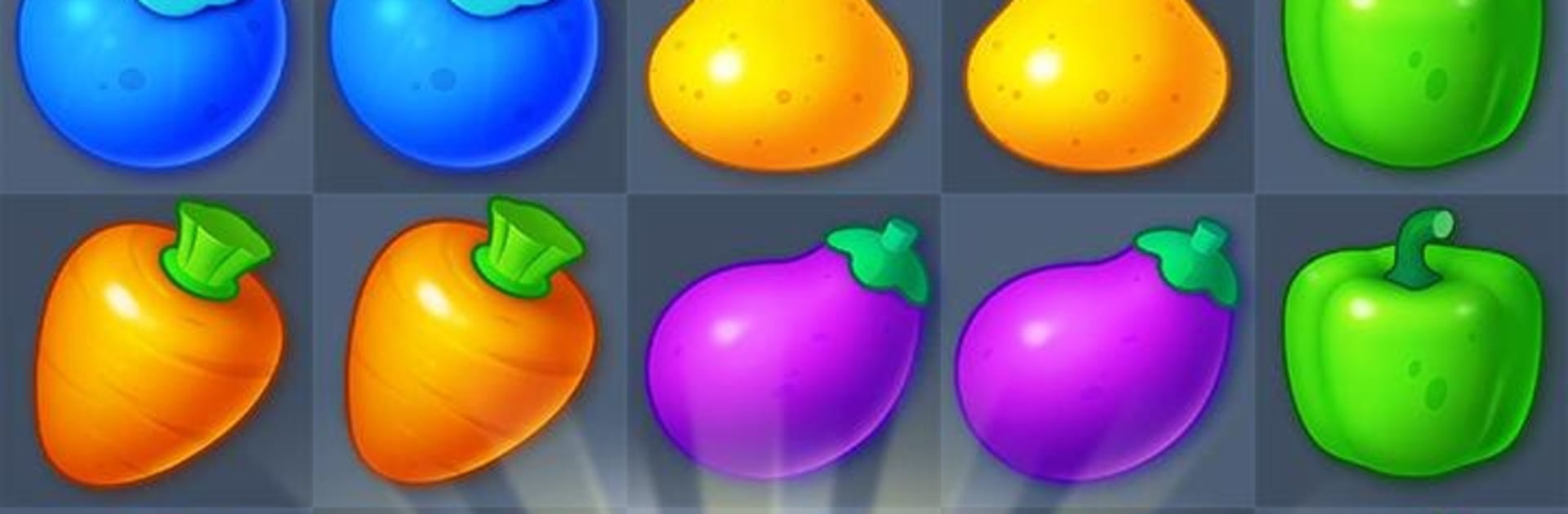
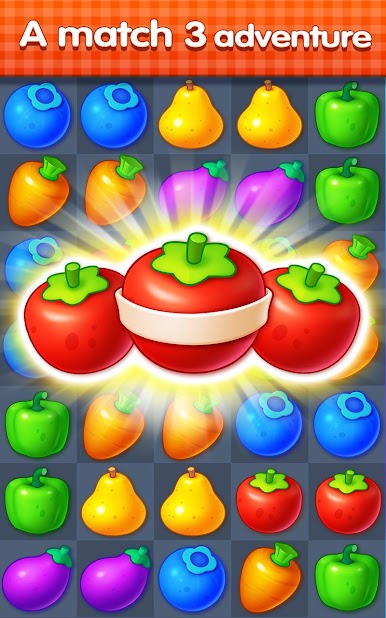
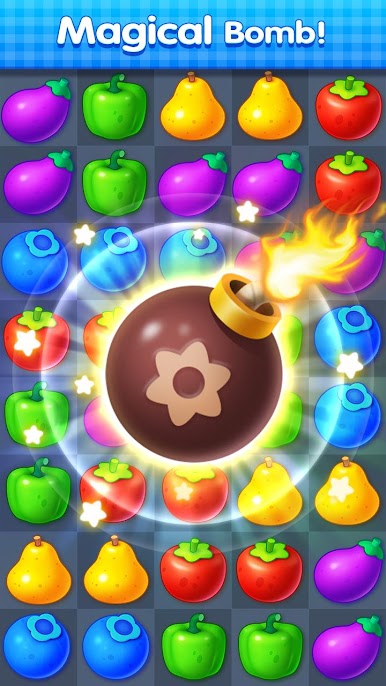
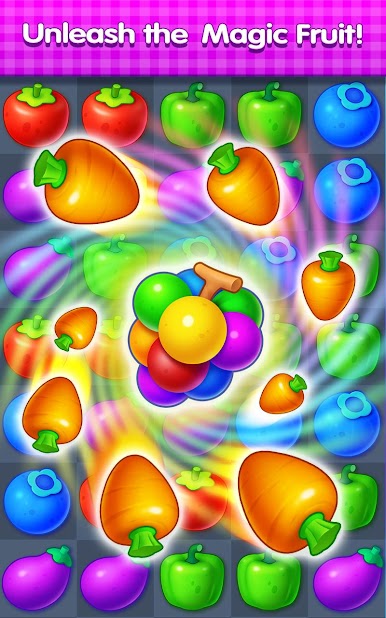
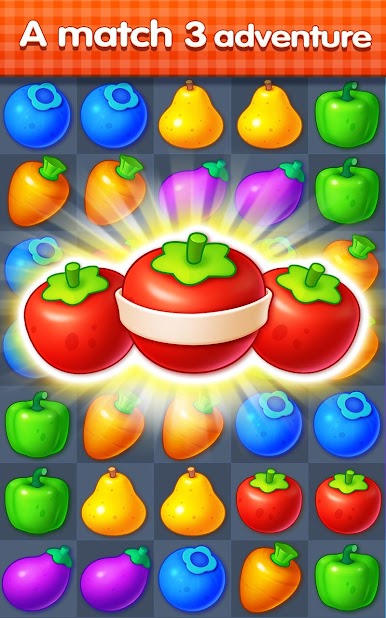
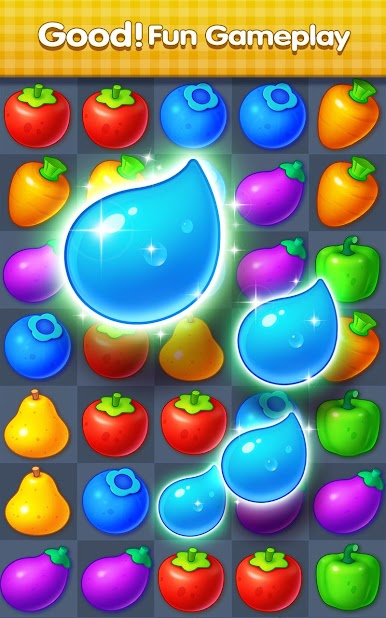
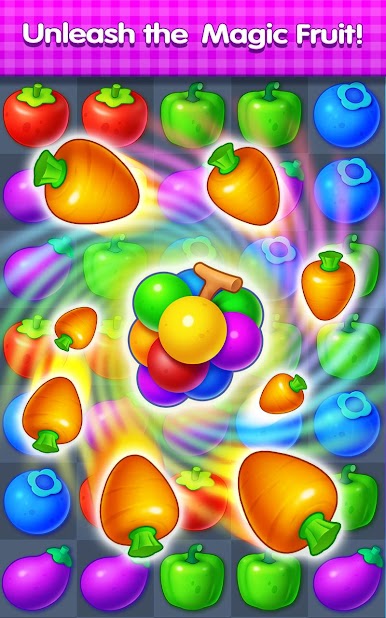
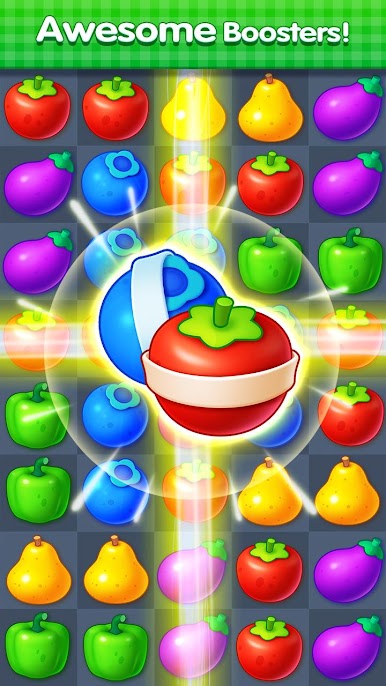
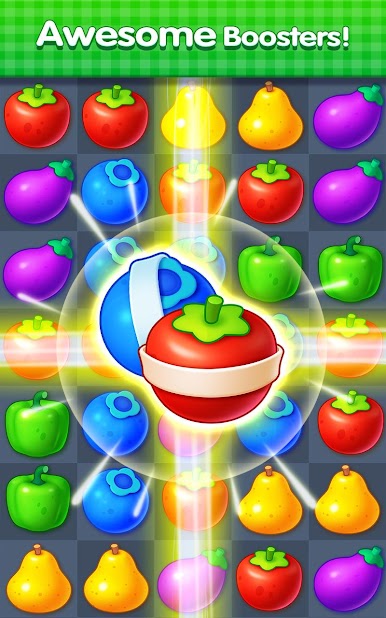
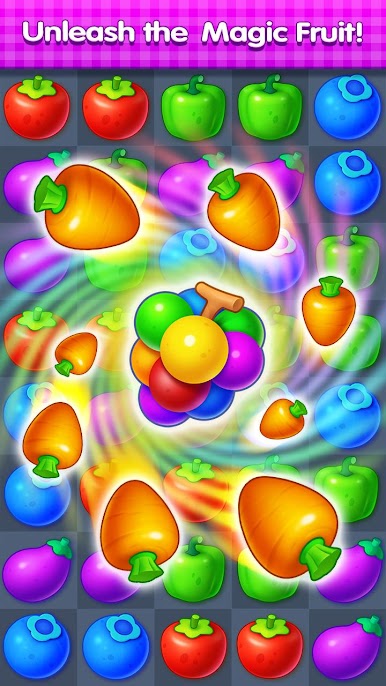
Fruit Candy Bomb is a straight up match‑3 that goes big on color and chain reactions. Swap fruit to make lines of three or more, then watch the board light up when a bomb triggers and takes a chunk of tiles with it. The whole thing feels snappy and clean, with glossy fruit that looks surprisingly sharp on a monitor, and those little pops and flashes that make each move feel worth it. It starts simple, then throws in odd little goals and blockers that ask for a bit more planning, so it is easy to zone out for a few stages and then suddenly think through the next move to squeeze out one last combo.
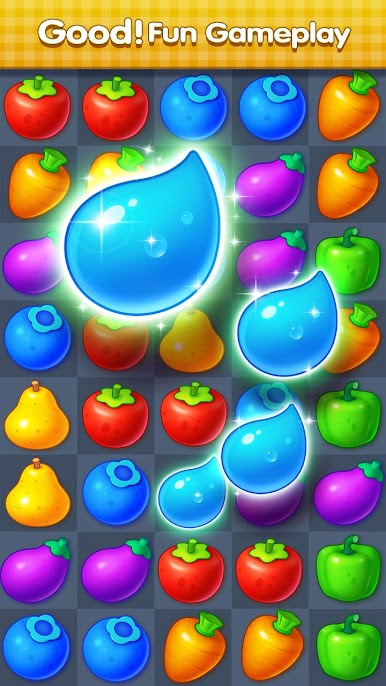
There are themed areas with silly names like Tart Citadel, Juicy Pharos, Citrus Island, and Nashi Forest, so progress has a nice sense of place instead of a plain level list. Some stages ask for collecting water drops or sunflowers before the moves run out, and a few obstacles are stubborn in a good way, the kind that makes a big clear feel earned. There are hundreds of levels already and new ones roll in, so there is plenty to chew on. On PC with BlueStacks, the mouse drag feels precise and the bigger screen makes spotting four and five match setups easier, perfect for knocking out a few puzzles between other stuff.
Slay your opponents with your epic moves. Play it your way on BlueStacks and dominate the battlefield.
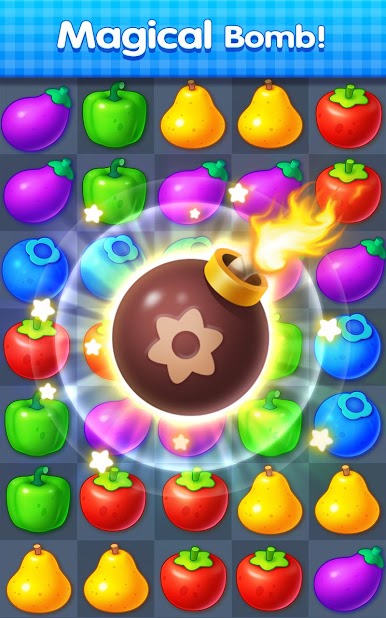
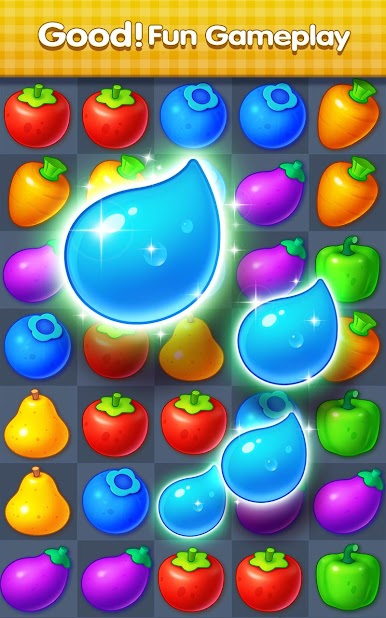
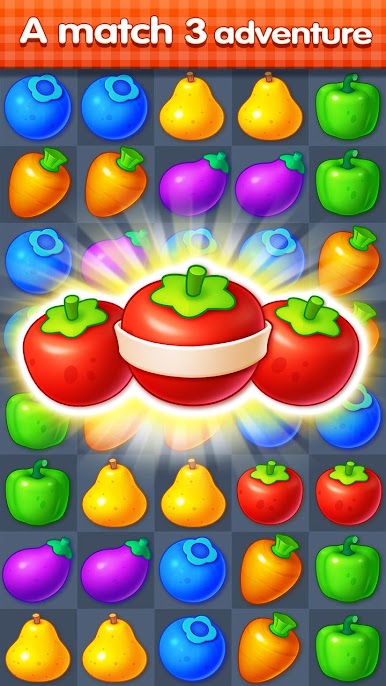
在電腦上遊玩蔬果爆炸 . 輕易上手.
-
在您的電腦上下載並安裝BlueStacks
-
完成Google登入後即可訪問Play商店,或等你需要訪問Play商店十再登入
-
在右上角的搜索欄中尋找 蔬果爆炸
-
點擊以從搜索結果中安裝 蔬果爆炸
-
完成Google登入(如果您跳過了步驟2),以安裝 蔬果爆炸
-
在首頁畫面中點擊 蔬果爆炸 圖標來啟動遊戲

