


Madden School
Play on PC with BlueStacks – the Android Gaming Platform, trusted by 500M+ gamers.

Page Modified on: Aug 19, 2024
Play Madden School on PC
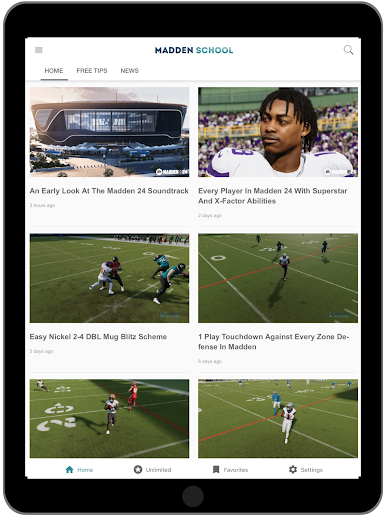
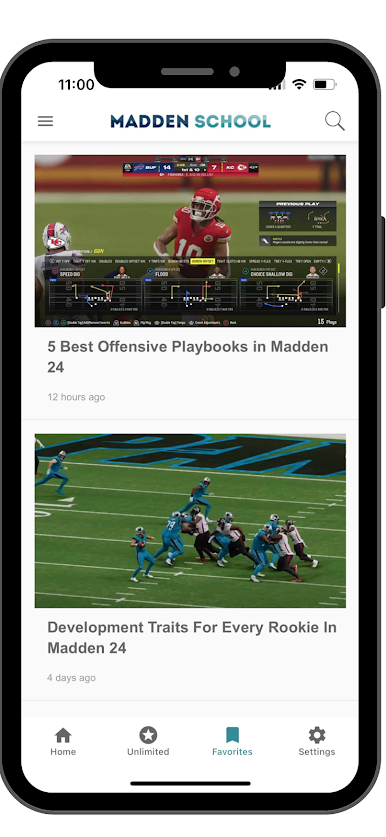
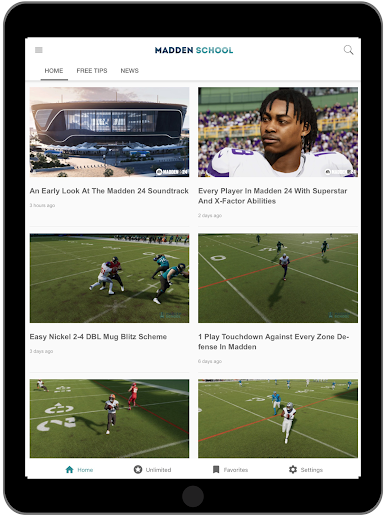
The Madden School app includes world class Madden tips and guides. They are perfect for franchise mode, Ultimate Team, and online head-to-head. All of our schemes are fully tested to work for Madden 26 on the PlayStation 5, XBOX Series X|S, and PC.
Each tip comes with a written breakdown and a full HD video with voiceover so you can see exactly how a play is supposed to be run.
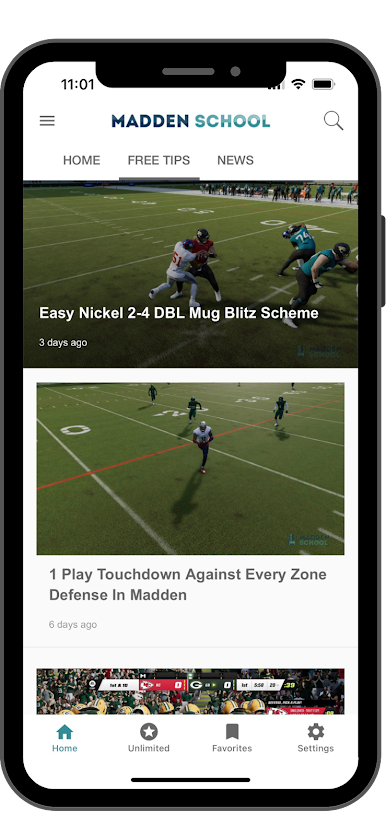
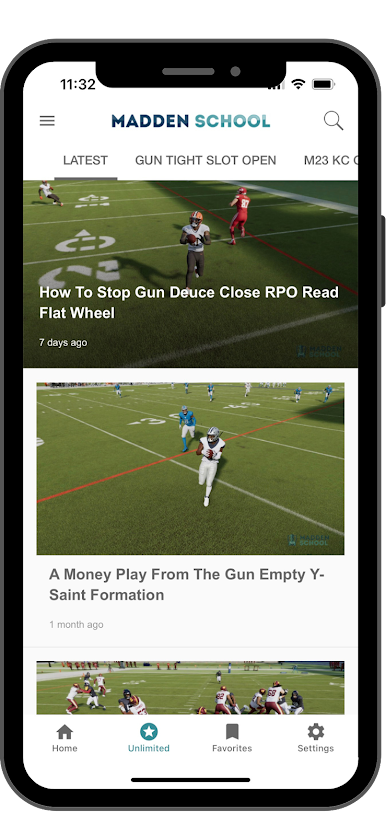
The Madden School App is broken up into 3 main sections: Free Tips, News, and Unlimited.
In our free tips section, you will find plenty of money plays and nano blitzes as well as some of our offensive and defensive strategies. We want to walk you through how to become a better Madden player by giving you step-by-step instructions on how to run the best plays in the game.
In the news section, you will find the latest information on roster updates, gameplay patches, screenshots, trailers, opinion pieces and any other information relating to Madden 26.
The Unlimited section is reserved for our subscribers and features all of our best plays, ebooks, guides, gameplans, and tools. Unlimited gives you all the information our professional gamers use to destroy their opponents on the virtual gridiron. It really does provide you with everything you need to dominate in Madden.


Play Madden School on PC. It’s easy to get started.
-
Download and install BlueStacks on your PC
-
Complete Google sign-in to access the Play Store, or do it later
-
Look for Madden School in the search bar at the top right corner
-
Click to install Madden School from the search results
-
Complete Google sign-in (if you skipped step 2) to install Madden School
-
Click the Madden School icon on the home screen to start playing

