

泡泡射擊流行拼圖
在電腦上使用BlueStacks –受到5億以上的遊戲玩家所信任的Android遊戲平台。

Play Bubble Shooter Pop Puzzle on PC or Mac
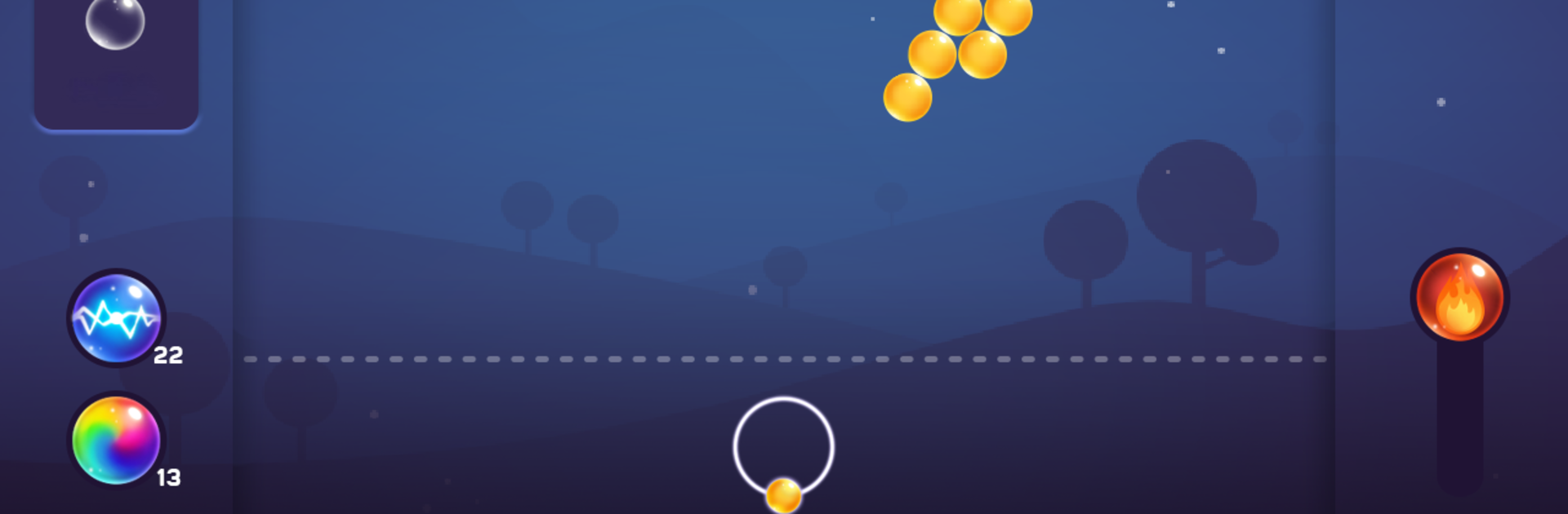
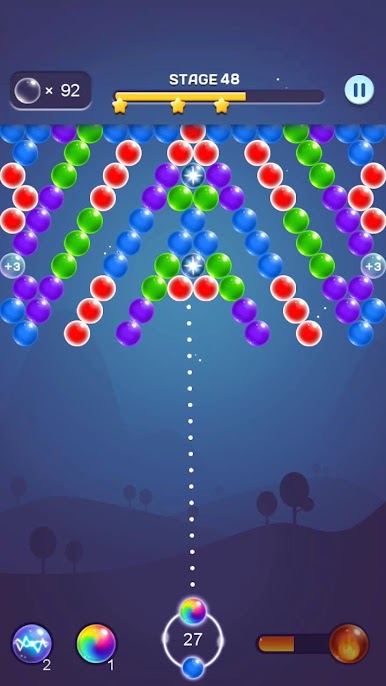
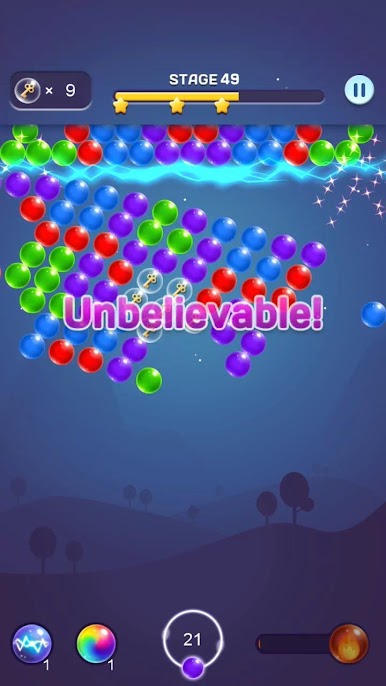
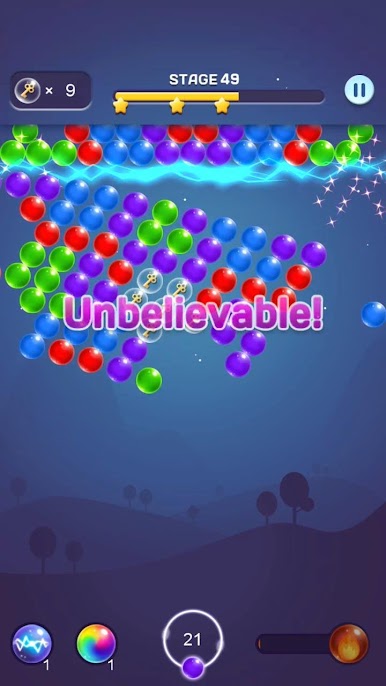
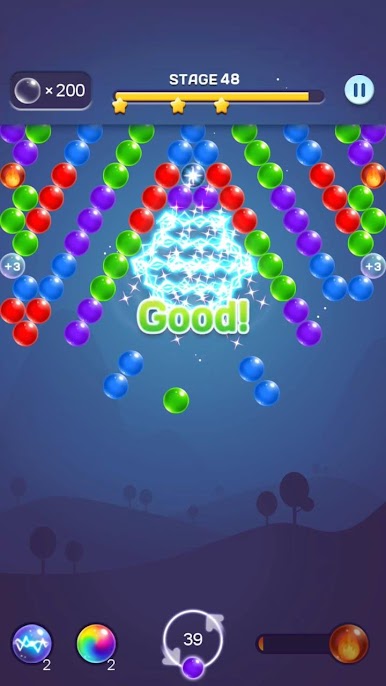
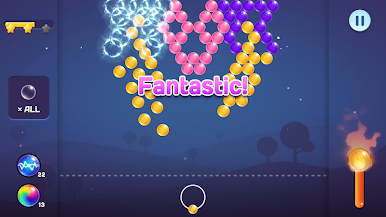
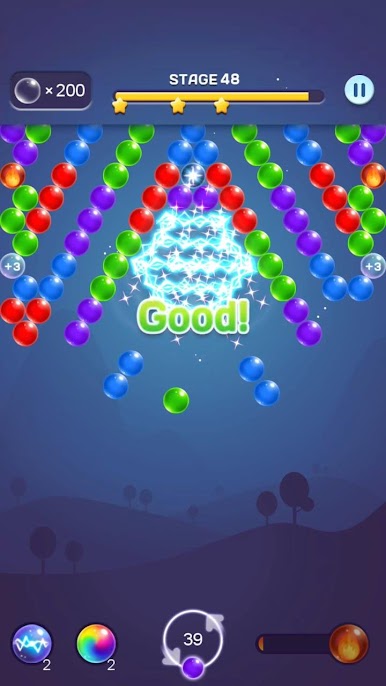
Bring your A-game to Bubble Shooter Pop Puzzle, the Puzzle game sensation from mobirix. Give your gameplay the much-needed boost with precise game controls, high FPS graphics, and top-tier features on your PC or Mac with BlueStacks.
About the Game
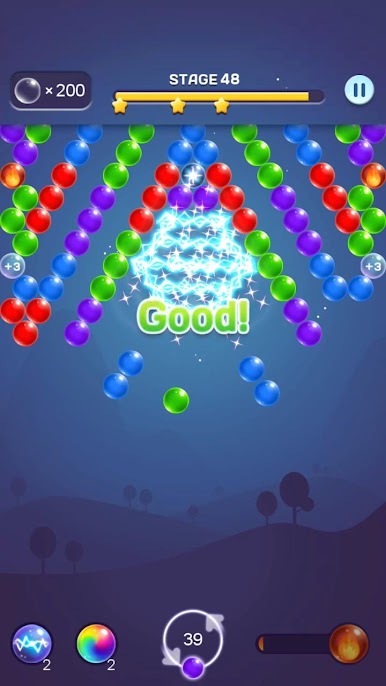
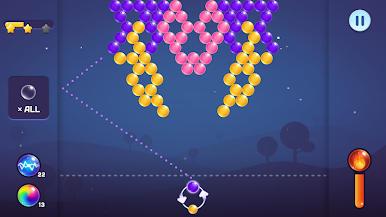
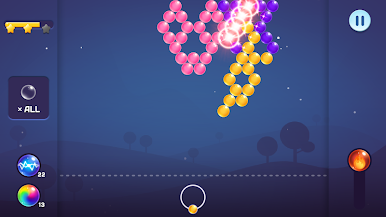
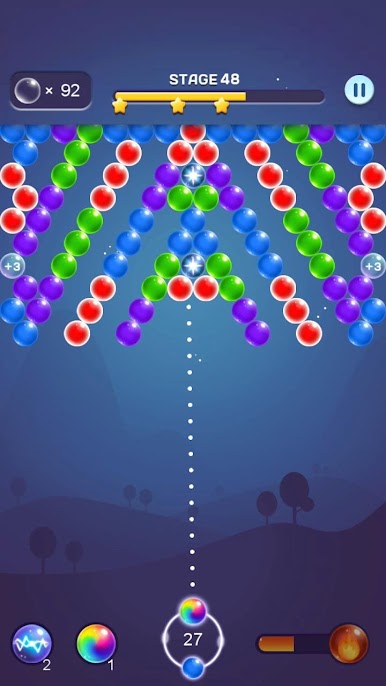
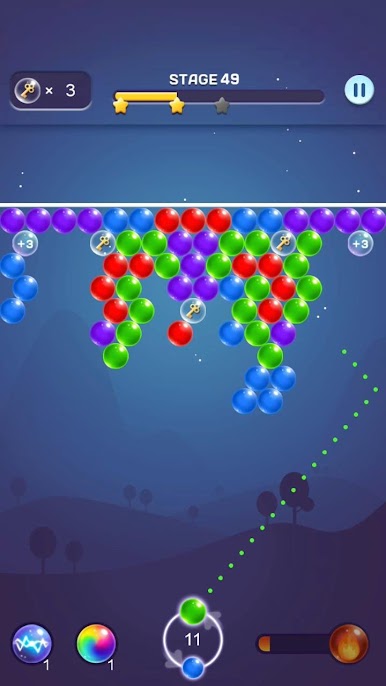
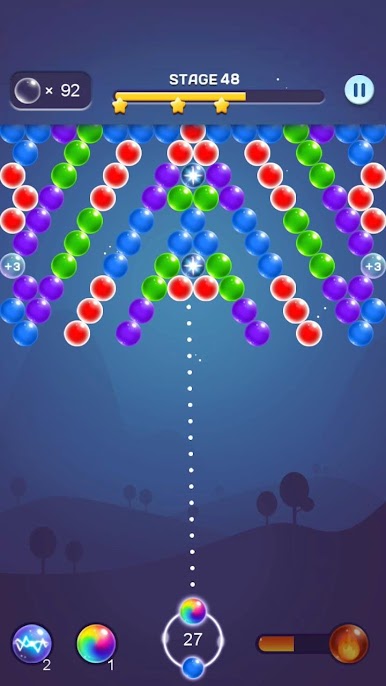
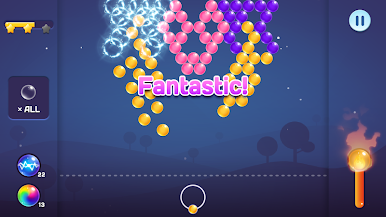
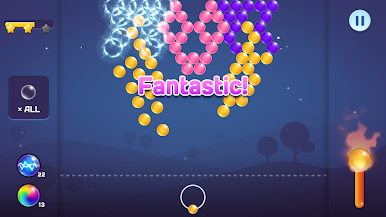
If you’re into casual puzzle games and love a bit of color-matching action, Bubble Shooter Pop Puzzle by mobirix is right up your alley. You’ll be popping colorful bubbles, clearing tricky boards, and maybe even challenging friends—all wrapped up in a game that’s easy to start but hard to put down. Whether you’re a first-time player or a puzzle game pro, this one brings plenty of levels and fun surprises.
Game Features
-
Loads of Unique Levels
There’s no shortage of boards to tackle, each with its own layout and bubble patterns, so boredom isn’t really an option. -
Special Bubbles & Handy Items
Stuck on a stubborn cluster? You’ll find four different special bubbles plus two support items to help burst tough spots and keep your game rolling. -
Free Power Skills
Power-ups are part of the deal—you can use handy skills without worrying about paywalls, making it easier to blast through tricky challenges. -
One-Shot Mode
Like an extra challenge? Put your aim to the test in a special mode where each shot counts. -
Face Off in Multiplayer
Want to mix things up? Grab a friend or match with someone new in head-to-head battles. -
Language Options Galore
No worries if English isn’t your first language—the game supports sixteen, so it’s super easy to pick up. -
Track Your Achievements
Looking for bragging rights? There’s a leaderboard and achievement system to keep things competitive. -
Tablet Friendly
Playing on a big screen? Bubble Shooter Pop Puzzle works smoothly on tablets, and you can also try out the game on PC with BlueStacks for an even larger view and smoother controls.
Start your journey now. Download the game on BlueStacks, invite your friends, and march on a new adventure.
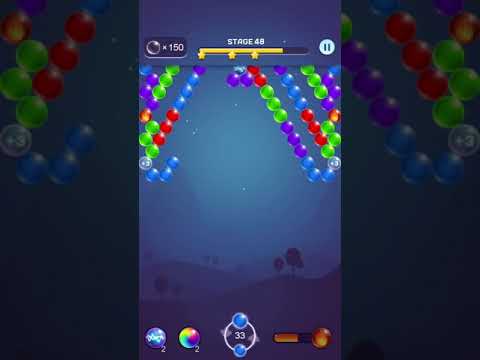
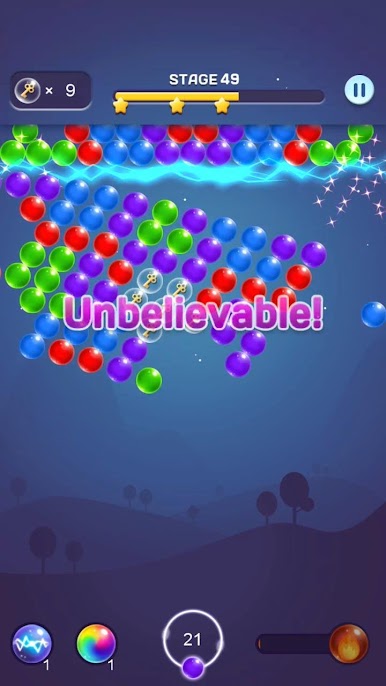
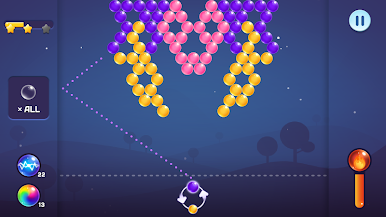
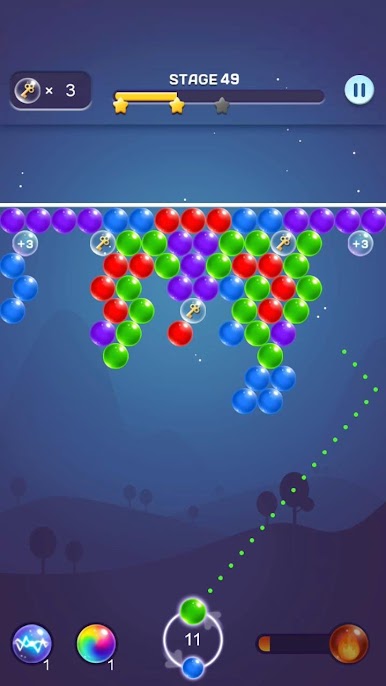
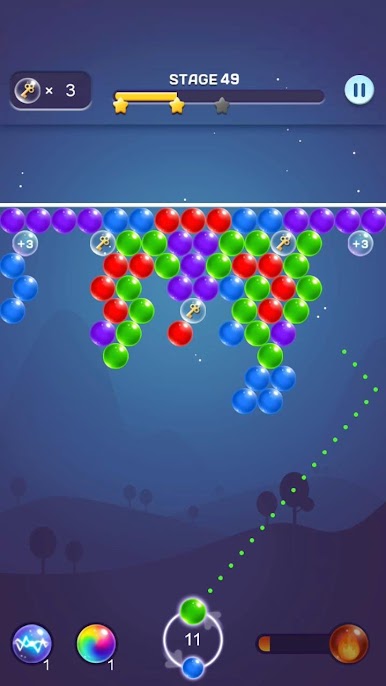
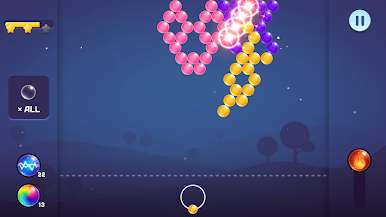
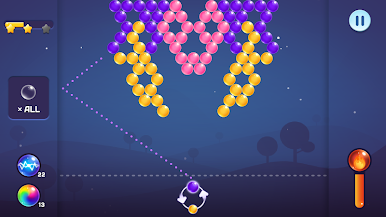
在電腦上遊玩泡泡射擊流行拼圖 . 輕易上手.
-
在您的電腦上下載並安裝BlueStacks
-
完成Google登入後即可訪問Play商店,或等你需要訪問Play商店十再登入
-
在右上角的搜索欄中尋找 泡泡射擊流行拼圖
-
點擊以從搜索結果中安裝 泡泡射擊流行拼圖
-
完成Google登入(如果您跳過了步驟2),以安裝 泡泡射擊流行拼圖
-
在首頁畫面中點擊 泡泡射擊流行拼圖 圖標來啟動遊戲

