


このページには広告が含まれます
Landlord Studio
ビジネス | Landlord Studio
BlueStacksを使ってPCでプレイ - 5憶以上のユーザーが愛用している高機能Androidゲーミングプラットフォーム

Play Landlord Studio on PC
With Landlord Studio your first 3 properties are FREE and you have all the rental accounting and property management software tools you need to save time and money managing your rentals.
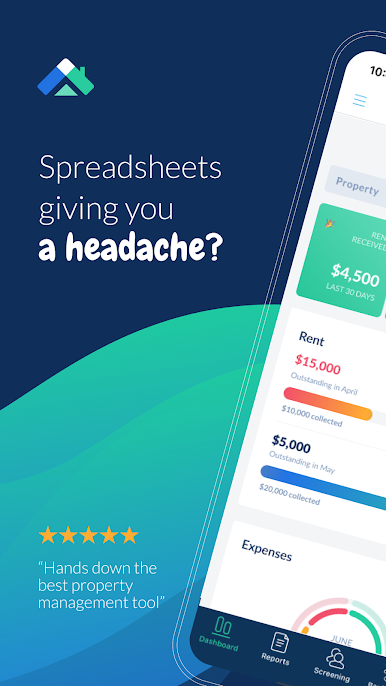
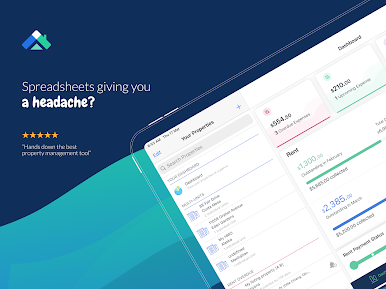
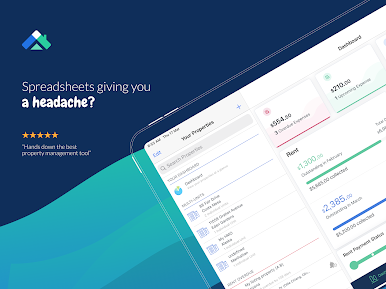
Ditch the spreadsheets and manage your rentals on autopilot!
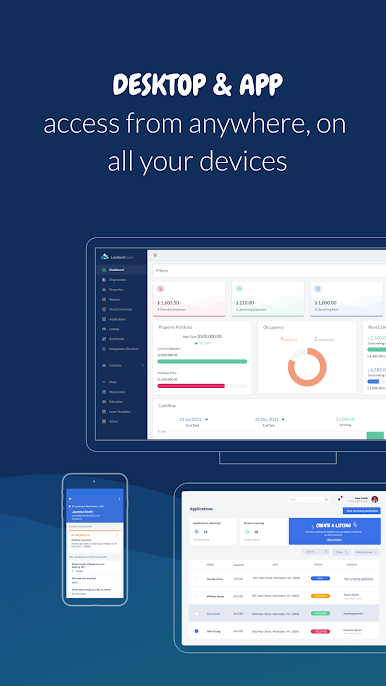
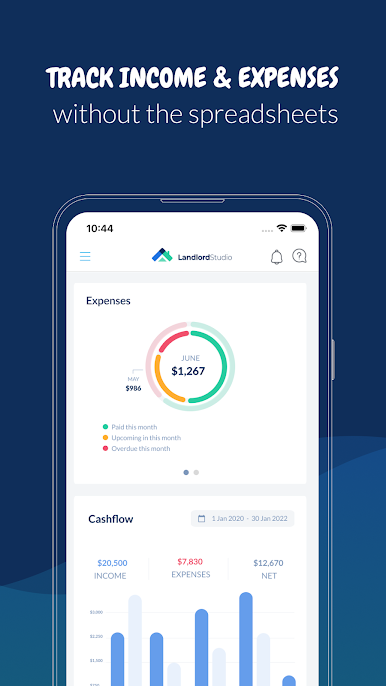
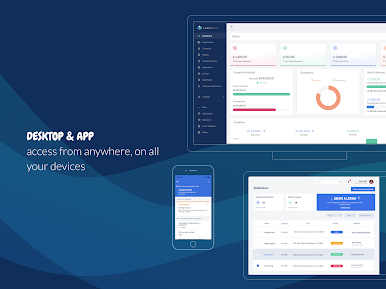
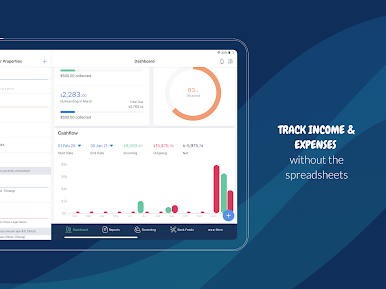
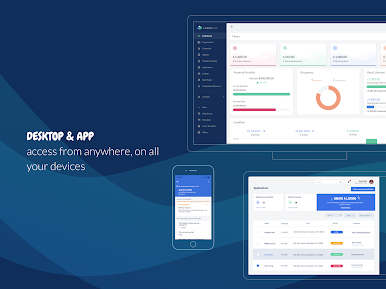
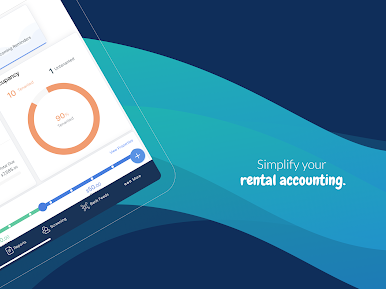
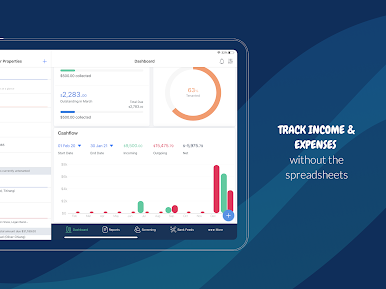
Track income and expenses for every property, collect rent online, create professional tax reports, screen and manage tenants, set reminders, and lots more. Our cloud platform is available on Mobile and Desktop.
Easily keep your accounts organized for tax time with advanced financial features:
– Organization, Property, and Unit Level Expense Tracking
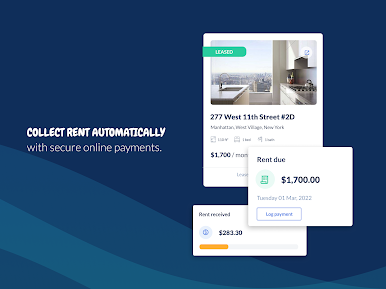
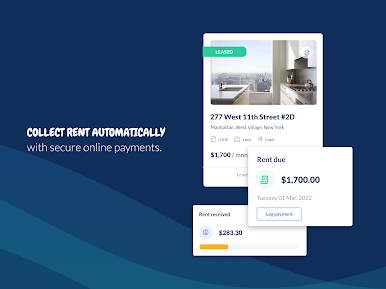
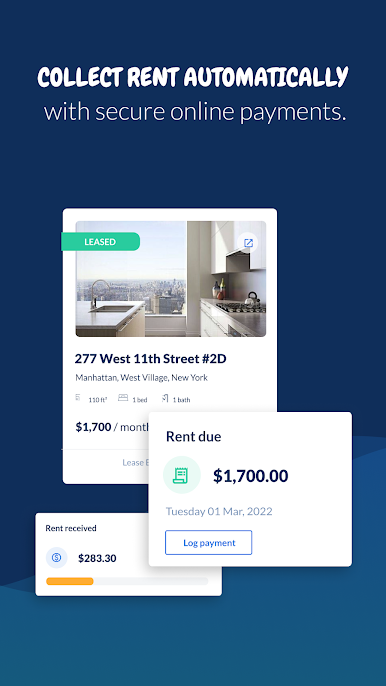
– Online Rent Collection
– Securely Connect Your Bank Account To Import Transactions
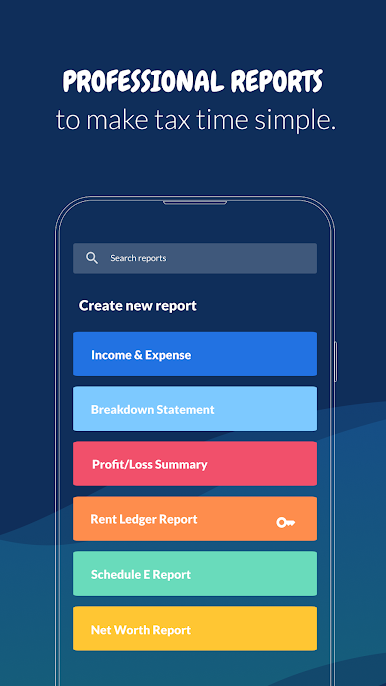
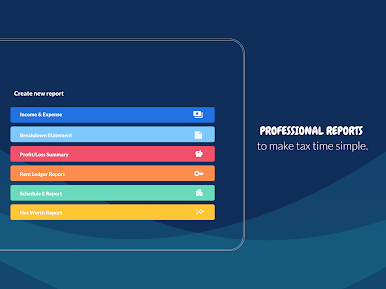
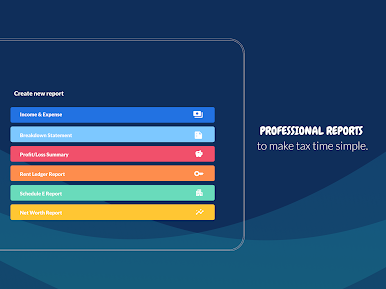
– Create Professional Tax Reports
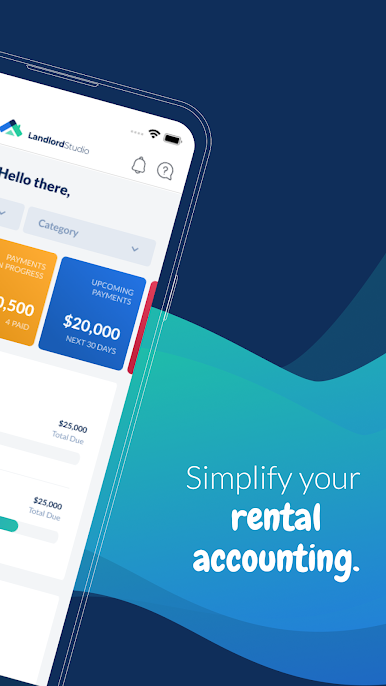
– Beautiful Financial Dashboard Overview
– Record your Mileage
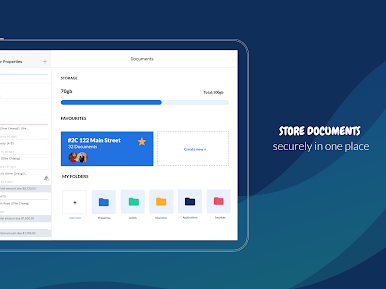
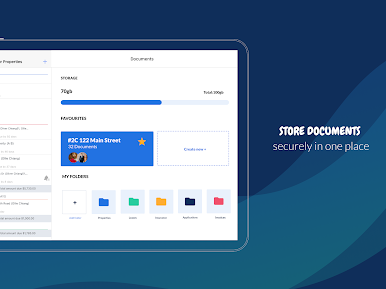
– Upload & Organize Documents and Receipts
– Smart Receipt Scan
Our smart rental management will automate important tasks, so you can have more time to do the things you want to:
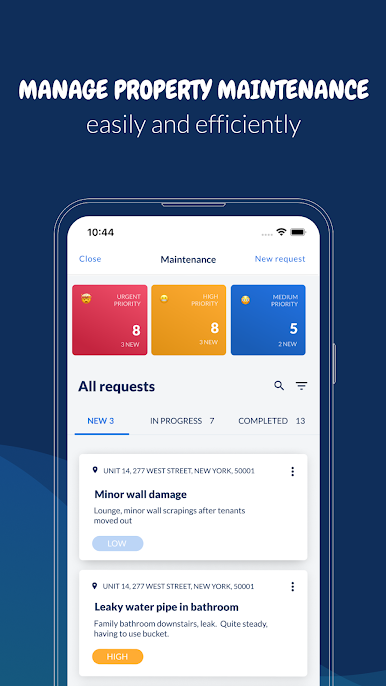
– Set Gas, Inspection, Electrical, and Other Reminders
– Secure Cloud Storage For Important Documents
– Centralized Management For Contractors & Suppliers
– Track Mortgage & Valuation Overview
We take the stress out of finding and managing your tenants:
– Create and share your property listings
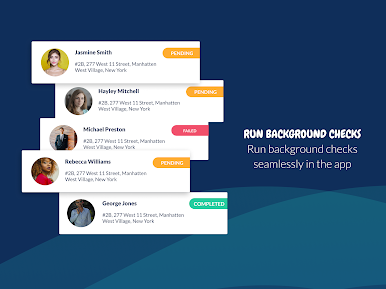
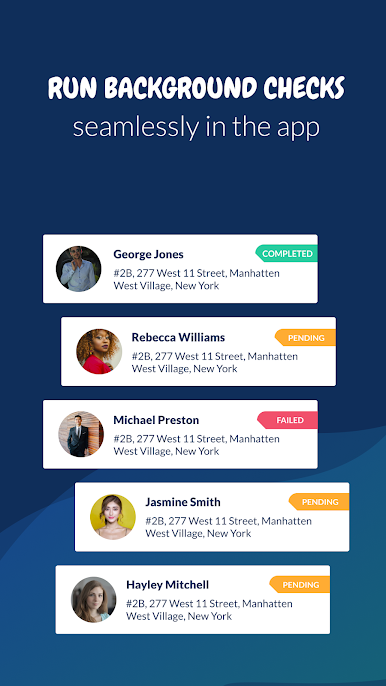
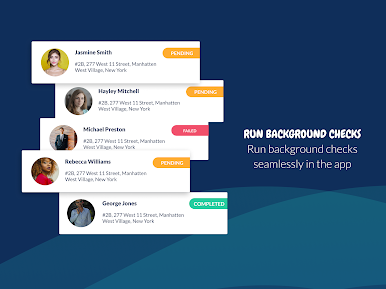
– Built-In SmartMove® Tenant Screening
– Easily Email, Phone or SMS tenants
– Automated Rent & Overdue Rent Reminders
– Organize All Your Tenants & Prospects In One Place
Battle Tested, and Trusted by 80,000+ landlords and property managers from 60+ countries worldwide
We are continuously developing our software based on user feedback – this means our users have a big say in what new features we develop!
Having trouble? Please reach out to help@landlordstudio.com
Start for FREE today to track your rental income and expenses the easy way.
Ditch the spreadsheets and manage your rentals on autopilot!
Track income and expenses for every property, collect rent online, create professional tax reports, screen and manage tenants, set reminders, and lots more. Our cloud platform is available on Mobile and Desktop.
Easily keep your accounts organized for tax time with advanced financial features:
– Organization, Property, and Unit Level Expense Tracking
– Online Rent Collection
– Securely Connect Your Bank Account To Import Transactions
– Create Professional Tax Reports
– Beautiful Financial Dashboard Overview
– Record your Mileage
– Upload & Organize Documents and Receipts
– Smart Receipt Scan
Our smart rental management will automate important tasks, so you can have more time to do the things you want to:
– Set Gas, Inspection, Electrical, and Other Reminders
– Secure Cloud Storage For Important Documents
– Centralized Management For Contractors & Suppliers
– Track Mortgage & Valuation Overview
We take the stress out of finding and managing your tenants:
– Create and share your property listings
– Built-In SmartMove® Tenant Screening
– Easily Email, Phone or SMS tenants
– Automated Rent & Overdue Rent Reminders
– Organize All Your Tenants & Prospects In One Place
Battle Tested, and Trusted by 80,000+ landlords and property managers from 60+ countries worldwide
We are continuously developing our software based on user feedback – this means our users have a big say in what new features we develop!
Having trouble? Please reach out to help@landlordstudio.com
Start for FREE today to track your rental income and expenses the easy way.
Landlord StudioをPCでプレイ
-
BlueStacksをダウンロードしてPCにインストールします。
-
GoogleにサインインしてGoogle Play ストアにアクセスします。(こちらの操作は後で行っても問題ありません)
-
右上の検索バーにLandlord Studioを入力して検索します。
-
クリックして検索結果からLandlord Studioをインストールします。
-
Googleサインインを完了してLandlord Studioをインストールします。※手順2を飛ばしていた場合
-
ホーム画面にてLandlord Studioのアイコンをクリックしてアプリを起動します。

