


English Korean Dictionary
เล่นบน PC ผ่าน BlueStacks - Android Gaming Platform ที่ได้รับความไว้วางใจจากเกมเมอร์ 500 ล้านคนทั่วโลก

Page Modified on: Aug 28, 2024
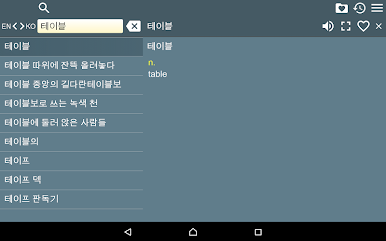
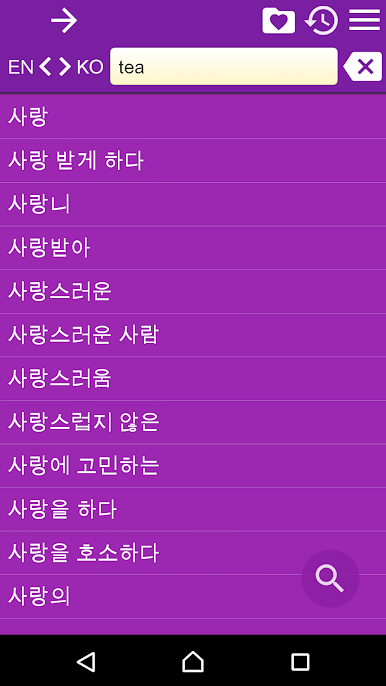
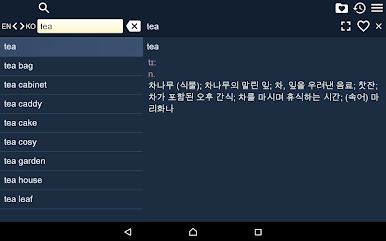
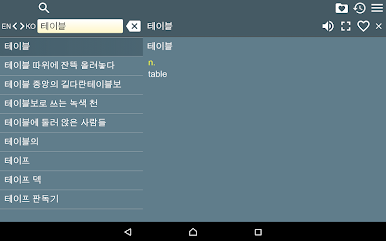
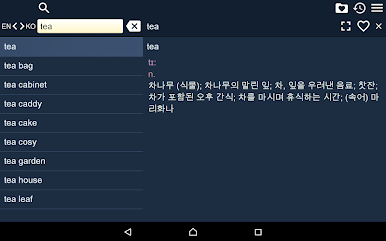
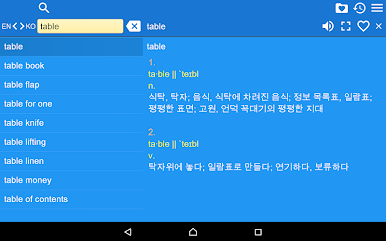
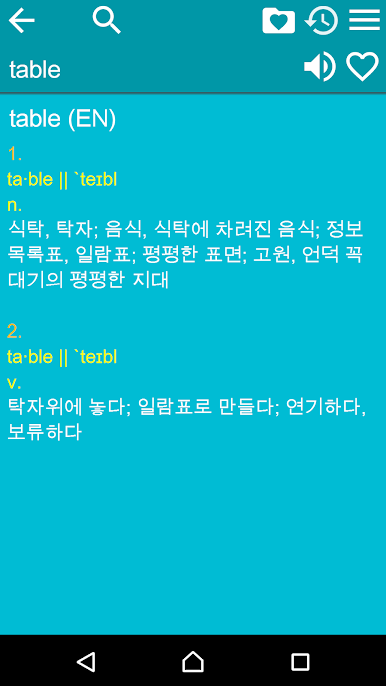
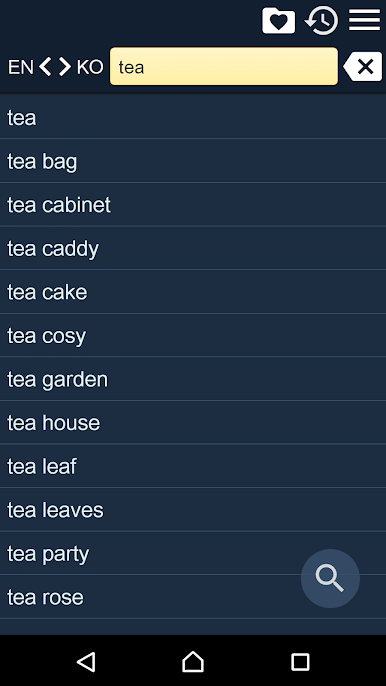
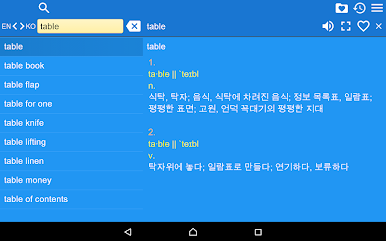
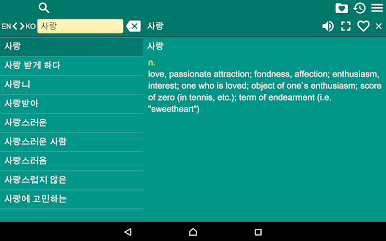
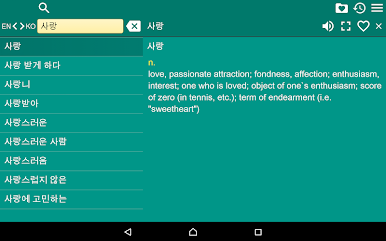
Play English Korean Dictionary on PC
Database size is more than 32MB. It will be downloaded when the application is run first time. We recommend you to use Wi-Fi connection.
Main features:
1. History – every word you ever viewed is stored in history.
2. Favorites – you are able to add words to favorites list by clicking the “star” icon.
3. Managing History and Favorites lists – you are able edit those lists or clear them.
4. Various Settings – you may change application’s font and theme (choose one of several color themes).
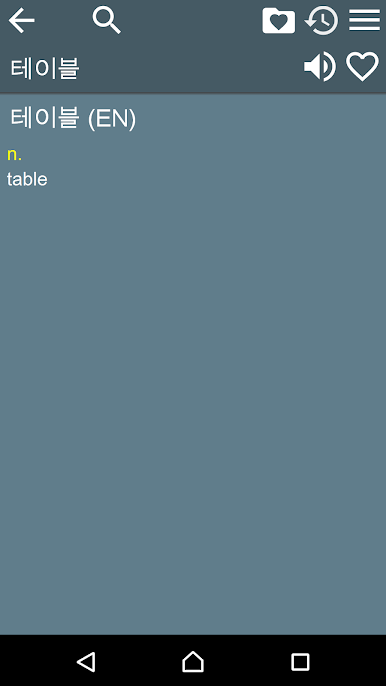
5. Context word search – click any word in translation article and search for it’s translation.
6. Random word of the day widget. To see the widget in the list the application must be installed to phone memory (dictionary database may be installed anywhere).
This app contains advertising.


เล่น English Korean Dictionary บน PC ได้ง่ายกว่า
-
ดาวน์โหลดและติดตั้ง BlueStacks บน PC ของคุณ
-
ลงชื่อเข้าใช้แอคเคาท์ Google เพื่อเข้าสู่ Play Store หรือทำในภายหลัง
-
ค้นหา English Korean Dictionary ในช่องค้นหาด้านขวาบนของโปรแกรม
-
คลิกเพื่อติดตั้ง English Korean Dictionary จากผลการค้นหา
-
ลงชื่อเข้าใช้บัญชี Google Account (หากยังไม่ได้ทำในขั้นที่ 2) เพื่อติดตั้ง English Korean Dictionary
-
คลิกที่ไอคอน English Korean Dictionary ในหน้าจอเพื่อเริ่มเล่น

