


Filtros De Câmera De Beleza
Jogue no PC com BlueStacks - A Plataforma de Jogos Android, confiada por mais de 500 milhões de jogadores.

Página modificada em: Jul 3, 2025
Run Beauty Sweet Plus - Beauty Cam on PC or Mac
Why limit yourself to your small screen on the phone? Run Beauty Sweet Plus – Beauty Cam, an app by Sataci Studio, best experienced on your PC or Mac with BlueStacks, the world’s #1 Android emulator.
Beauty Sweet Plus – Beauty Cam is basically a selfie editor that does nearly everything you’d want for touching up photos and adding a little fun to your shots. When someone opens it up on PC with BlueStacks, it works like a smooth selfie station right from your computer—loads of real-time filters that can totally change up the look before the picture’s even taken. The face stickers are cute and there’s just a big selection, so it’s easy to mess around with different moods or styles. Editing after the photo’s snapped is just as easy, with simple controls to whiten teeth, clear up any blemishes, or even smooth out skin tone so everything looks polished but not unnatural.
It’s not just about making people look flawless—there are tools for retouching makeup, reshaping features, or adding blush and color if someone wants. There’s also a collage maker, so picking a few favorite photos and putting them into one layout is fast and actually feels fun, not clunky. The app goes a step further with things like automatic cutout tools to erase backgrounds, a selfie timer, and even body reshaping if adjusting that sort of thing matters. Photos can be turned into slideshows with music as well, so sharing or saving memories from a day out feels easy. Everything is put together with a user-friendly vibe, so messing around with filters and tweaks doesn’t feel frustrating or overwhelming, especially when using a mouse through BlueStacks. If someone likes taking selfies or just wants to clean up their photos before sharing—with a lot of control but not too much effort—this app covers a lot of ground.
BlueStacks brings your apps to life on a bigger screen—seamless and straightforward.

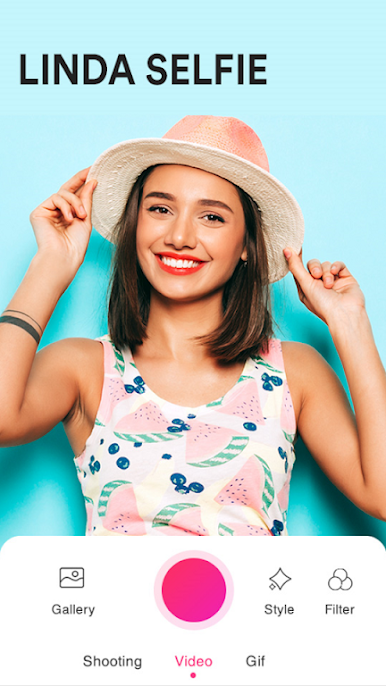

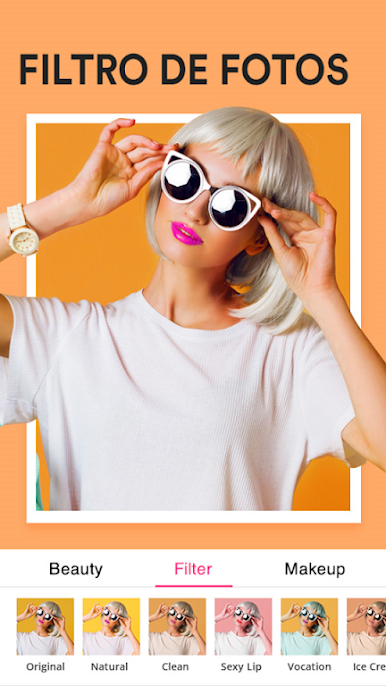


Jogue Filtros De Câmera De Beleza no PC. É fácil começar.
-
Baixe e instale o BlueStacks no seu PC
-
Conclua o login do Google para acessar a Play Store ou faça isso mais tarde
-
Procure por Filtros De Câmera De Beleza na barra de pesquisa no canto superior direito
-
Clique para instalar Filtros De Câmera De Beleza a partir dos resultados da pesquisa
-
Conclua o login do Google (caso você pulou a etapa 2) para instalar o Filtros De Câmera De Beleza
-
Clique no ícone do Filtros De Câmera De Beleza na tela inicial para começar a jogar

