

Pembuat Video dari Foto, Musik
Mainkan di PC dengan BlueStacks – platform Game-Game Android, dipercaya oleh lebih dari 500 juta gamer.

Run Video Maker from Photos, Music & video editor on PC or Mac
What’s better than using Video Maker from Photos, Music & video editor by video photo maker studio? Well, try it on a big screen, on your PC or Mac, with BlueStacks to see the difference.
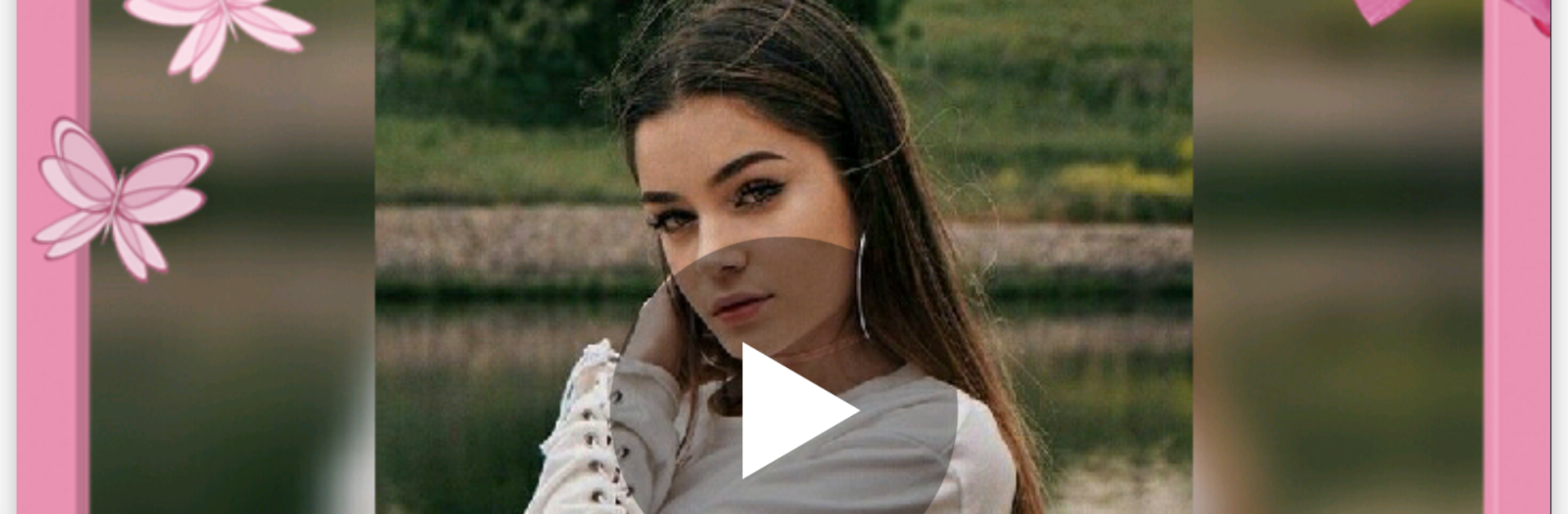
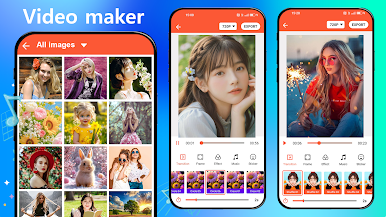
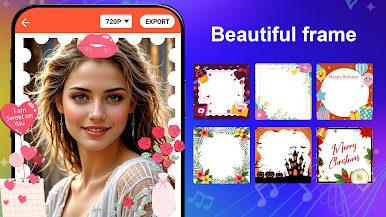
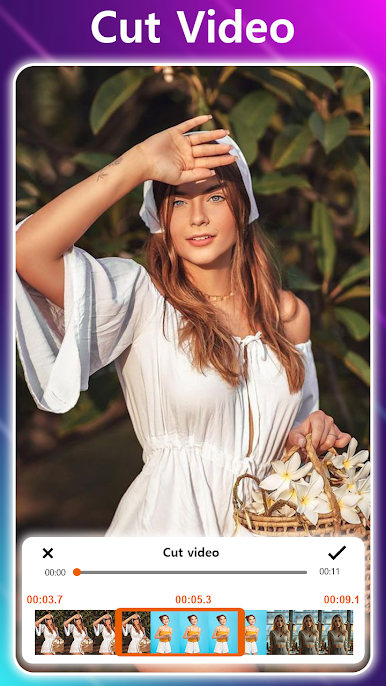
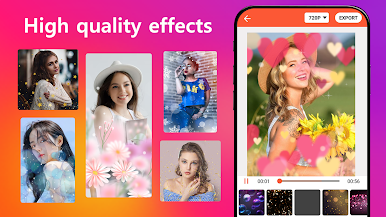
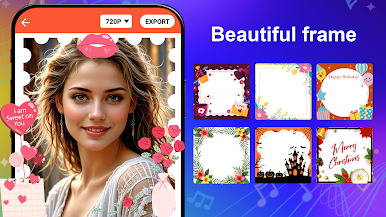
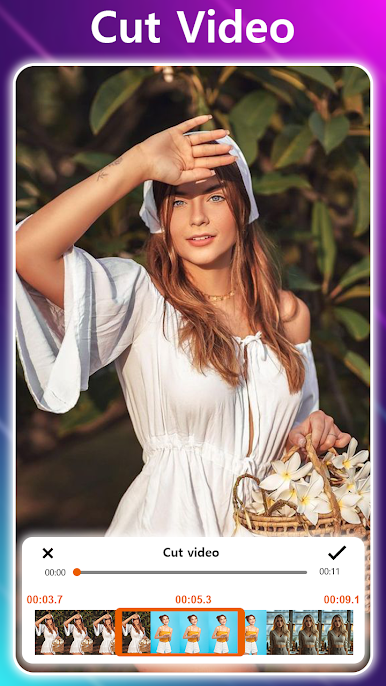
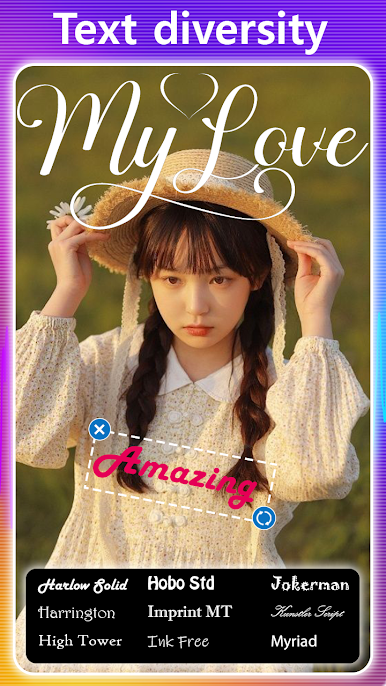
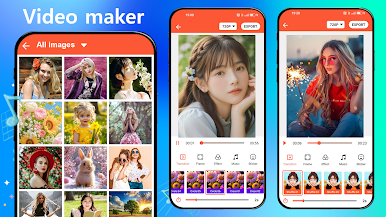
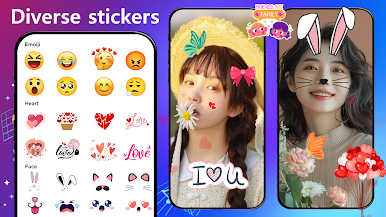
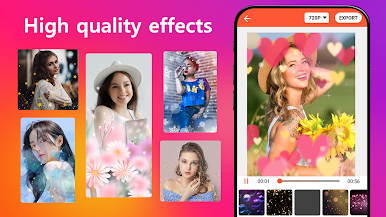
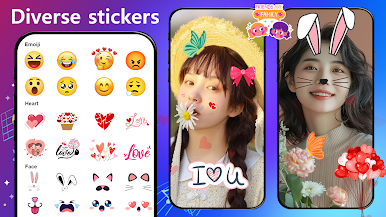
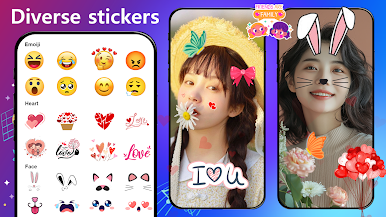
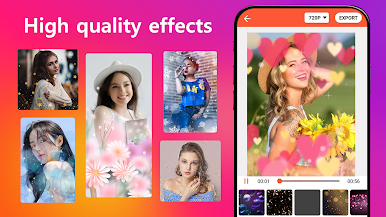
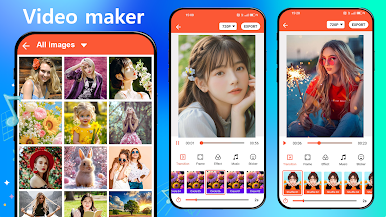
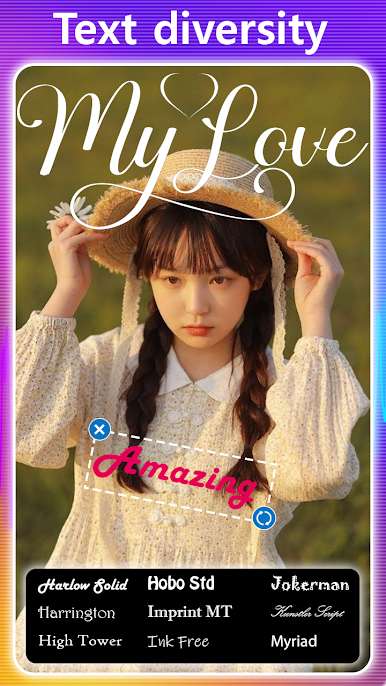
This feels like a straightforward little studio for turning a pile of photos into a short music video. The flow is simple: pick photos, pick a song, set how long each picture stays on screen, then decorate with effects, text, stickers, and transitions. It is not trying to be a complicated timeline editor, which is nice. Users can crop pictures before they go in, add filters, toss on frames, and even sprinkle a few sound effects if they want. The big draw is the one tap themes that instantly give everything a bit of style, sometimes bold, sometimes softer. On a PC with BlueStacks, picking lots of photos and typing captions is easier, and the bigger preview helps when adjusting timing so beats hit right.
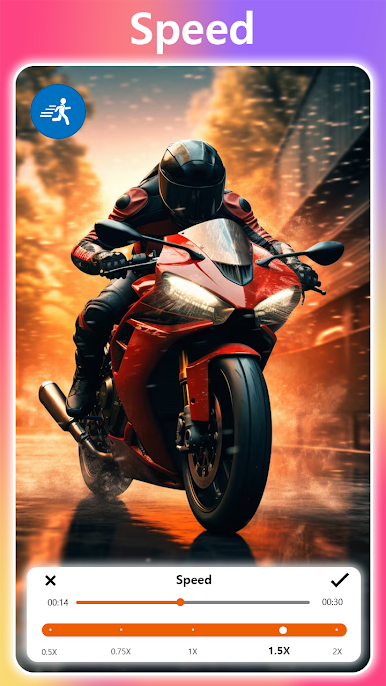
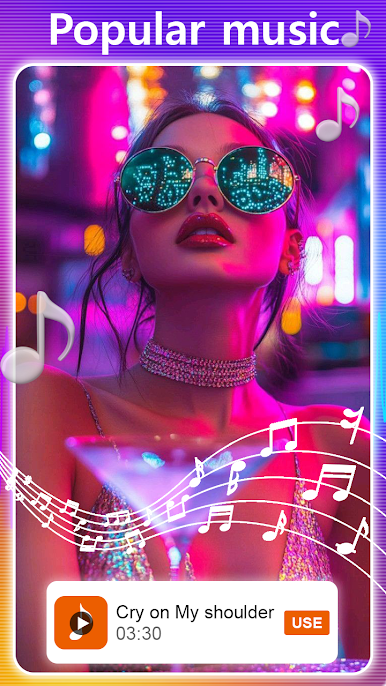
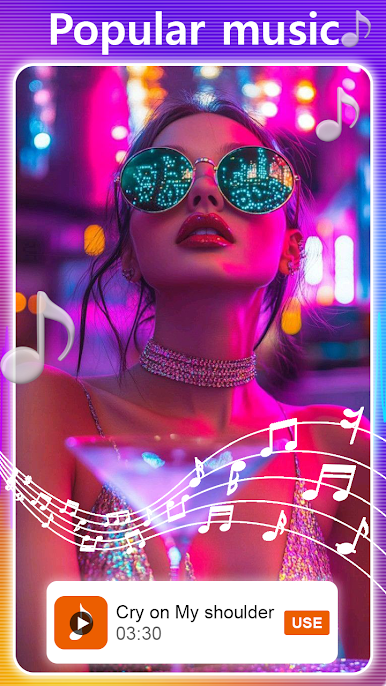
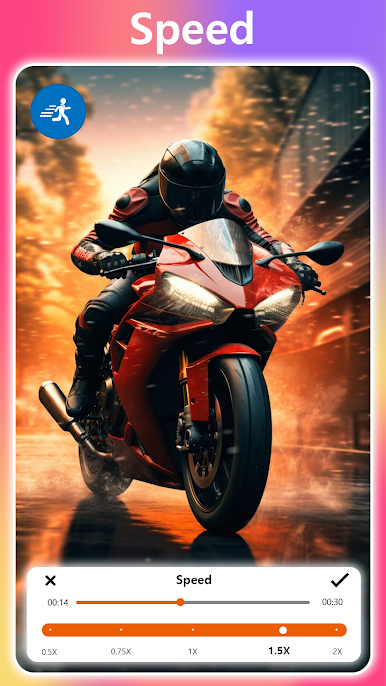
What stands out is how fast it gets from idea to finished clip. The built in music pack is small, just a handful of melodies, but the app lets users import their own tracks and trim them so the cut fits. Speed controls are there, so a slideshow can move slow for a wedding set or snap through vacation shots. Exports save to the device and share to the usual apps without fuss. It is free, light, and friendly for birthdays, memory reels, quick recaps. Not a pro tool, but for casual edits it hits the spot. Very little learning curve, although long slideshows can take a moment to render, and some themes are a bit flashy, but that is part of the charm.
Switch to BlueStacks and make the most of your apps on your PC or Mac.
Mainkan Pembuat Video dari Foto, Musik di PC Mudah saja memulainya.
-
Unduh dan pasang BlueStacks di PC kamu
-
Selesaikan proses masuk Google untuk mengakses Playstore atau lakukan nanti
-
Cari Pembuat Video dari Foto, Musik di bilah pencarian di pojok kanan atas
-
Klik untuk menginstal Pembuat Video dari Foto, Musik dari hasil pencarian
-
Selesaikan proses masuk Google (jika kamu melewati langkah 2) untuk menginstal Pembuat Video dari Foto, Musik
-
Klik ikon Pembuat Video dari Foto, Musik di layar home untuk membuka gamenya

