


영작연습과 영어회화
Graj na PC z BlueStacks – Platforma gamingowa Android, która uzyskała zaufanie ponad 500 milionów graczy!

Strona zmodyfikowana w dniu: Oct 4, 2025
Play 영작연습과 영어회화 on PC
(English Writing, Click English Writing: 20,995 sentences / Vocabulary Practice 1, 2: 22,175 sentences / English Writing Notes: 580 sentences / Business Letters: 60 sentences / English Conversation: 146 situations / Error Finding: 945 sentences)
Updated: October 4, 2025
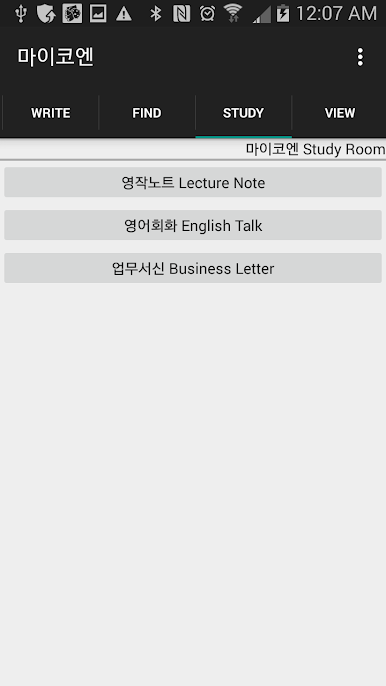
English Writing Practice is an app provided by MyKoEn (www.myKoEn.com) and provides the following basic features:
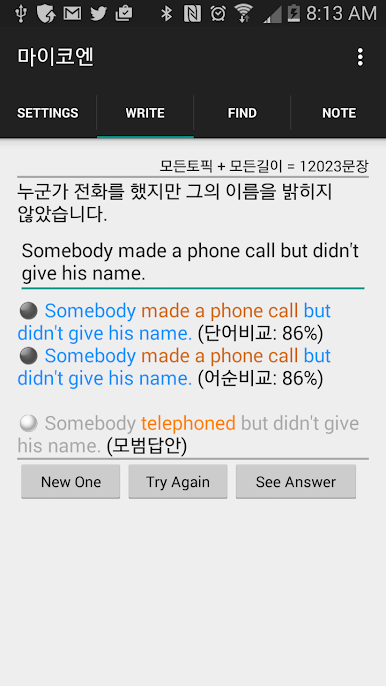
1. English Writing Practice - Practice writing by viewing Korean or listening to English sentences.
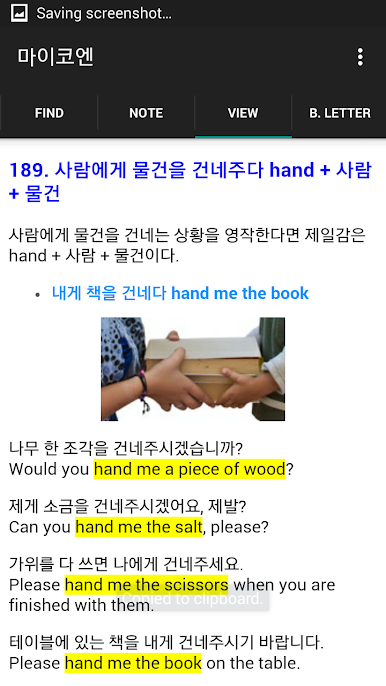
2. Click English Writing - Select English words listed in a button format to complete an English composition.
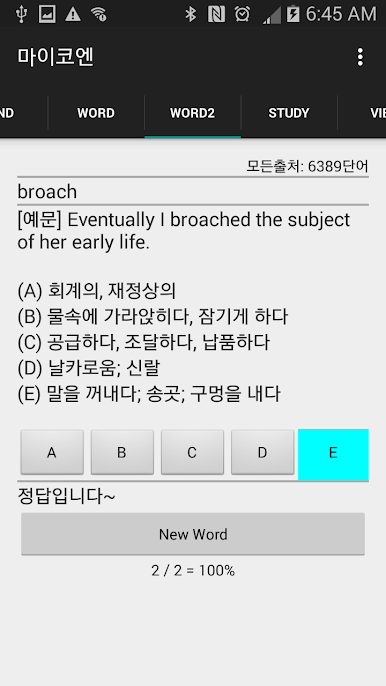
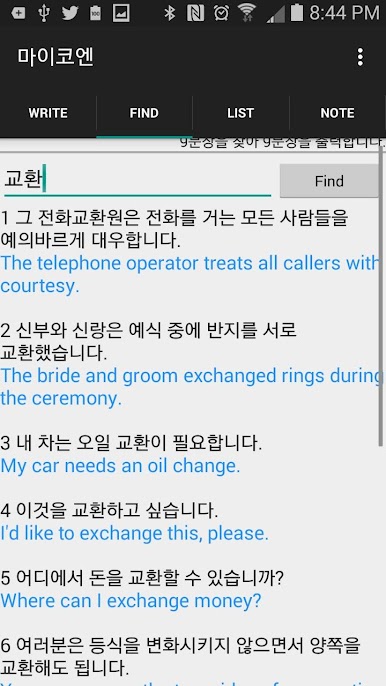
3. Sentence Finder - Enter a word (Korean or English) to find a sentence and use it in writing or conversation. 4. Vocabulary Practice - Solve multiple-choice questions by looking at and listening to explanations of words. (Type 1, Type 2)
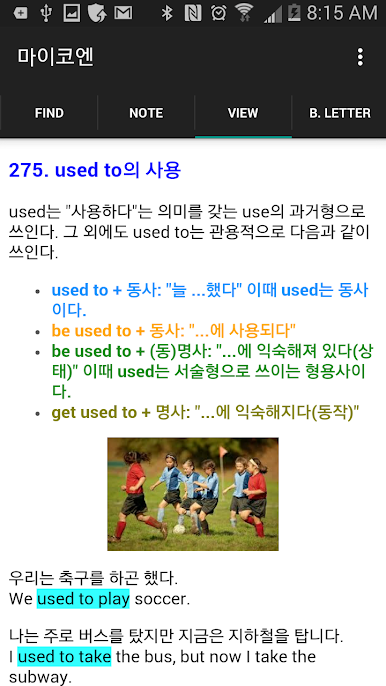
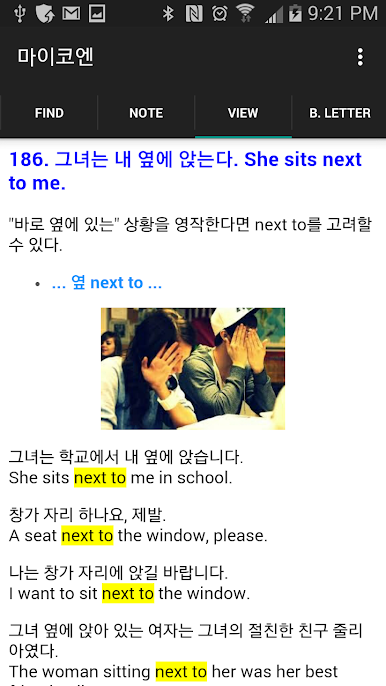
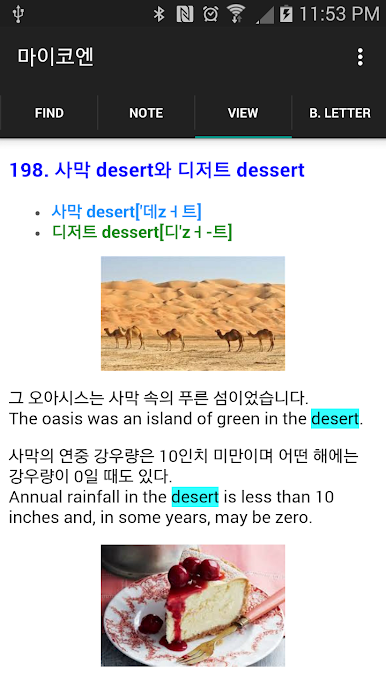
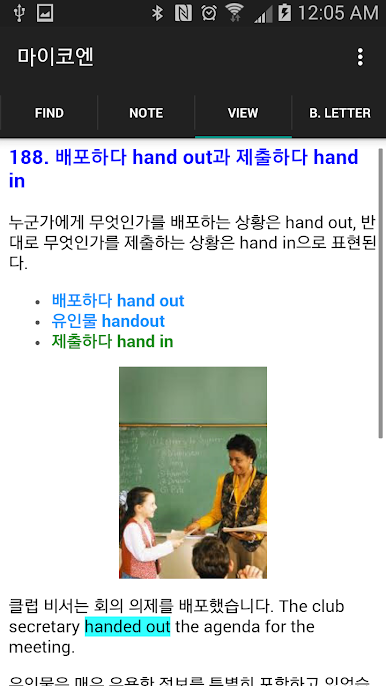
5. English Writing Notes - Study essential grammar and vocabulary usage for English writing.
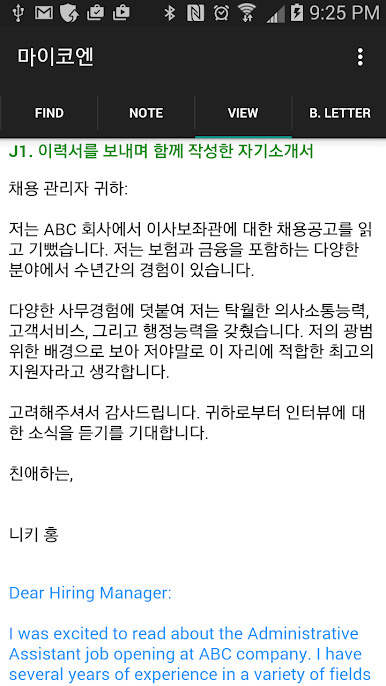
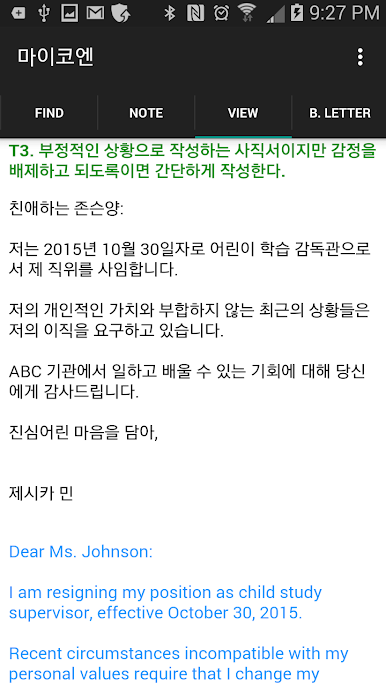
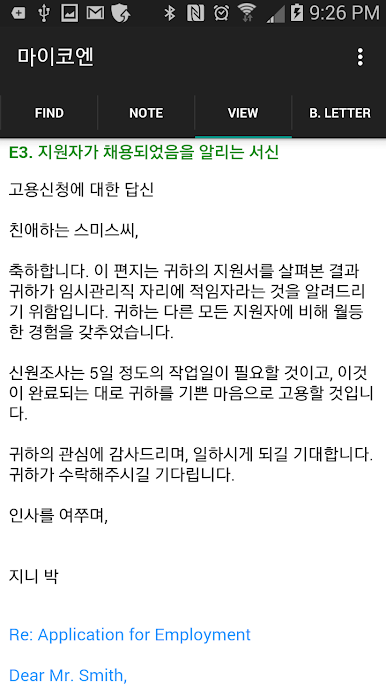
6. Business Letters - Includes business letter examples for various situations, allowing you to apply them to real-world work situations.
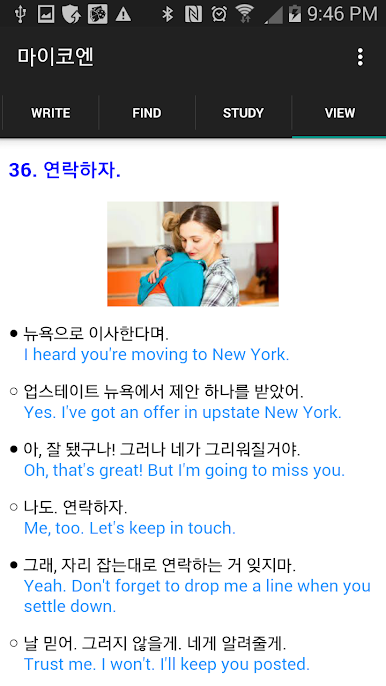
7. English Conversation - Learn English conversation in everyday life.
8. Error Finding - Practicing finding errors in English sentences is a great way to learn English writing.
(English Writing Practice is not an automatic converter or translation app. It aims to cultivate English writing skills by allowing users to create their own sentences. myKoEn is not an automatic converter or translation app. Users should create an English sentence by themselves watching a Korean sentence.)
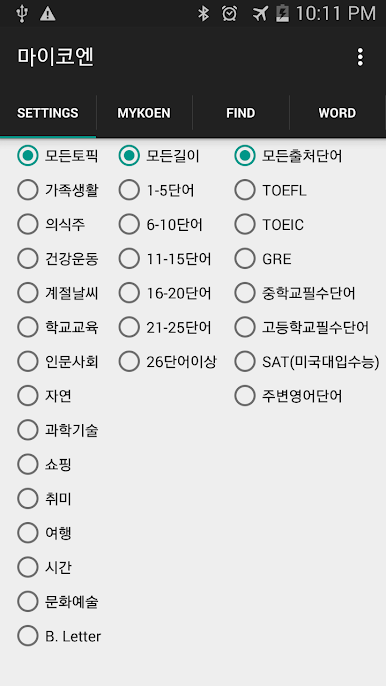
1. English Writing Practice is an app that allows you to practice writing English while watching Korean text. Users can practice entire sentences or select a specific topic and word count to practice writing only those sentences. The available topics and word count options are as follows:
Topics: All Topics, Family Life, Food, Clothing, Shelter, Health & Exercise, Seasonal Weather, School Education, Humanities & Social Sciences, Nature, Science & Technology, Shopping, Hobbies, Travel, Time, Culture & Arts, Business Letter
Word Count: Any Length, 1-5 Words, 6-10 Words, 11-15 Words, 16-20 Words, 21-25 Words, 26 Words or More
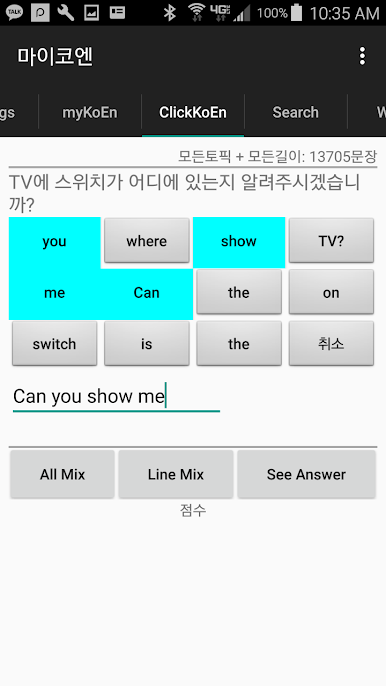
2. Click Writing allows you to complete your English composition by selecting randomly arranged words in the form of buttons instead of directly entering your English composition. You can randomly arrange all the words in a sentence or arrange the words in groups of four words.
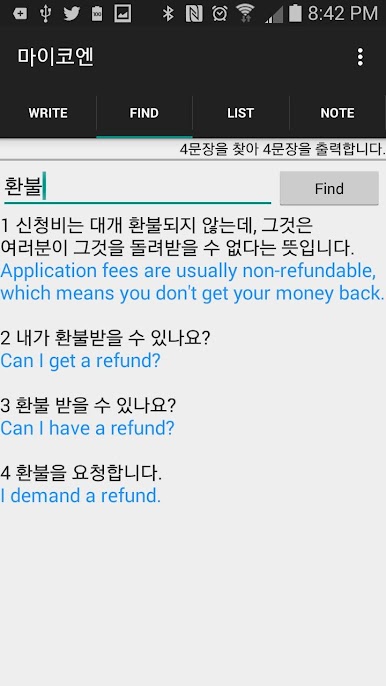
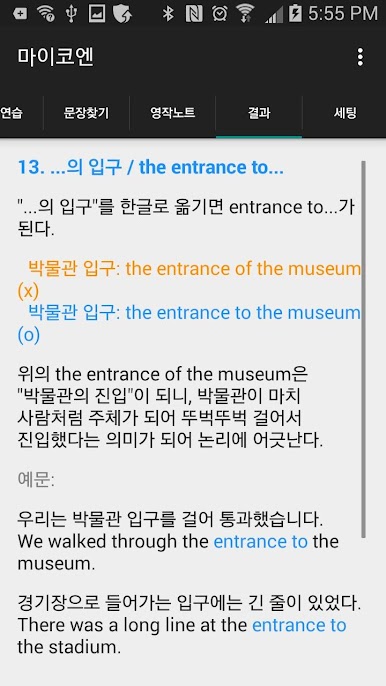
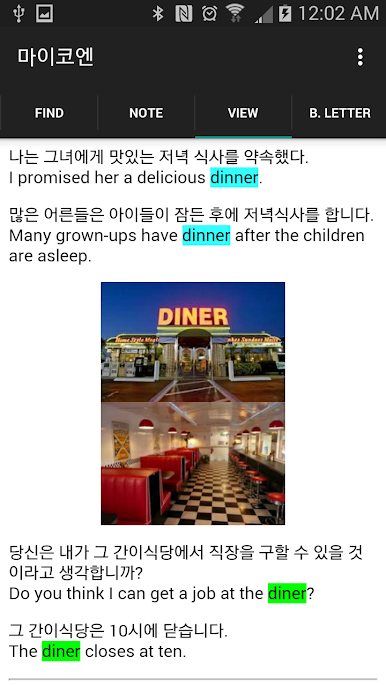
3. Sentence Finder is a feature that can be used to write general letters or business letters. It displays sentences containing the entered word or string in both Korean and English. When users enter a word they need, such as "subway," "shopping," "restaurant," "hotel," or "school," sentences containing that word are displayed, allowing them to instantly access example sentences for situations requiring English conversation. In addition to searching for sentences, users can also search for words and example sentences within the vocabulary list.
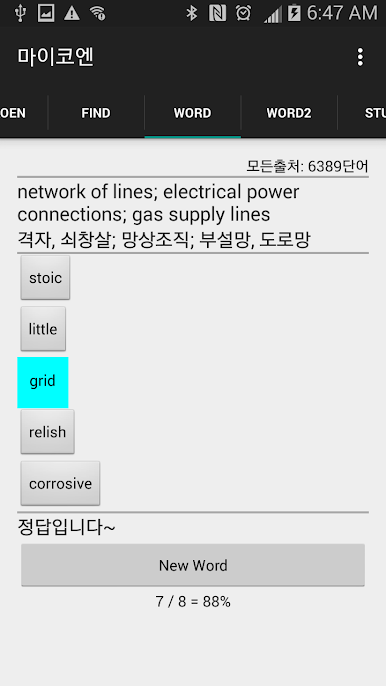
4. Vocabulary practice provides multiple-choice questions where users must match the corresponding English word to a Korean or English explanation of vocabulary required for various exams. These words can be categorized into TOEFL, TOEIC, TESOL, GRE, GMAT, middle school essential vocabulary, high school essential vocabulary, SAT (US college entrance exam), acronyms, current affairs, idioms, and other categories for practice. Words from all sources can also be combined for practice.
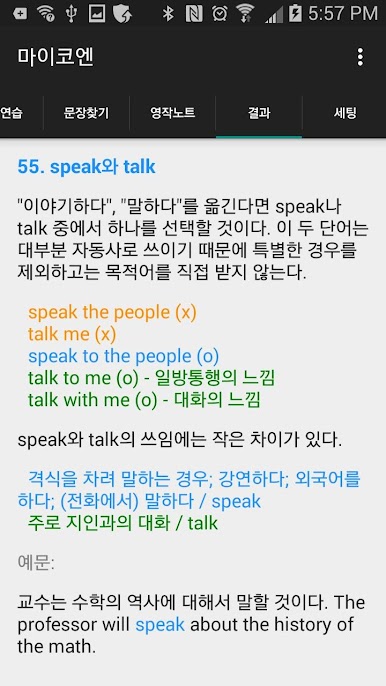
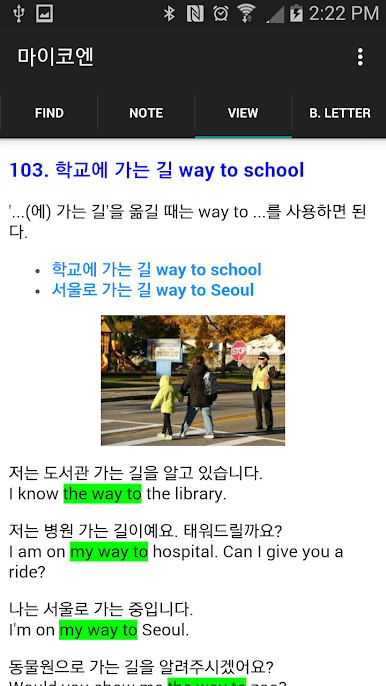
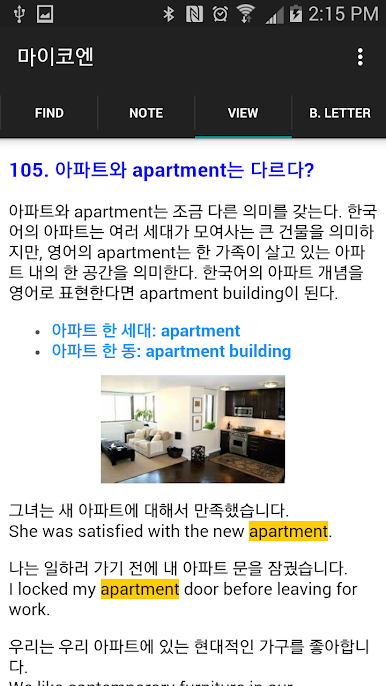
5. The English Writing Notes are small lecture notes that break down common vocabulary and phrases into smaller sections. They are helpful not only for writing but also for improving overall English skills.
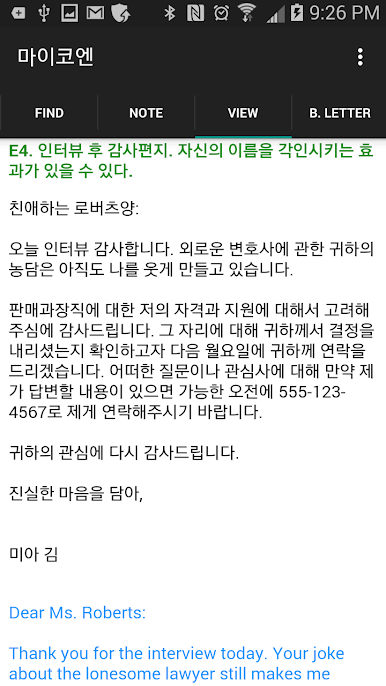
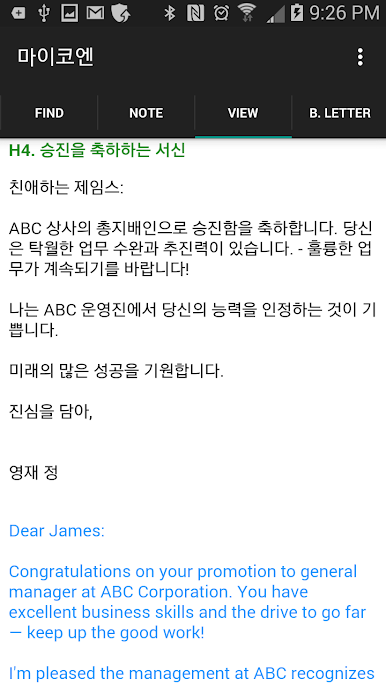
6. Business Letters provide sample letters based on the following categories, allowing them to be applied in real-world work situations. (Introduction / Letter of Recommendation / Job Seeking / Inquiry / Reservation / Order / Sales / Billing / Complaint / Apology / Invitation / Congratulations, Encouragement, Condolence / Resignation / Farewell)
7. English Conversation English Talk is divided into daily life / food and meals / health and exercise / seasons and weather / school and education / work and society / cars and transportation / travel, vacation, moving / shopping / time / expressing emotions / other situations, allowing students to learn English conversation and apply it in everyday life.
Provided by: myKoEn, a self-directed English writing program
Zagraj w 영작연습과 영어회화 na PC. To takie proste.
-
Pobierz i zainstaluj BlueStacks na PC
-
Zakończ pomyślnie ustawienie Google, aby otrzymać dostęp do sklepu Play, albo zrób to później.
-
Wyszukaj 영작연습과 영어회화 w pasku wyszukiwania w prawym górnym rogu.
-
Kliknij, aby zainstalować 영작연습과 영어회화 z wyników wyszukiwania
-
Ukończ pomyślnie rejestrację Google (jeśli krok 2 został pominięty) aby zainstalować 영작연습과 영어회화
-
Klinij w ikonę 영작연습과 영어회화 na ekranie startowym, aby zacząć grę

