


Guitar Tuner
음악 및 오디오 | myrApps s.r.o.
5억명 이상의 게이머가 신뢰하는 안드로이드 게임 플랫폼 BlueStacks으로 PC에서 플레이하세요.

Play Guitar Tuner on PC
Features of the app:
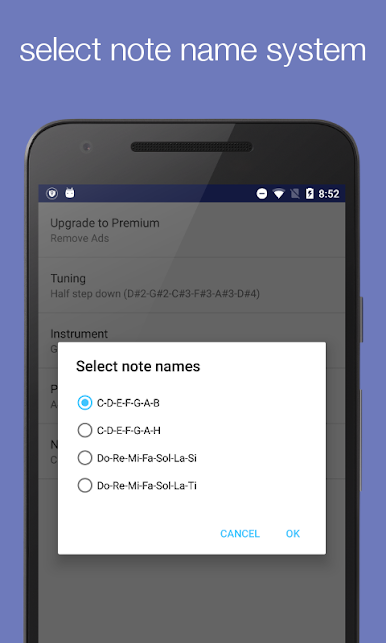
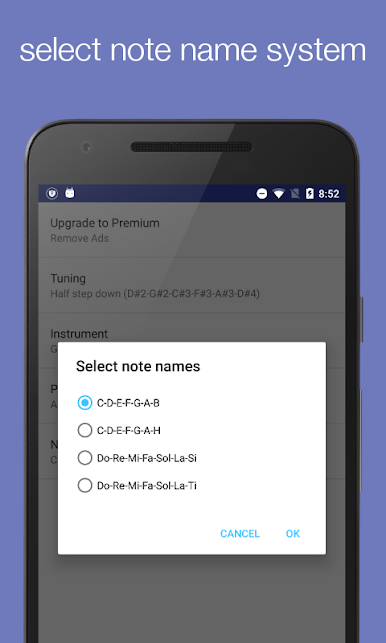
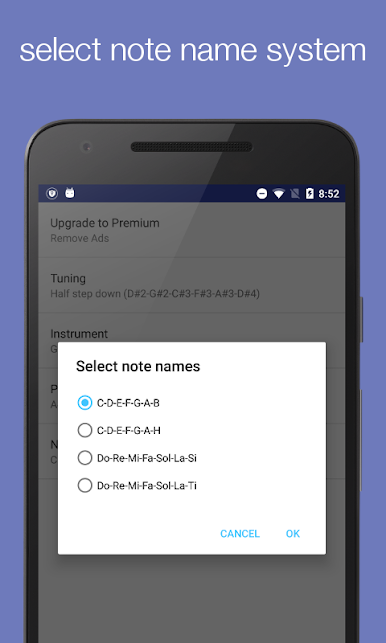
• Various note naming schemes: English (CDEFGAB), German (CDEFGAH), Latin (DoReMiFa...).
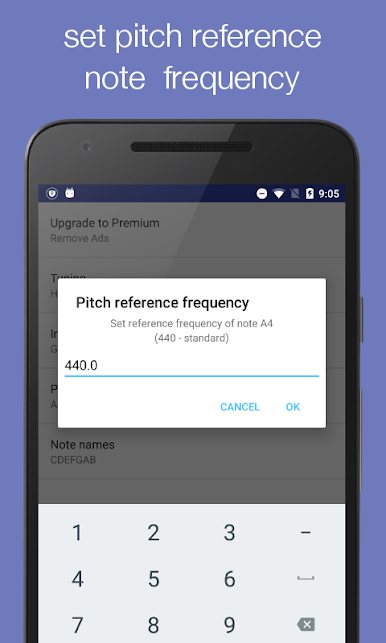
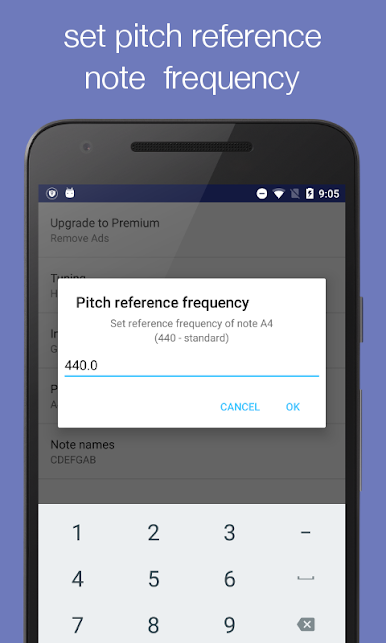
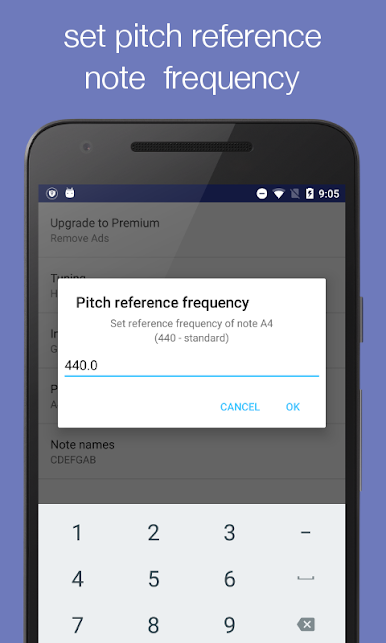
• Adjustable reference note frequency (A440), algorithm sensitivity, and tolerance (in cents).
• Easy to use for both beginners and experts.
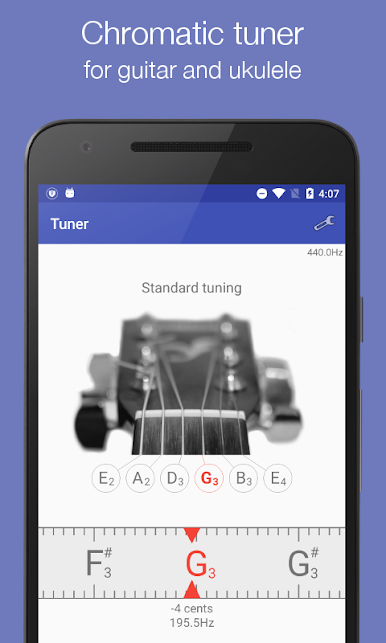
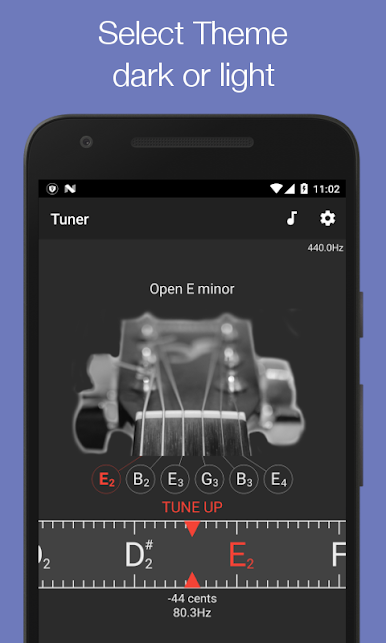
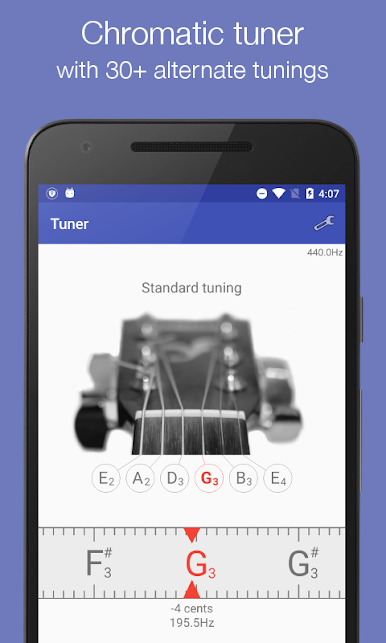
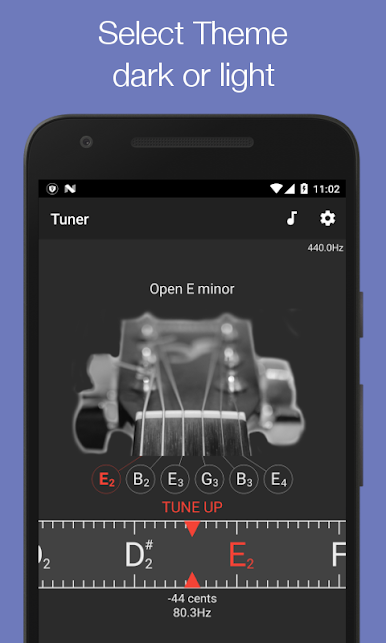
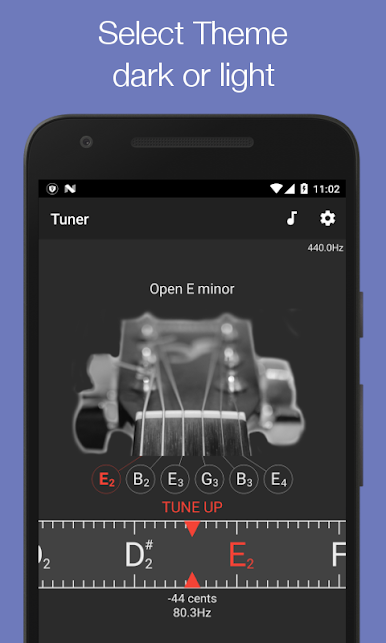
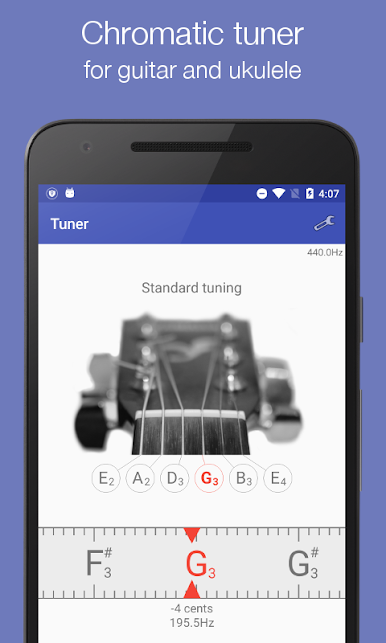
• Tune each string of your guitar.
• Automatic detection of tuned strings.
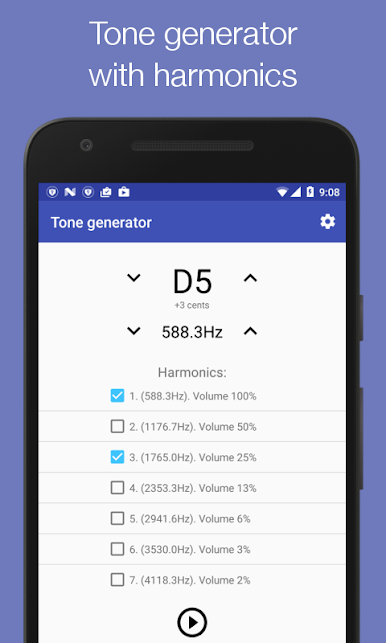
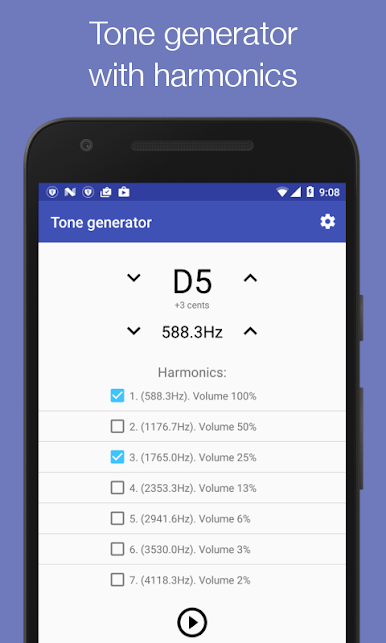
• Hear the actual tuning sound by clicking on the note name.
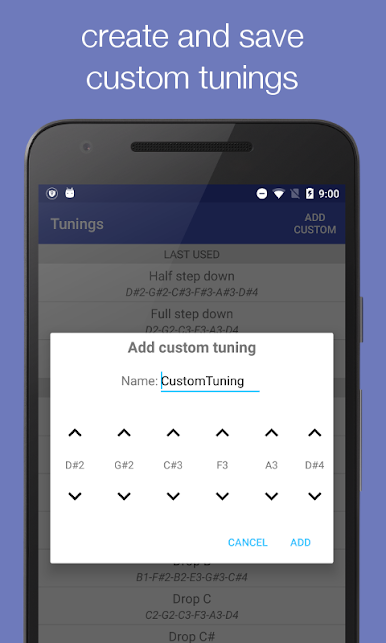
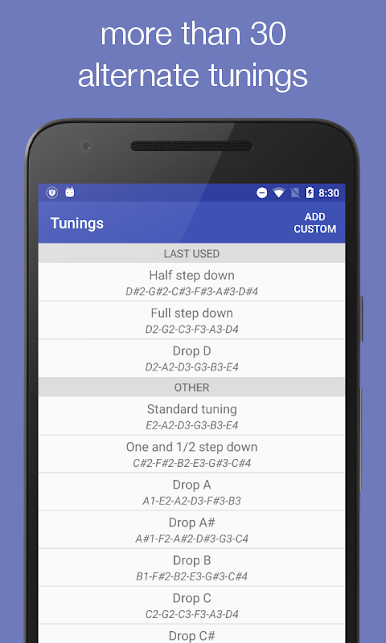
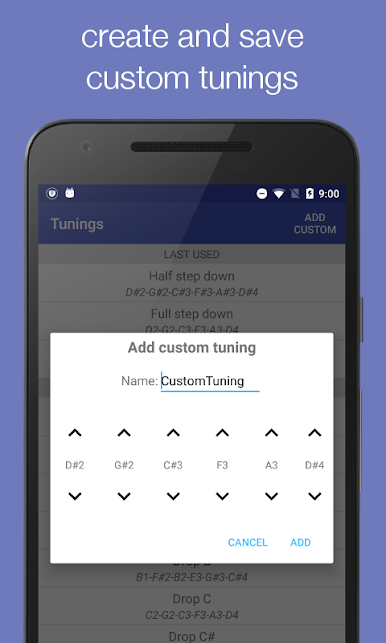
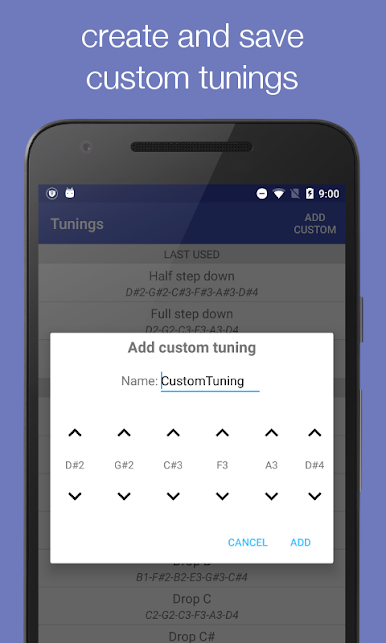
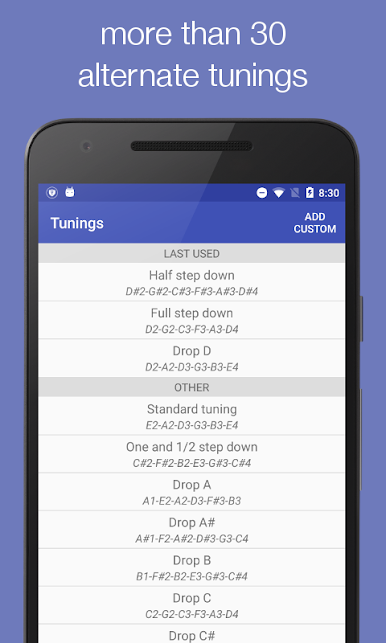
• Use one of the 30+ built-in alternate guitar tunings (Open, Dropped, Double Dropped, Minors, Fourths...) or create your own custom tuning.
Click on the note name to hear the actual string sound. This way you can tune your guitar by ear, switch back to automatic mode and then check how good your ears are.
This guitar tuner app has very simple user graphics and smooth controls which makes this app really easy to use. There is no training required to start using this guitar tuning app. On this app, you can switch between multiple tuning modes or even create your own custom tune. You can tune your guitar perfectly for all sound notes. Whether you want to tune your own guitar or help your friends tune their guitars, this guitar tuning app becomes really useful as it fits in your smartphone and is really easy to use. And it is free to download and use.
Most common chords with fingerings and string tones as quick reference.
This Guitar Tuner app is a perfect tool for both beginners and professional guitarists. The app is very easy to use and helps to tune your guitar with the same string sounds as the sound in the app. By making use of this tuner app, you can get awesome sound quality and an effective way to adjust strings according to your acoustic guitar.
• Various note naming schemes: English (CDEFGAB), German (CDEFGAH), Latin (DoReMiFa...).
• Adjustable reference note frequency (A440), algorithm sensitivity, and tolerance (in cents).
• Easy to use for both beginners and experts.
• Tune each string of your guitar.
• Automatic detection of tuned strings.
• Hear the actual tuning sound by clicking on the note name.
• Use one of the 30+ built-in alternate guitar tunings (Open, Dropped, Double Dropped, Minors, Fourths...) or create your own custom tuning.
Click on the note name to hear the actual string sound. This way you can tune your guitar by ear, switch back to automatic mode and then check how good your ears are.
This guitar tuner app has very simple user graphics and smooth controls which makes this app really easy to use. There is no training required to start using this guitar tuning app. On this app, you can switch between multiple tuning modes or even create your own custom tune. You can tune your guitar perfectly for all sound notes. Whether you want to tune your own guitar or help your friends tune their guitars, this guitar tuning app becomes really useful as it fits in your smartphone and is really easy to use. And it is free to download and use.
Most common chords with fingerings and string tones as quick reference.
This Guitar Tuner app is a perfect tool for both beginners and professional guitarists. The app is very easy to use and helps to tune your guitar with the same string sounds as the sound in the app. By making use of this tuner app, you can get awesome sound quality and an effective way to adjust strings according to your acoustic guitar.
PC에서 Guitar Tuner 플레이해보세요.
-
BlueStacks 다운로드하고 설치
-
Google Play 스토어에 로그인 하기(나중에 진행가능)
-
오른쪽 상단 코너에 Guitar Tuner 검색
-
검색 결과 중 Guitar Tuner 선택하여 설치
-
구글 로그인 진행(만약 2단계를 지나갔을 경우) 후 Guitar Tuner 설치
-
메인 홈화면에서 Guitar Tuner 선택하여 실행

