


CrashCrafter
Play on PC with BlueStacks – the Android Gaming Platform, trusted by 500M+ gamers.

Page Modified on: Jun 28, 2023
Play CrashCrafter on PC or Mac
Step into the World of CrashCrafter, a thrilling Racing game from the house of Naquatic LLC. Play this Android game on BlueStacks App Player and experience immersive gaming on PC or Mac.
About the Game
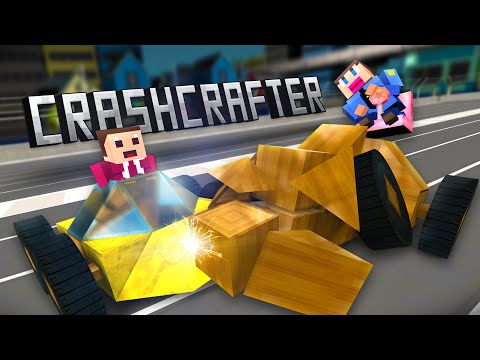
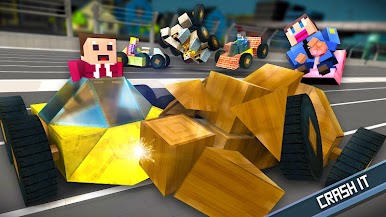
CrashCrafter from Naquatic LLC is a wild blend of Racing and full-throttle car-smashing chaos. Build a machine that fits your style, then throw it into online demolition arenas where only the toughest rides survive. It’s fast, messy, and super satisfying when your custom build sends someone flying across the map.
Game Features
-
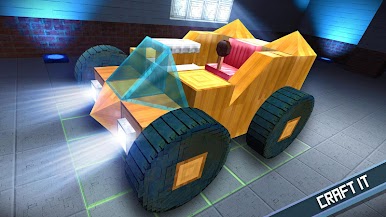
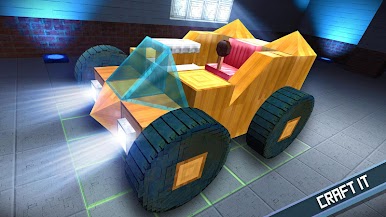
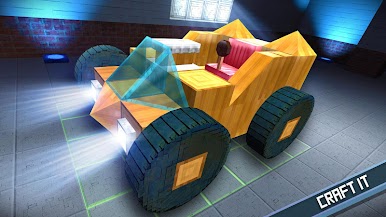
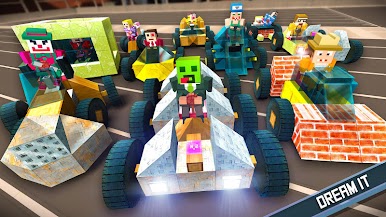
Build-from-scratch cars: Snap together parts and tune everything that matters—speed, grip, weight, even how tight you can turn. Small tweaks can totally change how your ride handles in the arena.
-
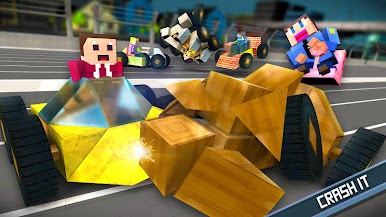
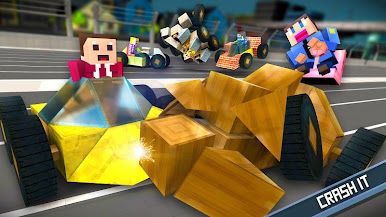
Physics-driven destruction: Collisions feel heavy and honest. Panels crumple, parts break off, and a bad hit can ruin your steering or speed. You’ll feel every smash.
-
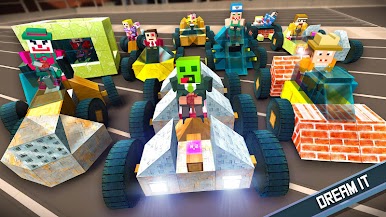
Online mayhem: Challenge friends, rivals, or total strangers in quick, competitive matches. Show off your latest creation and see how it holds up against real players.
-
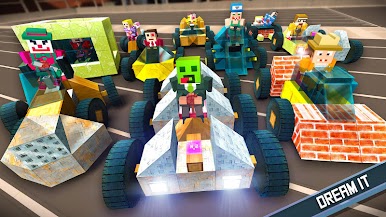
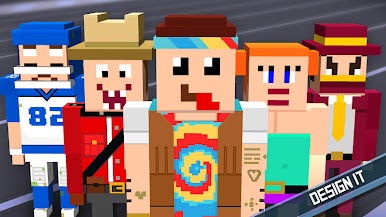
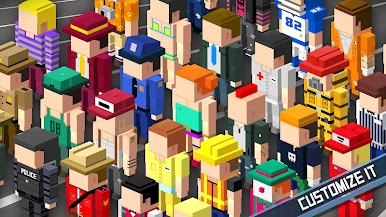
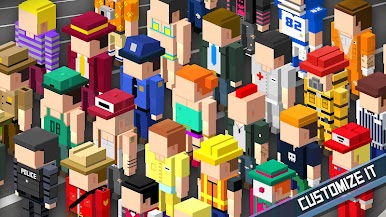
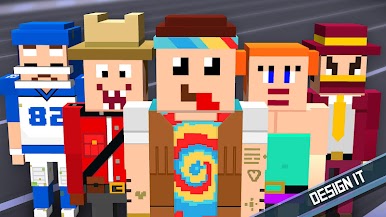
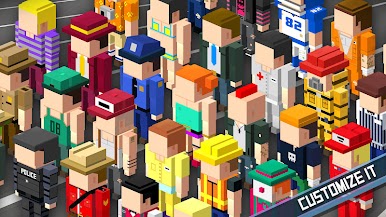
Character creator: Craft your driver’s face from the ground up, then unlock outfits to match your vibe—or your car’s paint job.
-
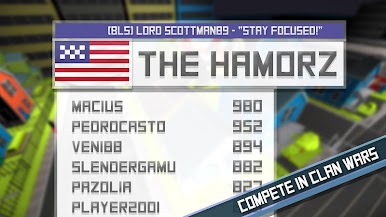
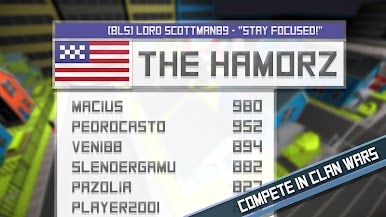
Clans and coordinated play: Team up for Clan Wars, share builds, and work strategies that turn chaotic brawls into planned takedowns.
-
Endless experimentation: Build nimble bumpers for quick jabs, heavy tanks for head-on collisions, or something weird that just works. Test, tweak, repeat.
-
Clean controls anywhere: Play on mobile or fire it up on BlueStacks if you prefer keyboard, mouse, or a bigger screen for those glorious wrecks.
Make your gaming sessions memorable with precise controls that give you an edge in close combats and visuals that pop up, bringing every character to life.

Play CrashCrafter on PC. It’s easy to get started.
-
Download and install BlueStacks on your PC
-
Complete Google sign-in to access the Play Store, or do it later
-
Look for CrashCrafter in the search bar at the top right corner
-
Click to install CrashCrafter from the search results
-
Complete Google sign-in (if you skipped step 2) to install CrashCrafter
-
Click the CrashCrafter icon on the home screen to start playing

