


このページには広告が含まれます
TRMNL Blue - Retro Theme
パーソナライゼーション | Nate Wren Design
BlueStacksを使ってPCでプレイ - 5憶以上のユーザーが愛用している高機能Androidゲーミングプラットフォーム

Play TRMNL Blue - Retro Theme on PC
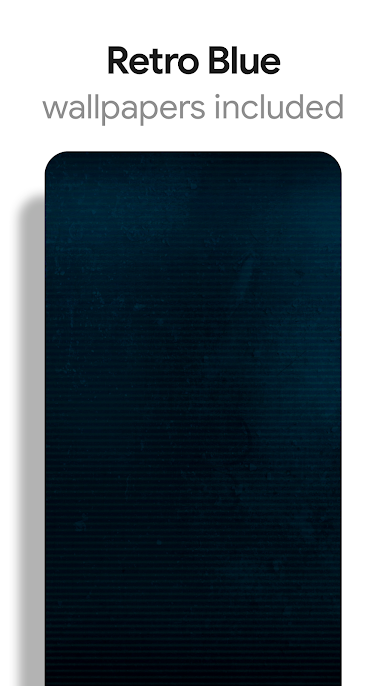
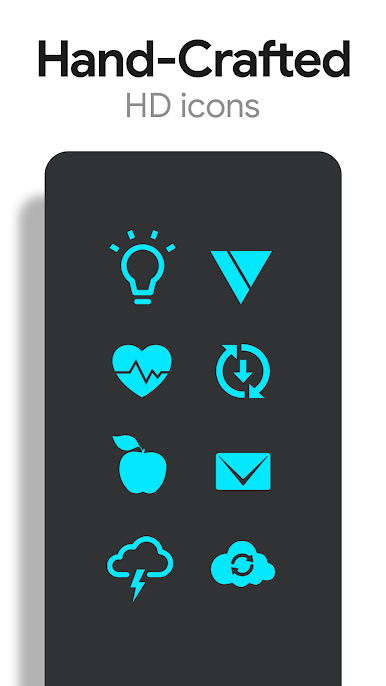
TRMNL Blue is a theme that applies new icons to the most popular apps through a launcher of your choice. Each icon was hand-crafted with minimalism in mind. The 5,300+ Blue icons and wallpapers are inspired by old monitors with scanlines and icons are xxxhdpi which means they're HD or high enough resolution to get cool looking lined icons on any device out there.
QUICK TIPS
You can manually change an icon in some launchers by long-pressing the icon you'd like to edit.
Widgets: If your widget stops, check your system settings or your battery settings to make sure the app is exempt from battery optimization. More info at https://dontkillmyapp.com/
DISCLAIMER
You may need a 3rd party launcher to apply the icon pack. Please download a launcher (Nova, Evie, Microsoft, etc.) before installing.
PRO VERSION
This is the Pro version of the app. Get the free version here: https://play.google.com/store/apps/details?id=com.natewren.piptec
HOW-TO GUIDE
http://natewren.com/apply
FEATURES
• 5,300+ blue icons
• Digital Clock Widget with personalization options
• HD wallpapers
• Brand new icons added regularly
HEX CODE
Blue: 03e7ff
FOLLOW ME
Twitter: https://twitter.com/natewren
QUESTIONS/COMMENTS
natewren@gmail.com
http://www.natewren.com
QUICK TIPS
You can manually change an icon in some launchers by long-pressing the icon you'd like to edit.
Widgets: If your widget stops, check your system settings or your battery settings to make sure the app is exempt from battery optimization. More info at https://dontkillmyapp.com/
DISCLAIMER
You may need a 3rd party launcher to apply the icon pack. Please download a launcher (Nova, Evie, Microsoft, etc.) before installing.
PRO VERSION
This is the Pro version of the app. Get the free version here: https://play.google.com/store/apps/details?id=com.natewren.piptec
HOW-TO GUIDE
http://natewren.com/apply
FEATURES
• 5,300+ blue icons
• Digital Clock Widget with personalization options
• HD wallpapers
• Brand new icons added regularly
HEX CODE
Blue: 03e7ff
FOLLOW ME
Twitter: https://twitter.com/natewren
QUESTIONS/COMMENTS
natewren@gmail.com
http://www.natewren.com
TRMNL Blue - Retro ThemeをPCでプレイ
-
BlueStacksをダウンロードしてPCにインストールします。
-
GoogleにサインインしてGoogle Play ストアにアクセスします。(こちらの操作は後で行っても問題ありません)
-
右上の検索バーにTRMNL Blue - Retro Themeを入力して検索します。
-
クリックして検索結果からTRMNL Blue - Retro Themeをインストールします。
-
Googleサインインを完了してTRMNL Blue - Retro Themeをインストールします。※手順2を飛ばしていた場合
-
ホーム画面にてTRMNL Blue - Retro Themeのアイコンをクリックしてアプリを起動します。

