


XCIPTV PLAYER
Spiele auf dem PC mit BlueStacks - der Android-Gaming-Plattform, der über 500 Millionen Spieler vertrauen.

Seite geändert am: Aug 12, 2026
Spiele XCIPTV PLAYER für PC
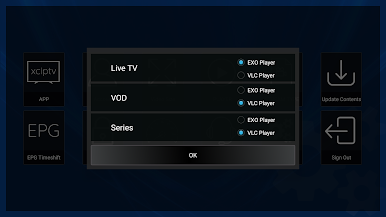
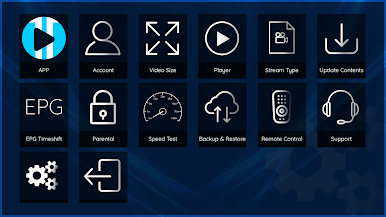
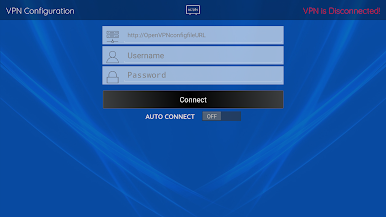
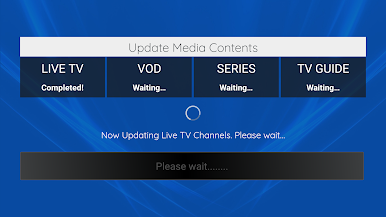
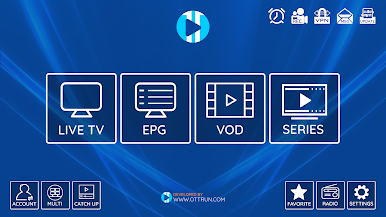
XCIPTV PLAYER wird mit zwei integrierten Mediaplayern mit adaptivem HLS-Streaming geliefert. Es sind keine Apps oder Player von Drittanbietern erforderlich. Einfaches UI-Design für einfache Navigation.
XCIPTV PLAYER verwendet ExoPlayer und VLC Player. Einfache Navigation mit Android TV Remote und D-Pad. Diese App kann auf Android-Telefonen, Tablets und Fernsehern installiert werden.
Entdecken Sie die Funktionen von XCIPTV PLAYER:
- Eingebaute Spieler
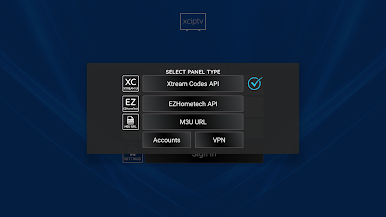
- EPG-Unterstützung für Xtream Codes-kompatible API, EZHometech (EZServer) und M3U-URL.
- Aufholjagd mit EPG
- VOD mit Informationen von IMDb
- Serie mit Staffel und Episoden
- TV, VODs und Serien zu Favoriten hinzufügen
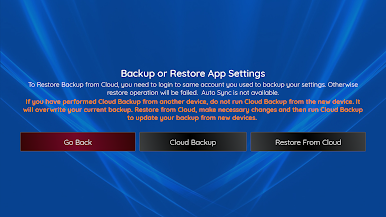
- Sichern und Wiederherstellen - Mit mehreren Geräten synchronisieren
- Planen Sie die Aufnahme auf den internen oder externen Speicher (DVR)
- Programmerinnerung aus der EPG-Ansicht
- Planen Sie die Aufnahme aus der EPG-Ansicht
WICHTIG:
Der offizielle XCIPTV PLAYER enthält keine Medieninhalte. Das bedeutet, dass Sie Ihre eigenen Inhalte von einem lokalen oder entfernten Speicherort oder einem anderen Medienträger, den Sie besitzen, bereitstellen sollten. Alle anderen Mittel zum Ansehen illegaler Inhalte, für die ansonsten bezahlt würde, werden vom Ottrun Team nicht unterstützt oder genehmigt.
HAFTUNGSAUSSCHLUSS:
- XCIPTV PLAYER liefert oder enthält keine Medien oder Inhalte.
- Benutzer müssen ihre eigenen Inhalte bereitstellen
- XCIPTV PLAYER hat keine Verbindung zu Anbietern oder Anbietern von Medieninhalten.
- Wir unterstützen das Streamen von urheberrechtlich geschütztem Material nicht ohne die Erlaubnis des Urheberrechtsinhabers.
Spiele XCIPTV PLAYER auf dem PC. Der Einstieg ist einfach.
-
Lade BlueStacks herunter und installiere es auf deinem PC
-
Schließe die Google-Anmeldung ab, um auf den Play Store zuzugreifen, oder mache es später
-
Suche in der Suchleiste oben rechts nach XCIPTV PLAYER
-
Klicke hier, um XCIPTV PLAYER aus den Suchergebnissen zu installieren
-
Schließe die Google-Anmeldung ab (wenn du Schritt 2 übersprungen hast), um XCIPTV PLAYER zu installieren.
-
Klicke auf dem Startbildschirm auf das XCIPTV PLAYER Symbol, um mit dem Spielen zu beginnen

