


Handbook for EFT
Chơi trên PC với BlueStacks - Nền tảng chơi game Android, được hơn 500 triệu game thủ tin tưởng.

Trang đã được sửa đổi vào: Dec 14, 2025
Run Wiki for Escape From Tarkov on PC or Mac
What’s better than using Wiki for Escape From Tarkov by NehalemX? Well, try it on a big screen, on your PC or Mac, with BlueStacks to see the difference.
About the App
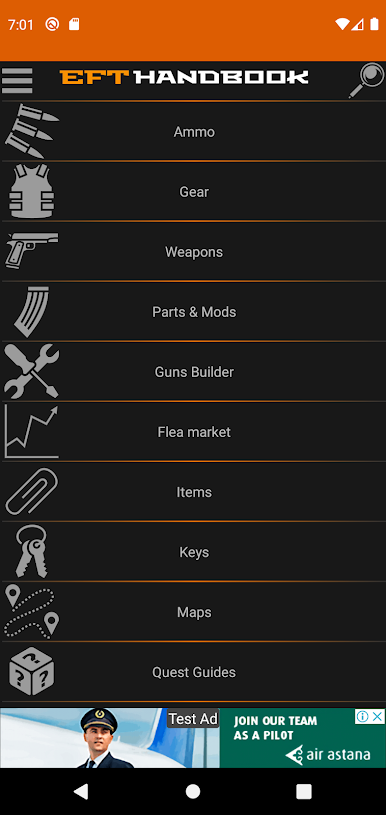
If you’ve ever found yourself lost or just overwhelmed in Escape From Tarkov, this is the kind of helper you’ll want by your side. Wiki for Escape From Tarkov from NehalemX puts all the details you need right in your pocket—offline or on your computer with BlueStacks. Whether you’re comparing gear, checking maps, or trying to make sense of scav chatter, it’s a one-stop companion for staying ahead in the game. Think of it like your personal reference guide, making sure you’re always in the know during those intense Tarkov raids.
App Features
-
Detailed Game Maps
Check out interactive maps so you won’t have to wander aimlessly looking for extracts or loot spots. No more tabbing out to search online mid-raid. -
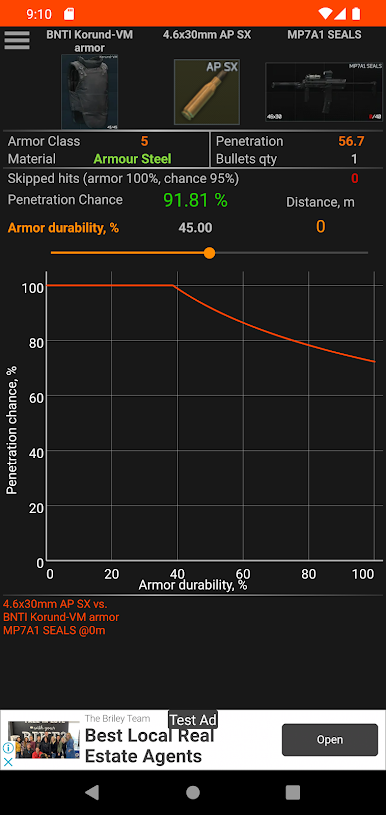
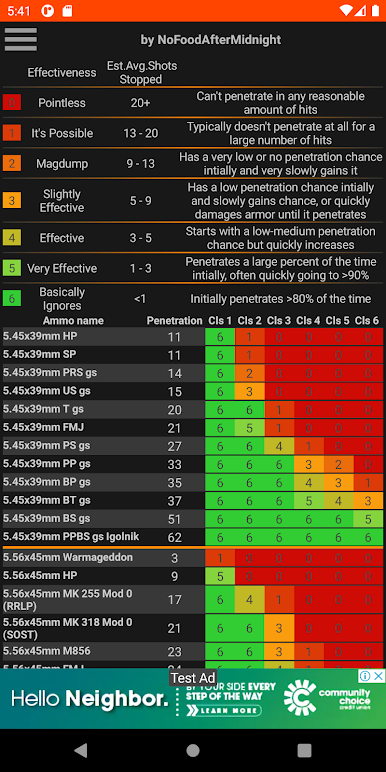
Ammo Comparison
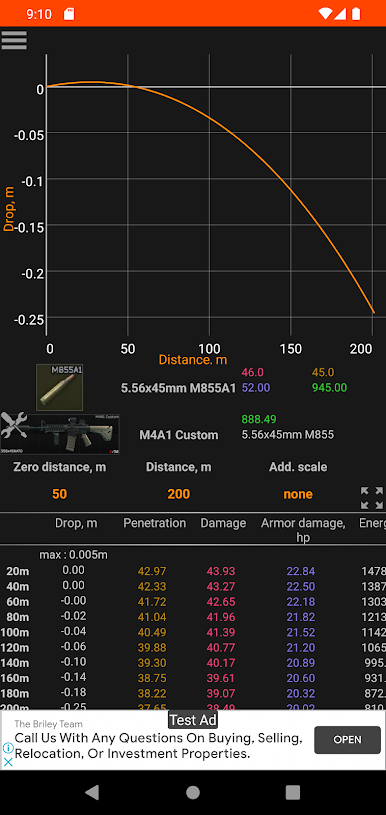
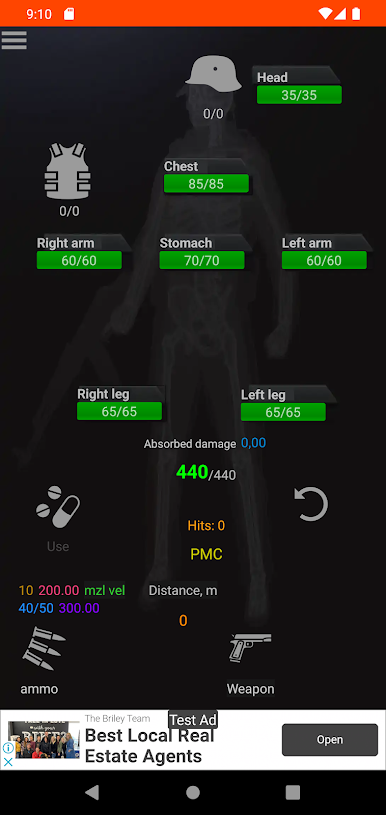
Quickly see how different types of ammo stack up. Whether you’re aiming for damage or penetration, having this info at your fingertips helps you pick the right rounds every time. -
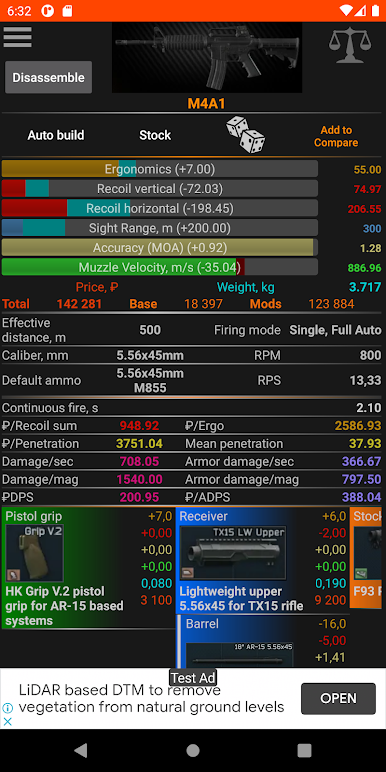
Weapon and Gear Stats
Not sure if you should switch to a new gun or swap out your body armor? Use the app to compare weapons, helmets, armor, backpacks and more—get the info you need before heading out. -
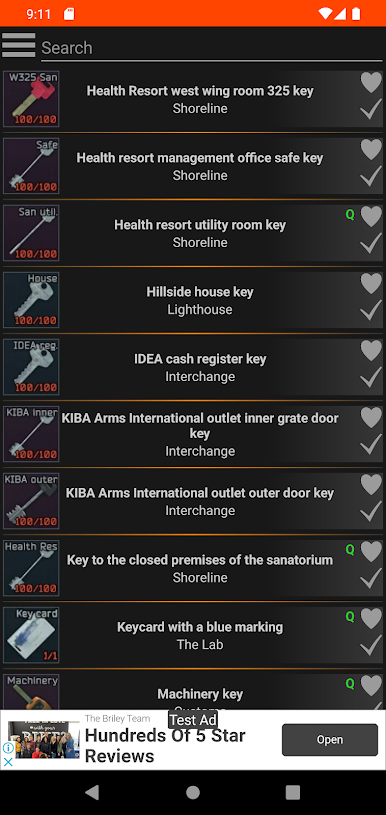
Key and Loot Information
Find out what every key unlocks and the best places to find them. There’s also a rundown of container loot tables, so you know what to expect before unlocking anything. -
Scav Language Guide
Ever wondered what the scavs are yelling at you? Decode scav talk with a handy translation feature, making every encounter a little less confusing. -
Barter Items List
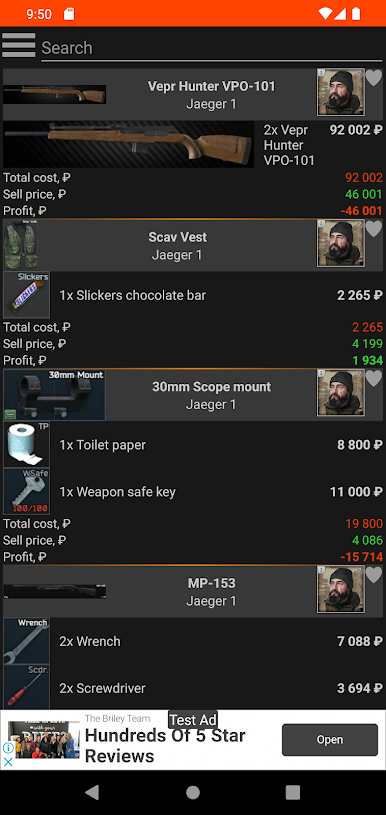
Easily look up barter items and see what you can trade them for. Handy for organizing your stash and making quick deals. -
Works Offline
No internet during your game session? No problem! All this info stays available even when you’re offline.
With Wiki for Escape From Tarkov, all your crucial Tools for survival are just a tap away—whether you’re playing on the go or with BlueStacks.
BlueStacks brings your apps to life on a bigger screen—seamless and straightforward.
Chơi Handbook for EFT trên PC. Rất dễ để bắt đầu
-
Tải và cài đặt BlueStacks trên máy của bạn
-
Hoàn tất đăng nhập vào Google để đến PlayStore, hoặc thực hiện sau
-
Tìm Handbook for EFT trên thanh tìm kiếm ở góc phải màn hình
-
Nhấn vào để cài đặt Handbook for EFT trong danh sách kết quả tìm kiếm
-
Hoàn tất đăng nhập Google (nếu bạn chưa làm bước 2) để cài đặt Handbook for EFT
-
Nhấn vào icon Handbook for EFT tại màn hình chính để bắt đầu chơi

