

Metronomo e sintonizzatore
Gioca su PC con BlueStacks: la piattaforma di gioco Android, considerata affidabile da oltre 500 milioni di giocatori.

Pagina modificata il: Nov 5, 2025
Run Best Metronome & Tuner on PC or Mac
Why limit yourself to your small screen on the phone? Run Best Metronome & Tuner, an app by Netigen, best experienced on your PC or Mac with BlueStacks, the world’s #1 Android emulator.
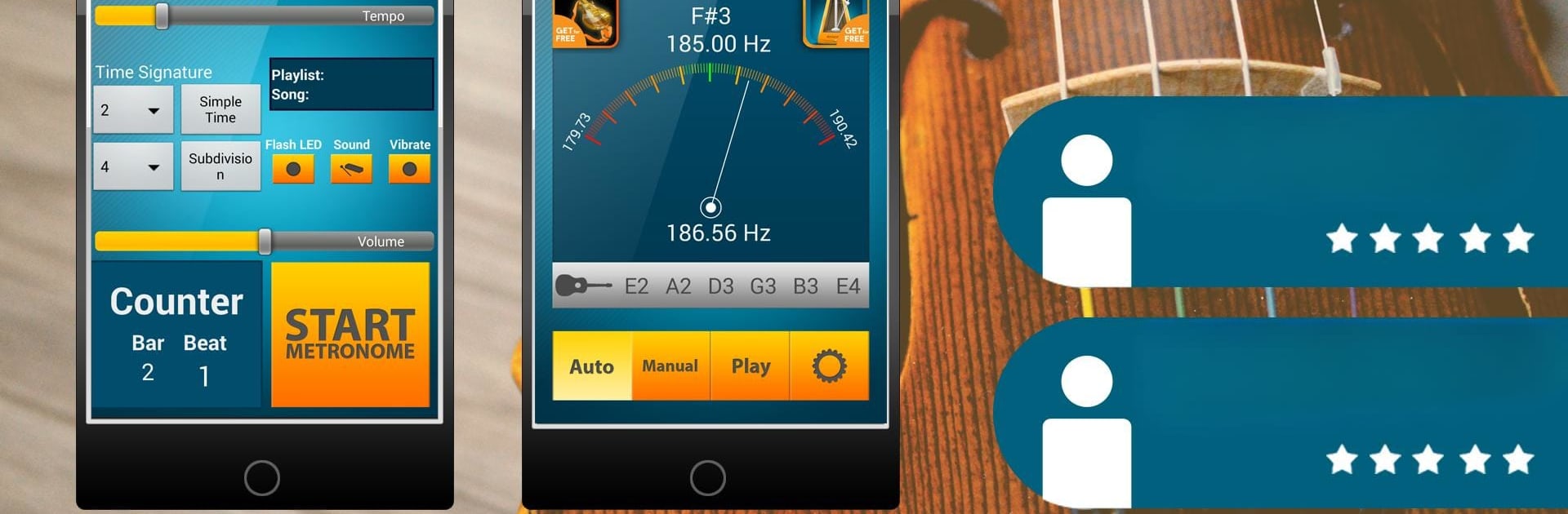
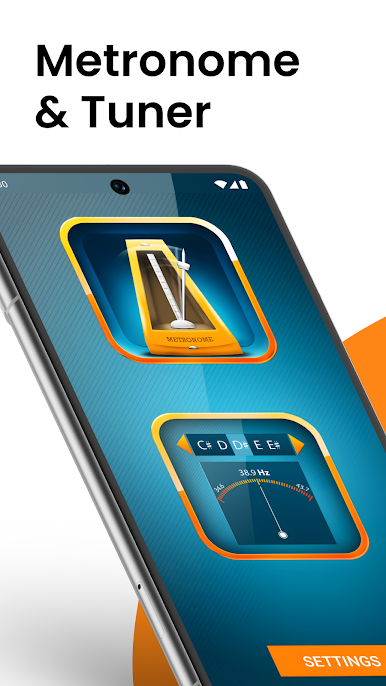
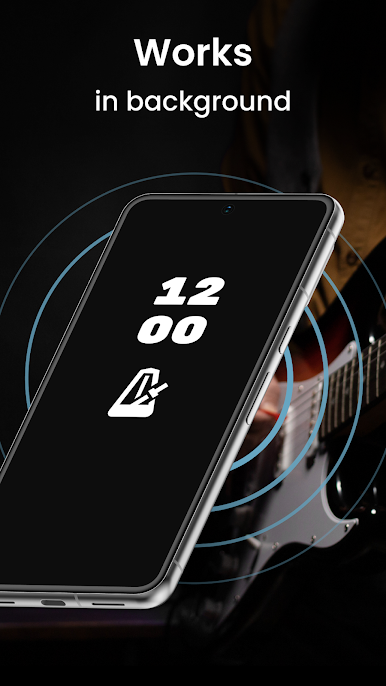
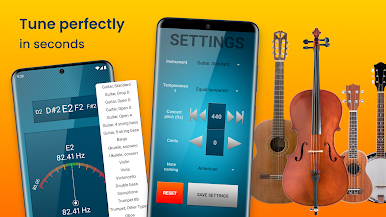
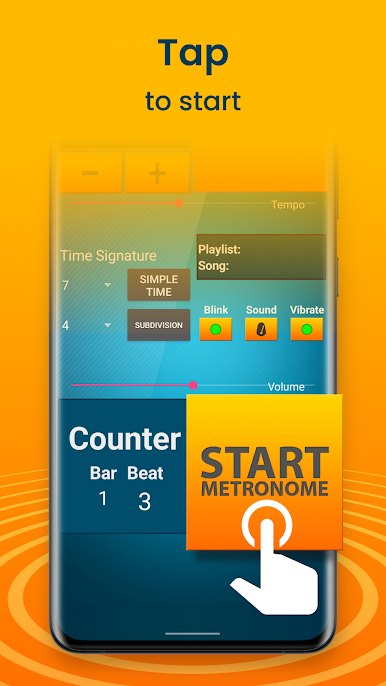
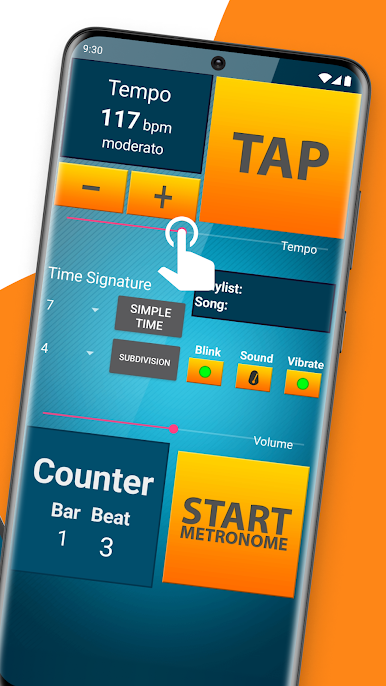
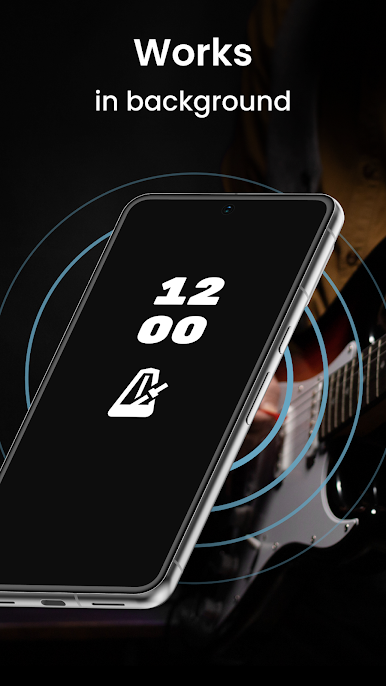
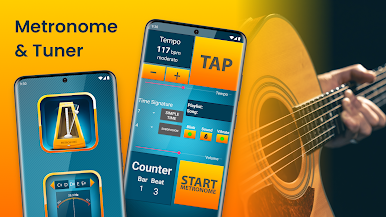
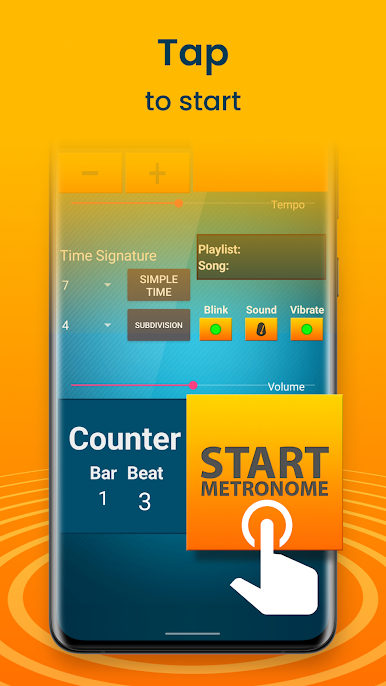
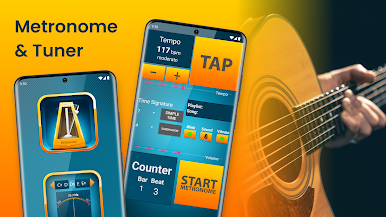
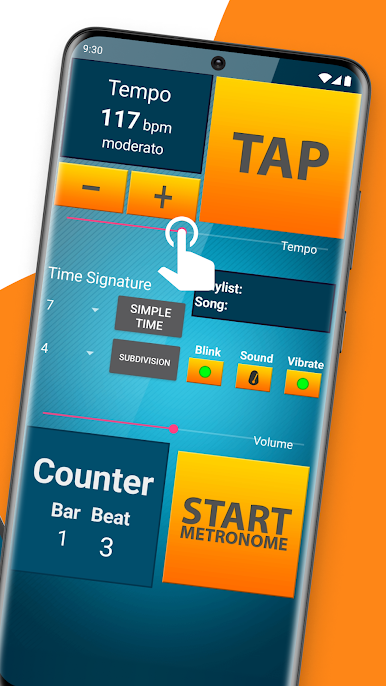
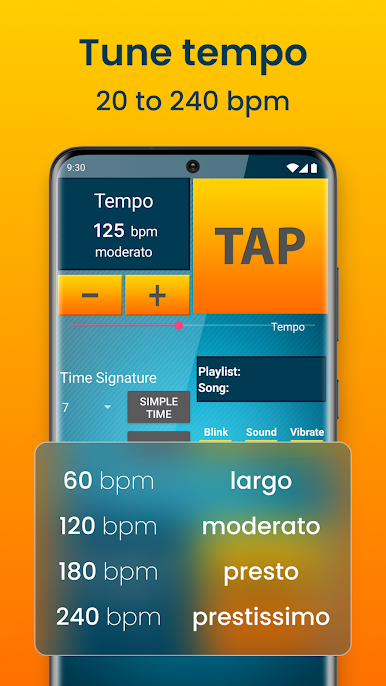
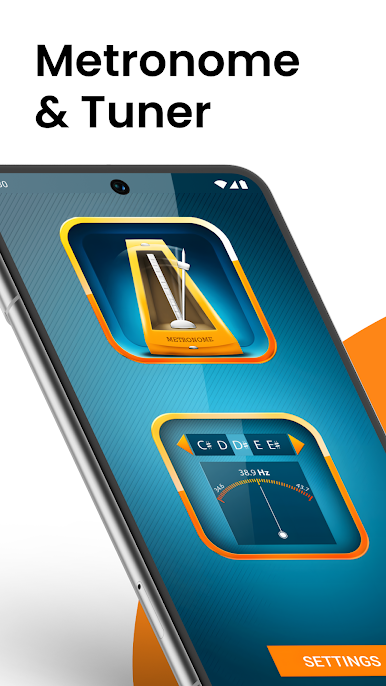
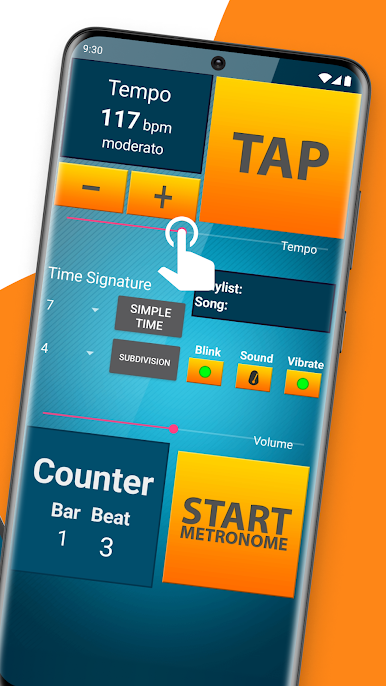
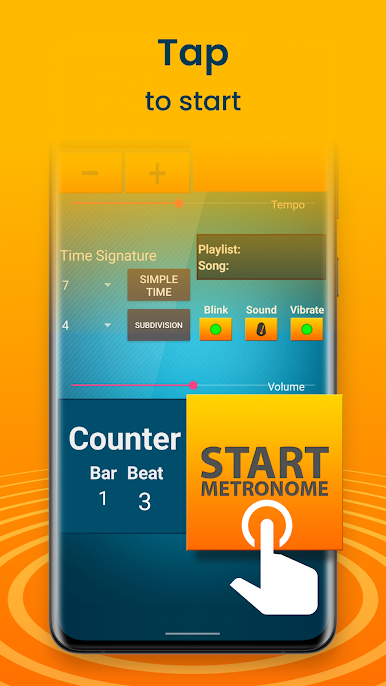
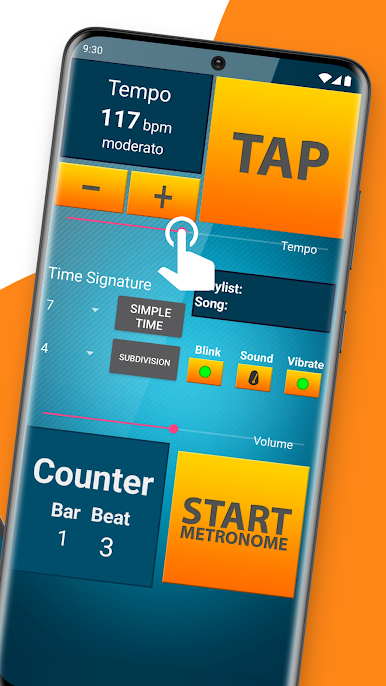
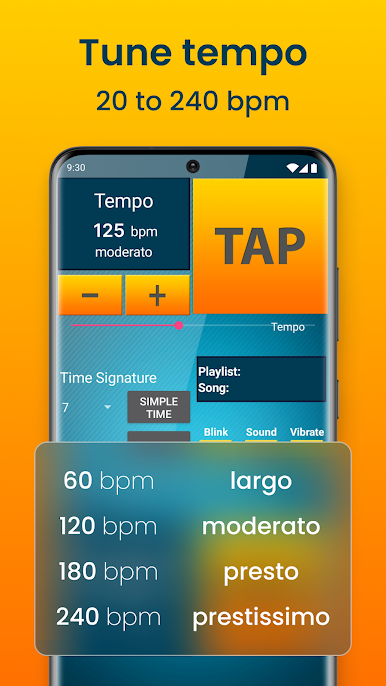
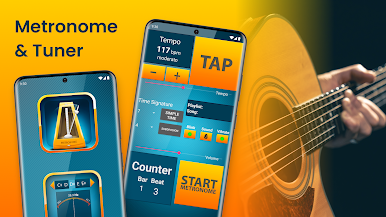
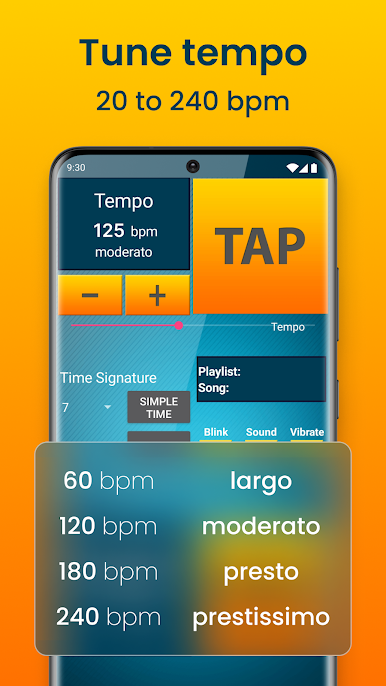
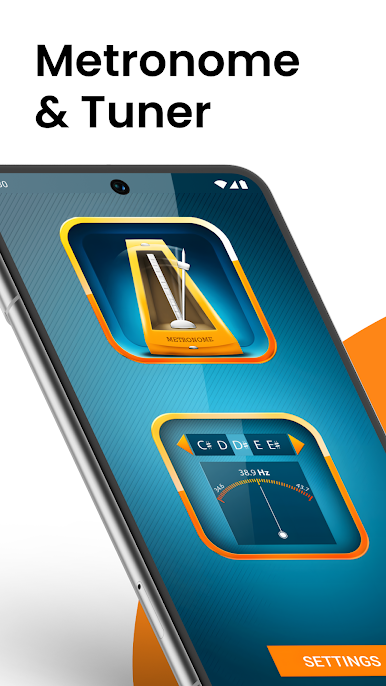
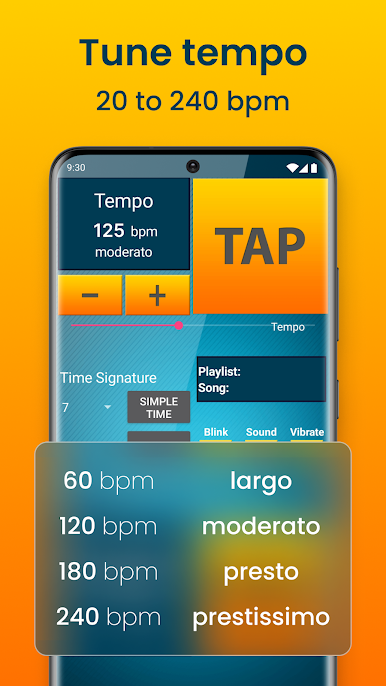
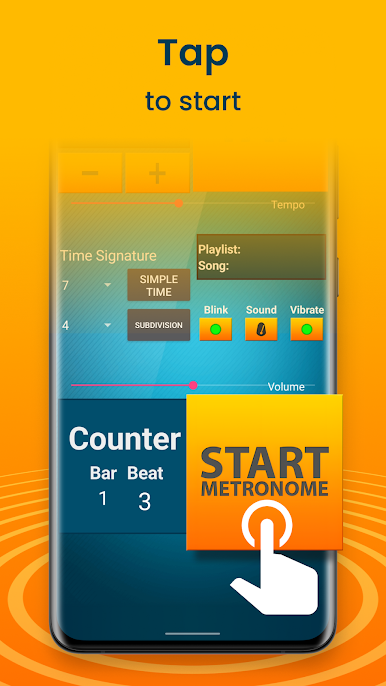
Best Metronome & Tuner feels like the kind of app every musician ends up using at some point, whether it’s during practice or just when messing around on a new instrument. The metronome part is reliable and gets super specific — you can set the tempo anywhere from really slow to way too fast, and it even lets you tap out your own tempo if you’ve got something in your head. There are lots of sound options and even ways to change up the look, so it’s not just a boring click. Adjusting the time signature or the sound of the beats is really straightforward too, even if you’re not used to this sort of thing. The interface is big and easy to read, which is nice if you’re running it on a bigger screen with BlueStacks or just like things clear and simple.
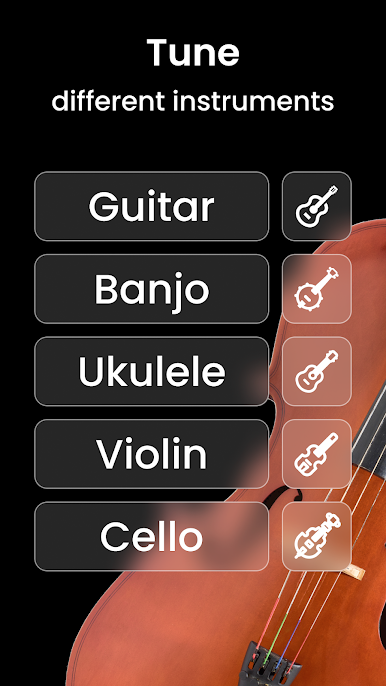
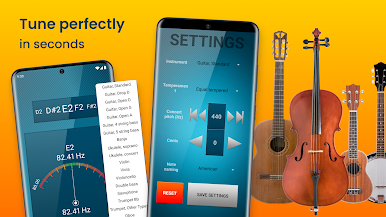
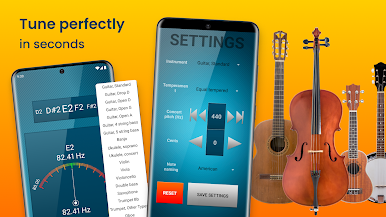
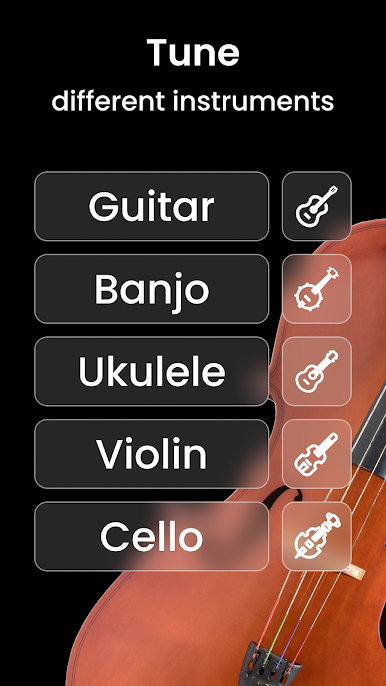
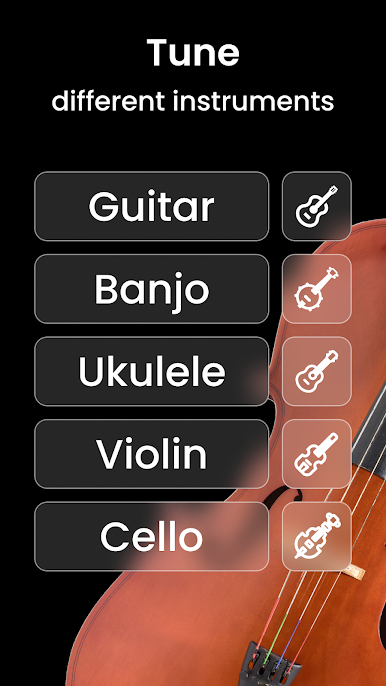
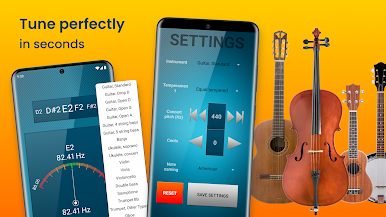
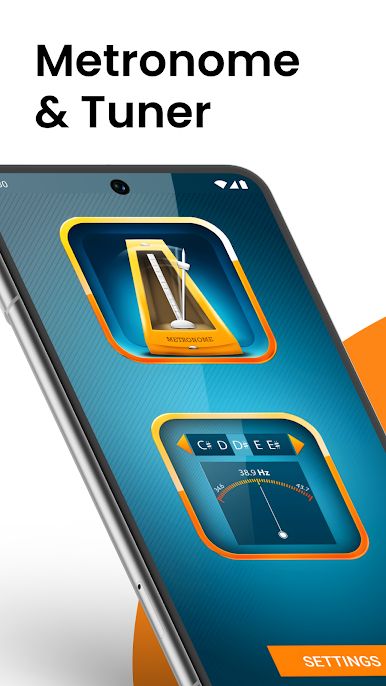
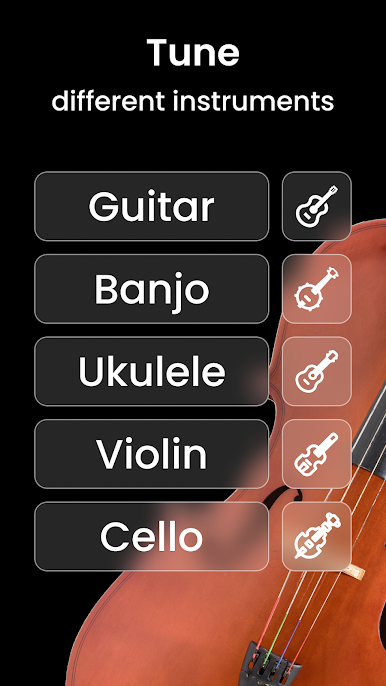
The tuner is pretty much everything you need for getting any string instrument set up. It’s not only for guitarists — it covers stuff like violin, ukulele, bass, cello, even banjo. The app recognizes what you’re playing without a lot of fuss, so you’re not wasting time figuring out settings. If you want to hear the notes instead, there’s a mode for that too. The tuning is handled by an algorithm that seems to pick up notes well, so even if there’s a bit of background noise, it works fine. The fact that you can save settings, set your concert pitch, and swap between different tuning styles makes it pretty flexible. Both the metronome and tuner feel like they’re actually designed for people who use them all the time, not just some rushed add-ons. Compared to other tools, it stands out because everything’s together in one place, and it plays really nicely on a PC screen with BlueStacks, especially for longer practice sessions.
BlueStacks gives you the much-needed freedom to experience your favorite apps on a bigger screen. Get it now.
Gioca Metronomo e sintonizzatore su PC. È facile iniziare.
-
Scarica e installa BlueStacks sul tuo PC
-
Completa l'accesso a Google per accedere al Play Store o eseguilo in un secondo momento
-
Cerca Metronomo e sintonizzatore nella barra di ricerca nell'angolo in alto a destra
-
Fai clic per installare Metronomo e sintonizzatore dai risultati della ricerca
-
Completa l'accesso a Google (se hai saltato il passaggio 2) per installare Metronomo e sintonizzatore
-
Fai clic sull'icona Metronomo e sintonizzatore nella schermata principale per iniziare a giocare

