


Call Notes Pro
Mainkan di PC dengan BlueStacks – platform Game-Game Android, dipercaya oleh lebih dari 500 juta gamer.

Play Call Notes Pro on PC
The app is a must-have for those who communicate a lot with new people and who have a long list of contacts. Business owners, consultants, real estate brokers, agents, lawyers, salespeople, recruiters, and journalists are satisfied users of the app.
Call Notes Pro is your simple, personal, and private CRM and Caller ID. Simplify your business and personal activities with the app. Save time and money, convert your leads into customers.
Notes
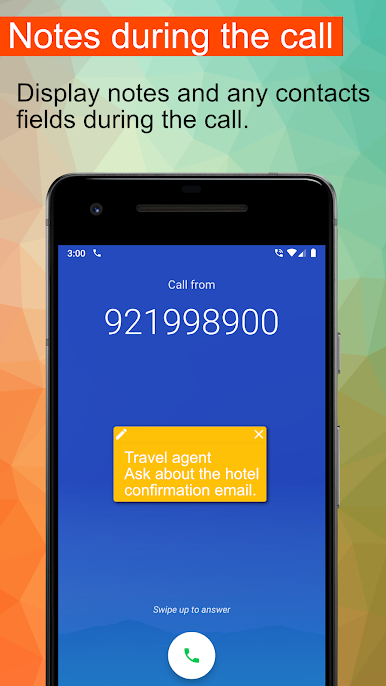
Call Notes Pro will show you the floating window with your note and all contact details. You will always know who is calling. It is easy to update the note after or during the call. Store your comments or any other useful information about the contact.
Contact fields
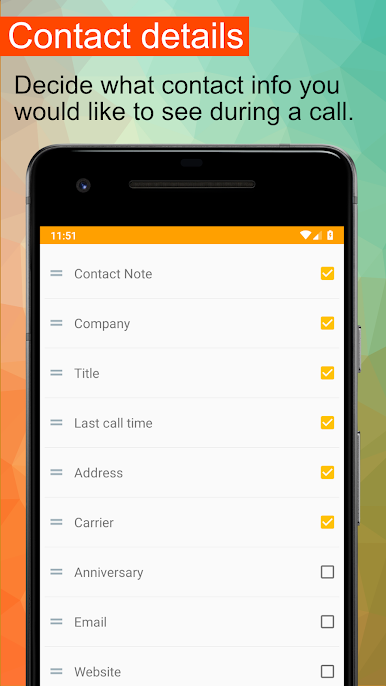
In addition to the notes, there is a lot of important information that would be nice to see when you are on the call. The caller's organization, position, important anniversaries and many other fields are always visible during the call.
Sync
Sync your in-app notes with Call Notes Pro Cloud. Your notes are always with you and synced on all of your devices. You can easily access and edit your notes at the web.
Reminders
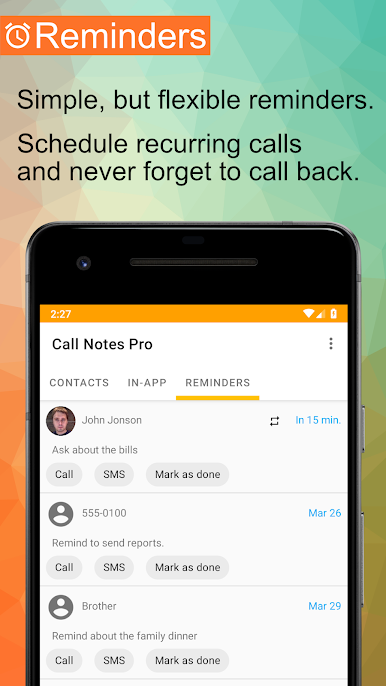
Simple, but flexible reminders. Plan calls, schedule recurring calls, add notes and never more forget to call back later.
Privacy
All your notes and contacts are safe and private. Privacy is our top priority! We never share, sell or redistribute your data with anyone.
Features:
• Display information such as a note, company, title, birthday, group, calendar event, full name, last call time, number and its type, type of call, address, email, website, location, and carrier.
• Modify the notes directly from the app, after the call or even during the call.
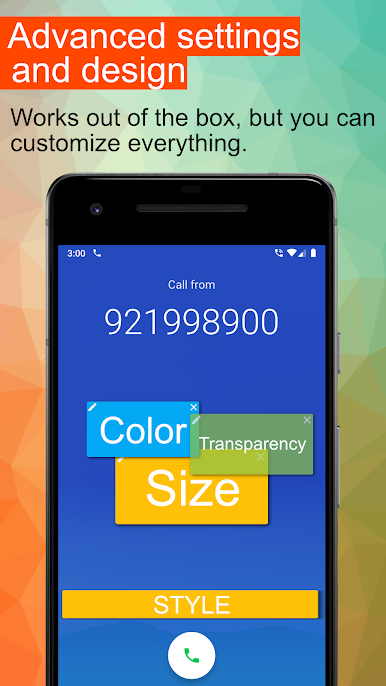
• Highly customizable, you can adjust the on-screen position, font size, and color to fit your UI theme.
• Support for all Android contacts fields and internal note databases. You can even add notes for unknown numbers.
• Sync in-app notes with the Call Notes Pro Cloud and access them on the web.
• Schedule simple or recurring reminders with notes for any phone number, not only your contacts.
• Request notes from the remote CRM server.
• Full dual-SIM support.
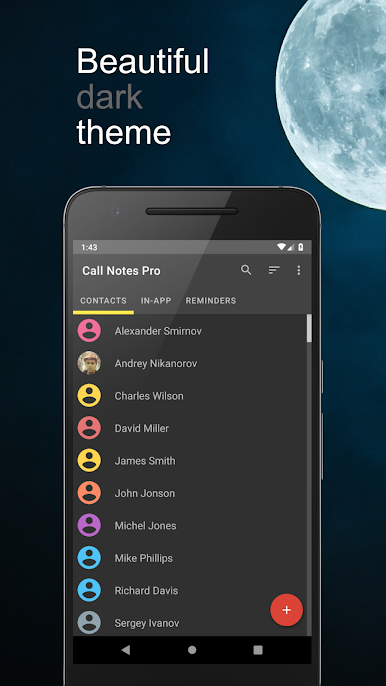
• Dark theme.
• Runs on any Android version, from Lollipop to Android 12.
Purchase the Call Notes Pro app to make your communication more efficient. Check our help center for app docs and support: https://help.nikanorov.mobi/solution/folders/3000003067
Mainkan Call Notes Pro di PC Mudah saja memulainya.
-
Unduh dan pasang BlueStacks di PC kamu
-
Selesaikan proses masuk Google untuk mengakses Playstore atau lakukan nanti
-
Cari Call Notes Pro di bilah pencarian di pojok kanan atas
-
Klik untuk menginstal Call Notes Pro dari hasil pencarian
-
Selesaikan proses masuk Google (jika kamu melewati langkah 2) untuk menginstal Call Notes Pro
-
Klik ikon Call Notes Pro di layar home untuk membuka gamenya

