

Thirty One Rummy
在電腦上使用BlueStacks –受到5億以上的遊戲玩家所信任的Android遊戲平台。

Play Thirty One Rummy on PC or Mac
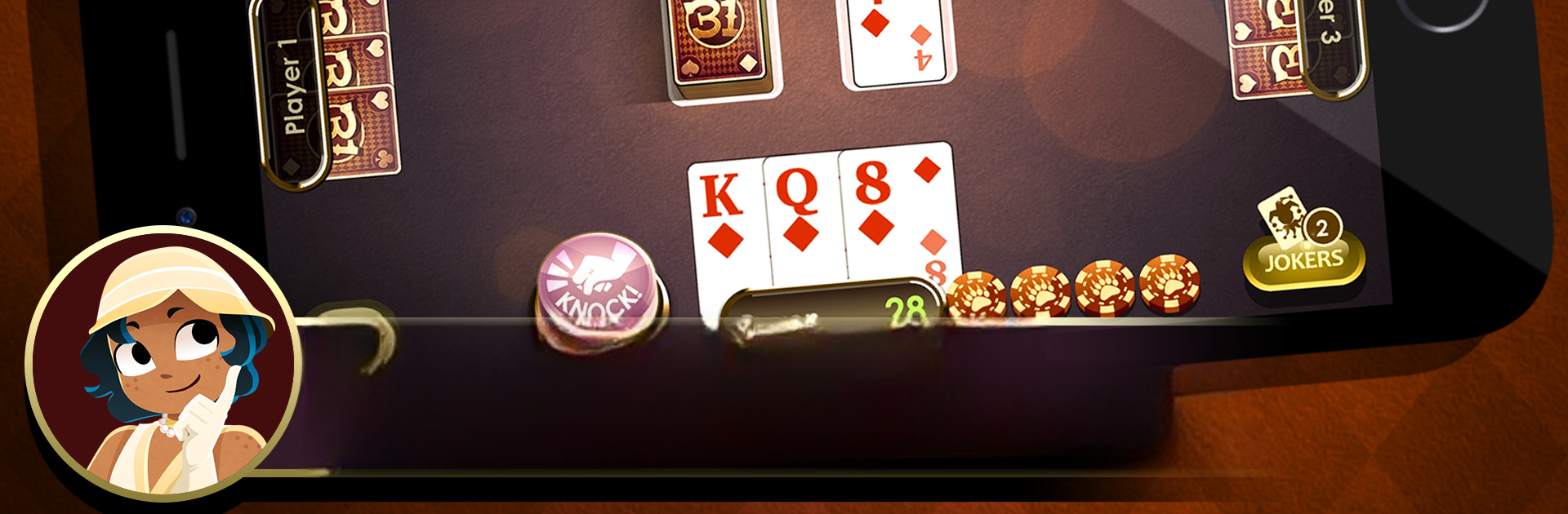
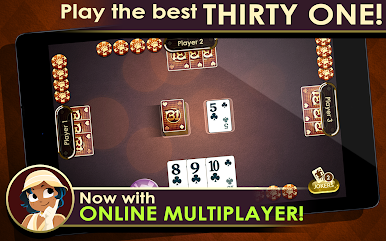
Explore a whole new adventure with Thirty One Rummy, a Card game created by North Sky Games. Experience great gameplay with BlueStacks, the most popular gaming platform to play Android games on your PC or Mac.
About the Game
Looking for a fresh twist on your favorite classic card experience? Thirty One Rummy by North Sky Games might be just what you need. Whether you’re playing a quick round to unwind, challenging your friends online, or aiming to master new strategies, this card game packs a ton of replay value. Thirty One Rummy is easy to get into but has enough depth to keep both casual and hardcore card fans entertained.
Game Features
-
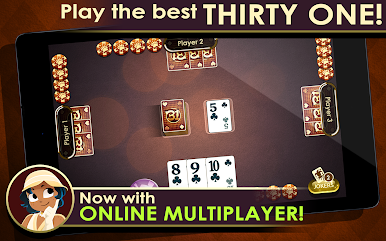
Online Multiplayer Fun
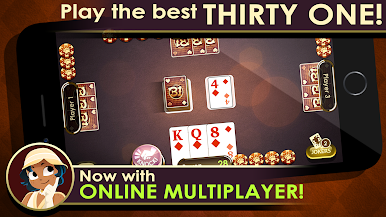
Want some competition? Jump into online multiplayer and match up with friends, family, or even total strangers. No two games ever feel the same, and you never know when you’ll get outsmarted! -
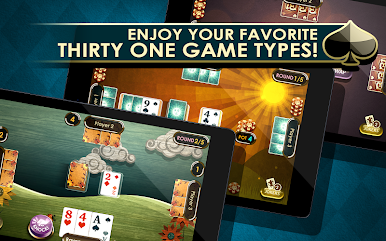
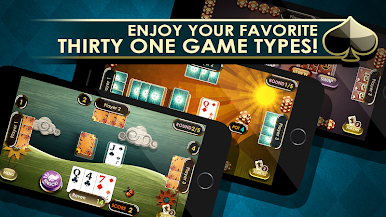
Multiple Game Modes
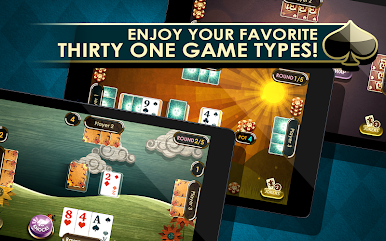
Can’t decide on just one way to play? Choose from five different modes—Thirty One, Cut Throat, No Elimination, Banking, and Switch. Each twist changes up the pace and the strategy, so things never get stale. -
Custom Difficulty Levels
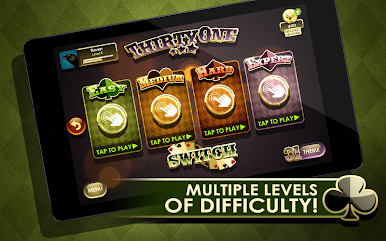
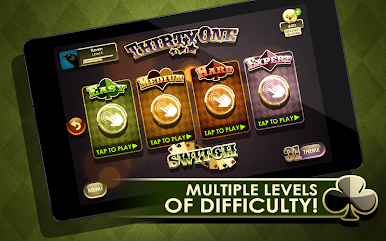
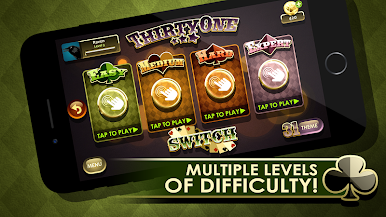
Four progressively challenging difficulty settings mean you’ll always have an opponent suited to your skill level. Whether you’re new to the genre or basically a card shark, you’ll find your match. -
Sleek, Realistic Graphics
The cards look and feel sharp with crisp visuals and smooth gameplay. It’s simple to follow but doesn’t sacrifice any personality. -
Personal Touches
Pick from seven stylish themes, including colorful seasonal ones like Summer and Spring. Make the game look just the way you like it. -
Detailed Stats & Progress Tracking
Curious about your best scores or how many games you’ve blitzed through? The stat tracker has you covered—with detailed breakdowns and even blitz tracking to keep tabs on your improvements. -
Facebook Integration
Link up your Facebook account to back up your stats and game progress automatically, so you can swap from mobile to PC (especially handy if you’re using BlueStacks) without missing a beat. -
Easy to Learn, Hard to Master
The single player mode is intuitive and great for picking up the rules or practicing before going online.
Slay your opponents with your epic moves. Play it your way on BlueStacks and dominate the battlefield.



在電腦上遊玩Thirty One Rummy . 輕易上手.
-
在您的電腦上下載並安裝BlueStacks
-
完成Google登入後即可訪問Play商店,或等你需要訪問Play商店十再登入
-
在右上角的搜索欄中尋找 Thirty One Rummy
-
點擊以從搜索結果中安裝 Thirty One Rummy
-
完成Google登入(如果您跳過了步驟2),以安裝 Thirty One Rummy
-
在首頁畫面中點擊 Thirty One Rummy 圖標來啟動遊戲

