

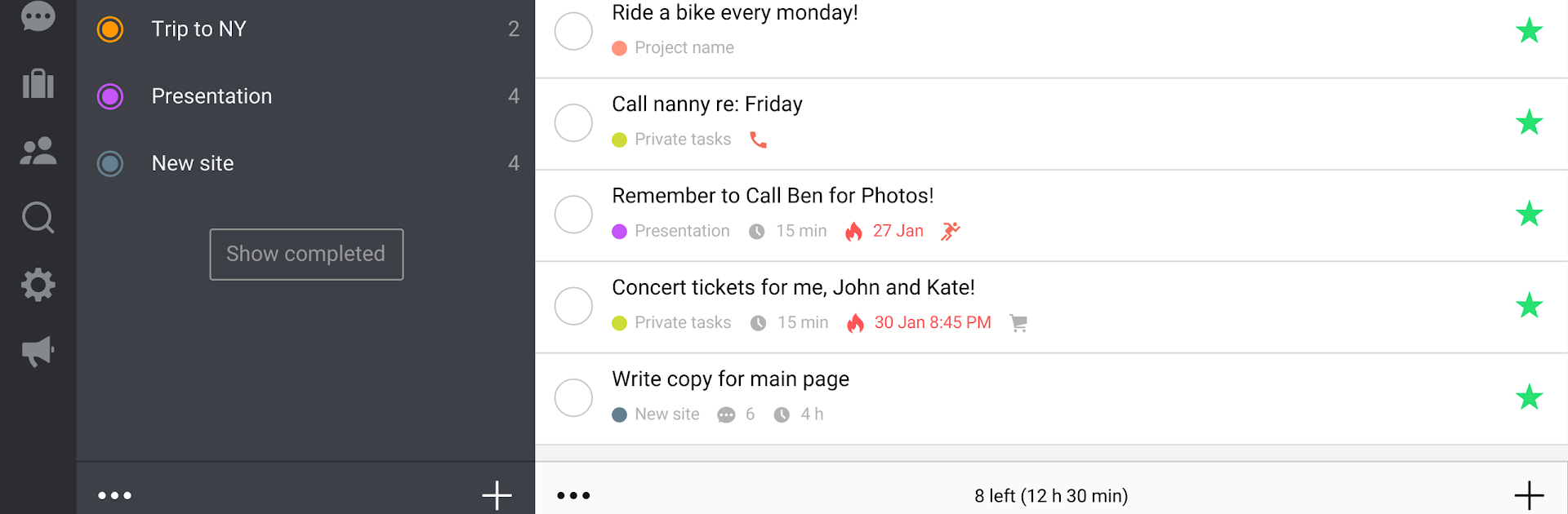
Nozbe Classic
Mainkan di PC dengan BlueStacks – platform Game-Game Android, dipercaya oleh lebih dari 500 juta gamer.

Run Nozbe: to-do, tasks, projects & team on PC or Mac
Upgrade your experience. Try Nozbe: to-do, tasks, projects & team, the fantastic Productivity app from Nozbe.com, from the comfort of your laptop, PC, or Mac, only on BlueStacks.
About the App
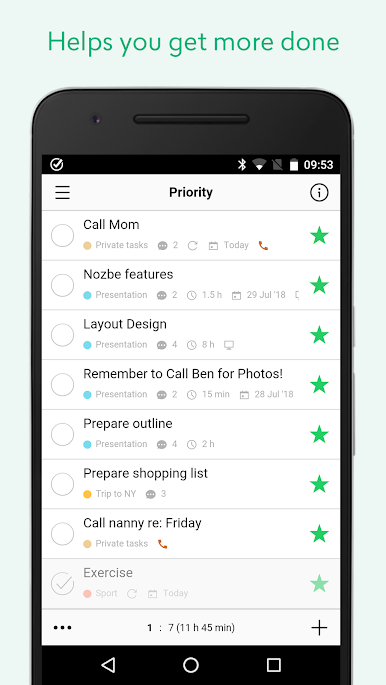
Juggling projects, tasks, and team conversations can get messy fast, but Nozbe: to-do, tasks, projects & team is here to take that stress off your shoulders. This productivity app from Nozbe.com is all about making your work life smoother—organize tasks, collaborate with your team, and actually stay on top of it all. If your mind is buzzing with to-dos, this could be the spot to give it a break.
App Features
-
Organize Your Way
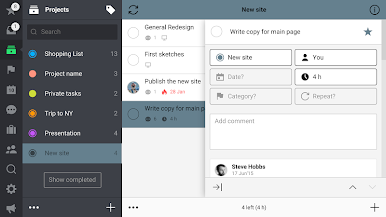
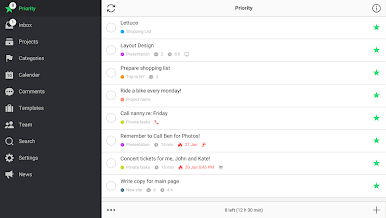
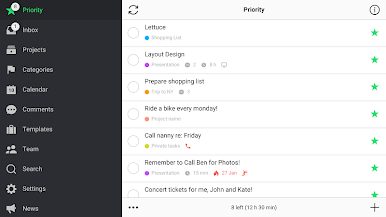
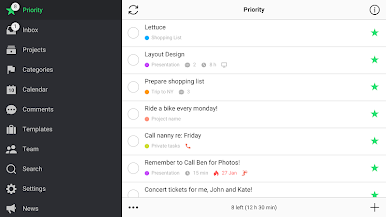
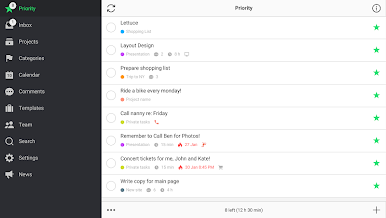
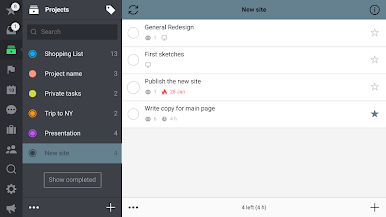
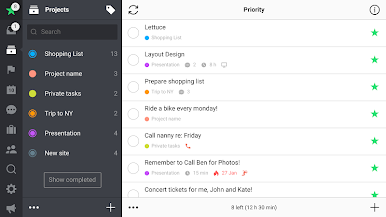
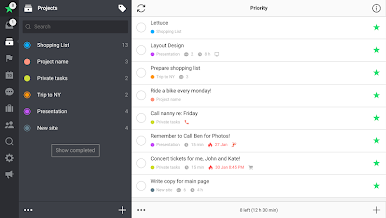
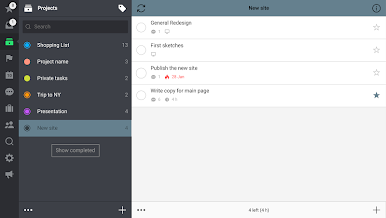
Quickly jot down tasks wherever you are, sort them into projects, mark your must-dos, and batch similar jobs together using categories for a smoother workflow. -
Teamwork, Minus the Messy Emails
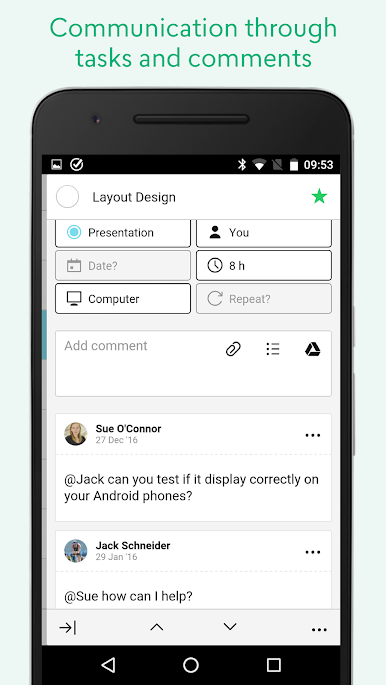
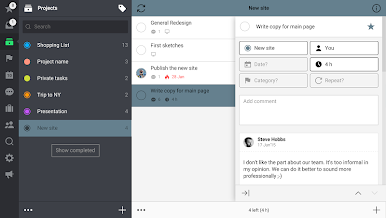
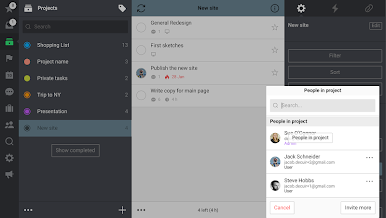
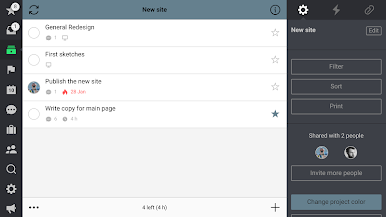
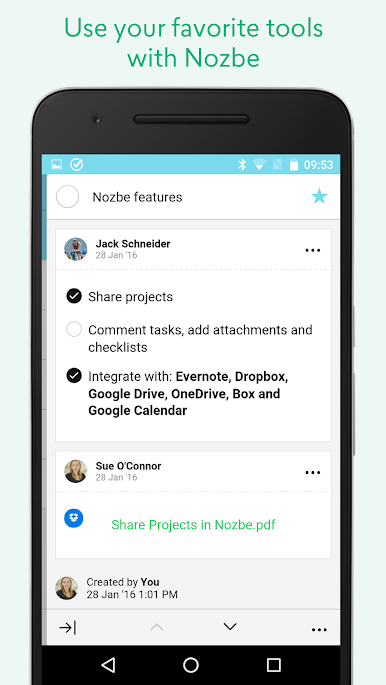
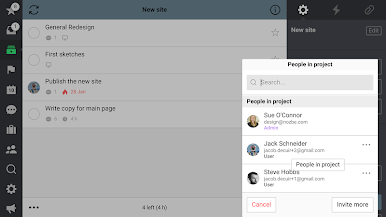
Share projects with others and communicate right on each task. Forget scrolling through endless email threads—every comment, checklist, or attachment lives where it’s relevant. -
Multiple Ways to Comment
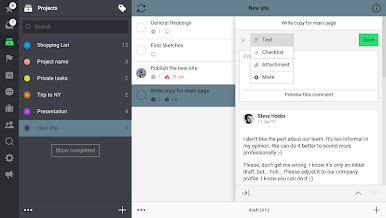
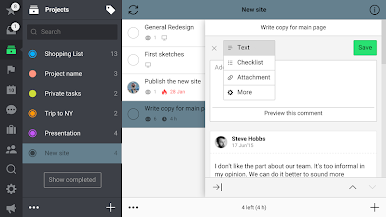
Leave notes, checklists, images, and even upload docs straight from Google Drive or other cloud services—all within the task you’re working on. -
Stay on Top of Progress
Built-in reports let you and your team see what’s getting done, keep tabs on productivity, and spot room for improvement—there’s even a course with helpful tips for getting more out of your day. -
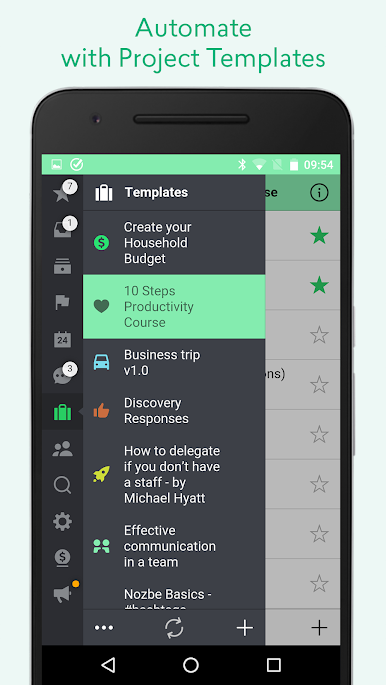
Automate with Project Templates
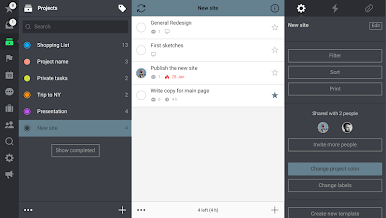
Save time by turning recurring workflows into templates—you can reuse, tweak, and even share them with others in the Nozbe community. -
Integrate Your Favorite Tools
Sync deadlines with Google Calendar, attach notes from Evernote, or drop in files from Dropbox, Google Drive, OneDrive, and Box—all without leaving the app. -
Super Quick Task Input
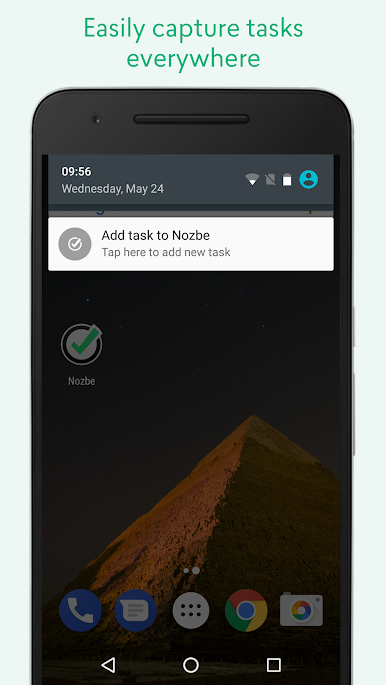
Add tasks in a flash using hashtags, email, your phone’s assistant, notification shortcuts, widgets, or even sharing from other apps.
Nozbe: to-do, tasks, projects & team keeps things free for small setups and scales as your needs grow. And if you prefer working from your desktop, you can use it alongside your favorite productivity tools while running it on BlueStacks.
BlueStacks brings your apps to life on a bigger screen—seamless and straightforward.
Mainkan Nozbe Classic di PC Mudah saja memulainya.
-
Unduh dan pasang BlueStacks di PC kamu
-
Selesaikan proses masuk Google untuk mengakses Playstore atau lakukan nanti
-
Cari Nozbe Classic di bilah pencarian di pojok kanan atas
-
Klik untuk menginstal Nozbe Classic dari hasil pencarian
-
Selesaikan proses masuk Google (jika kamu melewati langkah 2) untuk menginstal Nozbe Classic
-
Klik ikon Nozbe Classic di layar home untuk membuka gamenya

