


Calculator - Entrance of Vault
Play on PC with BlueStacks – the Android Gaming Platform, trusted by 500M+ gamers.

Page Modified on: Jul 16, 2025
Play Calculator - Entrance of hiding photos/videos on PC
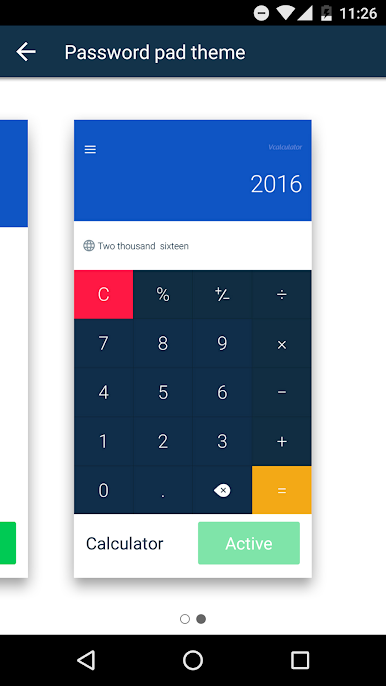
When someone does not have a clue opens your Vault, it’s just a calculator, and it becomes Vault only when you input "PASSWORD=" on the calculator panel.
In addition, Vault Calculator also works as a regular calculator for you to do your simple math
Key Features:
* Vault entrance:
You can access Vault App for hiding photos&videos or SMS by inputting “PASSWORD=” on the calculator.
* Basic mathematical operations:
You can always use Vault Calculator to do simple math.
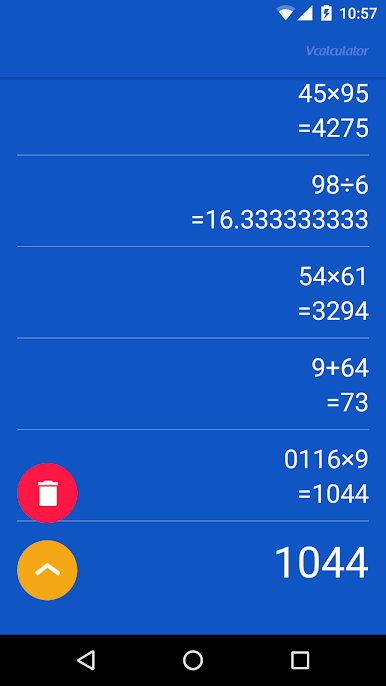
* Calculations history:
See your previous calculations
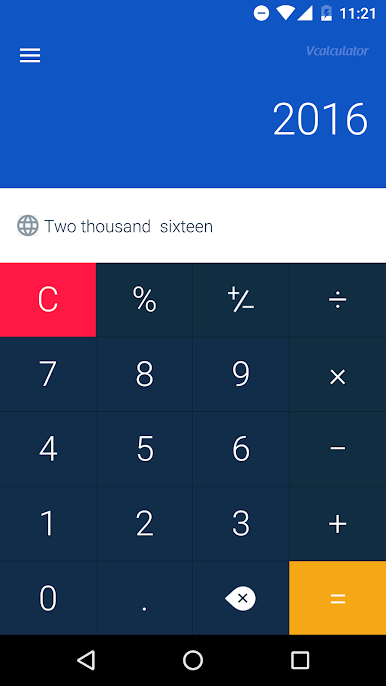
* Digital conversion:
Convert the digits into words so it’s more intuitive.
Follow Vault to get instant updates & productivity news.
Facebook: www.facebook.com/nqvaultapp
Play Calculator - Entrance of Vault on PC. It’s easy to get started.
-
Download and install BlueStacks on your PC
-
Complete Google sign-in to access the Play Store, or do it later
-
Look for Calculator - Entrance of Vault in the search bar at the top right corner
-
Click to install Calculator - Entrance of Vault from the search results
-
Complete Google sign-in (if you skipped step 2) to install Calculator - Entrance of Vault
-
Click the Calculator - Entrance of Vault icon on the home screen to start playing

