


Calorie Counter +
Chơi trên PC với BlueStacks - Nền tảng chơi game Android, được hơn 500 triệu game thủ tin tưởng.

Trang đã được sửa đổi vào: Dec 3, 2025
Play Calorie Counter + on PC
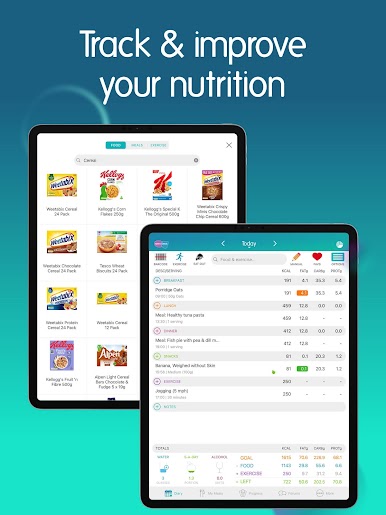
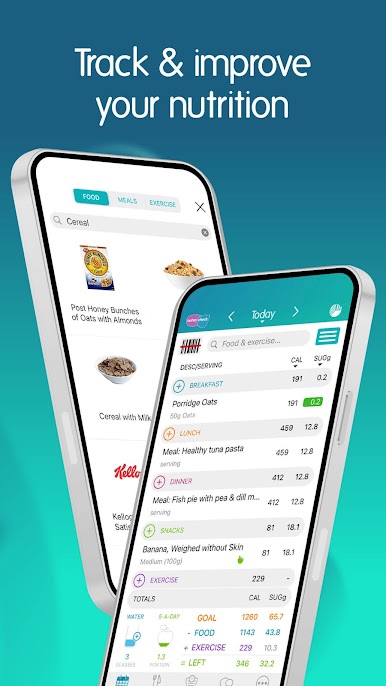
• Track calories & 7 key nutrients
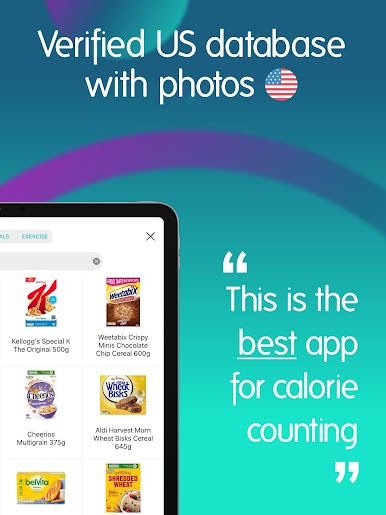
• 100% verified food database – 100'000's of items
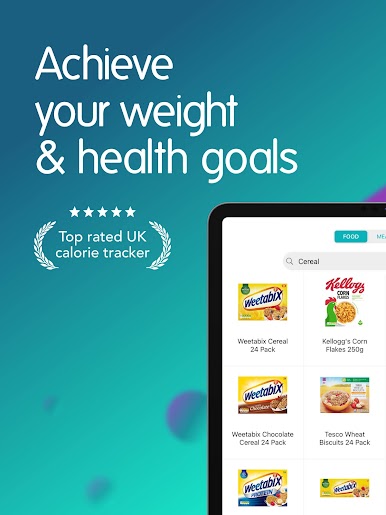
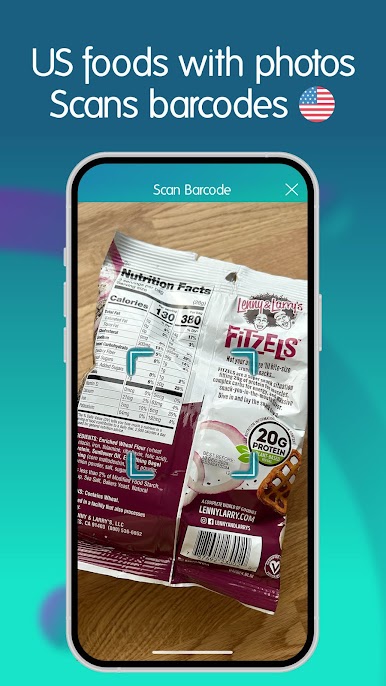
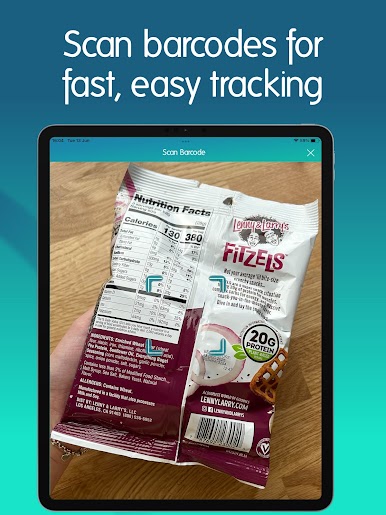
• Barcode scanner & photo search
• Exercise tracking with app & device sync
• Widgets
• Build & save your own recipes
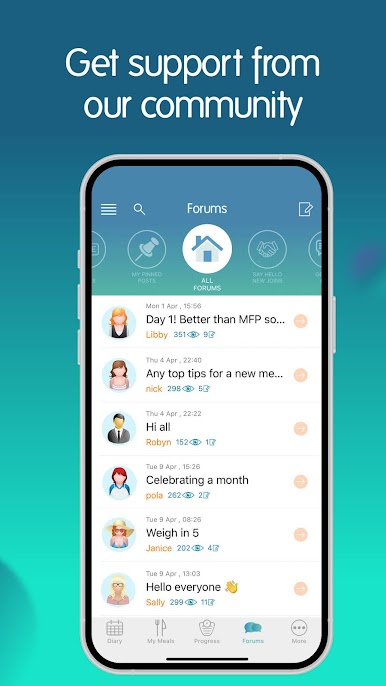
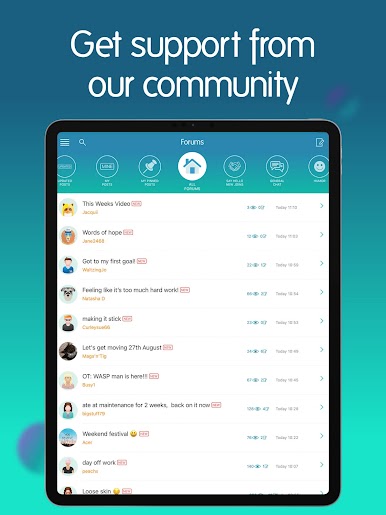
• Community support
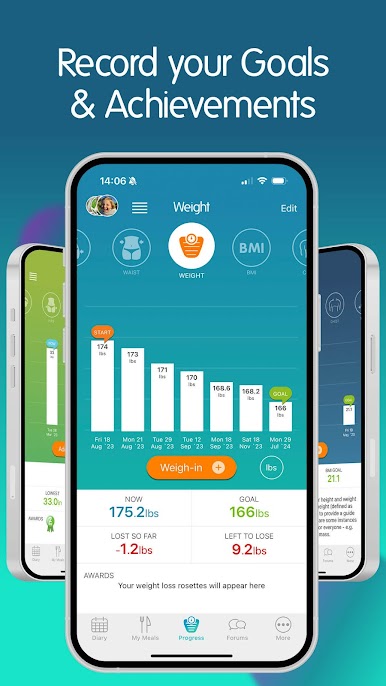
FLEXIBLE GOALS
Weight loss, gain or maintenance – set your own calorie and macro targets to suit your goal.
NUTRITION MADE EASY
Track 7 key nutrients: carbs, protein, fat, sat fat, sugar, salt and fiber. Set reminders for water and 5-a-day.
FAST, ACCURATE LOGGING
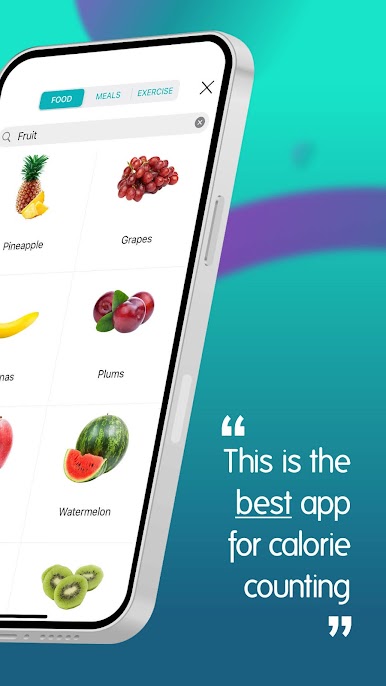
Search verified foods by keyword or barcode – including items from Kroger, Walmart, Target, Trader Joe’s, Whole Foods, and top eating out places like Chipotle, Subway, Chick-fil-A, Starbucks, Panera Bread. See product photos for quick recognition.
BUILT-IN EXERCISE TRACKER
Log workouts manually or sync with Samsung Health, Fitbit, Garmin, and other apps via Health Connect. Choose from 1,000+ activities.
RECIPE & MEAL BUILDER
Calorie count your home-cooked meals. Add your own or use our ready-made favourites.
SUPPORTIVE COMMUNITY
Join challenges, share wins and get encouragement in our friendly forum.
———————————————————————————————————
WHY NUTRACHECK?
• Award-Winning: Voted Best Health & Fitness App and Best Food & Drink App.
• Verified food data, popular US brands, and accurate nutrition tracking.
• Trusted: Over 20 years of continuous development and 5★ ratings.
• Real Support: Friendly support team ready to help – real people, real answers.
SEE SUCCESS STORIES IN THE APP
———————————————————————————————————
SUBSCRIPTION & PRICING
All new users start with a 7-day free trial. After that, subscribe monthly or yearly – or stay on the free Lite version (with daily diary limits).
Manage in Settings: Subscriptions auto-renew unless canceled 24 hours before the end of your period. Payment is charged to your Google account. Lite access remains free.
Terms & Privacy: nutracheck.co.uk/Info/TermsAndConditions
Chơi Calorie Counter + trên PC. Rất dễ để bắt đầu
-
Tải và cài đặt BlueStacks trên máy của bạn
-
Hoàn tất đăng nhập vào Google để đến PlayStore, hoặc thực hiện sau
-
Tìm Calorie Counter + trên thanh tìm kiếm ở góc phải màn hình
-
Nhấn vào để cài đặt Calorie Counter + trong danh sách kết quả tìm kiếm
-
Hoàn tất đăng nhập Google (nếu bạn chưa làm bước 2) để cài đặt Calorie Counter +
-
Nhấn vào icon Calorie Counter + tại màn hình chính để bắt đầu chơi

