


The Lorax - Dr. Seuss
Graj na PC z BlueStacks – Platforma gamingowa Android, która uzyskała zaufanie ponad 500 milionów graczy!

Strona zmodyfikowana w dniu: Nov 19, 2025
Play The Lorax - Dr. Seuss on PC
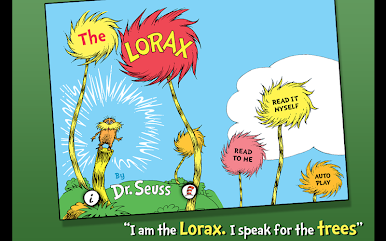
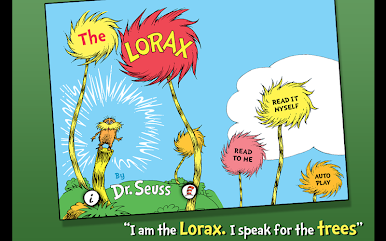
Explore The Lorax - Dr. Seuss:
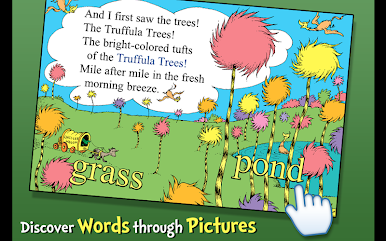
- ENCOURAGE literacy skills with highlighted narration
- FOLLOW along with three fun ways to read!
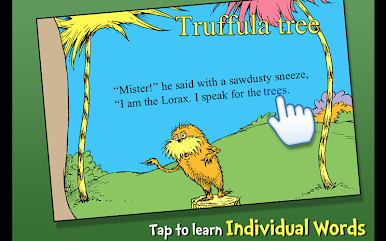
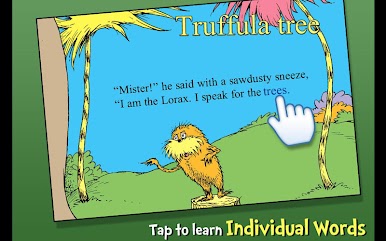
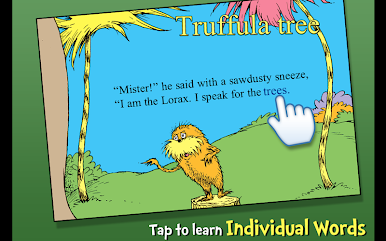
- LEARN new vocabulary with tappable words
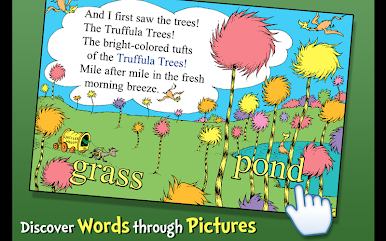
- TAP objects to hear their name read aloud
Designed for children ages 3-6
------------------------------------------------------------------------
The Reviews Are In:
- "The narrator's (depiction) of the different characters makes this book come alive!" - MomandMore
- "The gold standard for eBooks!" - Pragmatic Mom
------------------------------------------------------------------------
We'd Love To Hear From You!
- Please share your thoughts in a review! Your experience matters to us.
- Need tech support? Contact us at support@omapp.com
- Say hello to us on FB! facebook.com/oceanhousemedia
Official Dr. Seuss licensed App. Dr. Seuss Properties ™ & © 2010 Dr. Seuss Enterprises, L.P. All rights reserved.





Zagraj w The Lorax - Dr. Seuss na PC. To takie proste.
-
Pobierz i zainstaluj BlueStacks na PC
-
Zakończ pomyślnie ustawienie Google, aby otrzymać dostęp do sklepu Play, albo zrób to później.
-
Wyszukaj The Lorax - Dr. Seuss w pasku wyszukiwania w prawym górnym rogu.
-
Kliknij, aby zainstalować The Lorax - Dr. Seuss z wyników wyszukiwania
-
Ukończ pomyślnie rejestrację Google (jeśli krok 2 został pominięty) aby zainstalować The Lorax - Dr. Seuss
-
Klinij w ikonę The Lorax - Dr. Seuss na ekranie startowym, aby zacząć grę

