


Okta Personal
500M + oyuncunun güvendiği Android Oyun Platformu, BlueStacks ile PC'de oynayın.

Sayfa Değiştirilme tarihi: Sep 27, 2025
Run Okta Personal on PC or Mac
What’s better than using Okta Personal by Okta Inc.? Well, try it on a big screen, on your PC or Mac, with BlueStacks to see the difference.
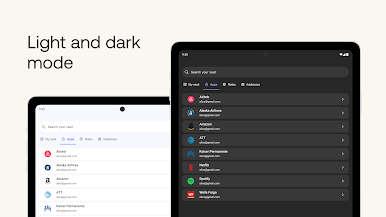
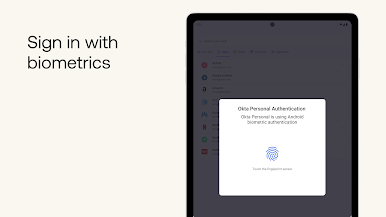
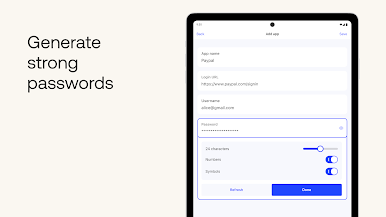
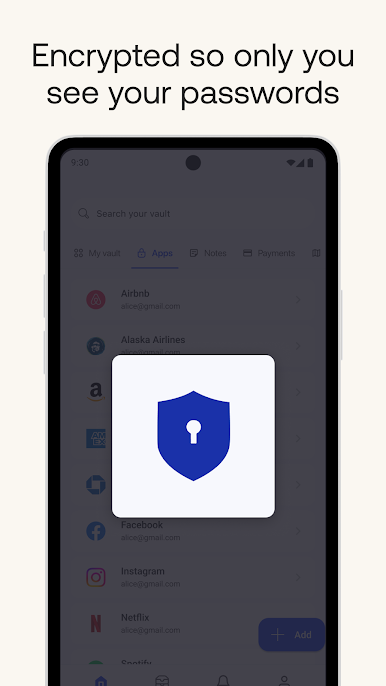
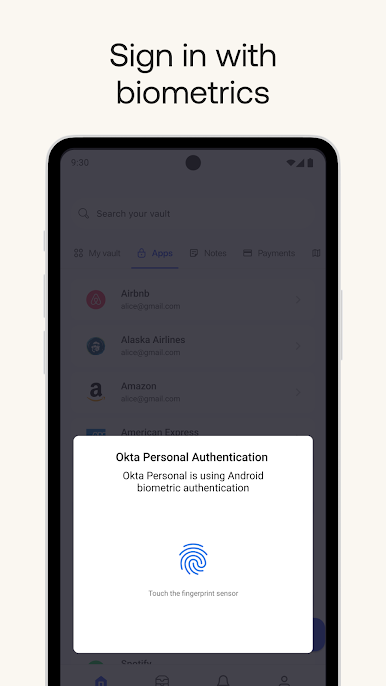
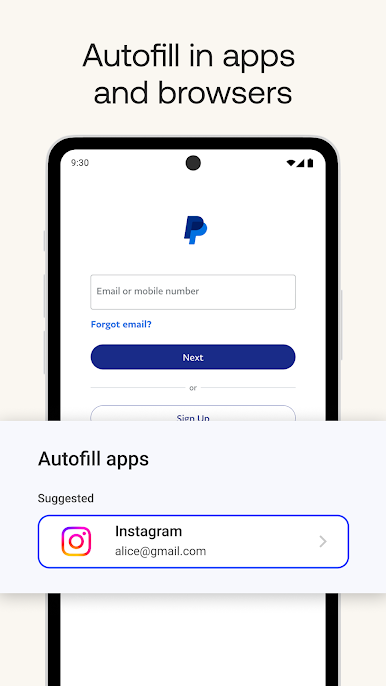
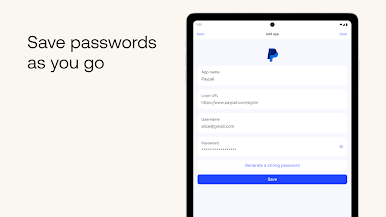
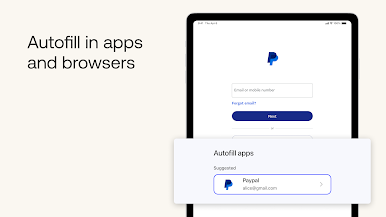
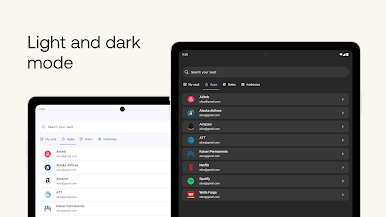
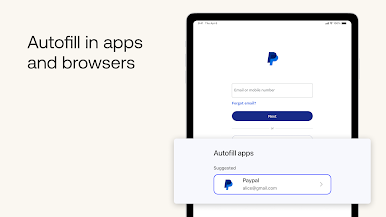
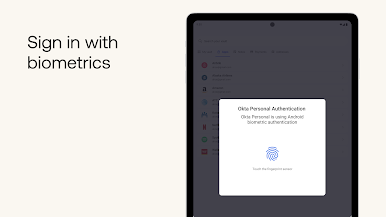
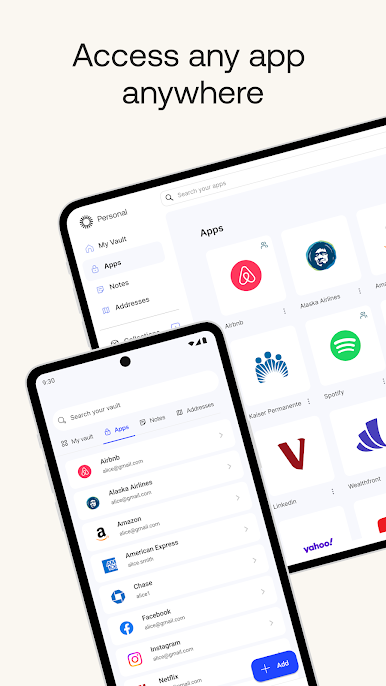
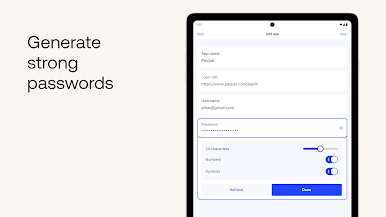
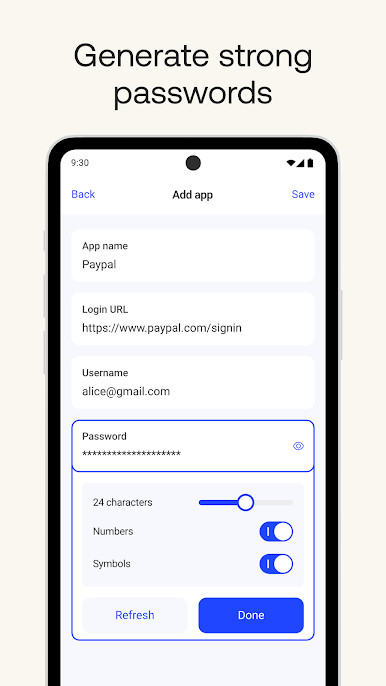
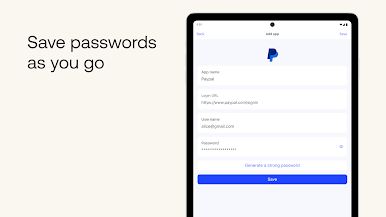
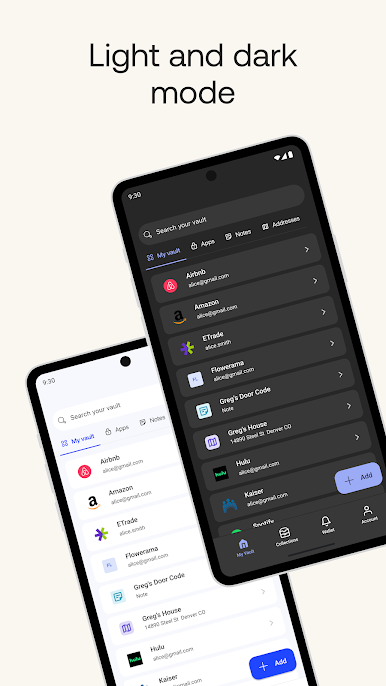
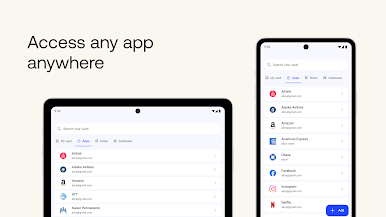
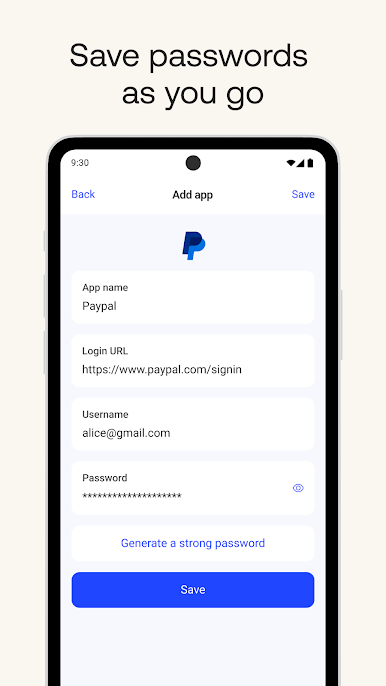
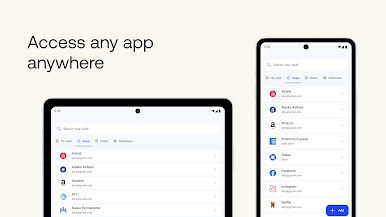
Okta Personal feels like a clean, no-drama password manager that just gets out of the way. It lets you store as many logins as you want and syncs them across devices without nagging about upgrades or showing ads. The setup is simple, and there is no giant master password to remember if you prefer using FaceID or your device unlock instead. There is a built in password generator that spits out strong, unique passwords, so every account can have its own weird string. When you sign in somewhere new, a little prompt appears to save it on the spot. Later, it autofills in apps and in the browser, so there is a lot less typing and fewer resets. It all stays synced, so moving between phone and tablet and whatever is not a headache.
Running it on PC with BlueStacks actually works nicely, especially for organizing vault entries with a proper keyboard. Autofill inside Android apps in the emulator is smooth, and searching long lists is faster when you can just type. The interface is straightforward, with labels that make sense and not too many switches to fiddle with. Security feels solid without making the user jump through hoops every single time. Worth noting, this is meant for personal accounts. If a job uses Okta for work logins, that is a different app, so double check the name before installing.
Big screen. Bigger performance. Use BlueStacks on your PC or Mac to run your favorite apps.
Okta Personal oyununu PC'de oyna. Başlamak çok kolay.
-
BlueStacks'i PC'nize İndirin ve Yükleyin
-
Play Store'a erişmek için Google girişi yapın ya da daha sonraya bırakın.
-
Sağ üst köşeye Okta Personal yazarak arayın.
-
Okta Personal uygulamasını arama sonuçlarından indirmek için tıklayın.
-
(iEğer Adım 2'yi atladıysanız) Okta Personal uygulamasını yüklemek için Google'a giriş yapın.
-
Oynatmaya başlatmak için ekrandaki Okta Personal ikonuna tıklayın.

