


Kingston University
5억명 이상의 게이머가 신뢰하는 안드로이드 게임 플랫폼 BlueStacks으로 PC에서 플레이하세요.

Run Kingston University on PC or Mac
Upgrade your experience. Try Kingston University, the fantastic Education app from Kingston University, from the comfort of your laptop, PC, or Mac, only on BlueStacks.
About the App
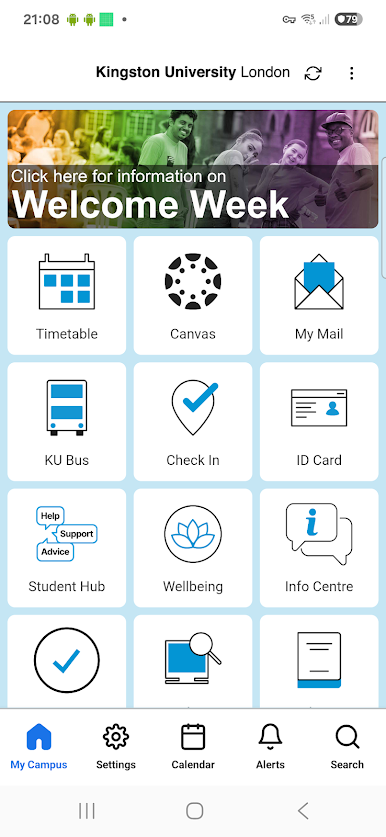
Kingston University is your all-in-one campus companion, built to keep your day moving smoothly. Check what’s on next, grab your course materials, and find your way around without digging through multiple sites. Prefer a bigger screen for planning out your week? You can also use it on your computer with BlueStacks.
App Features
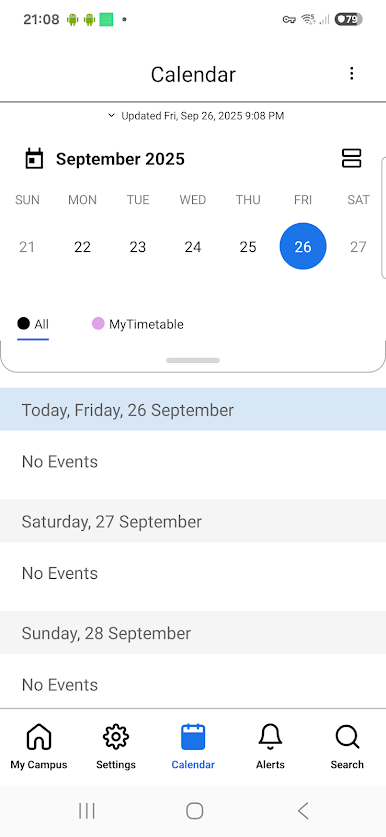
- Timetables: See your course timetables at a glance, with quick access to what’s happening today and what’s coming up next.
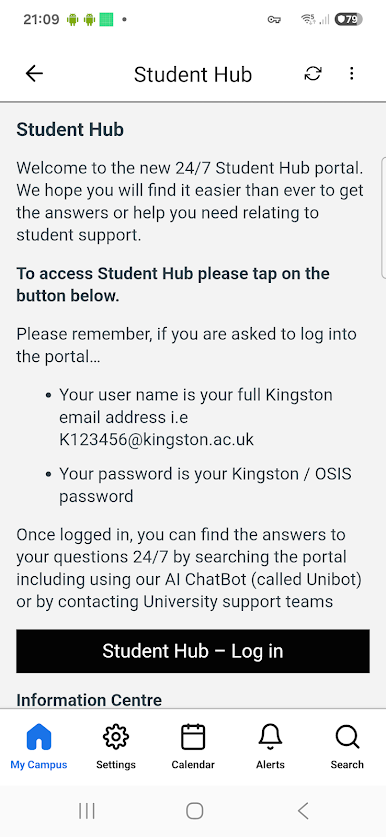
- Learning Tools: Jump straight into Canvas, KU email (My Mail), Box, OSIS, KUextra, and Check In—everything you need for classes, attendance, and admin in one place.
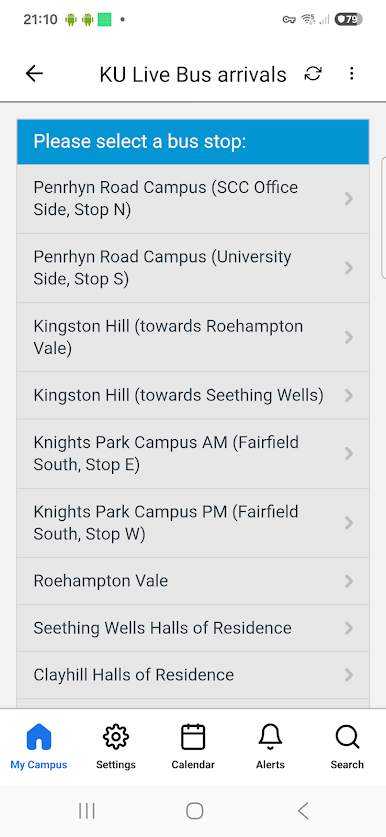
- Live Bus Info: Track real-time bus arrivals, view routes, and check stops so you’re not left waiting when you need to get between campuses.
- Find a PC: Check PC availability across campus labs before you head out, perfect for snagging a spot when you’re on a deadline.
- Library & LRC: Search the LRC catalog, renew or reserve books, and check opening times. Keep an eye on your library account without logging in elsewhere.
- Campus Maps: Navigate buildings, rooms, and facilities with clear campus maps that make getting around a bit less stressful.
- People & Rooms: Look up rooms and people fast when you’re trying to locate a class or connect with someone on campus.
- Key Info: Get essential updates and handy facts in one place, from schedules to campus services.
- KUTalent Jobs: Browse the latest roles and opportunities from KUTalent to support your career plans.
- Student Life: Access info from the Union of Kingston Students, including services, support, and student activities.
Developer: Kingston University | Genre: Education
Big screen. Bigger performance. Use BlueStacks on your PC or Mac to run your favorite apps.
PC에서 Kingston University 플레이해보세요.
-
BlueStacks 다운로드하고 설치
-
Google Play 스토어에 로그인 하기(나중에 진행가능)
-
오른쪽 상단 코너에 Kingston University 검색
-
검색 결과 중 Kingston University 선택하여 설치
-
구글 로그인 진행(만약 2단계를 지나갔을 경우) 후 Kingston University 설치
-
메인 홈화면에서 Kingston University 선택하여 실행

