


MonChats
Spiele auf dem PC mit BlueStacks - der Android-Gaming-Plattform, der über 500 Millionen Spieler vertrauen.

Seite geändert am: Dec 1, 2023
Play MonChats on PC
🔥Completely free
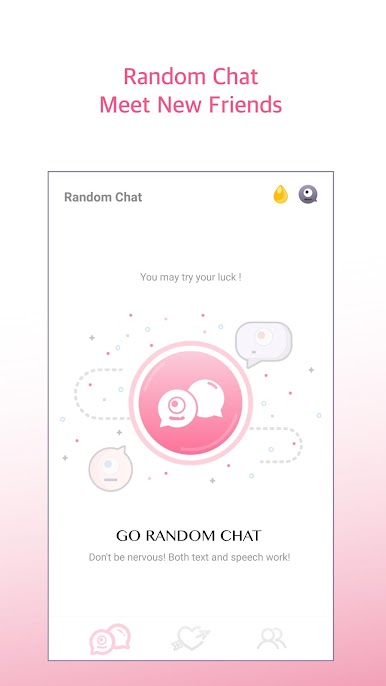
With a successful match, you can talk for free and become friends!
Everything from download to chat is free!
🔥Fully anonymous
Talk through real people and monsters
Without revealing your personal information and appearance, you will only know each other using your true intentions and voice!
🔥Talk about what you want to talk about safely
You can chat safely in a private space!
You can uncover your chest safely for anonymous chat!
🔥 All users are real people
There is no robot here. No one wants to talk to the robot.
Facebook: https://www.facebook.com/MonChatApp/
MonChats feedback: https://m.me/MonChatApp
MonChats access settings explanation
Required:
◎ Allow MonChats to access the "Microphone" functions; MonChats require access to the "Microphone" in order to record the users' beautiful voices.
Not required:
◎ Allow MonChat to access "Location"; MonChats will need access to "Location" in order to know the user's location and match you up to chat with nearby users.
◎ Allow MonChats to access "Camera"; if the users wish to take and send photos during the chat, MonChats will need access to "Camera" in order to control the camera and take photos.
◎Allow MonChats to access "Photos"; if the users wish to send photos during the chat, MonChats will need access to "Photos" in order to read the photos in the albums.

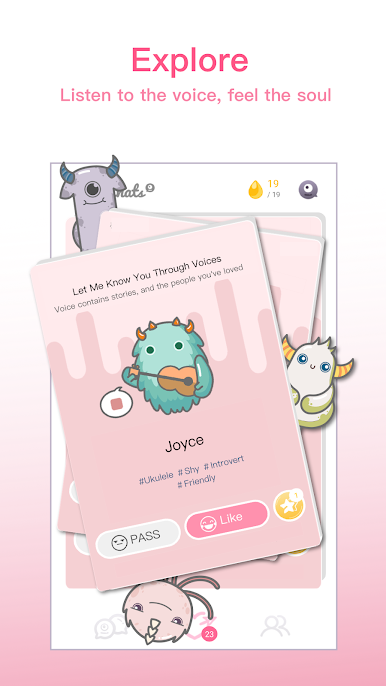
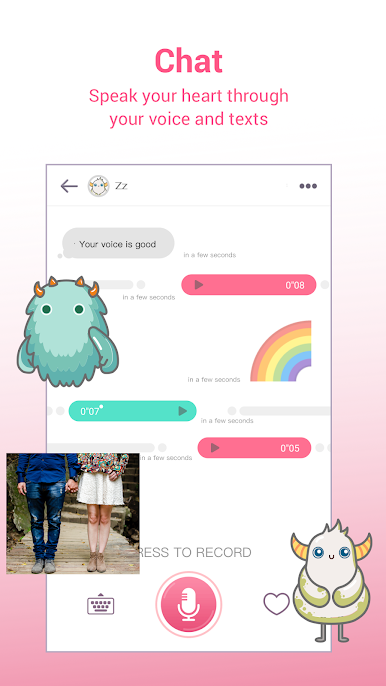
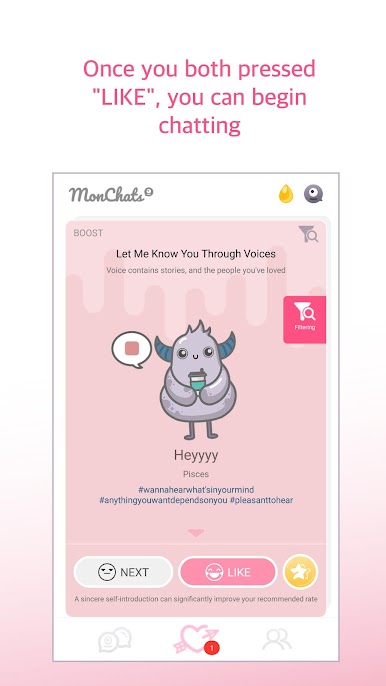
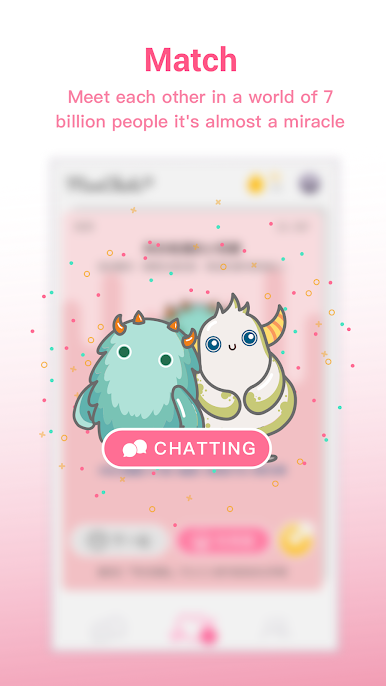
Spiele MonChats auf dem PC. Der Einstieg ist einfach.
-
Lade BlueStacks herunter und installiere es auf deinem PC
-
Schließe die Google-Anmeldung ab, um auf den Play Store zuzugreifen, oder mache es später
-
Suche in der Suchleiste oben rechts nach MonChats
-
Klicke hier, um MonChats aus den Suchergebnissen zu installieren
-
Schließe die Google-Anmeldung ab (wenn du Schritt 2 übersprungen hast), um MonChats zu installieren.
-
Klicke auf dem Startbildschirm auf das MonChats Symbol, um mit dem Spielen zu beginnen

