


ONE Icon Pack
個人化 | Jnd Walls
在電腦上使用BlueStacks –受到5億以上的遊戲玩家所信任的Android遊戲平台。

Play ONE Icon Pack on PC
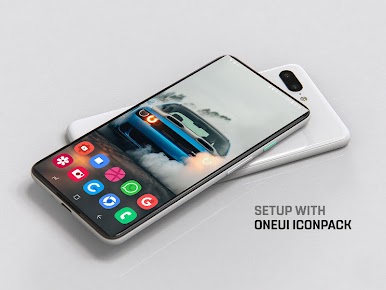
Enhance Your Mobile Experience with a Sleek Icon Pack Inspired By OneUI !
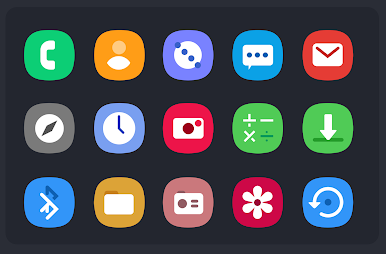
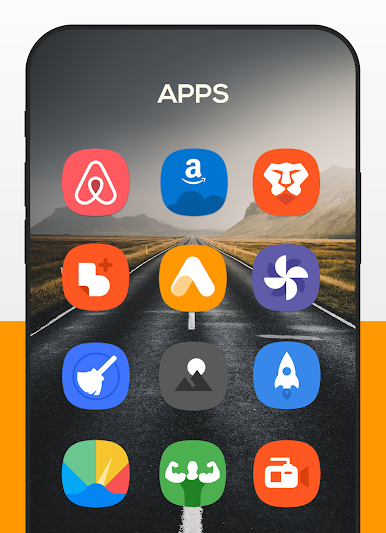
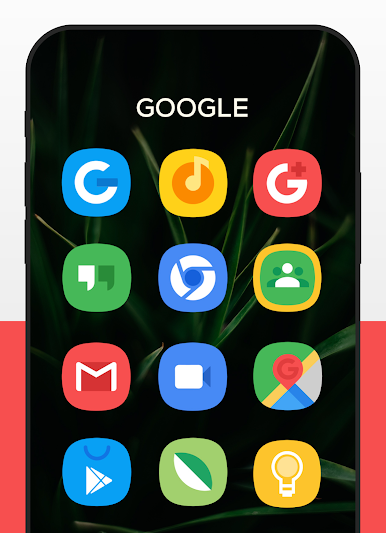
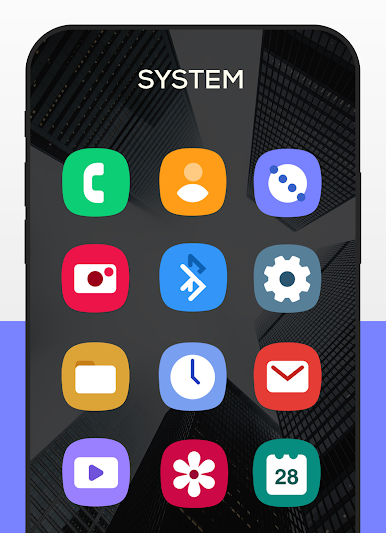
Elevate your device's look with a minimalist, flat-design icon pack. Crafted with care to provide a clean and elegant appearance, this icon pack brings over 6500 uniquely designed icons with pastel-themed colors and high-quality masking for unthemed icons.
Why Choose This Icon Pack?
• 6500+ Icons with Exceptional Quality
• Frequent updates with new icons and activity fixes.
• Compatible with almost all Android launchers.
• Flat and colorful icon designs to suit any theme.
• Includes a stock wallpaper collection with stunning visuals.
Additional Features
• Dynamic calendar support.
• Icon preview and search functionality.
• Easy-to-use icon request tool.
• Custom folder and drawer icons.
• Material design dashboard for smooth navigation.
How to Use
Install a compatible launcher (we recommend Nova Launcher).
Open the icon pack app and click "Apply."
Elevate your device's look with a minimalist, flat-design icon pack. Crafted with care to provide a clean and elegant appearance, this icon pack brings over 6500 uniquely designed icons with pastel-themed colors and high-quality masking for unthemed icons.
Why Choose This Icon Pack?
• 6500+ Icons with Exceptional Quality
• Frequent updates with new icons and activity fixes.
• Compatible with almost all Android launchers.
• Flat and colorful icon designs to suit any theme.
• Includes a stock wallpaper collection with stunning visuals.
Additional Features
• Dynamic calendar support.
• Icon preview and search functionality.
• Easy-to-use icon request tool.
• Custom folder and drawer icons.
• Material design dashboard for smooth navigation.
How to Use
Install a compatible launcher (we recommend Nova Launcher).
Open the icon pack app and click "Apply."
在電腦上遊玩ONE Icon Pack . 輕易上手.
-
在您的電腦上下載並安裝BlueStacks
-
完成Google登入後即可訪問Play商店,或等你需要訪問Play商店十再登入
-
在右上角的搜索欄中尋找 ONE Icon Pack
-
點擊以從搜索結果中安裝 ONE Icon Pack
-
完成Google登入(如果您跳過了步驟2),以安裝 ONE Icon Pack
-
在首頁畫面中點擊 ONE Icon Pack 圖標來啟動遊戲

