


Sudoku: Brain Puzzles
Graj na PC z BlueStacks – Platforma gamingowa Android, która uzyskała zaufanie ponad 500 milionów graczy!

Strona zmodyfikowana w dniu: Nov 17, 2025
Play Sudoku: Free Brain Puzzles on PC or Mac
Sudoku: Free Brain Puzzles brings the Puzzle genre to life, and throws up exciting challenges for gamers. Developed by Mahjong Brain Games, this Android game is best experienced on BlueStacks, the World’s #1 app player for PC and Mac users.
About the Game
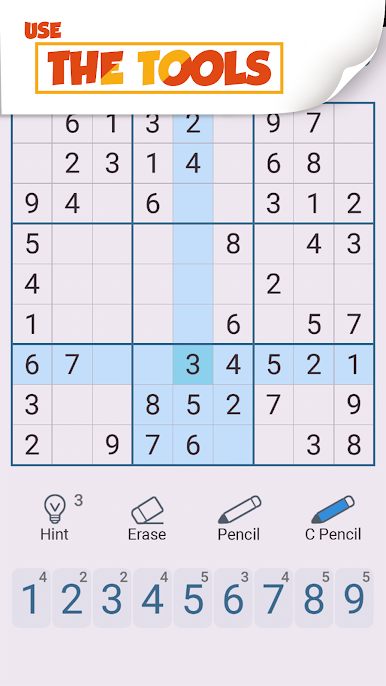
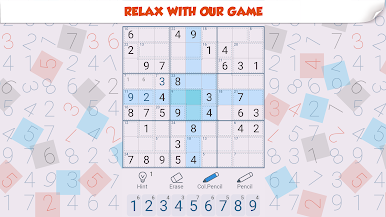
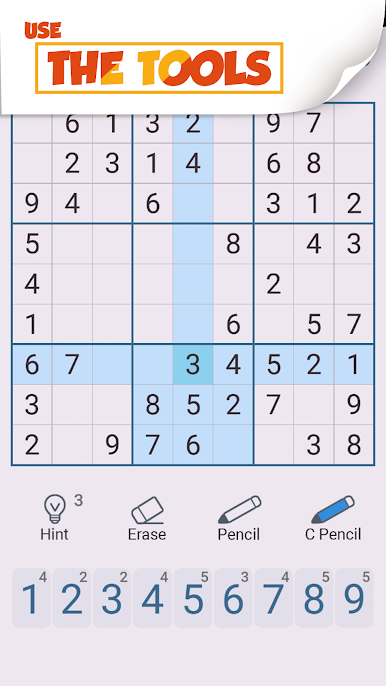
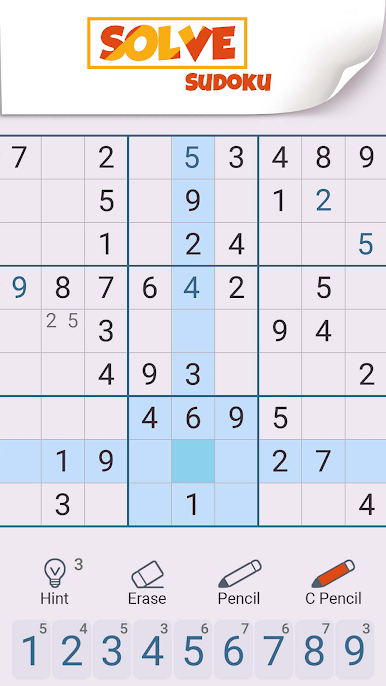
If you enjoy testing your logic and enjoy a good mental workout, Sudoku: Free Brain Puzzles is right up your alley. This puzzle game keeps things classic—just you, a Sudoku board, and your thoughts. Whether you’re looking to ease into your day with some easy puzzles or are ready to push your brain with tougher grids, there’s something here no matter your mood. You’ll find yourself hooked as you sneak in rounds over coffee breaks, or maybe while playing on BlueStacks for that smooth, big-screen focus.
Game Features
-
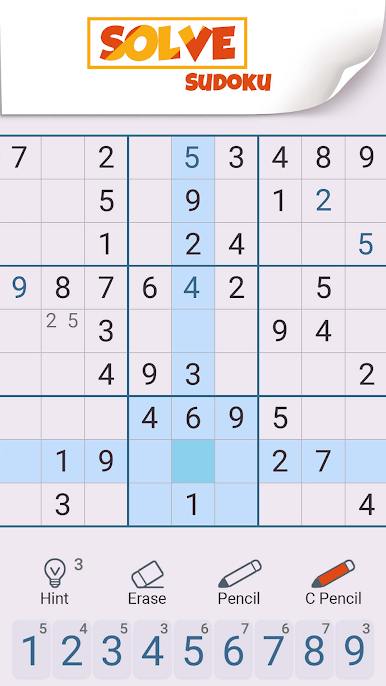
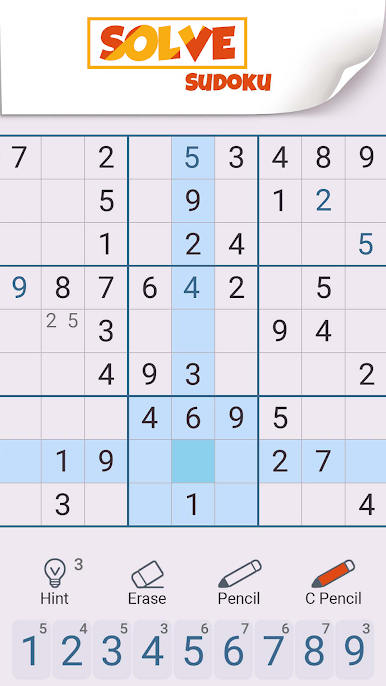
Classic Sudoku Boards
Stick to tradition with familiar grids that let you focus squarely on solving, not learning new rules. Perfect if you want that authentic Sudoku experience without distractions. -
Daily Puzzles
Challenge yourself every single day with a fresh puzzle. It’s a great way to build a habit, wake up your brain, or just fill a spare moment with something satisfying. -
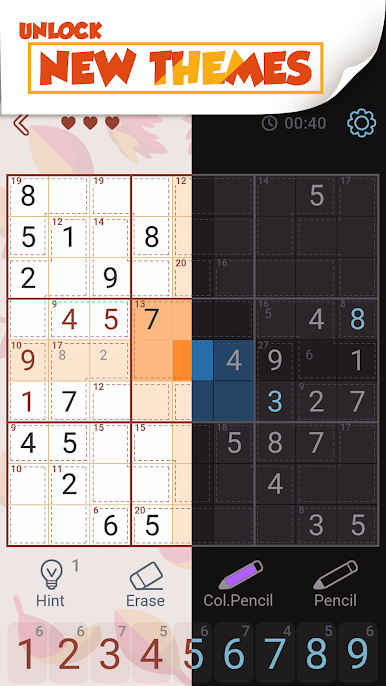
Multiple Difficulty Levels
Start out easy, or jump right into the tough stuff—there are four difficulty options, making this a good fit for brand new players and hardcore enthusiasts alike. -
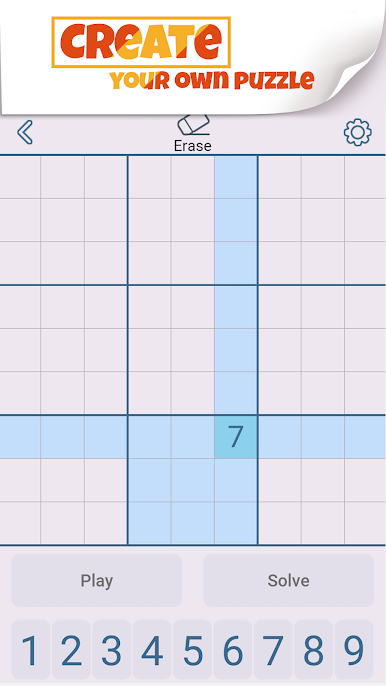
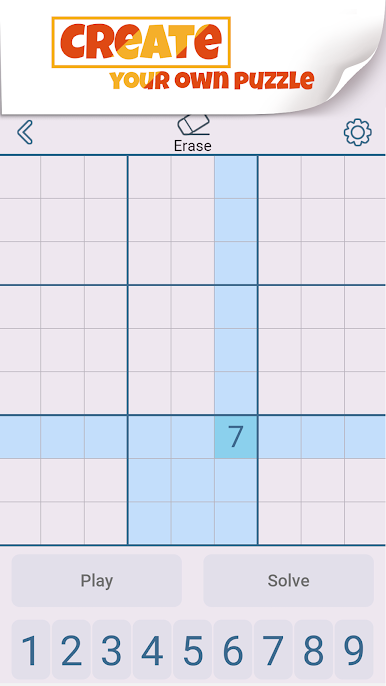
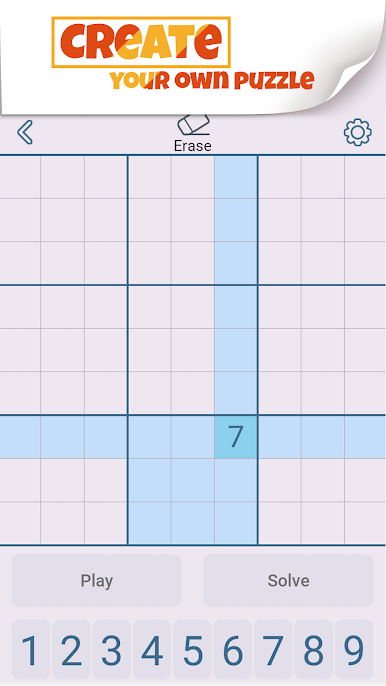
Custom Puzzle Creator
Feeling creative? Set up your own Sudoku layouts to play or to stump a friend. It’s a fun way to personalize the challenge and keep things interesting. -
Constant Updates
The fun won’t go stale—there are always new tweaks and puzzles popping up so the experience stays fresh each time you play.
Ready to top the leaderboard? We bet you do. Let precise controls and sharp visuals optimized on BlueStacks lead you to victory.









Zagraj w Sudoku: Brain Puzzles na PC. To takie proste.
-
Pobierz i zainstaluj BlueStacks na PC
-
Zakończ pomyślnie ustawienie Google, aby otrzymać dostęp do sklepu Play, albo zrób to później.
-
Wyszukaj Sudoku: Brain Puzzles w pasku wyszukiwania w prawym górnym rogu.
-
Kliknij, aby zainstalować Sudoku: Brain Puzzles z wyników wyszukiwania
-
Ukończ pomyślnie rejestrację Google (jeśli krok 2 został pominięty) aby zainstalować Sudoku: Brain Puzzles
-
Klinij w ikonę Sudoku: Brain Puzzles na ekranie startowym, aby zacząć grę

