


Flashcards Deluxe
Jouez sur PC avec BlueStacks - la plate-forme de jeu Android, approuvée par + 500M de joueurs.

Page Modifiée le: Apr 22, 2025
Run Flashcards Deluxe on PC or Mac
Why limit yourself to your small screen on the phone? Run Flashcards Deluxe, an app by OrangeOrApple.com, best experienced on your PC or Mac with BlueStacks, the world’s #1 Android emulator.
About the App
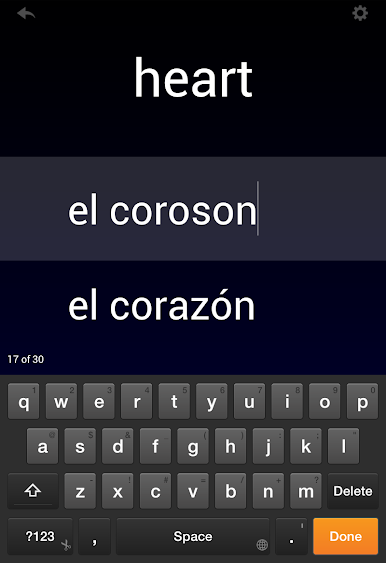
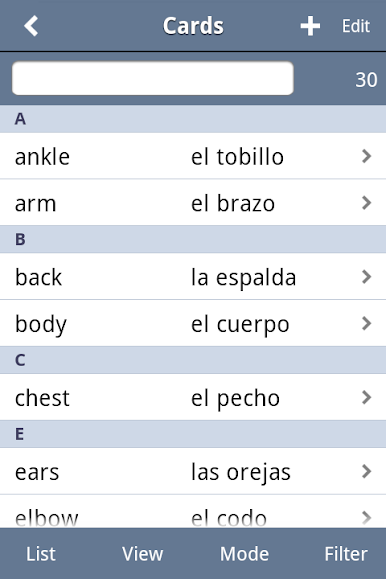
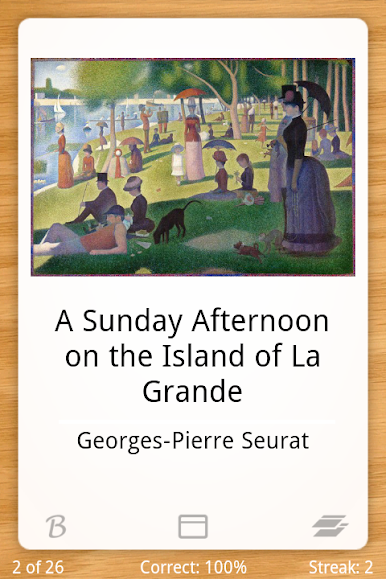
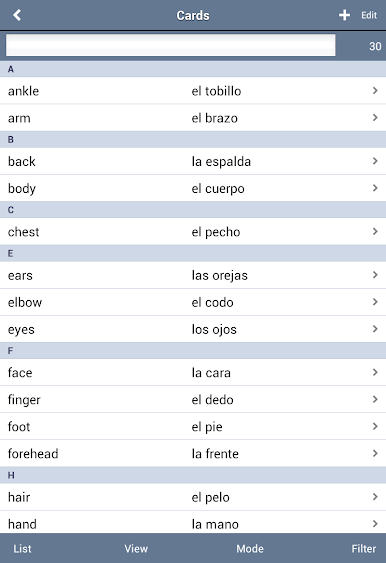
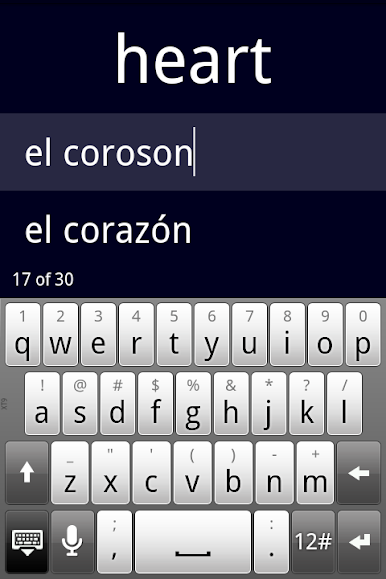
Flashcards Deluxe by OrangeOrApple.com is your versatile companion for all things study. Whether you’re brushing up on languages, prepping for exams, or polishing off facts, this app has got you covered. Offering a customizable, full-featured flashcard experience, feel free to explore various study modes and content presentation styles.
App Features
-
Smart Study Modes: Tailor your learning with Leitner and advanced Spaced Repetition modes, both designed to spotlight the cards you miss.
-
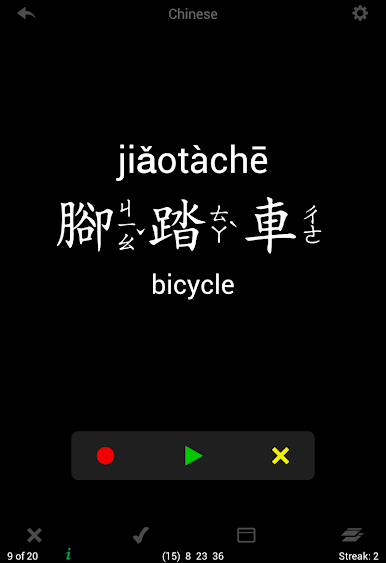
Multilingual TTS Audio: Text to speech in 18 languages—study uninterrupted without needing an internet connection.
-
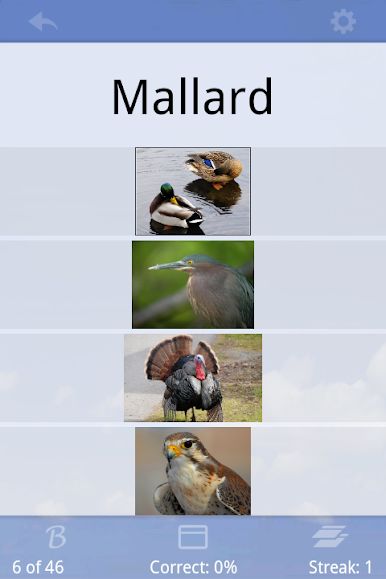
Versatile Testing: From multiple choice to spelling tests, challenge yourself as you learn.
-
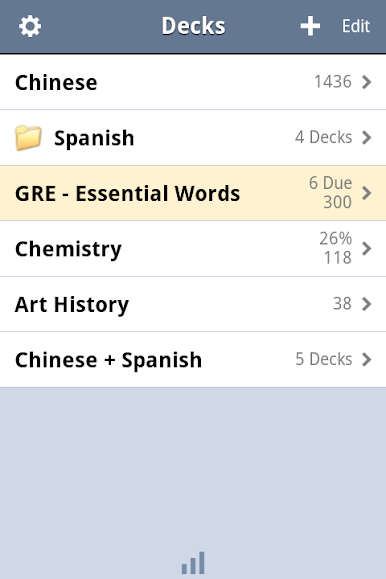
Dynamic Decks: Organize and merge decks, apply color themes, and categorize cards for a personalized study flow.
-
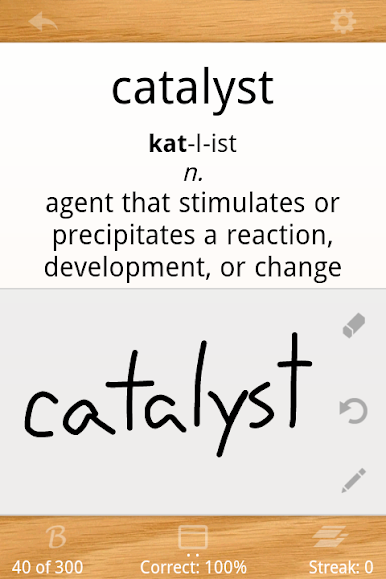
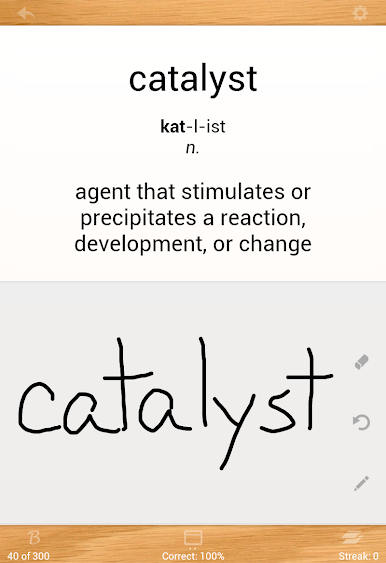
Interactive Features: Annotate and swipe answers, zoom into images, and enjoy audio that auto-repeats for immersive learning.
-
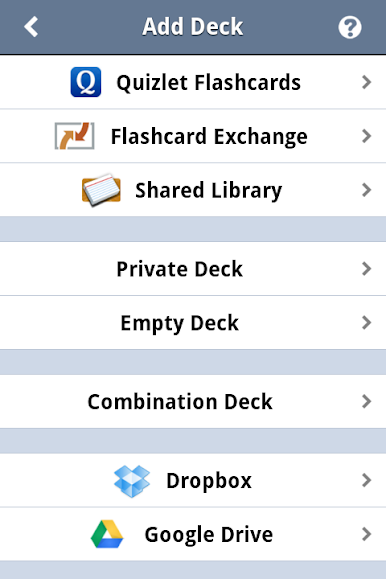
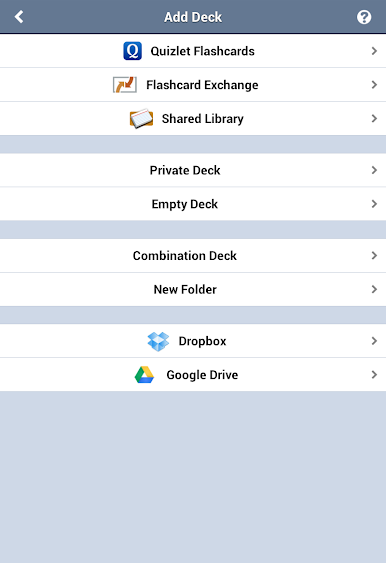
Seamless Syncing: Easily backup and access your flashcards via Dropbox and Google Drive.
-
Community & Support: Tap into the Shared Library or reach out through forums for a responsive, community-driven experience.
Explore it all using BlueStacks for an enhanced study setup.
Eager to take your app experience to the next level? Start right away by downloading BlueStacks on your PC or Mac.
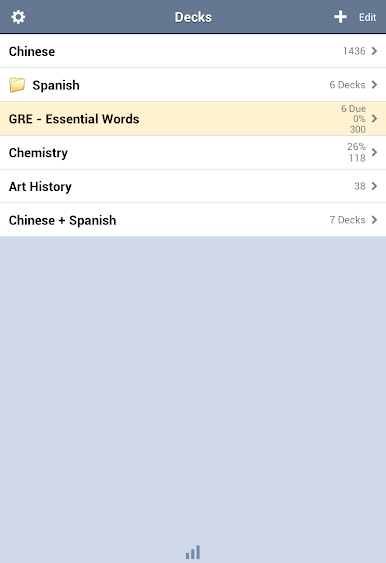
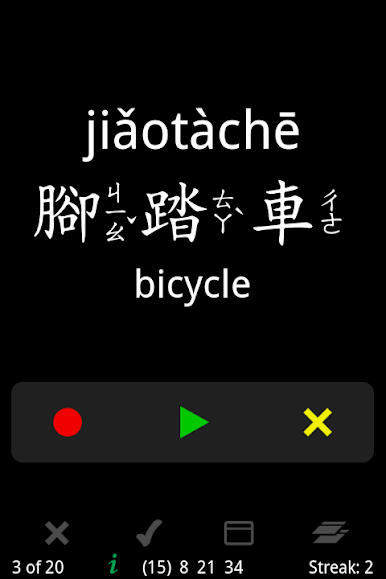
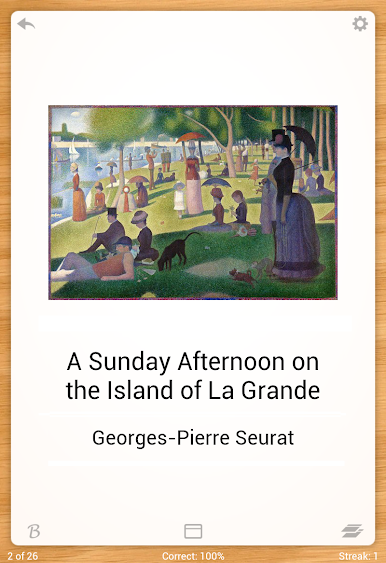
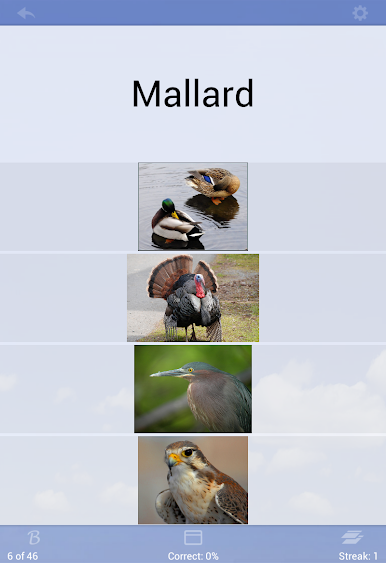
Jouez à Flashcards Deluxe sur PC. C'est facile de commencer.
-
Téléchargez et installez BlueStacks sur votre PC
-
Connectez-vous à Google pour accéder au Play Store ou faites-le plus tard
-
Recherchez Flashcards Deluxe dans la barre de recherche dans le coin supérieur droit
-
Cliquez pour installer Flashcards Deluxe à partir des résultats de la recherche
-
Connectez-vous à Google (si vous avez ignoré l'étape 2) pour installer Flashcards Deluxe
-
Cliquez sur l'icône Flashcards Deluxe sur l'écran d'accueil pour commencer à jouer

