


Stardash
Mainkan di PC dengan BlueStacks – platform Game-Game Android, dipercaya oleh lebih dari 500 juta gamer.

Play Stardash on PC
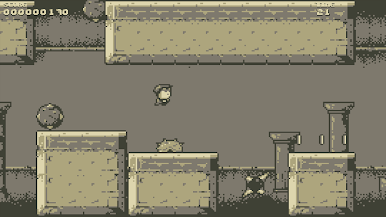
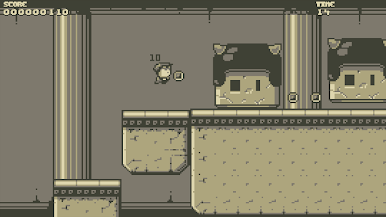
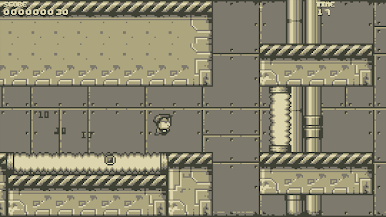
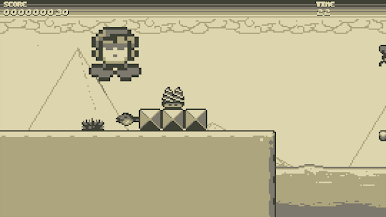
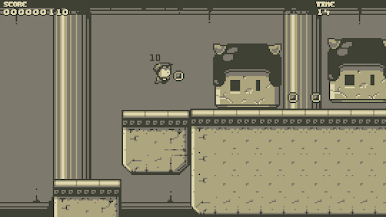
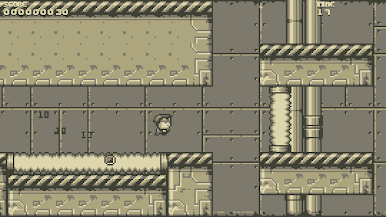
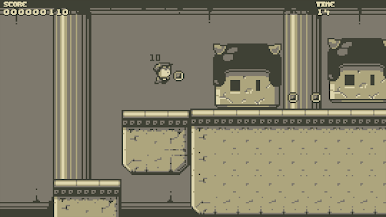
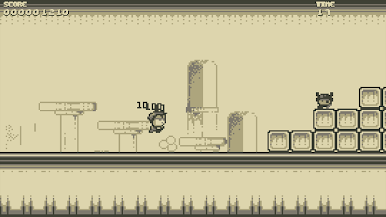
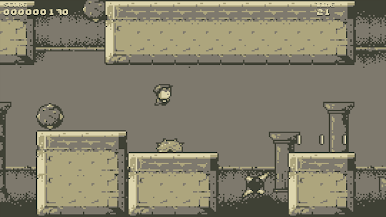
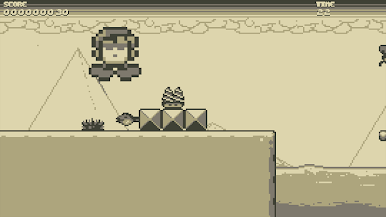
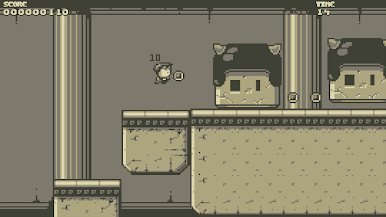
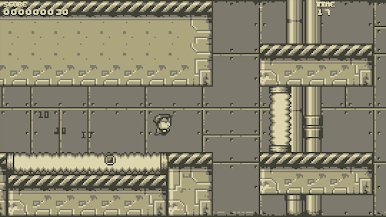
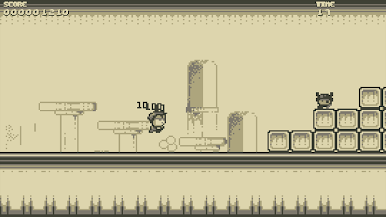
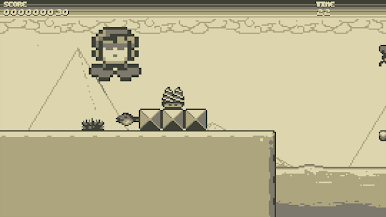
You have an endless amount of lives, so you can quickly restart a level when you miss a jump, get hit by an enemy, get bitten by a plant, get hit by a spiky-ball, crushed by big statues, run onto spikes, get hit by a wasp, or any of the other many ways you’ll get stopped in your run.
BUT when you do complete a level, the rush you get will keep you coming back for more, and more, and more, and..
Unlock the special Temple levels by finding hidden keys in every level of every world, and unlock a flip-mode by completing a level both within the time set, and also by collecting all the coins in a level.
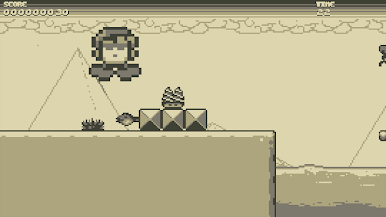
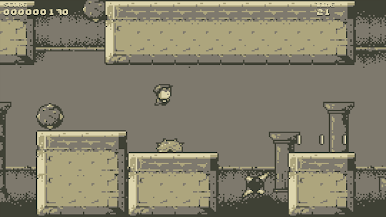
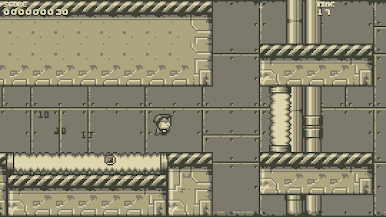
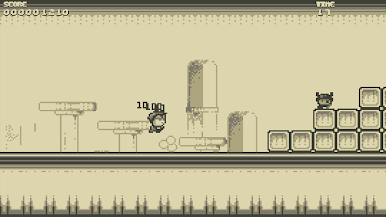
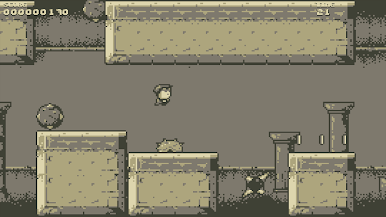
Stardash is all about the gameplay thrown at you in awesome retro graphics and original chiptunes.
Game features:
- Classic vibes thanks to the monochrome pixelart graphics
- Fully designed levels (NOT procedural and NOT random)
- Fast and very challenging platform action
- A thumping and memorable chip-tune soundtrack – a true earworm!
- Secret unlockable Temple levels

Mainkan Stardash di PC Mudah saja memulainya.
-
Unduh dan pasang BlueStacks di PC kamu
-
Selesaikan proses masuk Google untuk mengakses Playstore atau lakukan nanti
-
Cari Stardash di bilah pencarian di pojok kanan atas
-
Klik untuk menginstal Stardash dari hasil pencarian
-
Selesaikan proses masuk Google (jika kamu melewati langkah 2) untuk menginstal Stardash
-
Klik ikon Stardash di layar home untuk membuka gamenya

