


このページには広告が含まれます
Oscuro Icon Pack
パーソナライゼーション | OSheden Design
BlueStacksを使ってPCでプレイ - 5憶以上のユーザーが愛用している高機能Androidゲーミングプラットフォーム

Play Oscuro Icon Pack on PC
FEATURES
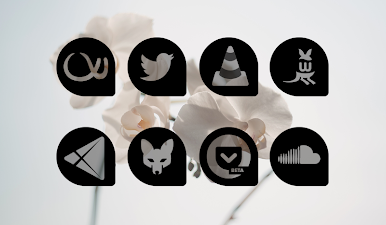
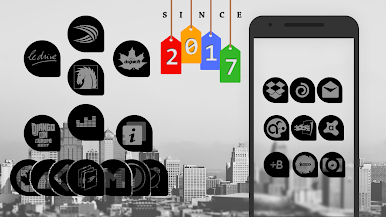
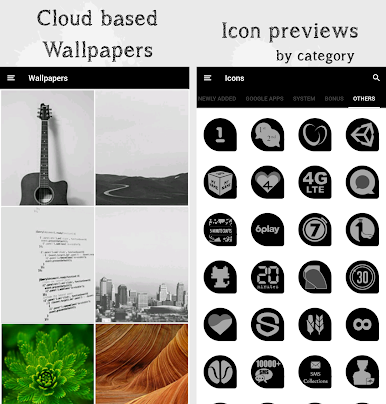
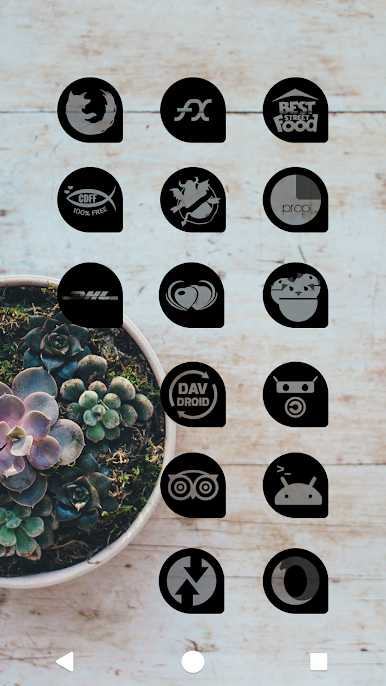
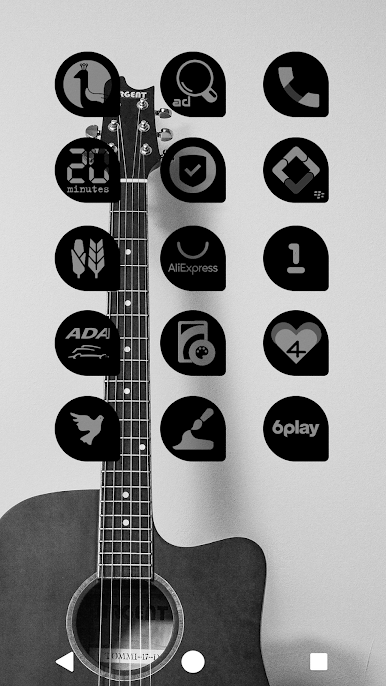
• Thousands of icons
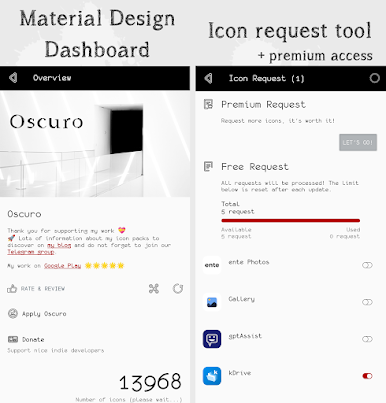
• Icon request tool
• Premium requests
• Dynamic calendar support
• Mask for non supported icons. Request them for free or with a premium access.
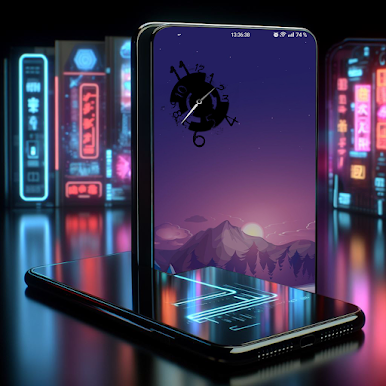
• Clock Widget
• No ads
There's a dedicated app for wallpapers: https://play.google.com/store/apps/details?id=com.osheden.wallpapers
ICON REQUEST
• Free: limited but you will be able to request again after each update
• Premium: up to 30 icons in one go (to support the development too!)
★★★If you are happy with my Android apps, please consider leaving a review to help me. Thank you!★★★
LAUNCHER COMPATIBILITY
I use Candybar as a base to get a dashboard. Several launchers are mentioned as compatible but all compatible launchers are not listed.
Wondering which launcher to use to get the most out of your icon packs? Check out the comparison I did: https://github.com/OSHeden/wallpapers/wiki
Get in touch:
• Telegram: https://t.me/osheden_android_apps
• Email: osheden (@) gmail.com
• Instagram: https://www.instagram.com/osheden_icon_packs
• X: https://x.com/OSheden
Note: do NOT install on your external storage.
SECURITY and PRIVACY
• Do not hesitate to read the privacy policy. Nothing is collected by default.
• All your emails will be removed if you request it.
• Thousands of icons
• Icon request tool
• Premium requests
• Dynamic calendar support
• Mask for non supported icons. Request them for free or with a premium access.
• Clock Widget
• No ads
There's a dedicated app for wallpapers: https://play.google.com/store/apps/details?id=com.osheden.wallpapers
ICON REQUEST
• Free: limited but you will be able to request again after each update
• Premium: up to 30 icons in one go (to support the development too!)
★★★If you are happy with my Android apps, please consider leaving a review to help me. Thank you!★★★
LAUNCHER COMPATIBILITY
I use Candybar as a base to get a dashboard. Several launchers are mentioned as compatible but all compatible launchers are not listed.
Wondering which launcher to use to get the most out of your icon packs? Check out the comparison I did: https://github.com/OSHeden/wallpapers/wiki
Get in touch:
• Telegram: https://t.me/osheden_android_apps
• Email: osheden (@) gmail.com
• Instagram: https://www.instagram.com/osheden_icon_packs
• X: https://x.com/OSheden
Note: do NOT install on your external storage.
SECURITY and PRIVACY
• Do not hesitate to read the privacy policy. Nothing is collected by default.
• All your emails will be removed if you request it.

Oscuro Icon PackをPCでプレイ
-
BlueStacksをダウンロードしてPCにインストールします。
-
GoogleにサインインしてGoogle Play ストアにアクセスします。(こちらの操作は後で行っても問題ありません)
-
右上の検索バーにOscuro Icon Packを入力して検索します。
-
クリックして検索結果からOscuro Icon Packをインストールします。
-
Googleサインインを完了してOscuro Icon Packをインストールします。※手順2を飛ばしていた場合
-
ホーム画面にてOscuro Icon Packのアイコンをクリックしてアプリを起動します。

