


OSIM uInfinity
500M + oyuncunun güvendiği Android Oyun Platformu, BlueStacks ile PC'de oynayın.

Sayfa Değiştirilme tarihi: 10 Kasım 2017
Play OSIM uInfinity on PC
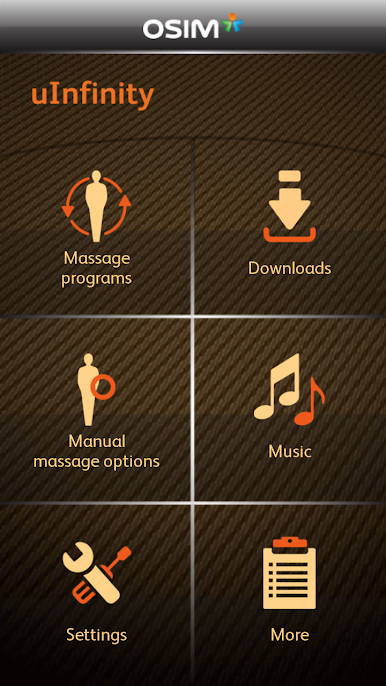
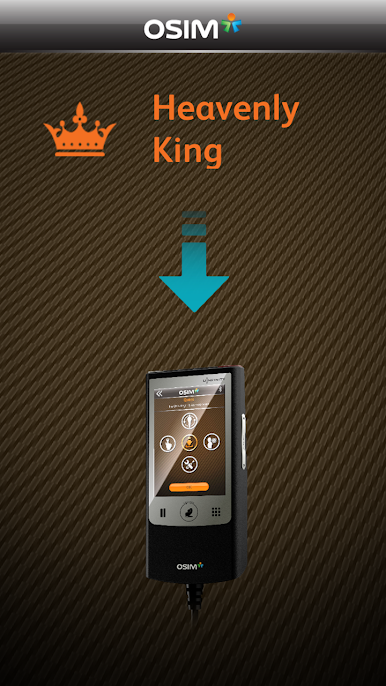
Works with the most popular Android smartphones, the OSIM uInfinity App collaborates with smart devices and lets you download the latest new massage programs into the uInfinity series of massage chairs, so that you can continuously enjoy the latest massage programs from OSIM, to satisfy your evolving massage needs.
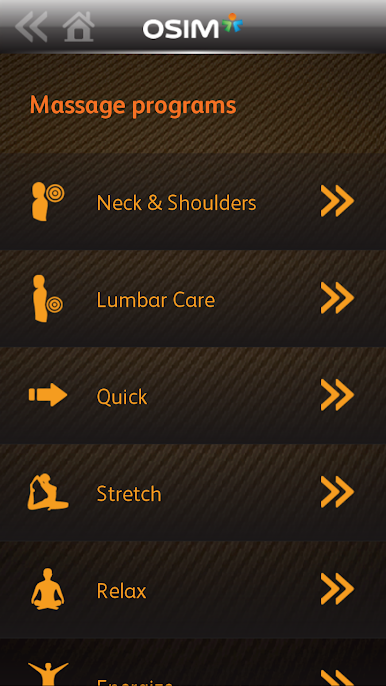
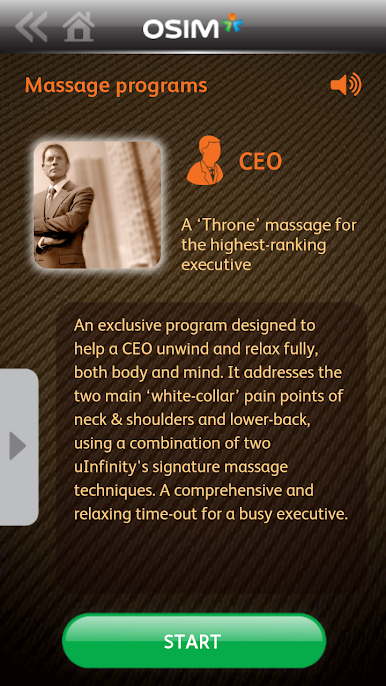
With this innovative download technology, you will have the widest choice of the most humanized massage programs ever, in a massage chair. Relax and be massaged like a CEO, be pampered like a Tai Tai, or soothe yourself after a game of golf. Through this same suite of ever-expanding Lifestyle Massage Programs, the uInfinity series of massage chairs fulfils the diverse needs of everyone in the family with endless massage pleasures.
Beyond the ground breaking innovation of downloading new massage programs, the uInfinity App also provides:
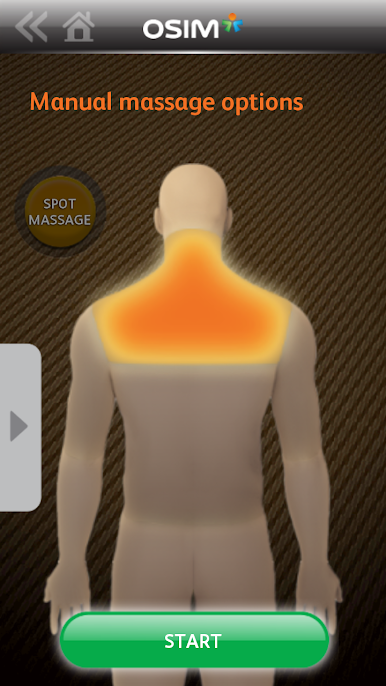
Seamless navigation and command of the uInfinity series of massage chairs from your smart devices
Healthcare information on the current 19 and New uInfinity series Lifestyle Massage Programs
Choice of 3 exclusive OSIM Ambient music for holistic relaxation (Relax, Balance and Energize Music)
Complementary OSIM product information
For more information on uInfinity and uInfinity Luxe massage chairs, visit www.OSIM.com/uInfinity
OSIM uInfinity oyununu PC'de oyna. Başlamak çok kolay.
-
BlueStacks'i PC'nize İndirin ve Yükleyin
-
Play Store'a erişmek için Google girişi yapın ya da daha sonraya bırakın.
-
Sağ üst köşeye OSIM uInfinity yazarak arayın.
-
OSIM uInfinity uygulamasını arama sonuçlarından indirmek için tıklayın.
-
(iEğer Adım 2'yi atladıysanız) OSIM uInfinity uygulamasını yüklemek için Google'a giriş yapın.
-
Oynatmaya başlatmak için ekrandaki OSIM uInfinity ikonuna tıklayın.

