

WiFi: passwords, hotspots
Graj na PC z BlueStacks – Platforma gamingowa Android, która uzyskała zaufanie ponad 500 milionów graczy!

Strona zmodyfikowana w dniu: Apr 1, 2025
Run WiFi: WiFi map and passwords on PC or Mac
Let BlueStacks turn your PC, Mac, or laptop into the perfect home for WiFi: WiFi map and passwords, a fun Tools app from TSDC.
About the App
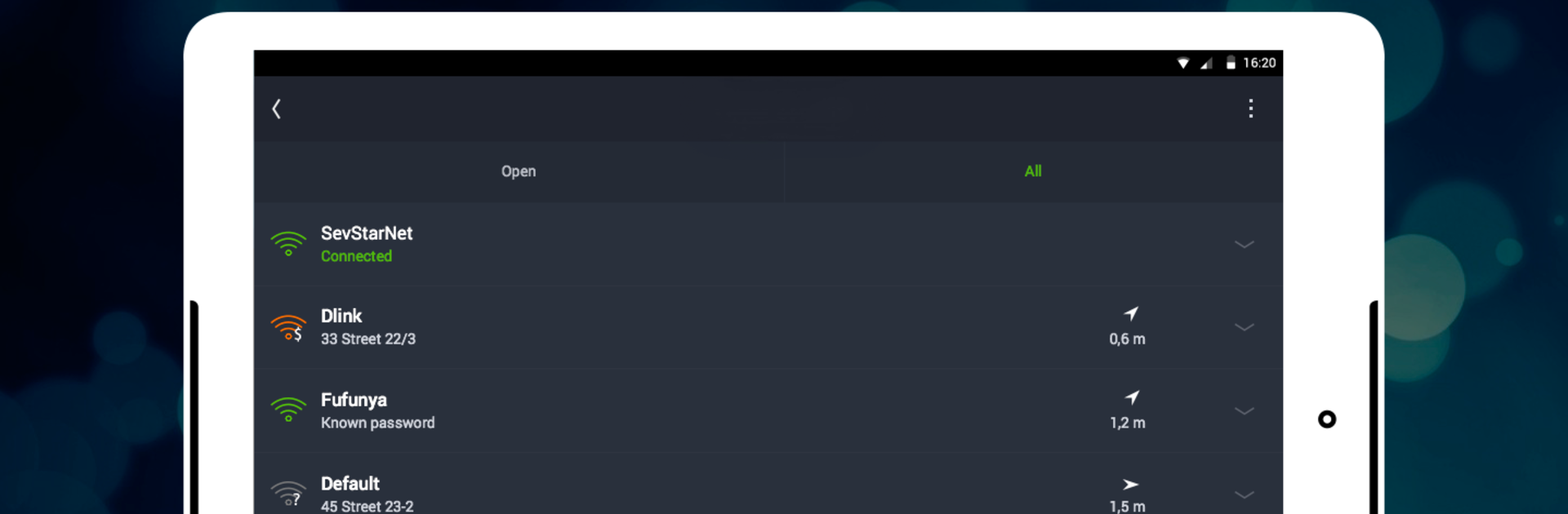
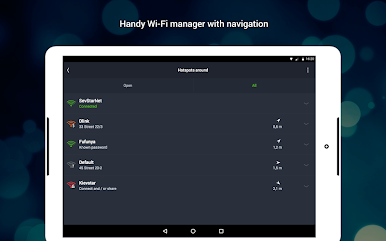
Ready to find free WiFi just about anywhere? WiFi: WiFi map and passwords from TSDC makes it surprisingly easy to discover public hotspots—whether you’re sipping coffee in your neighborhood or exploring a city across the globe. With a huge, constantly updated map of wireless networks, this app lets you connect in no time, without fussing over technical details or confusing settings.
App Features
-
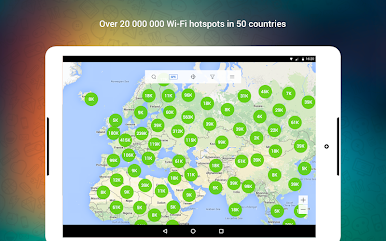
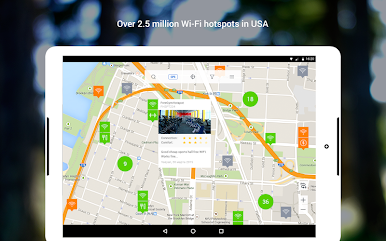
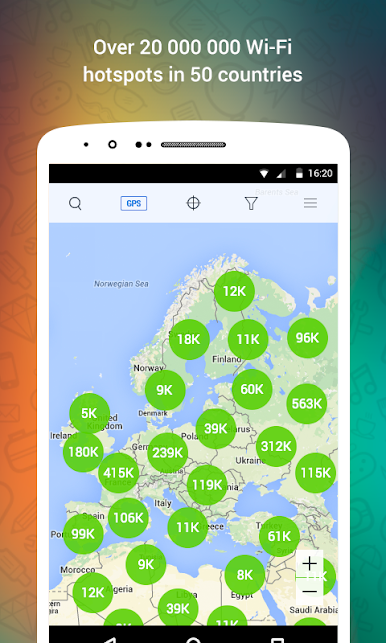
Huge WiFi Map Database
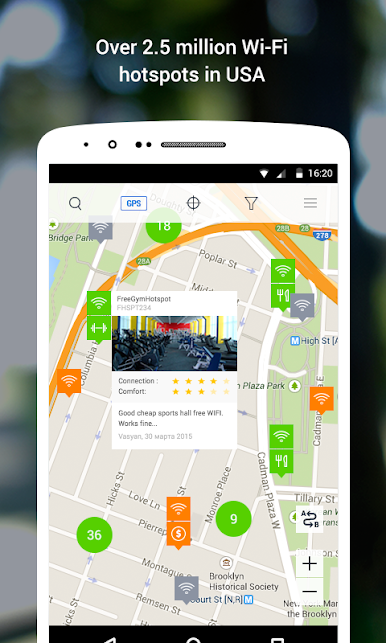
Get access to one of the world’s largest collections of WiFi hotspots—think millions of public and shared networks, all pinpointed right on the map for quick reference. -
One-Tap Connection
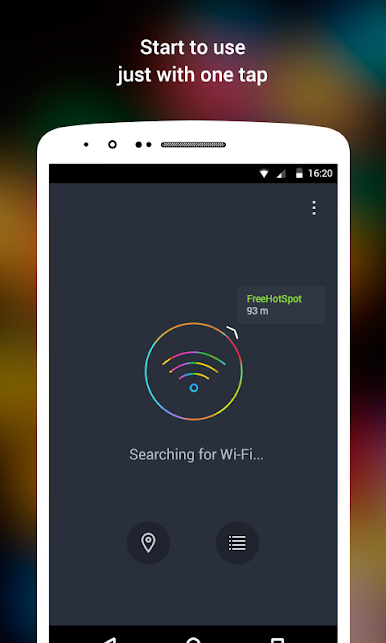
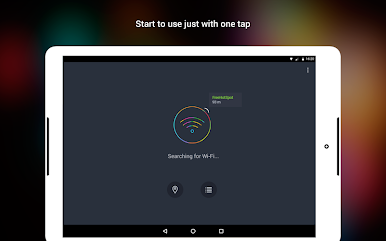
Connecting is simple: just tap and you’re in. No tricky setup screens or complicated steps, whether you’re using your device or trying it out with BlueStacks. -
Community-Powered Sharing
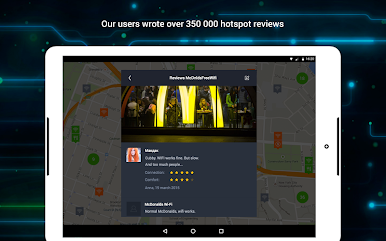
Spot a new hotspot, or know a password? Share it easily so other users benefit too. The app’s map actually grows with each new contribution, making connections smoother for everyone. -
Automatic Hotspot Updates
Forget about outdated info. Every time users connect, the app gets fresh data—location, network details, and access settings—keeping the map accurate and reliable. -
Global Coverage
The app isn’t just for one country or a handful of cities. It covers hotspots everywhere from the US to Japan, Mexico, France, and loads of places in between. -
No Need for Network Know-How
You don’t have to worry about things like SSIDs or security types. The app handles all that techy stuff in the background, so you can focus on finding and joining WiFi when you need it.
BlueStacks gives you the much-needed freedom to experience your favorite apps on a bigger screen. Get it now.

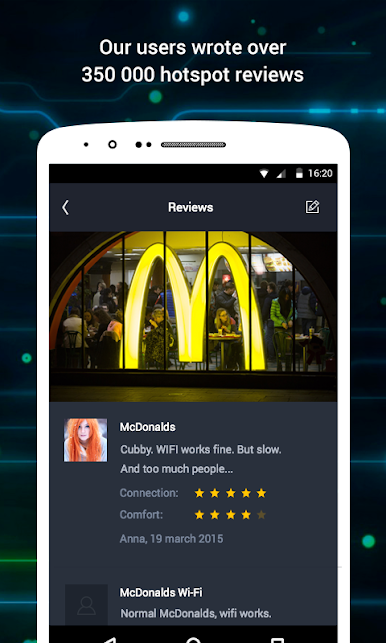

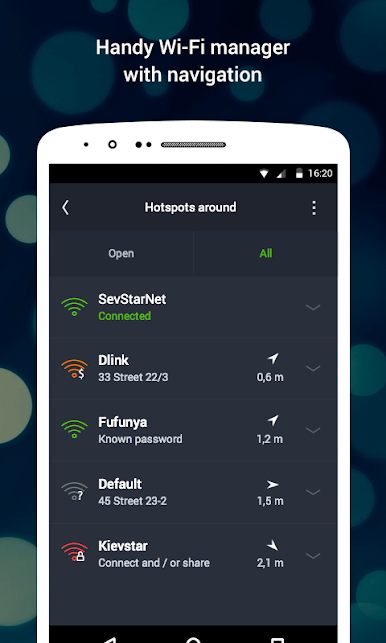
Zagraj w WiFi: passwords, hotspots na PC. To takie proste.
-
Pobierz i zainstaluj BlueStacks na PC
-
Zakończ pomyślnie ustawienie Google, aby otrzymać dostęp do sklepu Play, albo zrób to później.
-
Wyszukaj WiFi: passwords, hotspots w pasku wyszukiwania w prawym górnym rogu.
-
Kliknij, aby zainstalować WiFi: passwords, hotspots z wyników wyszukiwania
-
Ukończ pomyślnie rejestrację Google (jeśli krok 2 został pominięty) aby zainstalować WiFi: passwords, hotspots
-
Klinij w ikonę WiFi: passwords, hotspots na ekranie startowym, aby zacząć grę

