

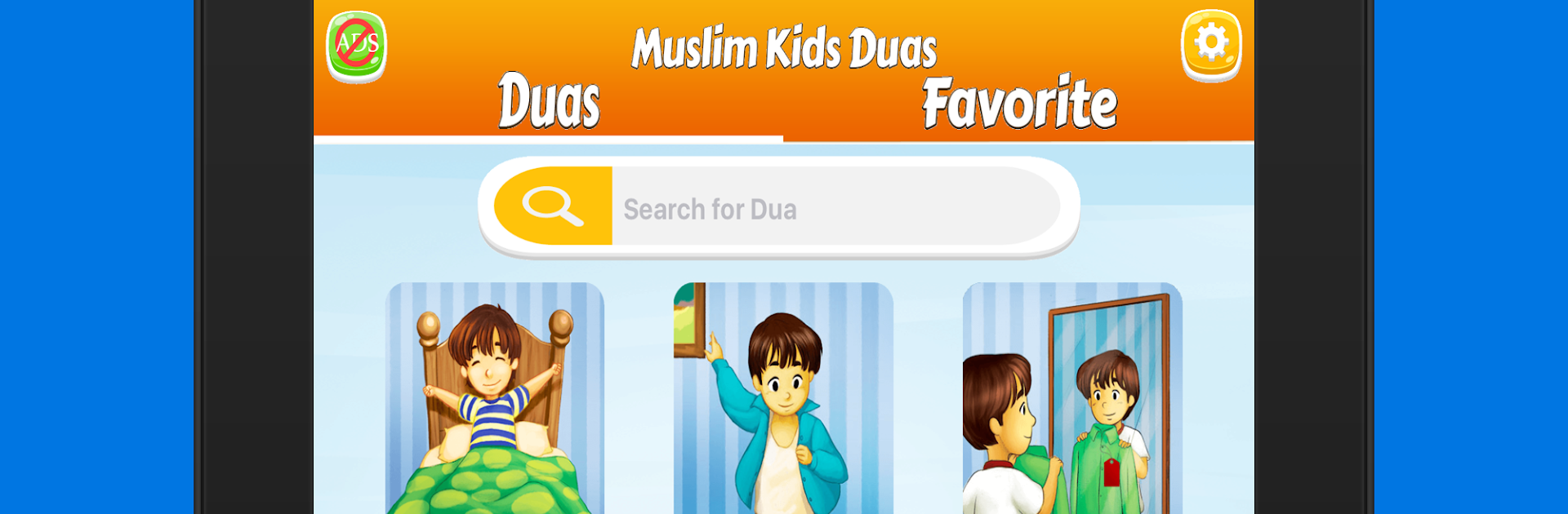
Daily duas for kids Muslim dua
Graj na PC z BlueStacks – Platforma gamingowa Android, która uzyskała zaufanie ponad 500 milionów graczy!

Strona zmodyfikowana w dniu: Jun 19, 2023
Run Daily duas for kids Muslim dua on PC or Mac
Get freedom from your phone’s obvious limitations. Use Daily duas for kids Muslim dua, made by Osratouna, a Education app on your PC or Mac with BlueStacks, and level up your experience.
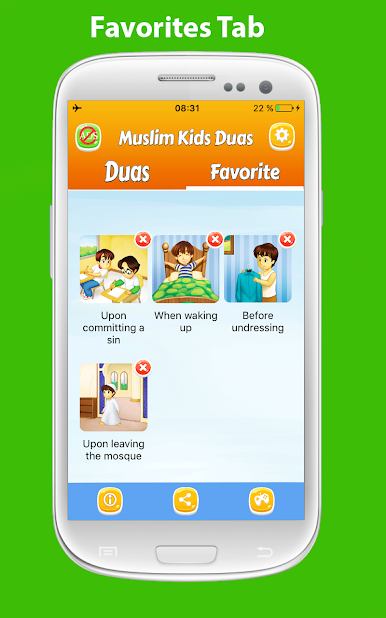
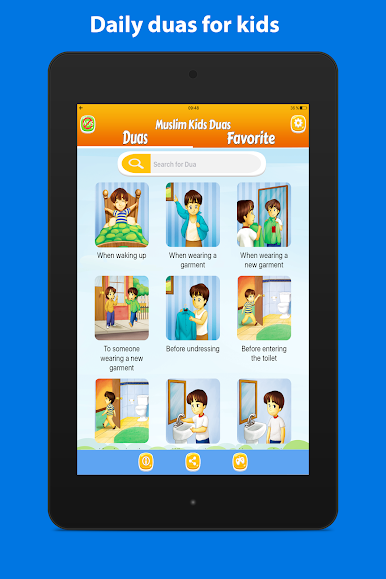
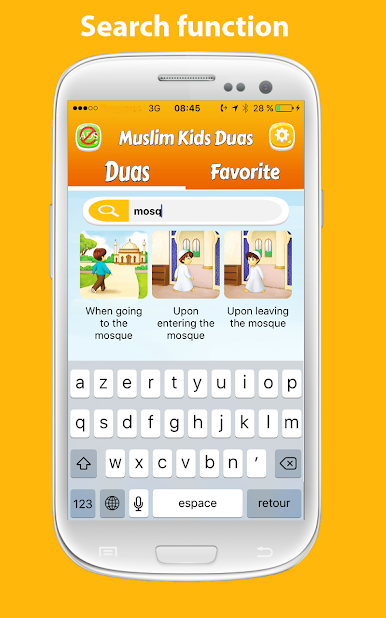
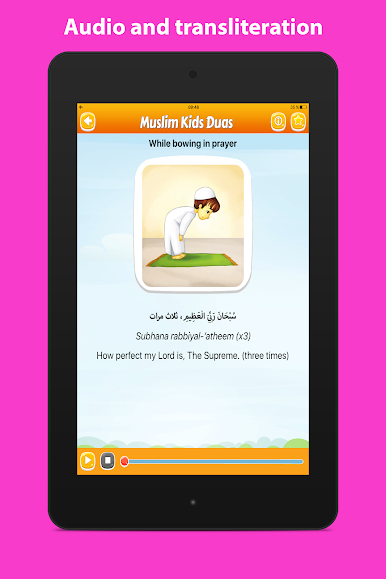
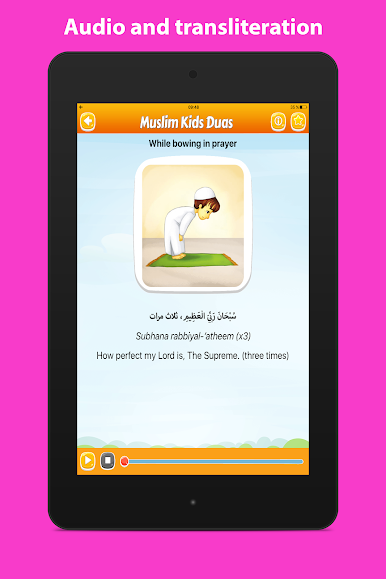
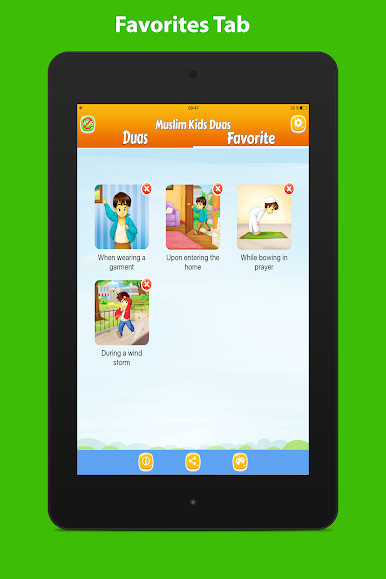
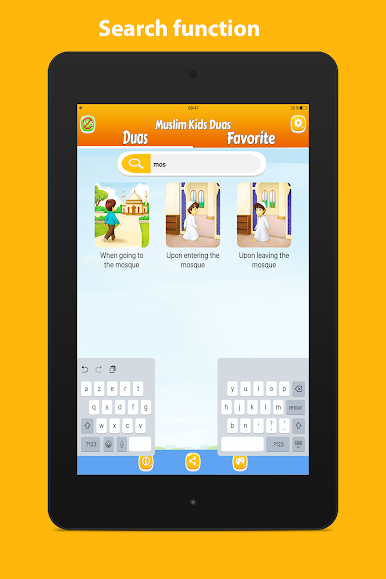
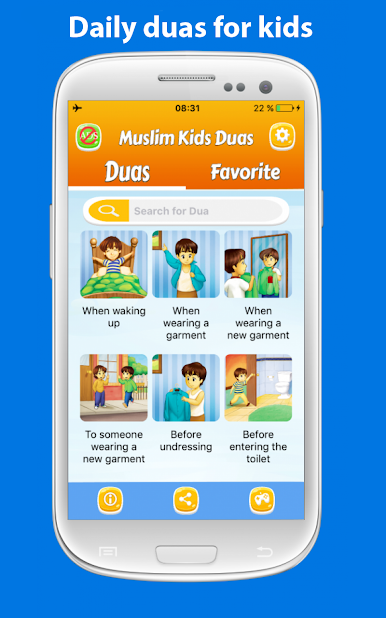
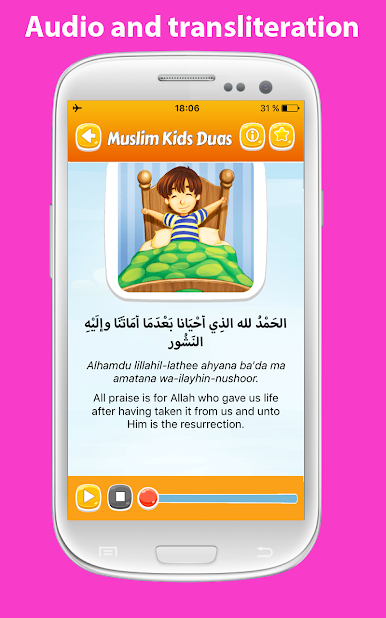
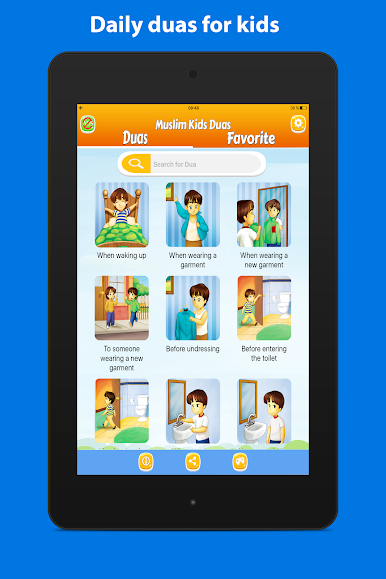
Daily Duas for Kids feels like a small, tidy library of short prayers for real moments in a kid’s day. It pulls from a well known collection and sorts everything into clear sections like waking up and sleeping, eating and finishing a meal, getting dressed, going to the masjid, traveling, even rain, sickness, and times when someone feels upset. Each entry shows the Arabic, a transliteration, and a simple translation, so it is easy to read along and practice. The native Arabic recitation is calm and clear, which helps with pronounciation. There is a quick search if someone only remembers a word or two, plus a favorites tab to keep the most used duas one tap away.
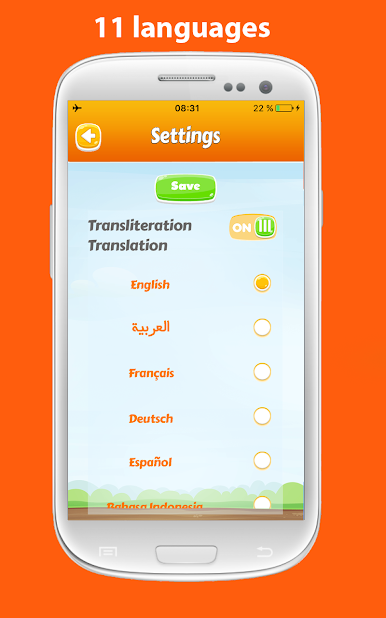
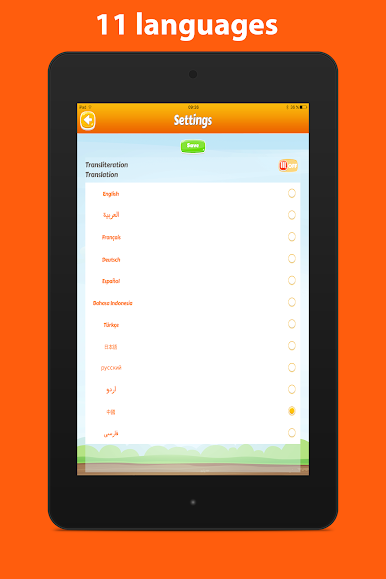
On PC with BlueStacks, the bigger screen makes the Arabic script and the transliteration much easier to follow, and clicking through the categories with a mouse feels smooth. The layout is plain and not distracting, mostly text with a play button for audio, so kids are not getting lost in menus. It lists about 80 duas and zikr, enough to cover everyday routines and some special cases like hearing the adhan, visiting the sick, entering or leaving the restroom, or starting a journey. The language support is wide too, so the explanations can be switched to English, French, Indonesian, German, Spanish, Turkish, Urdu, Russian, Chinese, Japanese, or Farsi. Nothing is gamified, no points or streaks. It is just a focused guide that works on phone or tablet, and honestly it reads nicely on a laptop screen when someone wants to sit with a child and repeat after the reciter.
BlueStacks gives you the much-needed freedom to experience your favorite apps on a bigger screen. Get it now.



Zagraj w Daily duas for kids Muslim dua na PC. To takie proste.
-
Pobierz i zainstaluj BlueStacks na PC
-
Zakończ pomyślnie ustawienie Google, aby otrzymać dostęp do sklepu Play, albo zrób to później.
-
Wyszukaj Daily duas for kids Muslim dua w pasku wyszukiwania w prawym górnym rogu.
-
Kliknij, aby zainstalować Daily duas for kids Muslim dua z wyników wyszukiwania
-
Ukończ pomyślnie rejestrację Google (jeśli krok 2 został pominięty) aby zainstalować Daily duas for kids Muslim dua
-
Klinij w ikonę Daily duas for kids Muslim dua na ekranie startowym, aby zacząć grę

