

alpenvereinaktiv
BlueStacksを使ってPCでプレイ - 5憶以上のユーザーが愛用している高機能Androidゲーミングプラットフォーム

Run alpenvereinaktiv on PC or Mac
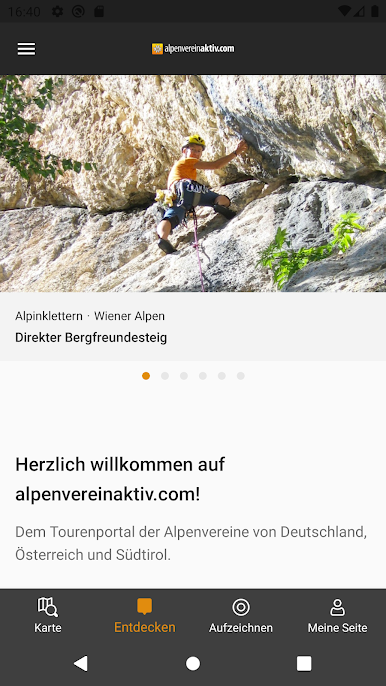
Let BlueStacks turn your PC, Mac, or laptop into the perfect home for alpenvereinaktiv, a fun Maps & Navigation app from Outdooractive AG.
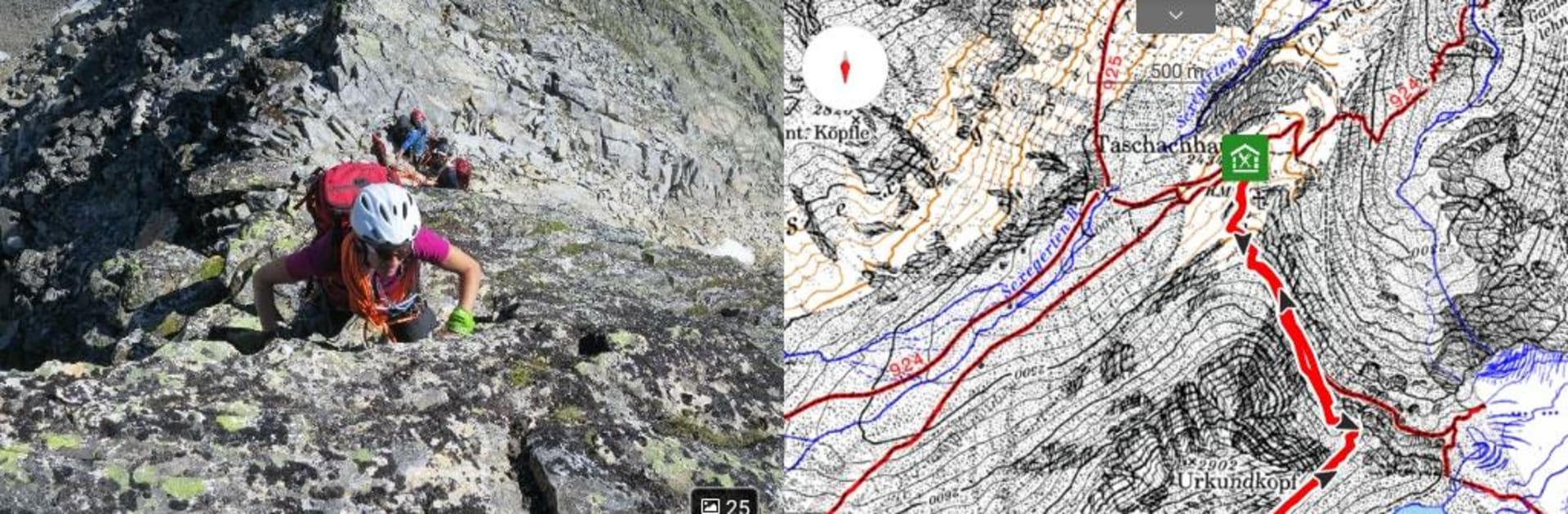
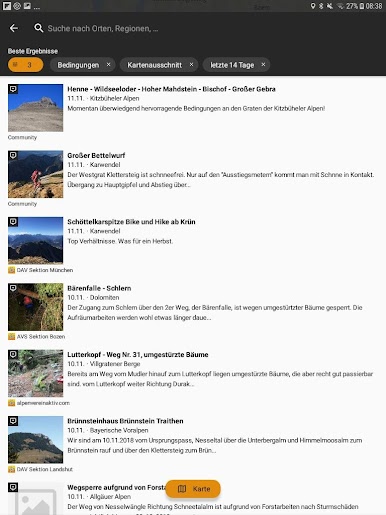
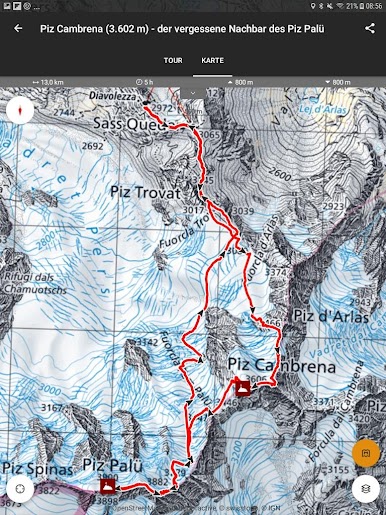
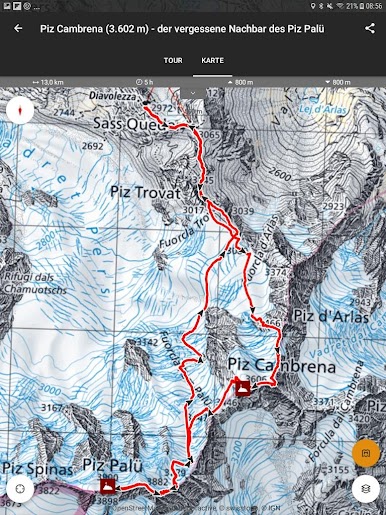
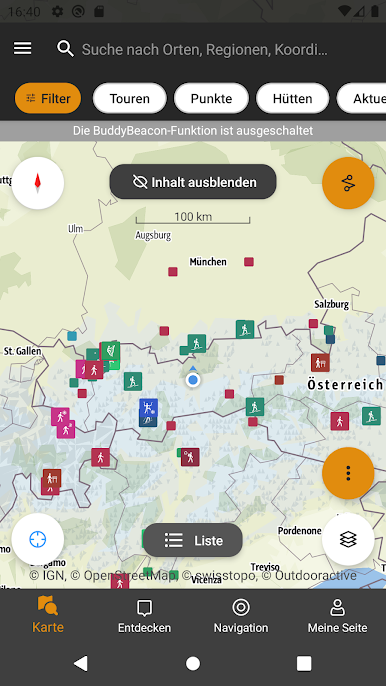
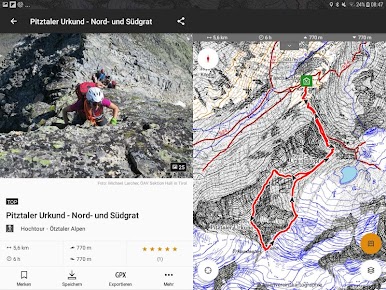
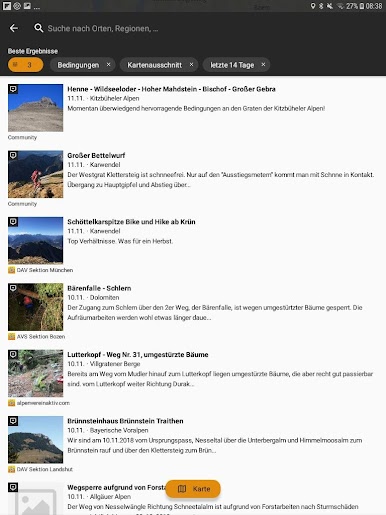
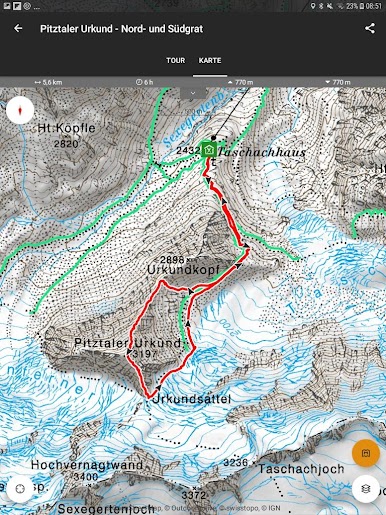
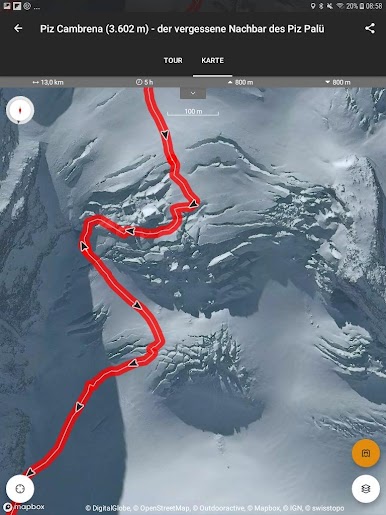
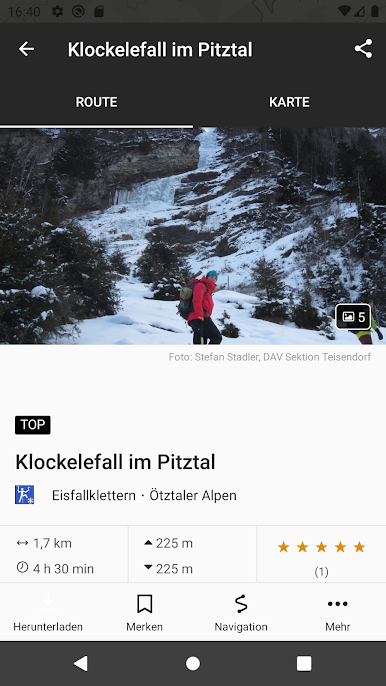
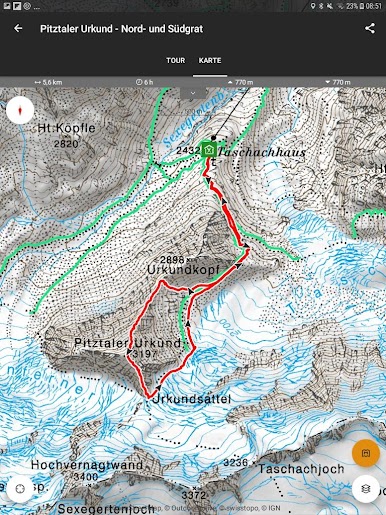
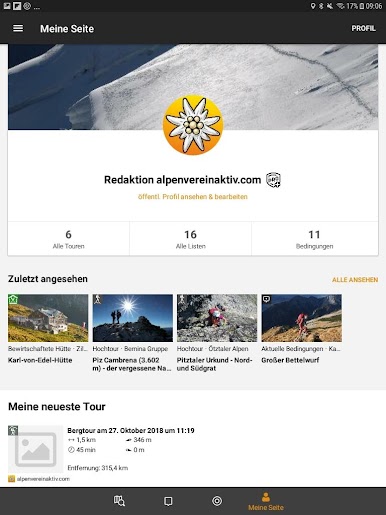
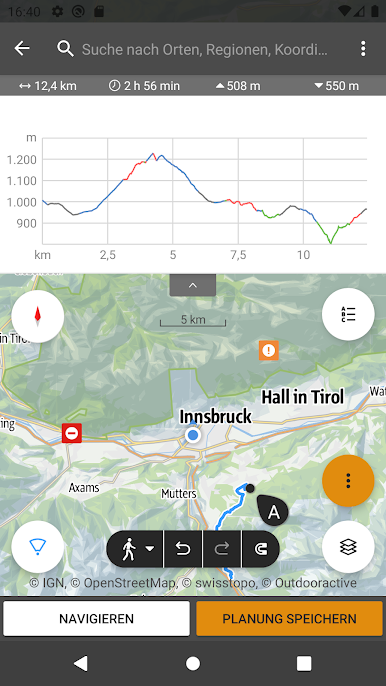
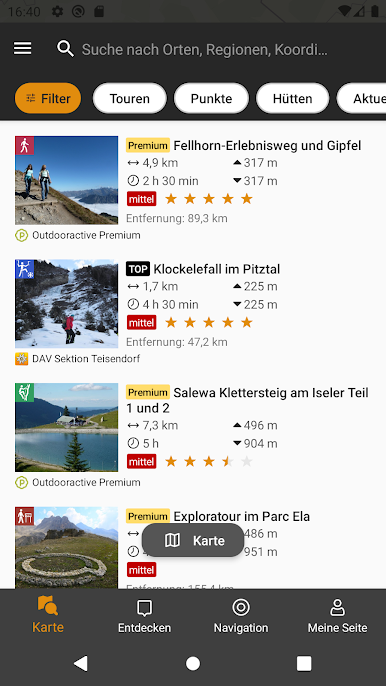
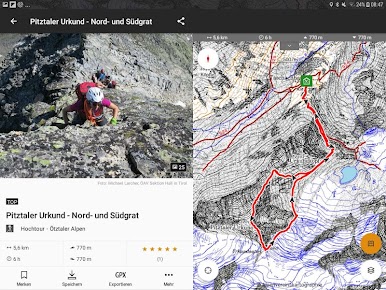
If someone’s into hiking, ski tours, or basically anything involving mountains, alpenvereinaktiv is like having a map-addicted friend who always knows the best routes. The app lets people browse tours and get super detailed info on different trails, mountain huts, route conditions, and even stuff like avalanche reports or weather updates. There’s a big focus on planning — users can either pick a route someone else already shared, or put together their own route almost anywhere, whether it’s the Alps, Patagonia, or pretty much any mountain spot that comes to mind. The amount of details is solid: real-time comments from others, layers for slopes and avalanche warnings, updates if a trail or area is closed, that kind of thing.
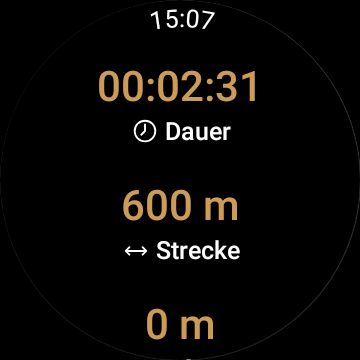
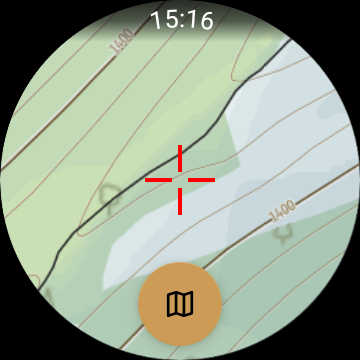
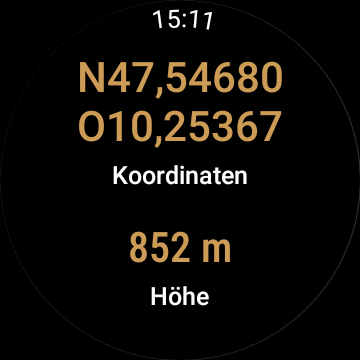
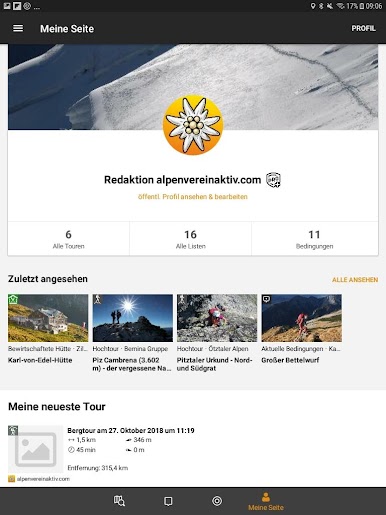
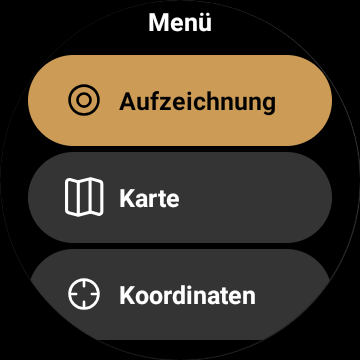
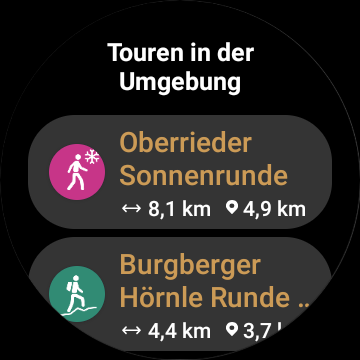
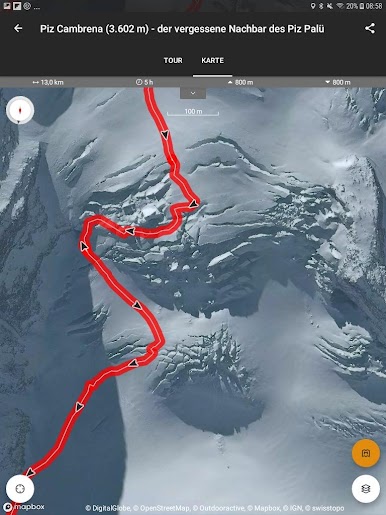
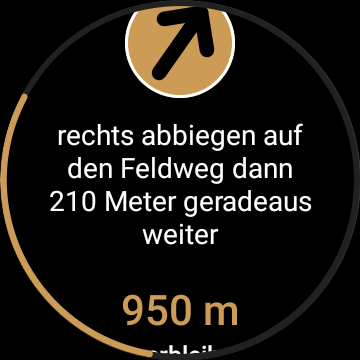
Using it on PC with BlueStacks is pretty comfortable, especially for planning or checking out bigger maps, since everything’s bigger and easier to look over than just squinting at a phone. Track recording is a smooth feature, and syncing with a phone is seamless — so it doesn’t matter where the planning starts, everything just shows up where it needs to. Saving maps and using them offline is something you’d want for trips where the signal is spotty, though some of those features are tied to the paid version. Smartwatch support is integrated as well, so checking one’s location or tracking progress just means a quick glance at the wrist. Safety-wise, sharing real-time location can give some extra peace of mind if someone wants others to know where they’re venturing out. The satellite map options, along with different activity networks, really round things out, making it feel like a very complete toolkit for anyone who spends a lot of time in the mountains.
BlueStacks brings your apps to life on a bigger screen—seamless and straightforward.
alpenvereinaktivをPCでプレイ
-
BlueStacksをダウンロードしてPCにインストールします。
-
GoogleにサインインしてGoogle Play ストアにアクセスします。(こちらの操作は後で行っても問題ありません)
-
右上の検索バーにalpenvereinaktivを入力して検索します。
-
クリックして検索結果からalpenvereinaktivをインストールします。
-
Googleサインインを完了してalpenvereinaktivをインストールします。※手順2を飛ばしていた場合
-
ホーム画面にてalpenvereinaktivのアイコンをクリックしてアプリを起動します。

