


TrainPal - Ahorra en trenes
Juega en PC con BlueStacks: la plataforma de juegos Android, en la que confían más de 500 millones de jugadores.

Página modificada el: Dec 1, 2025
Run TrainPal - Cheap Train Tickets on PC or Mac
Get freedom from your phone’s obvious limitations. Use TrainPal – Cheap Train Tickets, made by TrainPal, a Maps & Navigation app on your PC or Mac with BlueStacks, and level up your experience.
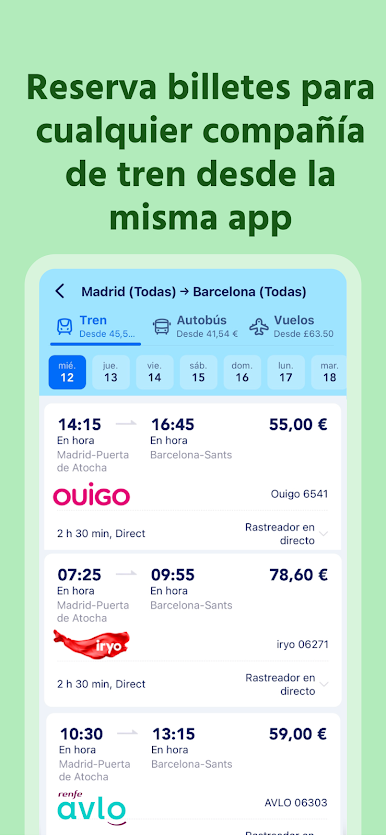
So TrainPal is this app that makes buying train tickets across the UK and a bunch of countries in Europe way less complicated. It isn’t just for one rail company either — it lines up tickets from all the big names like National Rail, LNER, Avanti West Coast, and more, so it’s actually easy to see what options you have. The biggest thing people seem to notice is the split-ticketing. Instead of just grabbing the standard ticket for your route, TrainPal checks if buying separate tickets for different parts of your journey is cheaper, and just puts them together for you. No work needed, and sometimes the savings are actually noticeable.
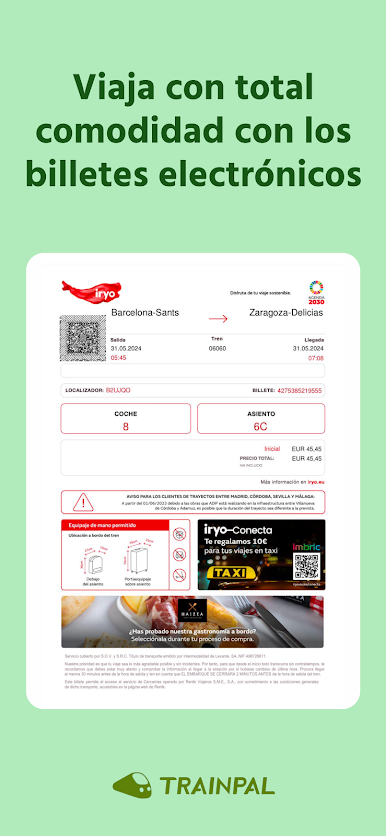
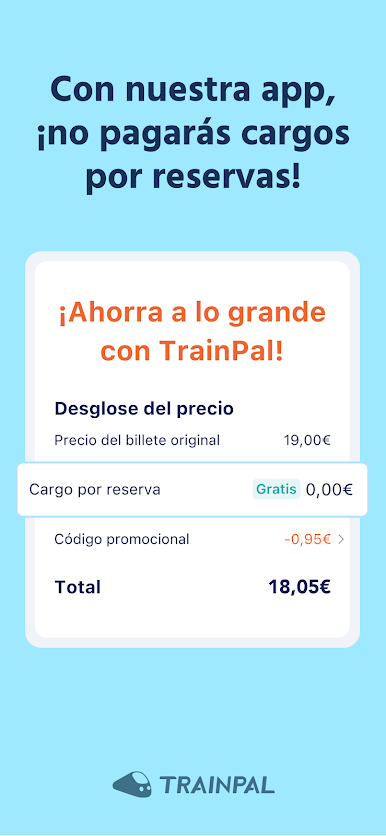
The app doesn’t tack on extra booking fees for UK tickets either, and there are usually ways to use railcards or catch promos when you search. It’s all set up to work well, so you don’t need to make an account just to book something quick, and you can do everything from planning a journey across 40-plus countries to getting a refund if you change your mind. Tickets are digital, so no lines at the station or worrying about losing your paper pass. The support’s always available if your plans change or something goes wrong, too. Using it on PC through BlueStacks is pretty smooth — it basically gives all the features of the app, just on a bigger screen, so planning longer journeys or comparing ticket prices gets even easier. For anyone who takes trains often, or wants to plan a trip without getting lost in a sea of websites, the app just takes away a lot of the usual hassle.
Ready to experience TrainPal – Cheap Train Tickets on a bigger screen, in all its glory? Download BlueStacks now.



Juega TrainPal - Ahorra en trenes en la PC. Es fácil comenzar.
-
Descargue e instale BlueStacks en su PC
-
Complete el inicio de sesión de Google para acceder a Play Store, o hágalo más tarde
-
Busque TrainPal - Ahorra en trenes en la barra de búsqueda en la esquina superior derecha
-
Haga clic para instalar TrainPal - Ahorra en trenes desde los resultados de búsqueda
-
Complete el inicio de sesión de Google (si omitió el paso 2) para instalar TrainPal - Ahorra en trenes
-
Haz clic en el ícono TrainPal - Ahorra en trenes en la pantalla de inicio para comenzar a jugar

