


Search By Image
500M + oyuncunun güvendiği Android Oyun Platformu, BlueStacks ile PC'de oynayın.

Sayfa Değiştirilme tarihi: May 14, 2025
Run Search By Image on PC or Mac
Why limit yourself to your small screen on the phone? Run Search By Image, an app by PALM TEAM, best experienced on your PC or Mac with BlueStacks, the world’s #1 Android emulator.
About the App
Ever wondered where a picture came from, or just wanted to track down similar images with a tap? Search By Image makes it seriously easy. Whether you’re curious about a viral photo, checking if an image is original, or hoping to hunt down different versions of a picture, this app’s got your back. Built for anyone who wants answers fast—without all the fuss—Search By Image gives you powerful search tools right in your pocket.
App Features
-
Reverse Image Search
Snap a new photo or pick one from your gallery—search across popular image search engines in seconds. No more jumping between different apps or browsers. -
Multiple Engines, Simultaneous Results
Why settle for one answer? Search By Image checks several search engines at once and lines up the matches for you to compare. -
Built-in Photo Editor
Need to tweak your image first? Use the editor to crop, rotate, or flip your pic before searching—super handy if you only want to check one part of an image. -
Works with Shared Images
Got a picture from another app? Skip the download step and search it right away—just hit share and pick Search By Image. -
SafeSearch Controls
Customize your experience with SafeSearch options if you want to filter out unwanted results. -
Spot Fakes and Find Originals
Check if an image is genuine or edited, see if something’s brand new or been around forever, and even look up partial images to catch anything that’s been pieced together.
And if you use BlueStacks, you can enjoy all these features with the extra comfort of a bigger screen.
Switch to BlueStacks and make the most of your apps on your PC or Mac.
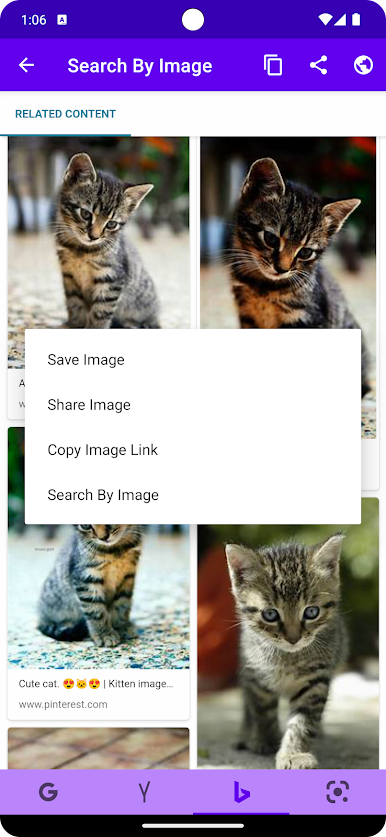
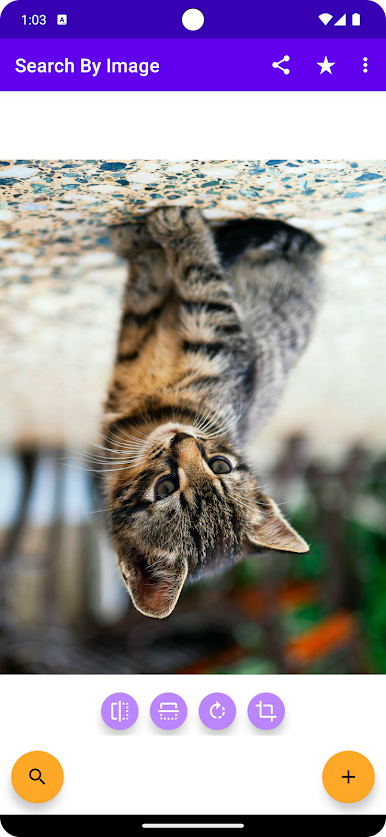
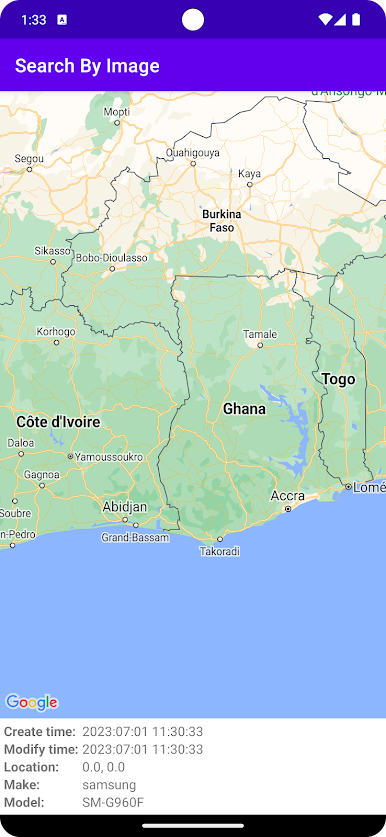
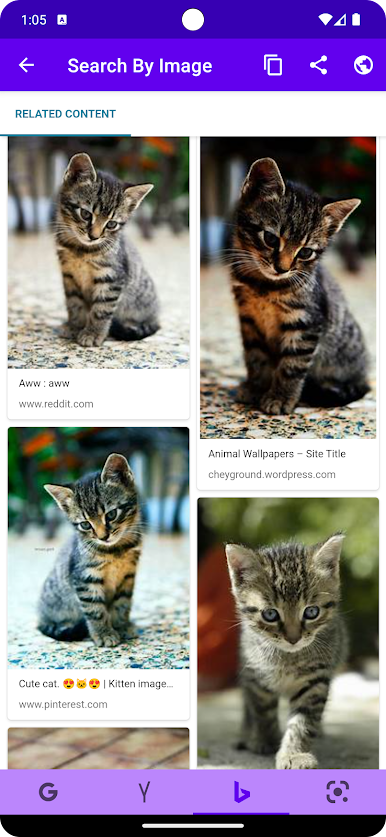
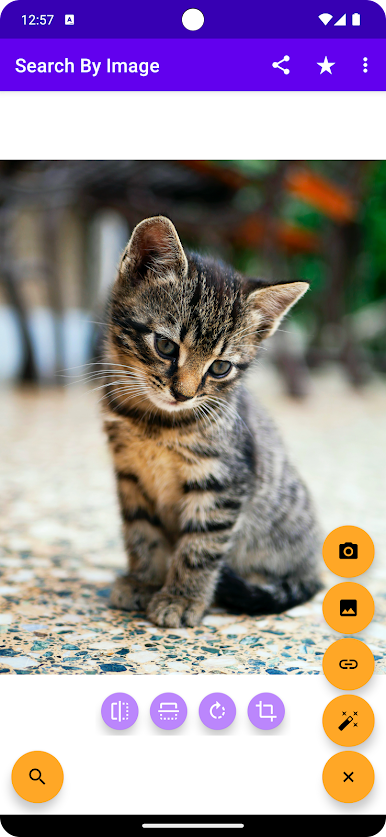
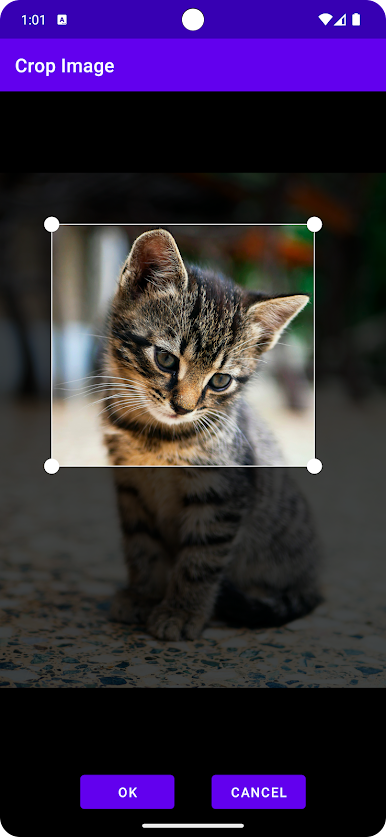
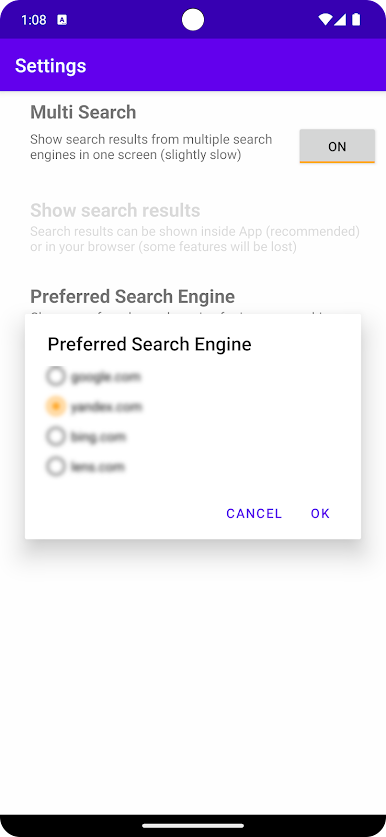
Search By Image oyununu PC'de oyna. Başlamak çok kolay.
-
BlueStacks'i PC'nize İndirin ve Yükleyin
-
Play Store'a erişmek için Google girişi yapın ya da daha sonraya bırakın.
-
Sağ üst köşeye Search By Image yazarak arayın.
-
Search By Image uygulamasını arama sonuçlarından indirmek için tıklayın.
-
(iEğer Adım 2'yi atladıysanız) Search By Image uygulamasını yüklemek için Google'a giriş yapın.
-
Oynatmaya başlatmak için ekrandaki Search By Image ikonuna tıklayın.

